Your Browsing History
- Free 30-day Returns
$79.99
Meet Your Seller
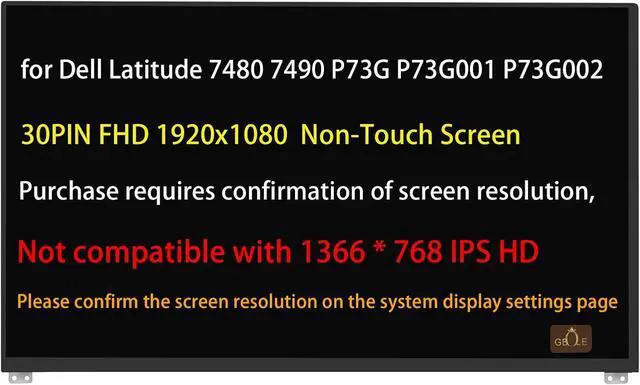
Screen Replacement for Dell Latitude 7480 7490 P73G P73G001 P73G002 LCD Non-Touch Screen Display Panel 30PIN FHD 1920x1080 Not Compatible with HD 1366 * 768
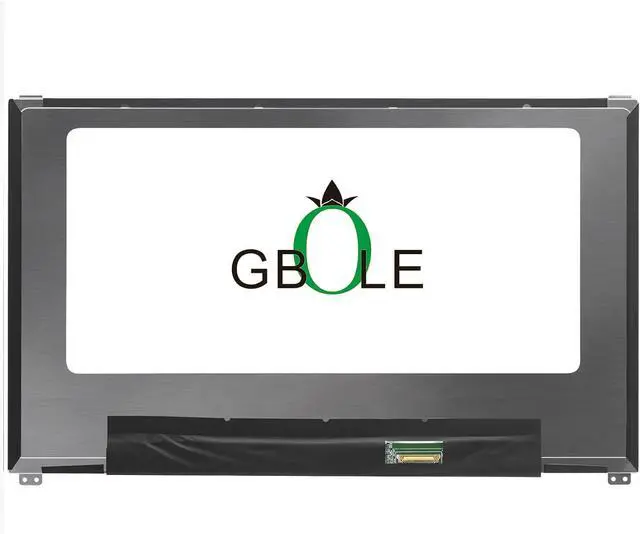
- Replacement for Dell Latitude 7480 7490 P73G P73G001 P73G002 Laptop LCD Non-Touch Screen Display Panel. Not compatible with HD 1366 * 768 version
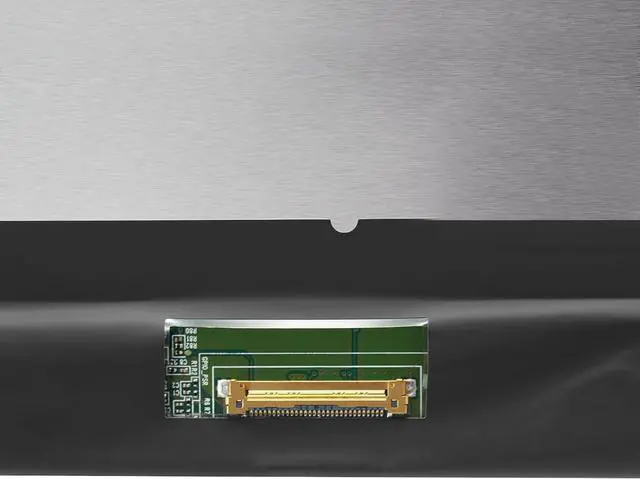
- Size:14.0 inch; Resolution:1920 x 1080 FHD ; Non-Touch Screen; Connector: 30 pin; Not compatible with HD 1366 * 768 version
- Please check your laptop model carefully to see if it matches and is compatible with the model parameters on the title of the sale. Avoid purchasing mistakes.
- If you don't know how to confirm the laptop model or screen model, you can contact GBOLE customer service, and we are happy to help you.
- Our products have been tested to ensure that they are reliable and stable in quality before they are delivered to customers, as well as good after-sales service.
+
+
Overview
Specs
Reviews
Any questions? Our AI beta will help you find out quickly.
Try me now
Purchase instructions:
1. You must verify that your specific laptop model is listed in our title or description. Buying the wrong model can damage your laptop;
2. You must verify your parameters (including maximum resolution: UHD, QHD, FHD or HD; Whether it has touch function; The connector is either 30pin or 40pin; Refresh rate 60Hz, 120Hz, 144Hz, 165Hz, 240HZ or other. After double checking the above information, you will receive the correct product.
3. The following is a method to query the maximum resolution
My Laptop - Display - Maximum Resolution
4. The following is a method for querying refresh rates
Please Check PC Refresh Rate: Right click on your desktop > Go to the Display settings > Click Advanced display settings > Display information - Refresh rate (Hz)

1. You must verify that your specific laptop model is listed in our title or description. Buying the wrong model can damage your laptop;
2. You must verify your parameters (including maximum resolution: UHD, QHD, FHD or HD; Whether it has touch function; The connector is either 30pin or 40pin; Refresh rate 60Hz, 120Hz, 144Hz, 165Hz, 240HZ or other. After double checking the above information, you will receive the correct product.
3. The following is a method to query the maximum resolution
My Laptop - Display - Maximum Resolution
4. The following is a method for querying refresh rates
Please Check PC Refresh Rate: Right click on your desktop > Go to the Display settings > Click Advanced display settings > Display information - Refresh rate (Hz)
Warranty & Returns
Warranty, Returns, And Additional Information
Warranty
- Please contact the Seller directly for warranty information. Warranty information may also be found on the Manufacturer's website.
- CONTACT
Return Policies
- Return for refund within: 30 days
- Return for replacement within: 30 days
- This item is covered by Fix-Repairer Return Policy
Manufacturer Contact Info
- For a directory of all our manufacturers, please click below.
- Manufacturers Directory
LOADING...