Your Browsing History
- $279.00
- Free 30-day Returns
$249.00
Meet Your Seller
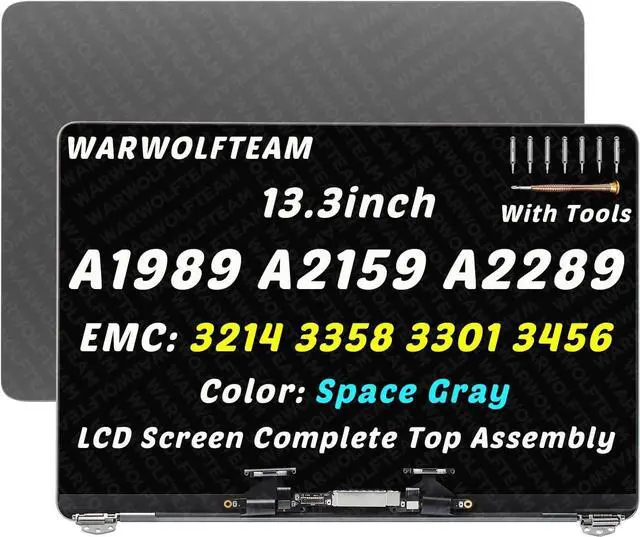
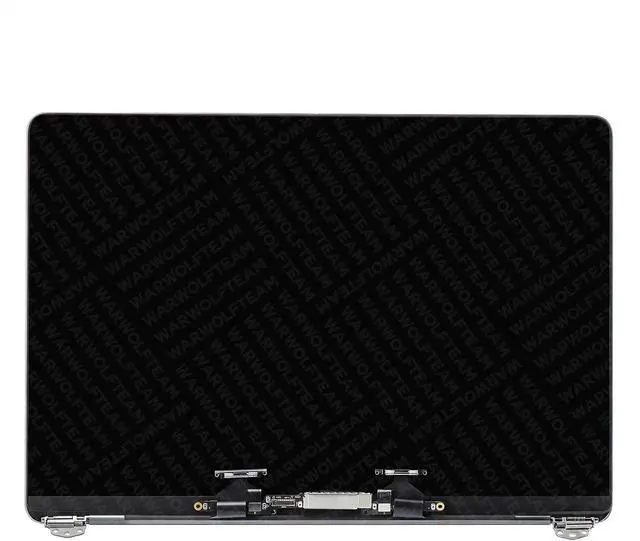
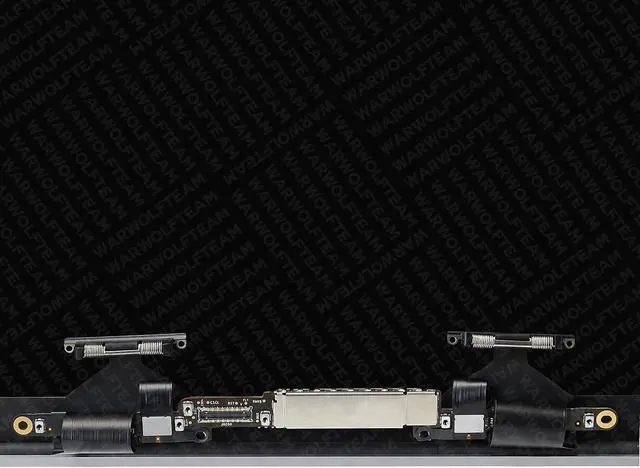
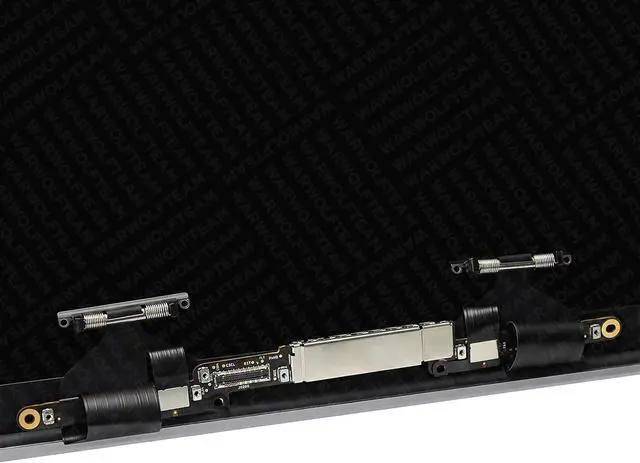
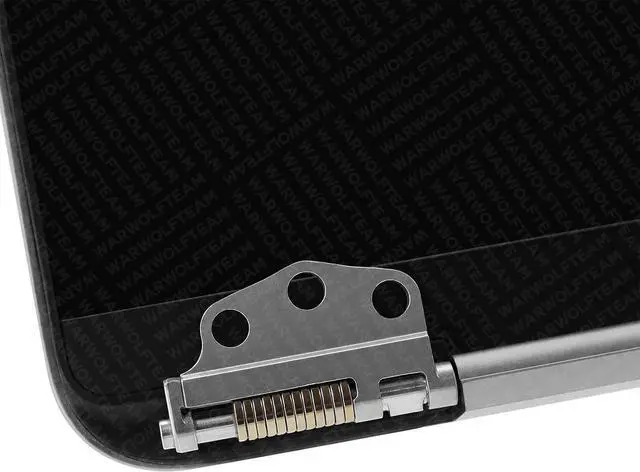
Replacement LCD Screen Display Assembly Compatible with MacBook Pro A1989 A2289 A2159 EMC 3214 EMC 3358 3456 3301 True Tone 2018 2019 2020 LCD Display (Space Gray)
- Compatible Model: for MacBook Pro 13" A1989 Mid 2018 2019 Four Thunderbolt 3 ports EMC 3214 3358 MR9Q2 MR9R2 MR9T2 MR9U2 MR9V2 MV962 MV972 MV982 MV992 MV9A2
- Compatible Model: for MacBook Pro 13" A2289 EMC 3456 Pro 13" "Core i5" 1.4 2020 2TB 1.4 GHz Core i5 (I5-8257U) and Pro 13" "Core i7" 1.7 2020 2TB 1.7 GHz Core i7 (I7-8557U) LCD DISPLAY
- Compatible Model: for MacBook Pro 13" A2159 EMC 3301 Core i5" 1.4 13" Touch/2019 2 TB 3 1.4 GHz Core i5 (I5-8257U) and Core i7" 1.7 13" Touch/2019 2 TB 3 1.7 GHz Core i7 (I7-8557U) LCD DISPLAY
- Resolution: 2560x1600, Size: 13.3 inches
- Please kindly check your model and resolution again before you purchase. If you are not sure whether it is the correct item you need, please contact us with specific model and pictures of your original screen
+
+
Overview
Specs
Reviews
Any questions? Our AI beta will help you find out quickly.
Try me now
Purchase instructions:
1. You must verify that your specific laptop model is listed in our title or description. Buying the wrong model can damage your laptop;
2. You must verify your parameters (including maximum resolution: UHD, QHD, FHD or HD; Whether it has touch function; The connector is either 30pin or 40pin; Refresh rate 60Hz, 120Hz, 144Hz, 165Hz, 240HZ or other. After double checking the above information, you will receive the correct product.
3. The following is a method to query the maximum resolution
My Laptop - Display - Maximum Resolution
4. The following is a method for querying refresh rates
Please Check PC Refresh Rate: Right click on your desktop > Go to the Display settings > Click Advanced display settings > Display information - Refresh rate (Hz)

1. You must verify that your specific laptop model is listed in our title or description. Buying the wrong model can damage your laptop;
2. You must verify your parameters (including maximum resolution: UHD, QHD, FHD or HD; Whether it has touch function; The connector is either 30pin or 40pin; Refresh rate 60Hz, 120Hz, 144Hz, 165Hz, 240HZ or other. After double checking the above information, you will receive the correct product.
3. The following is a method to query the maximum resolution
My Laptop - Display - Maximum Resolution
4. The following is a method for querying refresh rates
Please Check PC Refresh Rate: Right click on your desktop > Go to the Display settings > Click Advanced display settings > Display information - Refresh rate (Hz)
Warranty & Returns
Warranty, Returns, And Additional Information
Warranty
- Please contact the Seller directly for warranty information. Warranty information may also be found on the Manufacturer's website.
- CONTACT
Return Policies
- Return for refund within: 30 days
- Return for replacement within: 30 days
- This item is covered by Fix-Repairer Return Policy
Manufacturer Contact Info
- For a directory of all our manufacturers, please click below.
- Manufacturers Directory
LOADING...