

Your Browsing History
- Free 30-day Returns
$449.99


Meet Your Seller

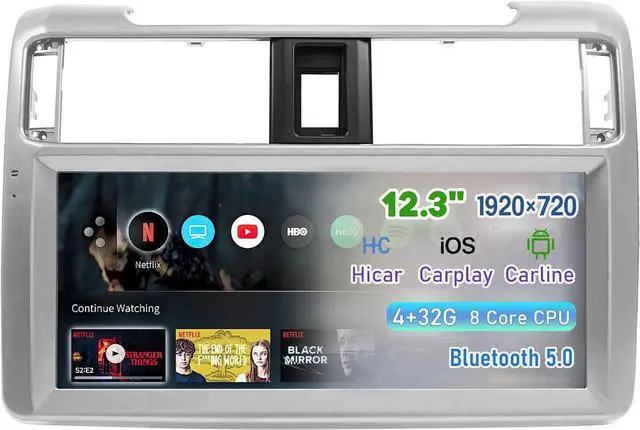
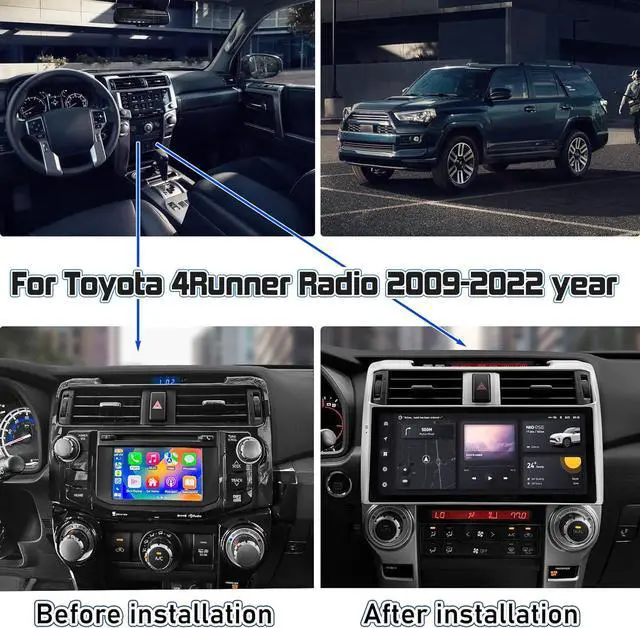
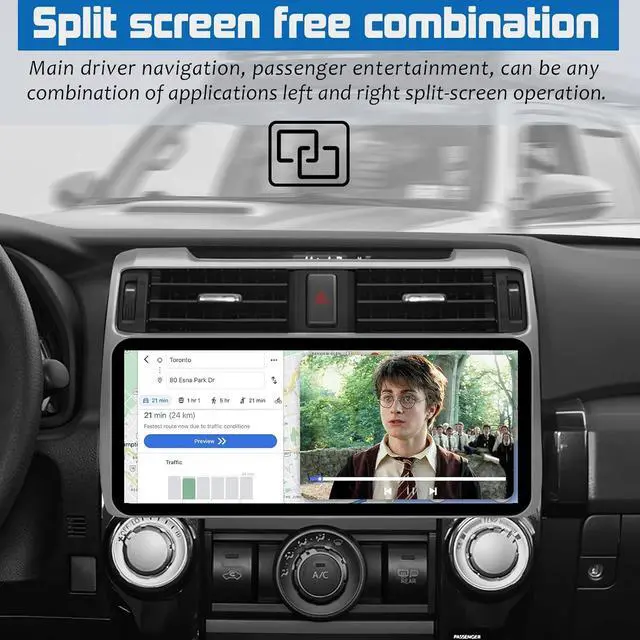
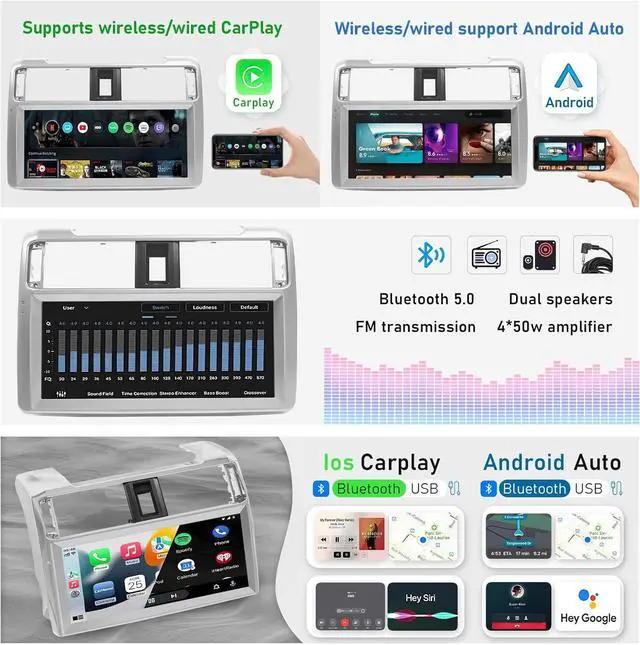
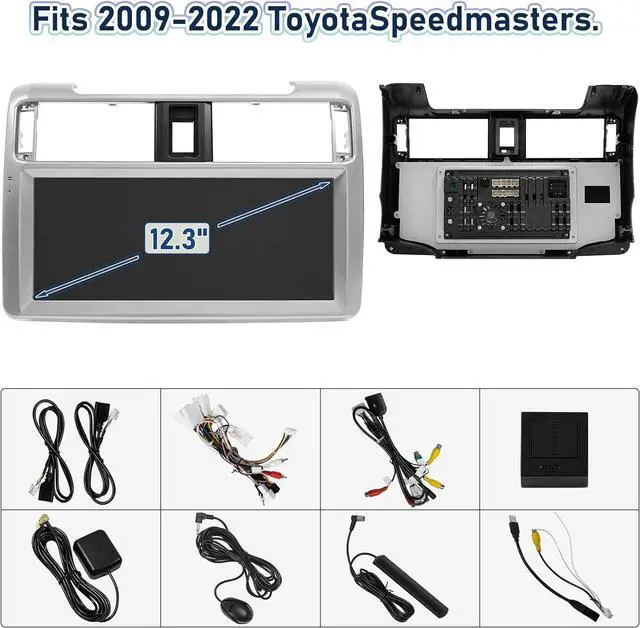


Car Stereo Radio Dash Kit for Toyota 4Runner Radio 2009-2022, Silver Lower 12.3" Android Head Unit TS10, 4+32G, Wireless CarPlay & Android Auto, GPS Navigation, AHD Backup Camera
- Easy Plug-and-Play Installation: Specially designed for Toyota 4Runner Radio models from 2009 to 2022. The plug-and-play installation allows you to easily upgrade your car's audio system without the need for additional wiring.
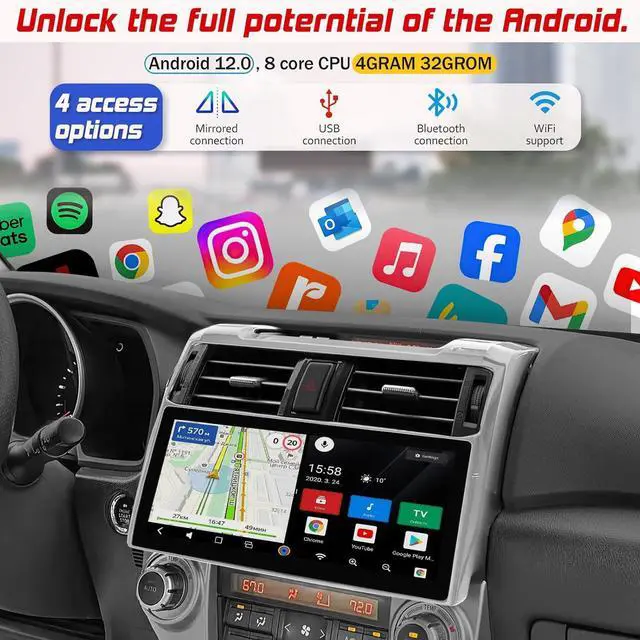
- TS10 Processor for Smooth Performance: Equipped with a TS10 processor and 4+32G configuration for fast and reliable operation. Enjoy seamless wireless CarPlay & Android Auto connectivity for smooth access to navigation, music, and more.
- 12.3 Inch HD Touchscreen: The 12.3-inch 1920x1080 HD touchscreen offers a clear and responsive display. The 2.5D glass mirror design is anti-scratch and shatter-resistant, with a sleek silver lower finish that complements your vehicle's interior.
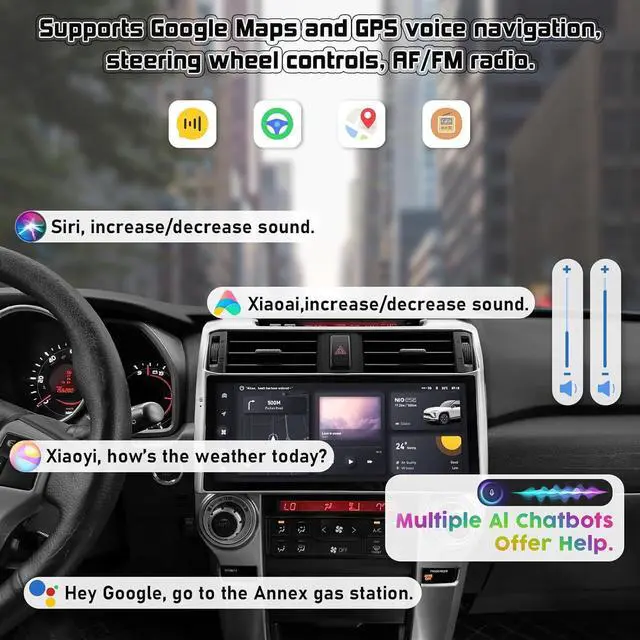
- Comprehensive GPS Navigation & AHD Backup Camera: Built-in GPS supports both online and offline maps for accurate navigation. The AHD backup camera provides enhanced visibility with night vision capabilities, making parking safer and easier.
- Dedicated After-Sales Support: Our customer service team is available to assist with any technical issues or inquiries. We provide prompt solutions and replacements if needed, ensuring you have a worry-free experience with our car stereo.
+
+
Overview
Specs
Reviews

Any questions? Our AI mode will help you find out quickly.
Try me now
Purchase instructions:
1. You must verify that your specific laptop model is listed in our title or description. Buying the wrong model can damage your laptop;
2. You must verify your parameters (including maximum resolution: UHD, QHD, FHD or HD; Whether it has touch function; The connector is either 30pin or 40pin; Refresh rate 60Hz, 120Hz, 144Hz, 165Hz, 240HZ or other. After double checking the above information, you will receive the correct product.
3. The following is a method to query the maximum resolution
My Laptop - Display - Maximum Resolution
4. The following is a method for querying refresh rates
Please Check PC Refresh Rate: Right click on your desktop > Go to the Display settings > Click Advanced display settings > Display information - Refresh rate (Hz)
1. You must verify that your specific laptop model is listed in our title or description. Buying the wrong model can damage your laptop;
2. You must verify your parameters (including maximum resolution: UHD, QHD, FHD or HD; Whether it has touch function; The connector is either 30pin or 40pin; Refresh rate 60Hz, 120Hz, 144Hz, 165Hz, 240HZ or other. After double checking the above information, you will receive the correct product.
3. The following is a method to query the maximum resolution
My Laptop - Display - Maximum Resolution
4. The following is a method for querying refresh rates
Please Check PC Refresh Rate: Right click on your desktop > Go to the Display settings > Click Advanced display settings > Display information - Refresh rate (Hz)
Warranty & Returns
Warranty, Returns, And Additional Information
Warranty
- Please contact the Seller directly for warranty information. Warranty information may also be found on the Manufacturer's website.
- CONTACT
Return Policies
- Return for refund within: 30 days
- Return for replacement within: 30 days
- This item is covered by Fix-Repairer Return Policy
Manufacturer Contact Info
- For a directory of all our manufacturers, please click below.
- Manufacturers Directory
LOADING...