• $229.39
  • Free 30-day Returns
  • Price alert
    Shop it at NeweggBusiness.

    Meet Your Seller

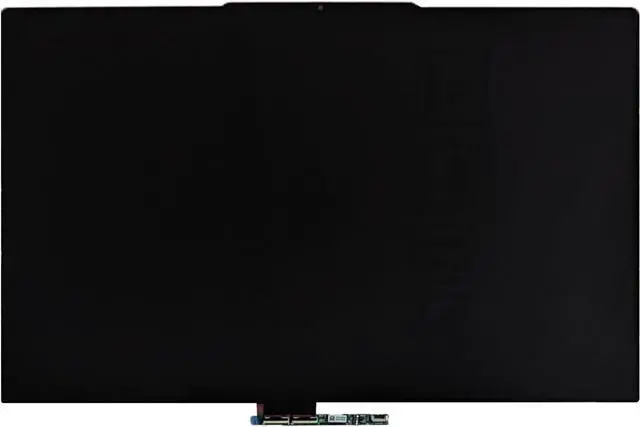
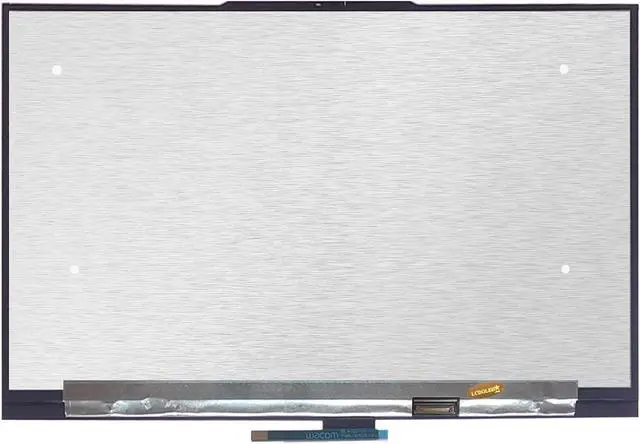
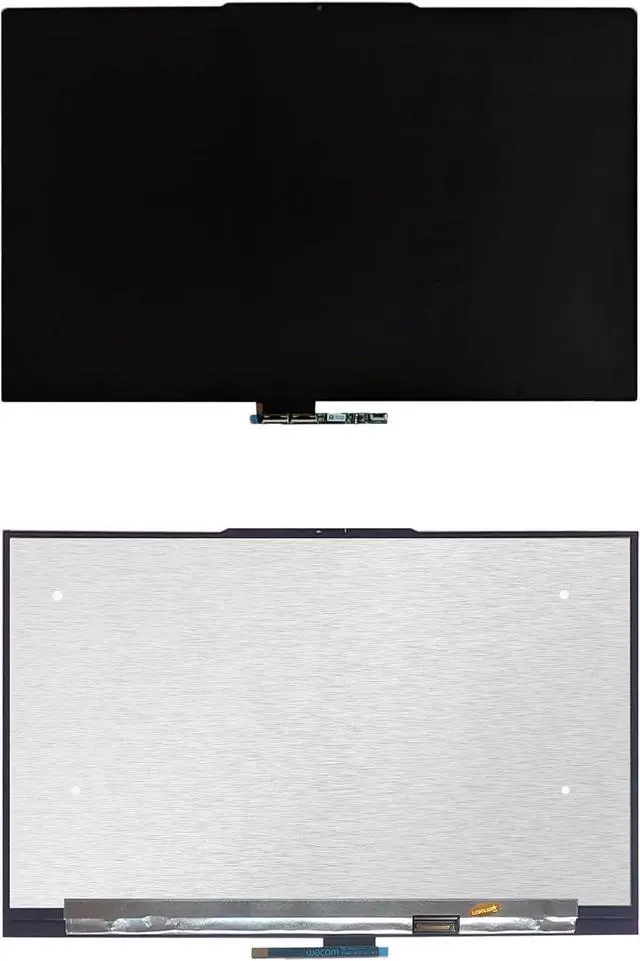
    GBOLE Compatible with Lenovo Yoga 7 2-in-1 16" Gen 10 16ILL10 16AKP10 83JT 83JU (Non-OLED Type) 16.0 inches WUXGA 1920x1200 LCD Display Touch Screen Digitizer Assembly Bezel with Touch Control Board

    • 1. Compatible Laptop Model: Replacement for Lenovo Yoga 7 2-in-1 16" Gen 10 16ILL10 16AKP10 83JT 83JU (Non-OLED Type)
    • 2. Resolution: 1920x1200 (Not for 2880x1800 OLED)LCD Connector: EDP 30pinsSize: 16.0 inchesBacklight: LED LCD
    • 3. Package includes the LCD touch screen assembly + touch control board ONLY. No extra bezel, LCD cable, back cover, hinges, instruction or installation tools , etc.* Please keep your original parts. Professional installing skill required.
    • 4. Even the same product, the model always changes as the production lot changes. We will send compatible model randomly, if you need to require specific model, please confirm with us before ordering.
    • 5. Verify Compatibility: Please double-check your laptop model - Check the label on the bottom case of your device, and Check your original screen model If unsure, carefully detach the LCD screen from your laptop (if possible) and find the model number on the back of the display panel. Providing these details will help ensure correct compatibility.
    +
    +
    Overview
    Specs
    Reviews
    avatar

    Any questions? Our AI beta will help you find out quickly.

    Purchase instructions:
    1. You must verify that your specific laptop model is listed in our title or description. Buying the wrong model can damage your laptop;
    2. You must verify your parameters (including maximum resolution: UHD, QHD, FHD or HD; Whether it has touch function; The connector is either 30pin or 40pin; Refresh rate 60Hz, 120Hz, 144Hz, 165Hz, 240HZ or other. After double checking the above information, you will receive the correct product.
    3. The following is a method to query the maximum resolution
    My Laptop - Display - Maximum Resolution
    4. The following is a method for querying refresh rates
    Please Check PC Refresh Rate: Right click on your desktop > Go to the Display settings > Click Advanced display settings > Display information - Refresh rate (Hz)

    Warranty & Returns

    Warranty, Returns, And Additional Information

    Warranty

    • Please contact the Seller directly for warranty information. Warranty information may also be found on the Manufacturer's website.
    • CONTACT

    Return Policies

    Manufacturer Contact Info

    LOADING...