

Your Browsing History
- Free 30-day Returns
$79.89


Meet Your Seller

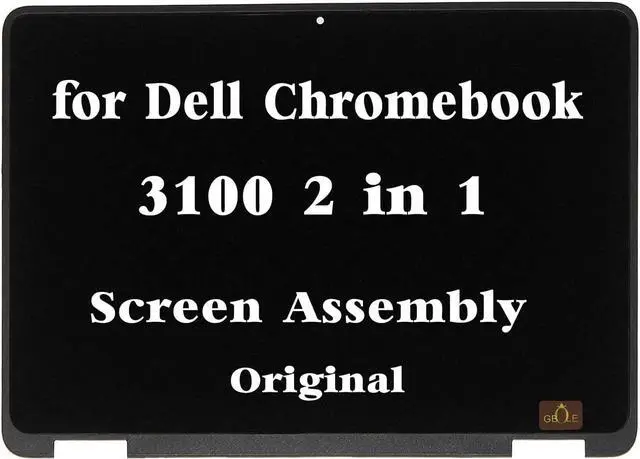
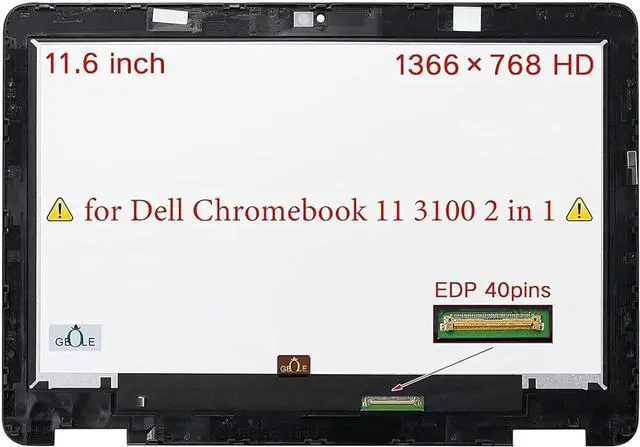
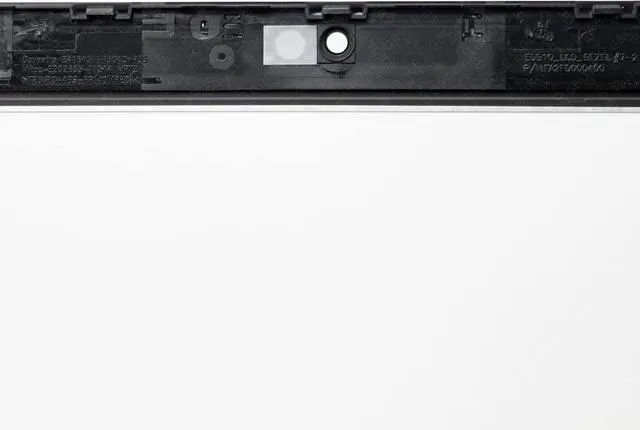


GBOLE New Screen Replacement for Dell Chromebook 11 3100 2 in 1 LCD Touch Screen with Bezel Digitizer Assembly 9MH3J 11.6 inch HD 1366x768
- "Please carefully read the numbers on the link,If you don't know , please send us a photo of the full back picture of the old screen.
- Computer screen models are numerous and complex, some internal screen models are compatible with each other , So we recommend that you consult our sellers before you buy.
- NO instructions are followed ,Please install it Very Professionally ,You need to Pull Off the Power Adapter & Battery Cable when install. Package includes LCD Screen Only (NOT a laptop).
- Becase Computer replacement screen belongs to the glass fragile goods,If you are not satisfied with our Products ,please communicate with us first.
- If you purchased the wrong Product,We recommend that you do not unseal the packaging,not to mention damage it,try to restore it to its original packaging form,tell us what screen model you need."
+
+
Overview
Specs
Reviews

Any questions? Our AI mode will help you find out quickly.
Try me now
Purchase instructions:
1. You must verify that your specific laptop model is listed in our title or description. Buying the wrong model can damage your laptop;
2. You must verify your parameters (including maximum resolution: UHD, QHD, FHD or HD; Whether it has touch function; The connector is either 30pin or 40pin; Refresh rate 60Hz, 120Hz, 144Hz, 165Hz, 240HZ or other. After double checking the above information, you will receive the correct product.
3. The following is a method to query the maximum resolution
My Laptop - Display - Maximum Resolution
4. The following is a method for querying refresh rates
Please Check PC Refresh Rate: Right click on your desktop > Go to the Display settings > Click Advanced display settings > Display information - Refresh rate (Hz)
1. You must verify that your specific laptop model is listed in our title or description. Buying the wrong model can damage your laptop;
2. You must verify your parameters (including maximum resolution: UHD, QHD, FHD or HD; Whether it has touch function; The connector is either 30pin or 40pin; Refresh rate 60Hz, 120Hz, 144Hz, 165Hz, 240HZ or other. After double checking the above information, you will receive the correct product.
3. The following is a method to query the maximum resolution
My Laptop - Display - Maximum Resolution
4. The following is a method for querying refresh rates
Please Check PC Refresh Rate: Right click on your desktop > Go to the Display settings > Click Advanced display settings > Display information - Refresh rate (Hz)
Warranty & Returns
Warranty, Returns, And Additional Information
Warranty
- Please contact the Seller directly for warranty information. Warranty information may also be found on the Manufacturer's website.
- CONTACT
Return Policies
- Return for refund within: 30 days
- Return for replacement within: 30 days
- This item is covered by Fix-Repairer Return Policy
Manufacturer Contact Info
- For a directory of all our manufacturers, please click below.
- Manufacturers Directory
LOADING...