• $161.85
  • Free 30-day Returns
  • Ships from China.
    Sold by Direct from manufacturerWinnerlcd

    Shipped by Direct from manufacturerWinnerlcd

    Price alert
    Shop it at NeweggBusiness.

    Meet Your Seller

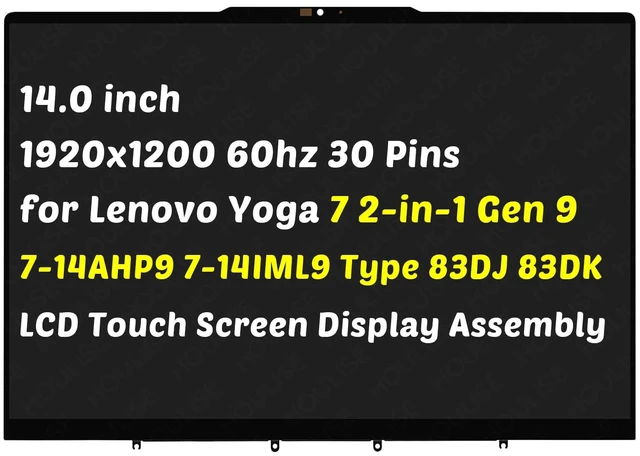
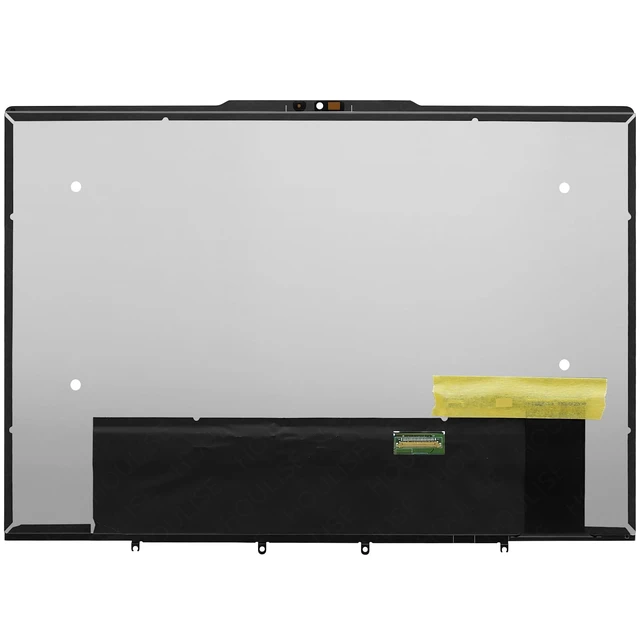
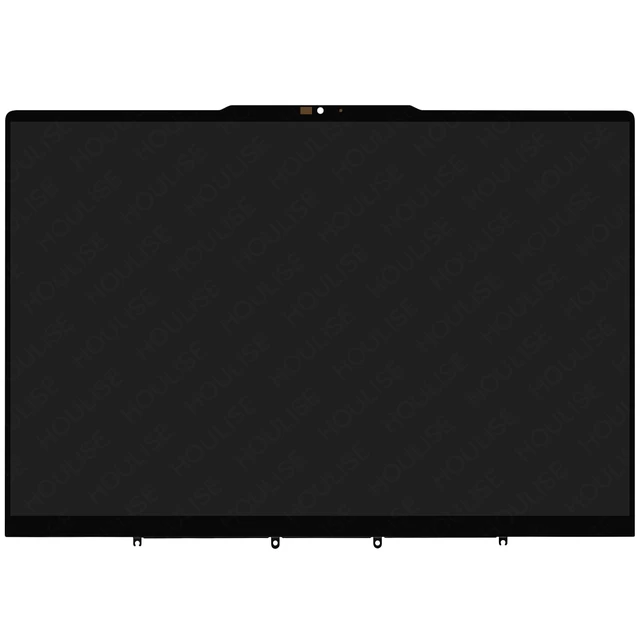
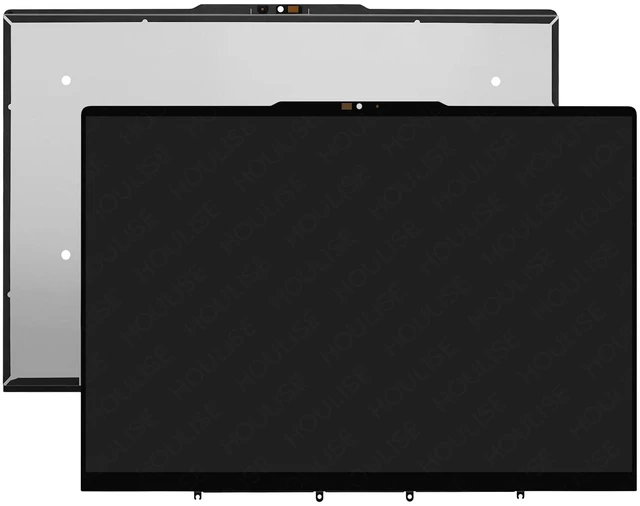
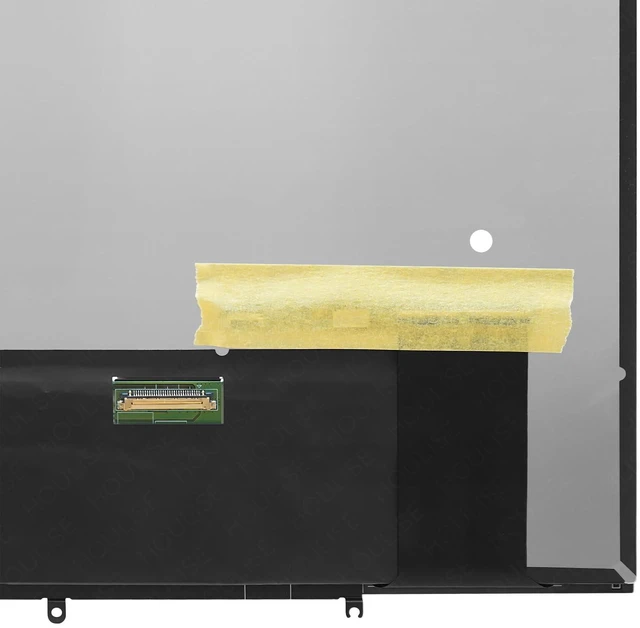
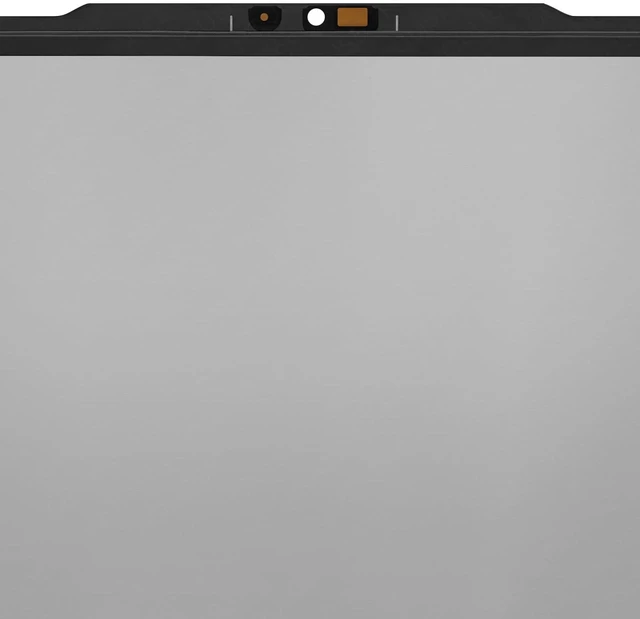
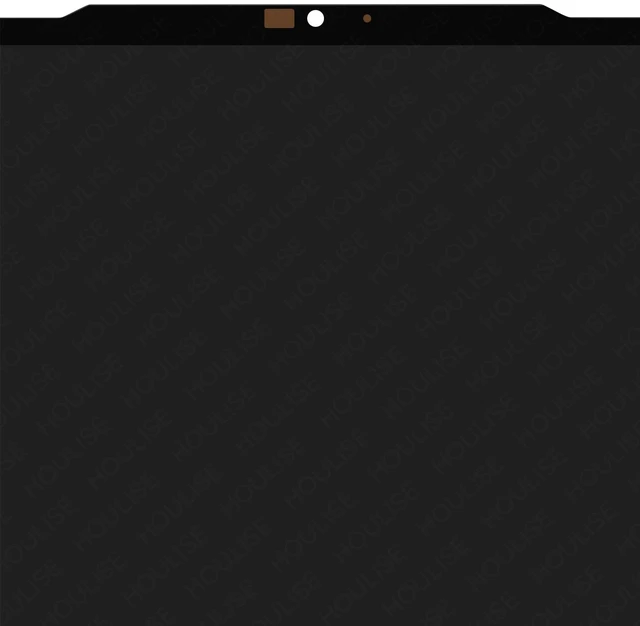
    for Lenovo Yoga 7 2-in-1 14AHP9 14IML9 Touch Screen Replacement Assembly | for Yoga 7-14AHP9 7-14IML9 Type 83DK 83DJ 14" 1920x1200 60hz 30 Pin LCD Touch Screen Display Assembly

    • for Model Number: Replacement for Lenovo Yoga 7 2-in-1 14AHP9 14IML9 LCD Touch Screen Display Digitizer.
    • Screen size: 14" , maximum resolution: 1920x1200 ,LED Version(NOT OLED) please refer to this information to compare with your computer, if you can not confirm, please contact me, we will be patient for you.
    • Easy to replace: If there is a broken screen, the screen does not turn on, the screen touch does not work, there are pixelated dots, the screen does not display and so on, you can buy it, he can be a good solution to your problem.
    • Note before installation: before installing the screen, please unplug the power and battery cables to avoid burning the motherboard, if the screen does not touch, do not turn on, you can use alcohol to wipe the interface to try.
    • Suitable for your screen: if you don't confirm the model of your computer, please send us a photo of the bottom of your computer, and tell us the resolution and whether it supports touch.
    +
    +
    Overview
    Specs
    Reviews
    avatar

    Any questions? Our AI mode will help you find out quickly.

    for Model Number: Replacement for Lenovo Yoga 7 2-in-1 14AHP9 14IML9 LCD Touch Screen Display Digitizer Panel.

    Screen size: 14" , maximum resolution: 1920x1200 , please refer to this information to compare with your computer, if you can not confirm, please contact me, we will be patient for you.

    Easy to replace: If there is a broken screen, the screen does not turn on, the screen touch does not work, there are pixelated dots, the screen does not display and so on, you can buy it, he can be a good solution to your problem.

    Note before installation: before installing the screen, please unplug the power and battery cables to avoid burning the motherboard, if the screen does not touch, do not turn on, you can use alcohol to wipe the interface to try.

    Suitable for your screen: if you don't confirm the model of your computer, please send us a photo of the bottom of your computer, and tell us the resolution and whether it supports touch.

    Warranty & Returns

    Warranty, Returns, And Additional Information

    Warranty

    • Please contact the Seller directly for warranty information. Warranty information may also be found on the Manufacturer's website.
    • CONTACT

    Return Policies

    • Return for refund within: 30 days
    • Return for replacement within: 30 days
    • This item is covered by Winnerlcd Return Policy

    Manufacturer Contact Info

    LOADING...