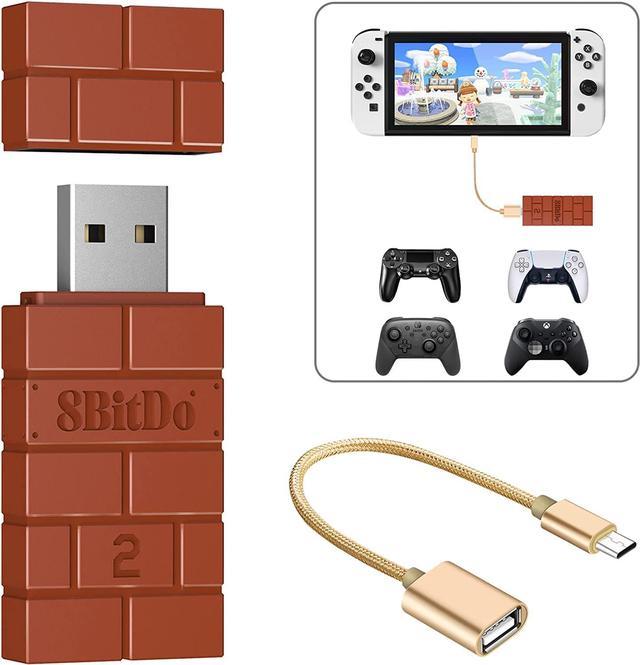
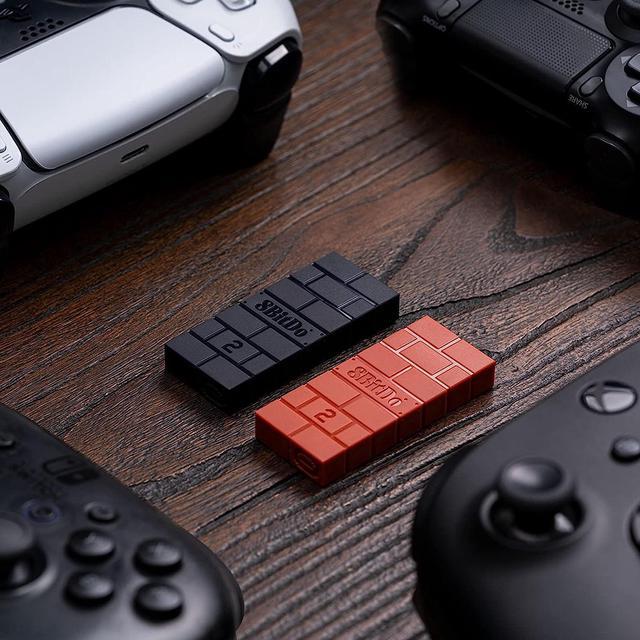
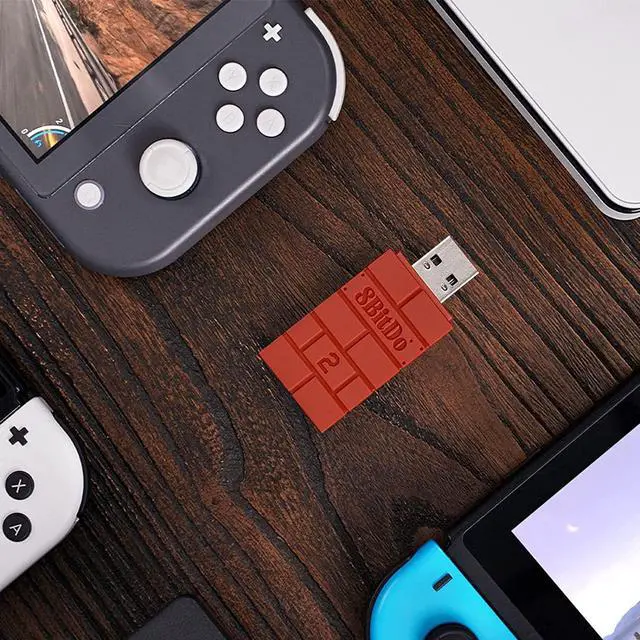
Xbox Series X|S and Xbox One bluetooth controllers
VIEW + UP = Xinput mode
VIEW + LEFT = Dinput mode
VIEW + RIGHT = Mac mode
VIEW + DOWN = PSC mode
VIEW + LB = Switch mode
VIEW + UP + LEFT = MD mode
*For more information, please go to: support.8bitdo/com
Switch Pro|Wii Remote|Wii U Pro controller
"-" Button + UP = Xinput mode
"-" Button + LEFT = Dinput mode
"-" Button + RIGHT = Mac mode
"-" Button + DOWN = PSC mode
"-" Button + L = Switch mode
"-" Button + UP + LEFT = MD mode
*For more information, please go to: support.8bitdo/com
PS5|PS4|PS3 Controller CREATE + UP = Xinput mode
CREATE + LEFT = Dinput mode
CREATE + RIGHT = Mac mode
CREATE + DOWN = PSC mode
CREATE + L1 = Switch mode
CREATE + UP + LEFT = MD mode
*For more information, please go to: support.8bitdo/com
Switch JoyCon Left Joy-Con (Right)
"-" Button (HOME) + UP = Xinput mode
"-" Button (HOME) + LEFT = Dinput mode
"-" Button (HOME) + RIGHT = Mac mode
"-" Button (HOME) + DOWN = PSC mode
"-" Button (HOME) + L = Switch mode
"-" Button (HOME) + UP + LEFT = MD mode
*For more information, please go to: support.8bitdo/com
Special Features:
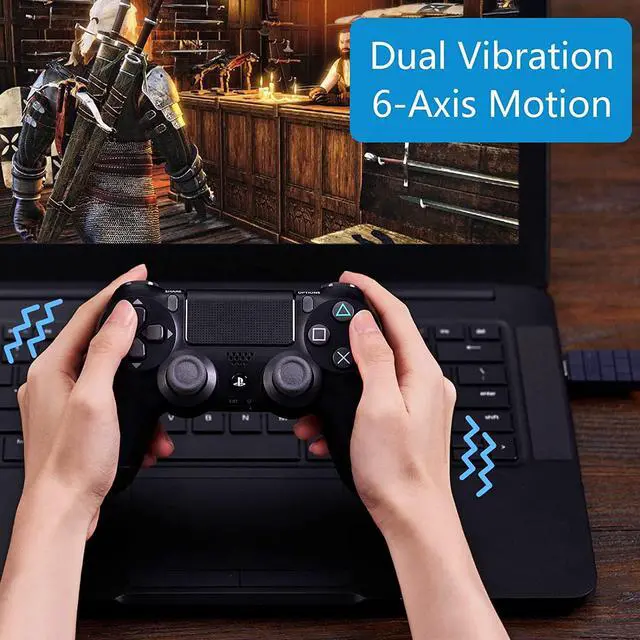
Vibration support on X-input mode
6-axis motion on Switch
X-input, D-input, Switch mode
Upgradable firmware
Lag-free
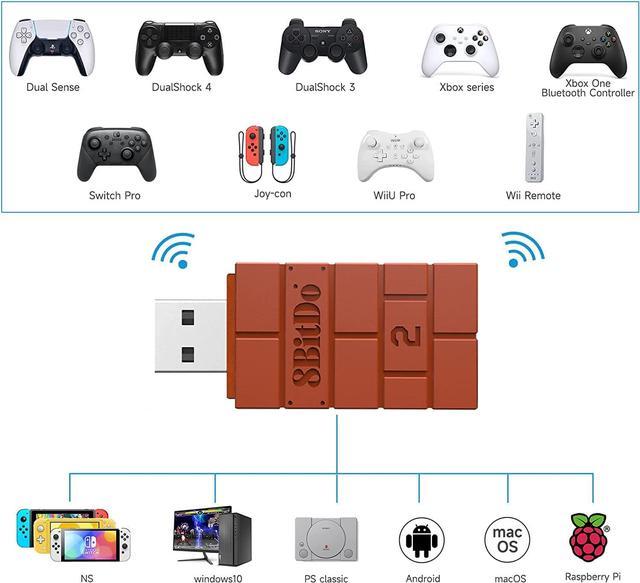
System Compatibility
Switch 3.0.0 and above
SteamOS Holo 3.4 and above
Windows 10 and above
Raspberry Pi, Android TV Box, Retrofreak
Controller Compatibility
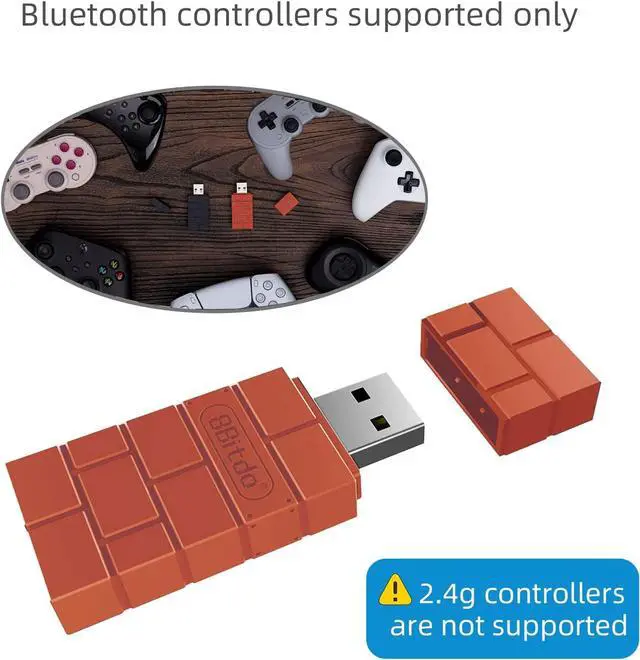
8BitDo controllers and arcade sticks (Note: Excluding 2.4G controllers)
Xbox Series, Xbox One Bluetooth controllers
(Supports Xbox One Controller / Xbox Elite Wireless Controller Series 2 with Bluetooth only)
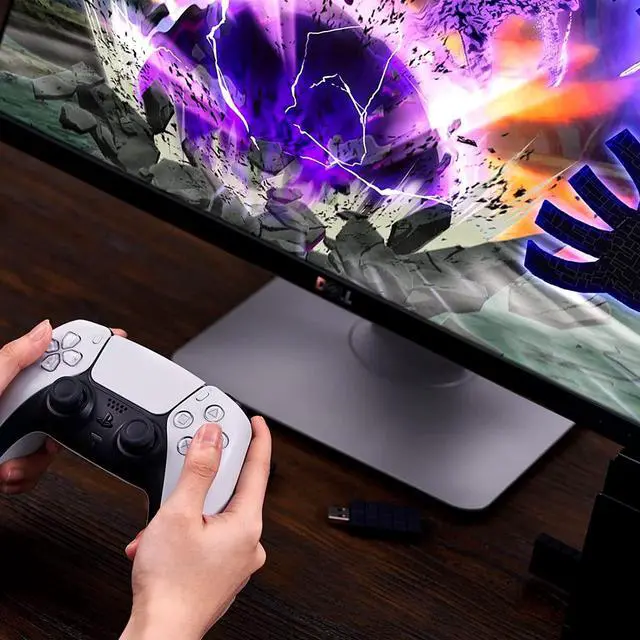
PS5(DualSense), PS4(DualShock 4, DualShock 4 Pro), PS3(DualShock 3) controllers
Wiimote, Wii U Pro, Compatible with Nintendo Switch for Joy-Cons, Compatible with Nintendo Switch Pro
Connectivity
Bluetooth4.0 ( Support Bluetooth LE )
**NOTE**:
Bluetooth controllers are supported only. 2.4g controllers are not supported.
Ultimate software is compatible with Xbox Series X | S, Xbox One Bluetooth controllers, PS5, PS4 and Switch Pro only.
The Bluetooth work mark and logos are registered trademarks owned by Bluetooth SIG, Inc.
DualSense (PS5) Wireless Controller
**Required for all Bluetooth controllers**
Switch
Go to System Setting > Controller and Sensors > turn on Pro Controller Wired Communication
The Switch system needs to be 3.0.0 or above.
Windows
Required system: Windows 7 SP1 or above
Android
Required system: Android 4.0 or above
OTG support is required on your Android device
How to PAIR:
1. Connect the USB Wireless Adapter to your device.
2. Press pair button on the USB Wireless Adapter, LED starts to blink rapidly.
3. Press [ CREATE+PS]--(DualSense (PS5)) / [SHARE + PS]--(DualShock 4 (PS4)) / [Xbox]--(Xbox Series / Xbox One controller) / [SYNC]--(Wii Remote / Wii U Pro / Switch pro / Switch Joy-Con Controller) button for 3 seconds to enter its pairing mode (this is required for the very first time only).
4. LED becomes solid when connection is successful.
**Controller will auto reconnect with the press of PS / Xbox / POWER once it has been paired.**
Switch Pro Controller
Manual setting
- Button + UP = Xinput mode
- Button + LEFT = Dinput mode
- Button + DOWN = PSC mode
- Button + L = Switch mode
- Button + UP + LEFT = MD mode
Xbox Series / Xbox One controller
Manual setting
VIEW + UP = Xinput mode
VIEW + LEFT = Dinput mode
VIEW + DOWN = PSC mode
VIEW + LB = Switch mode
VIEW + UP + LEFT = MD mode
**Automatic mode switch supports Windows and Switch only. Press the button combos to switch other modes.**
DualShock 4 (PS4) Wireless Controller
Manual setting
SHARE + UP = Xinput mode
SHARE + LEFT = Dinput mode
SHARE + DOWN = PSC mode
SHARE + L1 = Switch mode
SHARE + UP + LEFT = MD mode