

How-To Video
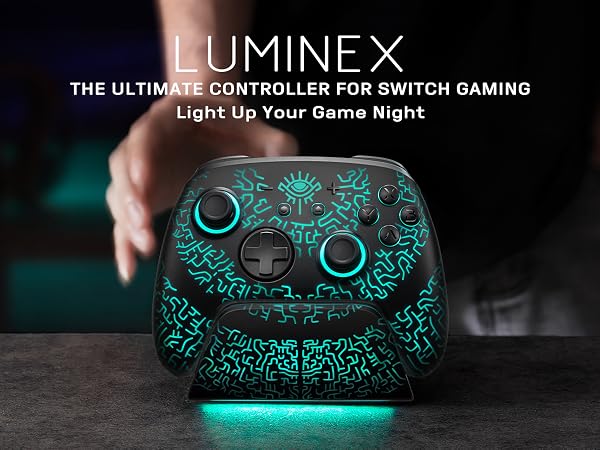
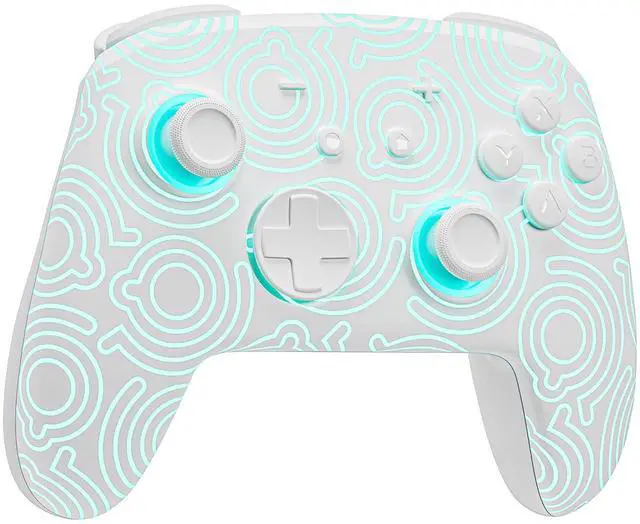
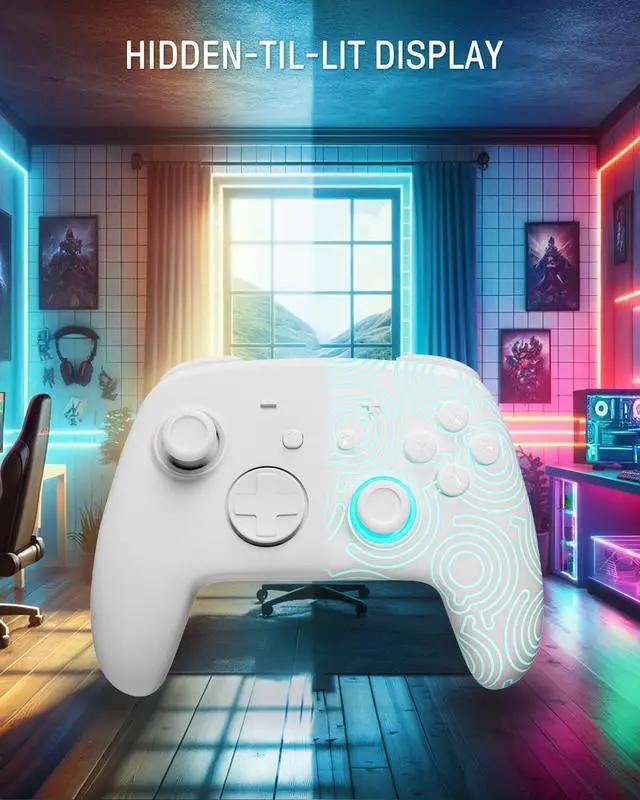
How do I make this pure color switch pro controller show the exquisite pattern?
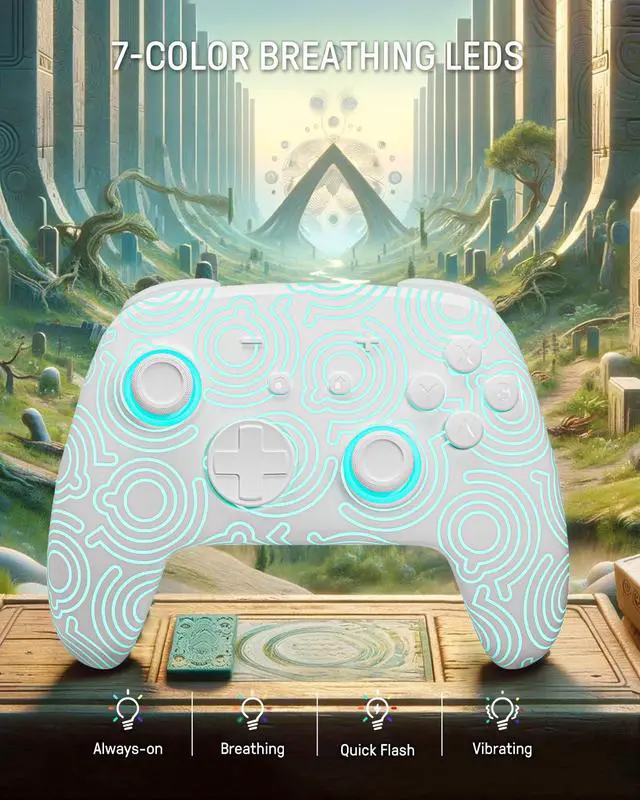
The first time you receive the controller without being connected to your console, you can press the Home button to active it. Then you can see its unique pattern.
Why does the pattern still not appear after pressing the Home button of this controller?
Check whether it is in either of the following conditions:
A.Out of power. Solution: Charge the controller and then press the Home button again.
B.In light off mode. Solution: Press Light Button and "+" Button to switch the lighting mode.
How to change the LED colors and the lighting modes?
A.Press Light Button:Always-on Mode.
B.Press Light and "+" Button:
1st:breathing light mode; 2nd:quick flash mode; 3rd:vibration lighting mode
C.Light Off Mode:Press and hold Light Button for 3s.
D.Colors will change each time you press Light Button.
How to calibrate the joystick of this switch gamepad?
A.HOME Menu - System Settings - Scroll down the menu on the left-hand side - Select Controllers and Sensors.
B.Select Calibrate Control Sticks - Tilt the joystick that you want to calibrate.
C.Follow the on-screen prompts to verify the joystick.



FUNLAB
Designed for game lovers

FUNLAB is founded by a group of players who love video games. We are one of the first companies to mainly design controllers/carrying case for Switch with game elements.
Our main goal is to design and produce game accessories which are popular with game players and full of game elements and personalities.
Only from the gamers' perspective can game accessories that enhance the gaming experience be designed. So, FUNLAB is born!

FUNLAB x Dave the Diver
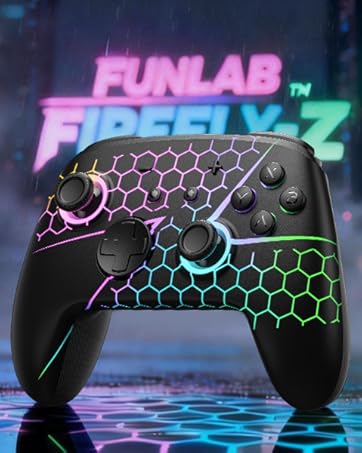
FUNLAB Firefly-Z
Pro Controller for Switch 2/1/OLED
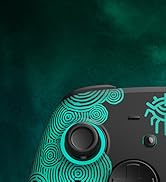
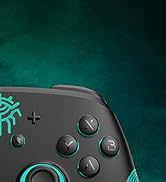
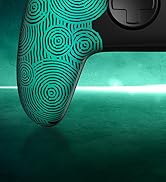
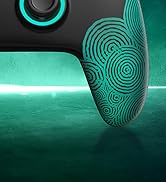
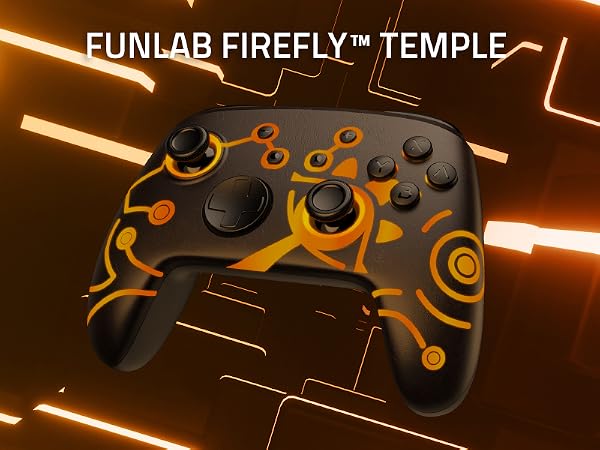
FUNLAB Firefly Pro Controller
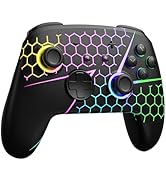
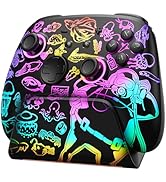
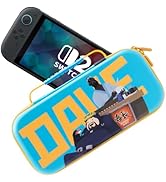
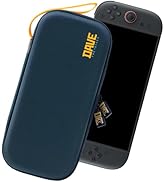
New Products
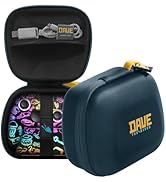
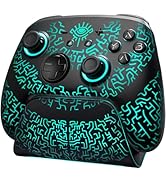
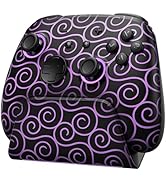
FUNLAB Accessories for Switch2
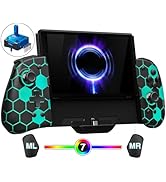
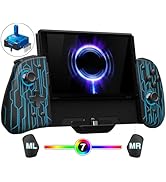
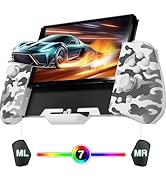
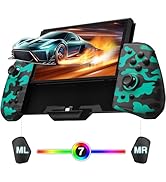
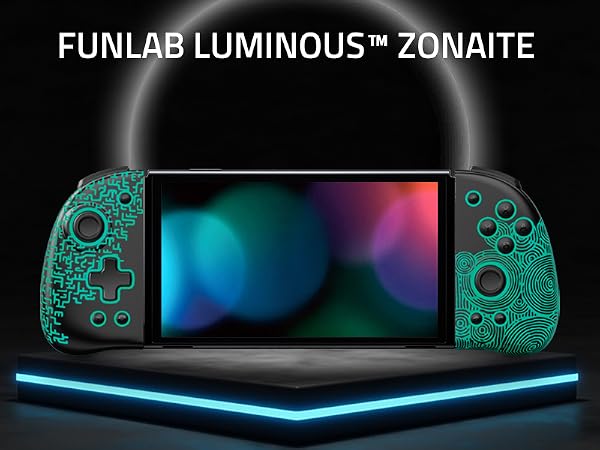
FUNLAB Luminpad Switch Joypad
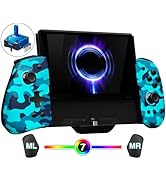
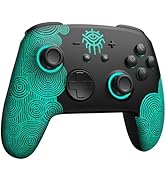
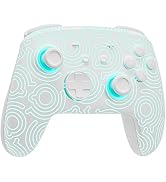
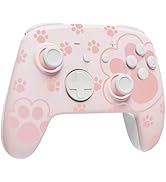
FUNLAB Switch Controller
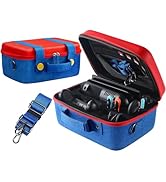
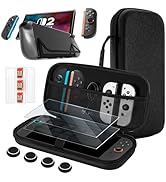
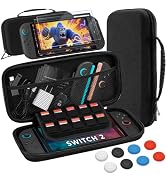
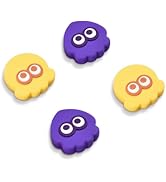
Accessories for Switch 2
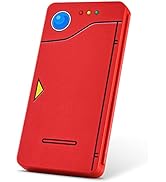
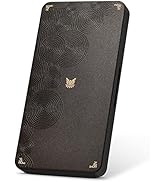
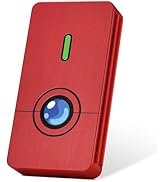
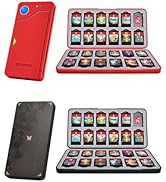
Switch 2 Game Case on FUNLAB

High Recognition
The great quality and unique design of our products have also been unanimously recognized and recommended by many famous media sites.
FUNLAB
Designed for game lovers
FUNLAB is founded by a group of players who love video games. We are one of the first companies to mainly design controllers/carrying case for Switch with game elements.
Our main goal is to design and produce game accessories which are popular with game players and full of game elements and personalities.
Only from the gamers' perspective can game accessories that enhance the gaming experience be designed. So, FUNLAB is born!
FUNLAB x Dave the Diver
FUNLAB Firefly-Z
Pro Controller for Switch 2/1/OLED
FUNLAB Firefly Pro Controller
New Products
FUNLAB Accessories for Switch2
FUNLAB Luminpad Switch Joypad
FUNLAB Switch Controller
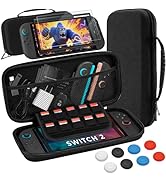
Accessories for Switch 2
Switch 2 Game Case on FUNLAB
High Recognition
The great quality and unique design of our products have also been unanimously recognized and recommended by many famous media sites.


Ergonomic Design
Precise Control


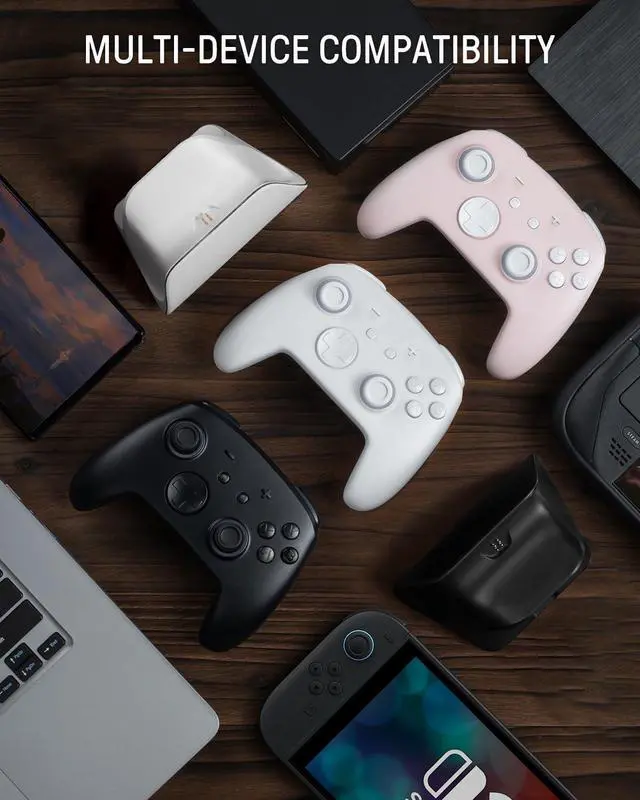
More Compatibility, More Choices


- For Switch 2/OLED/LITE
- For Phones
- For PC
- For Steamdeck
For Switch 2/OLED/LITE
For PC
- Windows XP and above
For Steamdeck
- SteamOS Holo 3.4 and above
For Phones
- Android - 6.0 and above
- iOS - 13.3 and above
How-To Video
Connection Method Instruction
- From the HOME Menu, select Controllers, then Change Grip and Order.
- Press and hold Y + HOME for 3 seconds and 4 LED lights flash quickly. The LED(s) becoming stable, pairing finishes.
- If you are not connecting for the first time, you can click HOME Button to connect successsfully.
Turbo Function Instruction
- Press and hold “T” Button + one of the Function Button (A/B/X/Y/L/R/ZL/ZR/D-pad Button).
- 1st: Manual TURBO Function (Press and hold to launch continuously).
- 2st: Automatic TURBO Function (Automatically continuous launch).
- 3st: Clear TURBO Function.
Light Control Instruction
- Turn on the light: Press HOME Button.
- Turn off the light: Press and hold Light Button for 3 seconds.
- Change the Light Color: Press Light Button. Colors will change each time you press Light Button. Change the Lighting Mode: Press Light Button + “?”: 1st: Breathing light mode; 2st: Quick flash mode; 3st: Vibration light mode.
- If the controller is not connected to the console, press Home Button and the LED pattern will be illuminated.
Connection Method Instruction
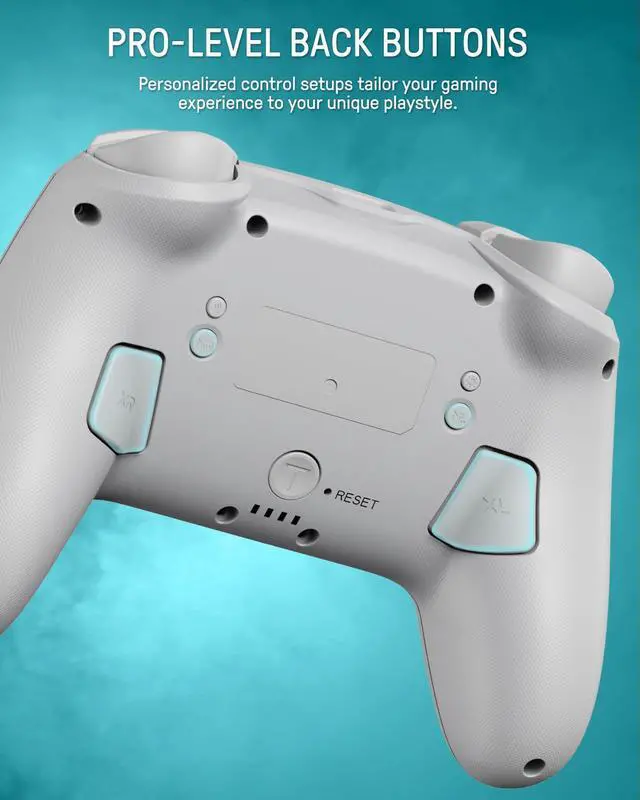
- Press and hold “MR” Button, then input the single button (A/B/X/Y/L/R/ZL/ZR/+/-/D-pad Button and L/R joysticks) you want to map;
- The controller will have the vibration cue after loosing “MR” Button, and then press “XR” Button to trigger Programmable Buttons.
- The mapping function can also be achieved by using the ML Button as described above.)
How do I make this pure color switch pro controller show the exquisite pattern?
The first time you receive the controller without being connected to your console, you can press the Home button to active it. Then you can see its unique pattern.
Why does the pattern still not appear after pressing the Home button of this controller?
Check whether it is in either of the following conditions:
A.Out of power. Solution: Charge the controller and then press the Home button again.
B.In light off mode. Solution: Press Light Button and "+" Button to switch the lighting mode.
How to change the LED colors and the lighting modes?
A.Press Light Button:Always-on Mode.
B.Press Light and "+" Button:
1st:breathing light mode; 2nd:quick flash mode; 3rd:vibration lighting mode
C.Light Off Mode:Press and hold Light Button for 3s.
D.Colors will change each time you press Light Button.
How to calibrate the joystick of this switch gamepad?
A.HOME Menu - System Settings - Scroll down the menu on the left-hand side - Select Controllers and Sensors.
B.Select Calibrate Control Sticks - Tilt the joystick that you want to calibrate.
C.Follow the on-screen prompts to verify the joystick.