• $39.99
  • Free 30-day Returns
  • Price alert
    Shop it at NeweggBusiness.

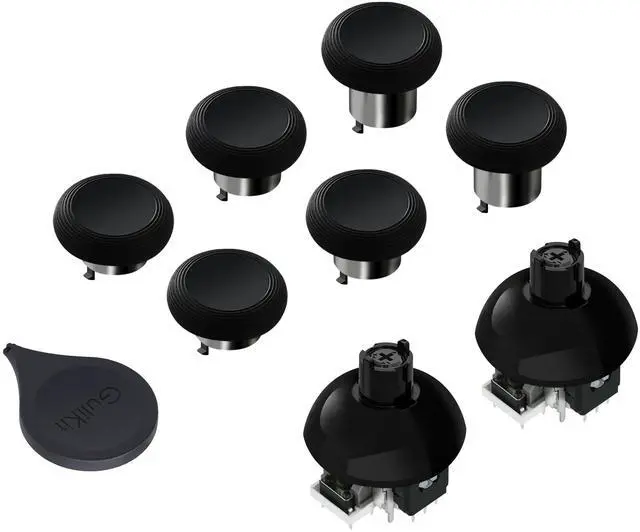
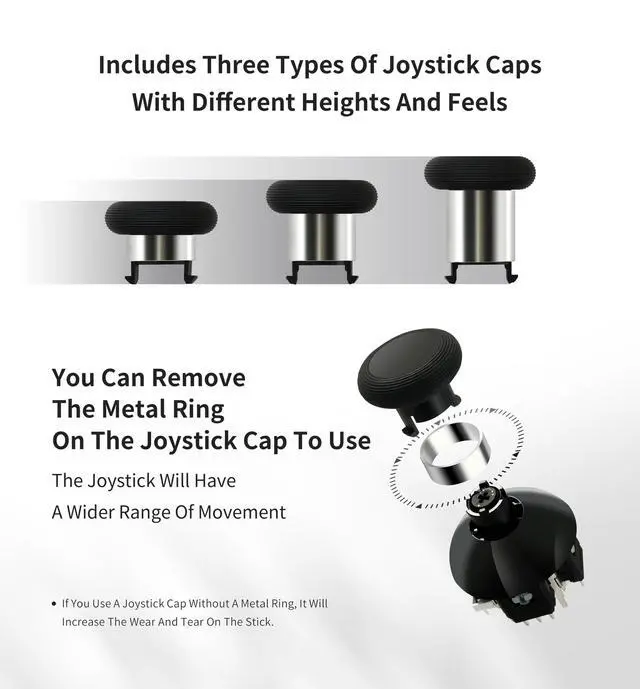
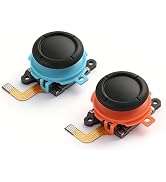
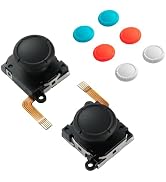
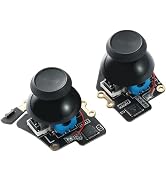
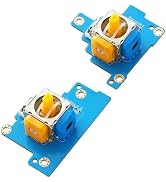
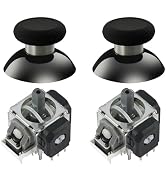
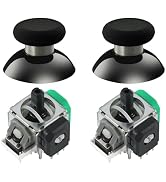
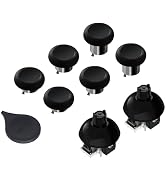
    720° Adjustable Tension TMR Magnetic Joystick Replacement Kit for Switch Pro Controller Anti-Drift Stick Repair Module with 3 Pairs of Thumbstick Caps, Soldering Required

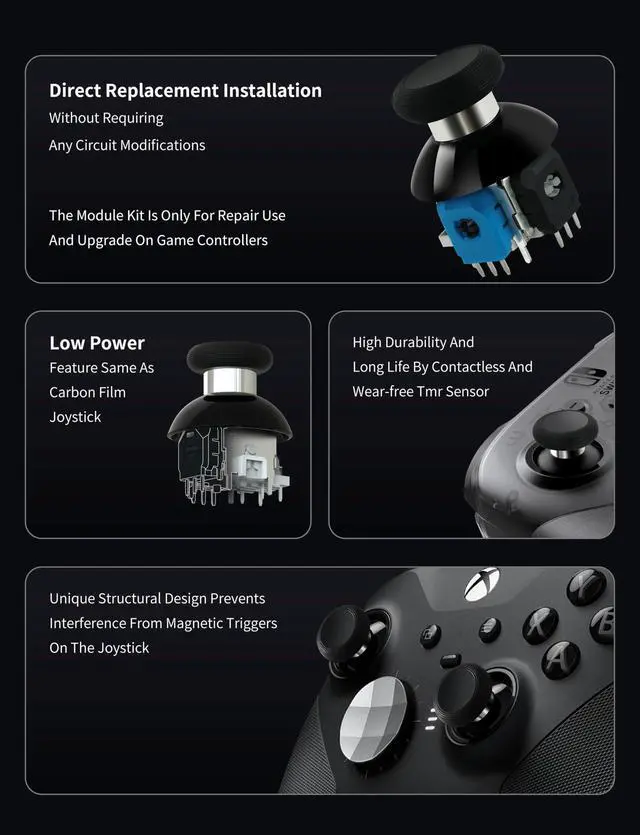
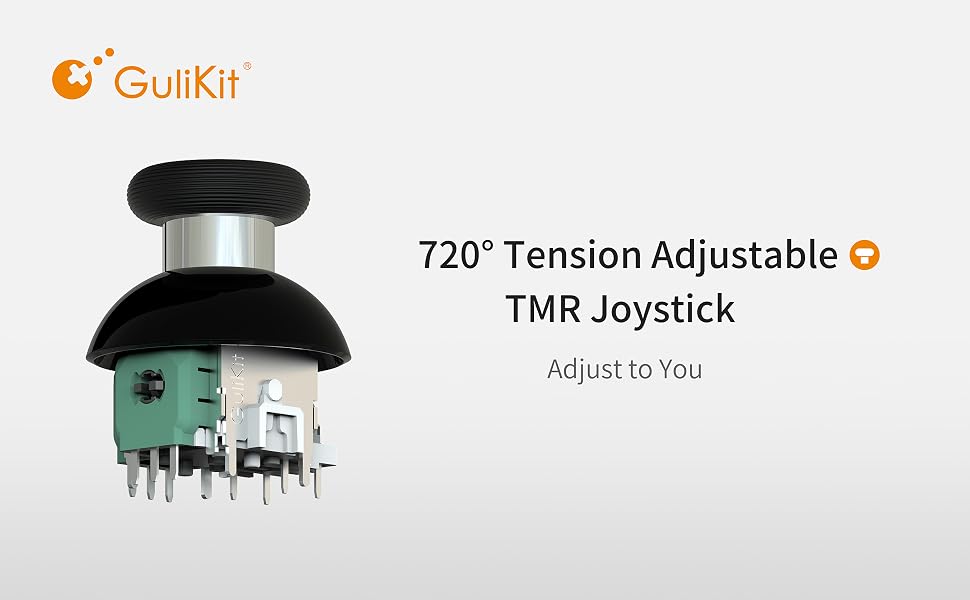
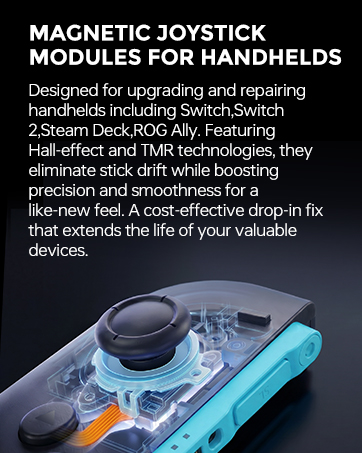
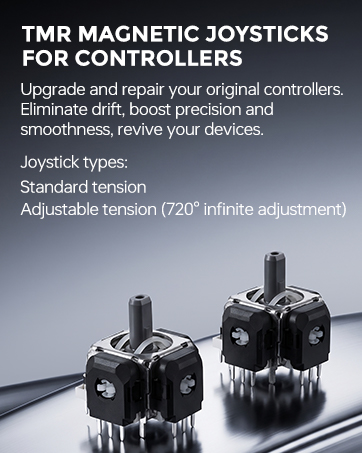
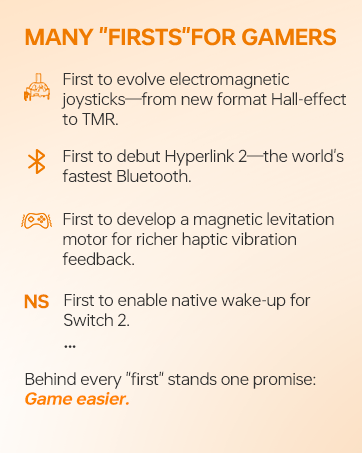
    • Advanced Anti-Drift TMR Joystick Technology:The GuliKit 720° Adjustable TMR Magnetic Joystick Replacement Kit represents the pinnacle of joystick technology. Evolved from GuliKits patented Hall Effect joystick, this advanced TMR (Tunnel Magnetoresistance) thumb stick operates on a contact-less magnetic field sensing mechanism. This innovation eliminates the root cause of stick drift, ensuring ultra-low power consumption, enhanced stability, drift-free long-lasting durability, high precision, and silk-like smoothness.
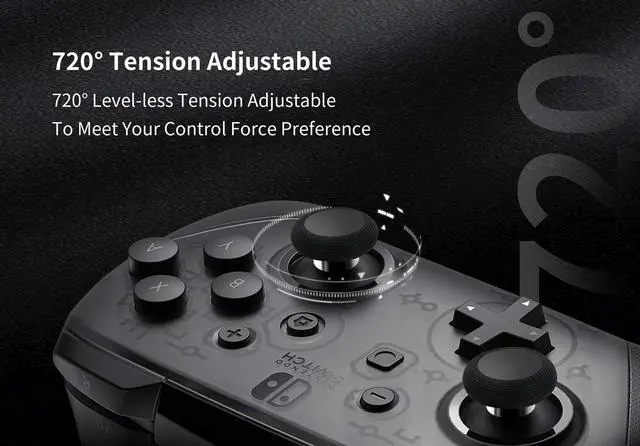
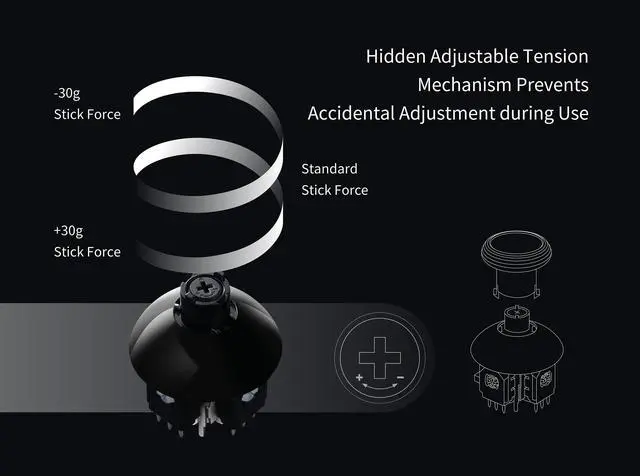
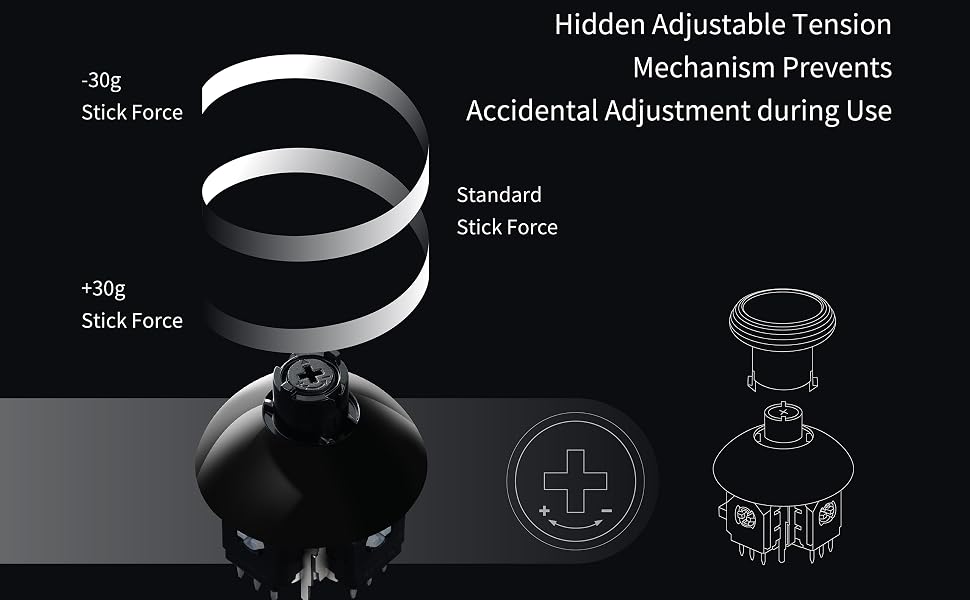
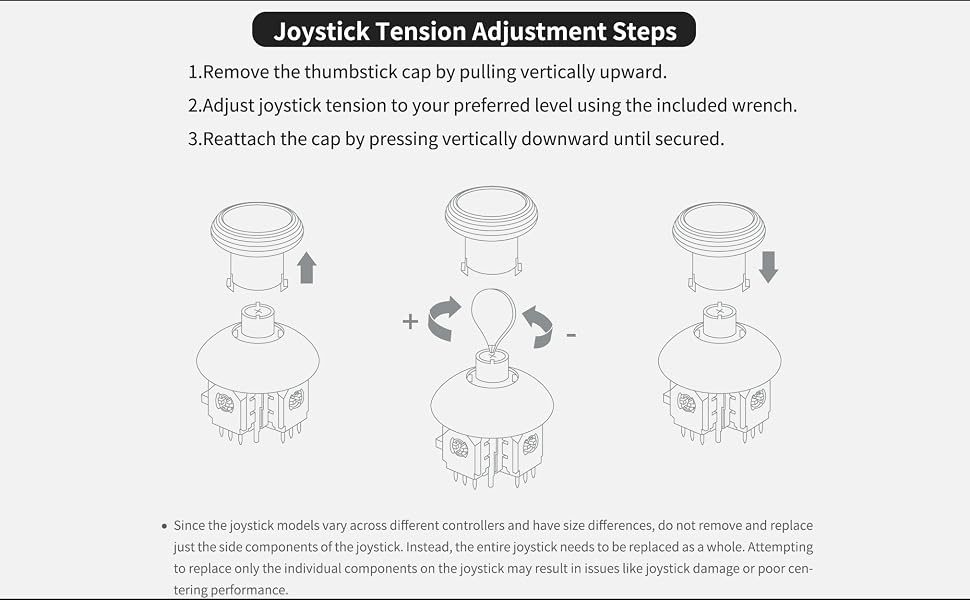
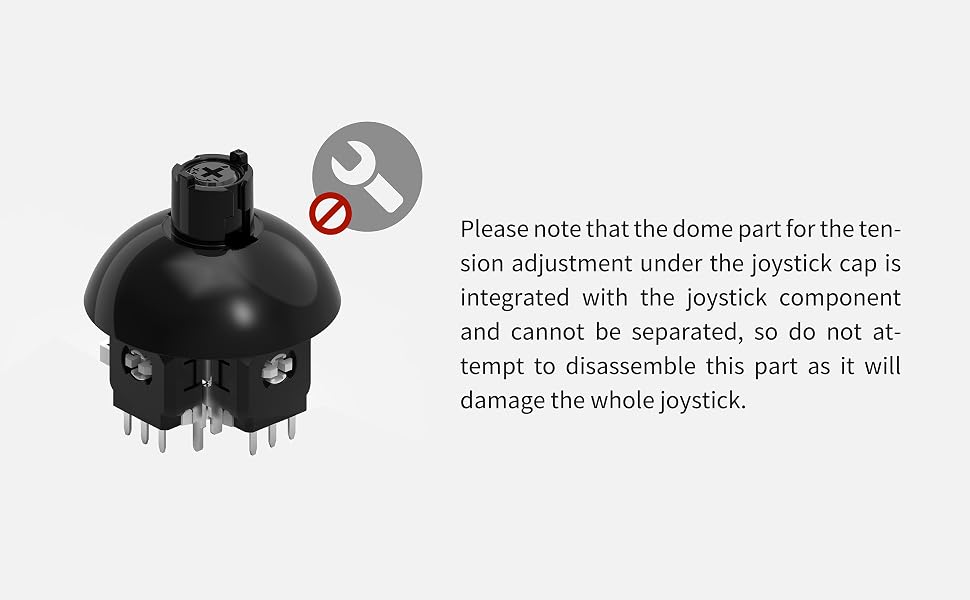
    • 720° Level-less Adjustable Tension with Tool: Our joysticks feature a 720° (two full rotations) level-less tension adjustment, allowing you to customize the control force to your preference. To adjust the tension, simply remove the cap by pulling it vertically and use the included wrench to turn the screw marked with + and - signs. The hidden tension mechanism under the cap prevents accidental adjustments, ensuring your settings remain consistent.
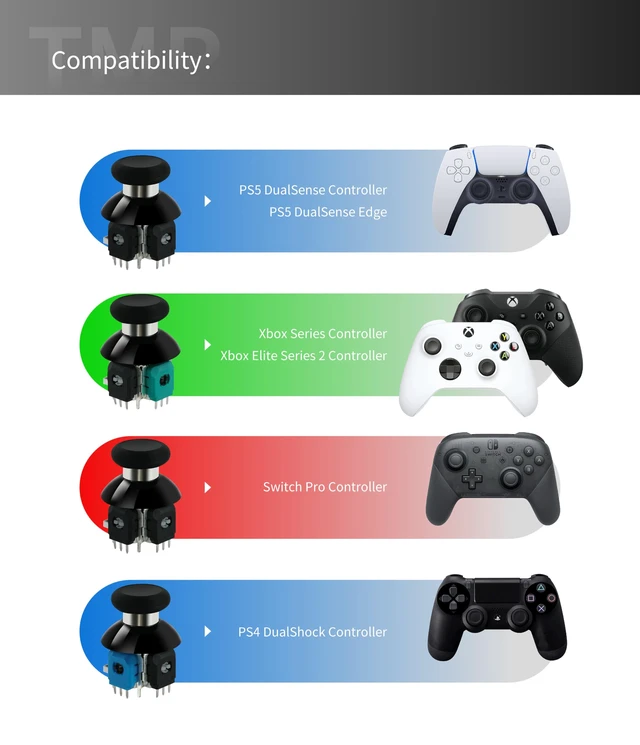
    • Direct Replacement for Switch Pro Controllers:This joystick module is a direct replacement for Switch Pro Controllers, addressing drift and precision issues. It installs easily without requiring any circuit modifications, ensuring a seamless upgrade experience. Note that the entire joystick must be replaced as a unit (joystick and cap). Partial replacement may result in issues such as joystick damage or poor centering performance.
    +
    +
    Overview
    Specs
    Reviews
    avatar

    Any questions? Our AI mode will help you find out quickly.

    JOYSTICKS
    1
    JOYSTICKS
    joysticks
    joysticks

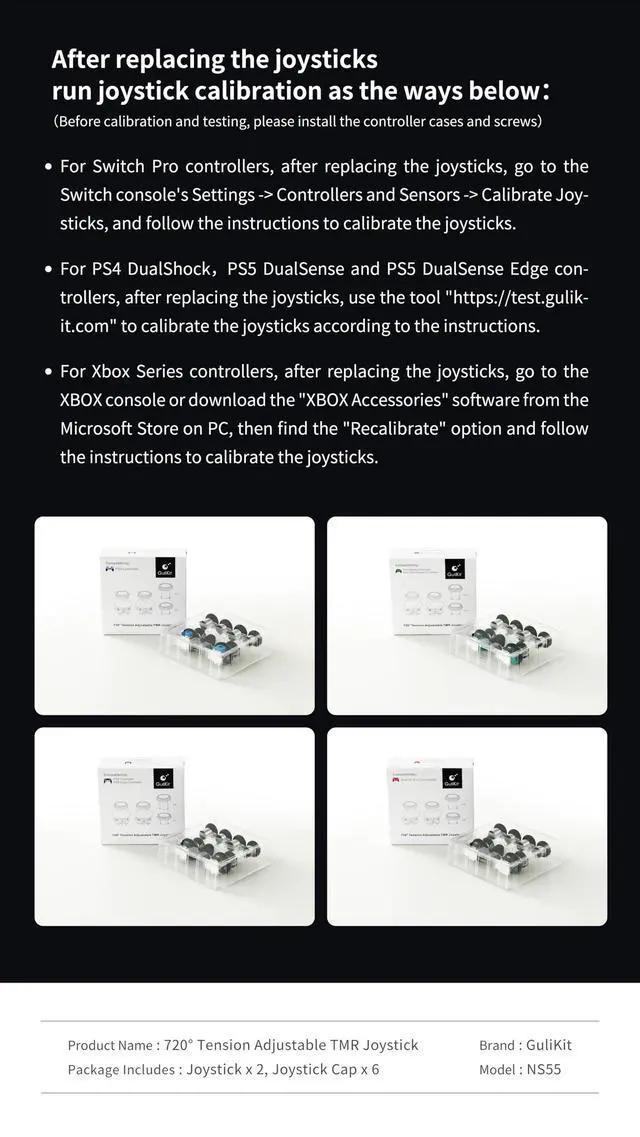
    After replacing the joysticks run joystick calibration as the ways below:

    (Before calibration and testing, please install the controller cases and screws)

    1.For Switch Pro controllers, after replacing the joysticks, go to the Switch console's Settings -> Controllers and Sensors -> Calibrate Joysticks, and follow the instructions to calibrate the joysticks.

    2.For PS4 DualShock, PS5 DualSense and PS5 DualSense Edge controllers, after replacing the joysticks, use the tool on our website to calibrate the joysticks according to the instructions.

    3.For Xbox Series controllers, after replacing the joysticks, go to the XBOX console or download the "XBOX Accessories" software from the Microsoft Store on PC, then find the "Recalibrate" option and follow the instructions to calibrate the joysticks.

    joysticks
    JOYSTICKS
    1
    JOYSTICKS
    joysticks
    joysticks

    After replacing the joysticks run joystick calibration as the ways below:

    (Before calibration and testing, please install the controller cases and screws)

    1.For Switch Pro controllers, after replacing the joysticks, go to the Switch console's Settings -> Controllers and Sensors -> Calibrate Joysticks, and follow the instructions to calibrate the joysticks.

    2.For PS4 DualShock, PS5 DualSense and PS5 DualSense Edge controllers, after replacing the joysticks, use the tool on our website to calibrate the joysticks according to the instructions.

    3.For Xbox Series controllers, after replacing the joysticks, go to the XBOX console or download the "XBOX Accessories" software from the Microsoft Store on PC, then find the "Recalibrate" option and follow the instructions to calibrate the joysticks.
    joysticks
    720° Adjustable Tension TMR Magnetic Joystick Replacement Kit for Switch Pro Controller Anti-Drift Stick Repair Module with 3 Pairs of Thumbstick Caps, Soldering Required

    Warranty & Returns

    Warranty, Returns, And Additional Information

    Warranty

    • Please contact the Seller directly for warranty information. Warranty information may also be found on the Manufacturer's website.
    • CONTACT

    Return Policies

    Manufacturer Contact Info

    LOADING...