




 here!
here!
I’m your shopping assistant for PC builds, upgrades, and everything tech.
Got questions? Ask away!
Start a conversation
here!
I’m your shopping assistant for PC builds, upgrades, and everything tech.
Got questions? Ask away!
Start a conversation



Any questions? Ask CelesteSM will help you find out quickly.

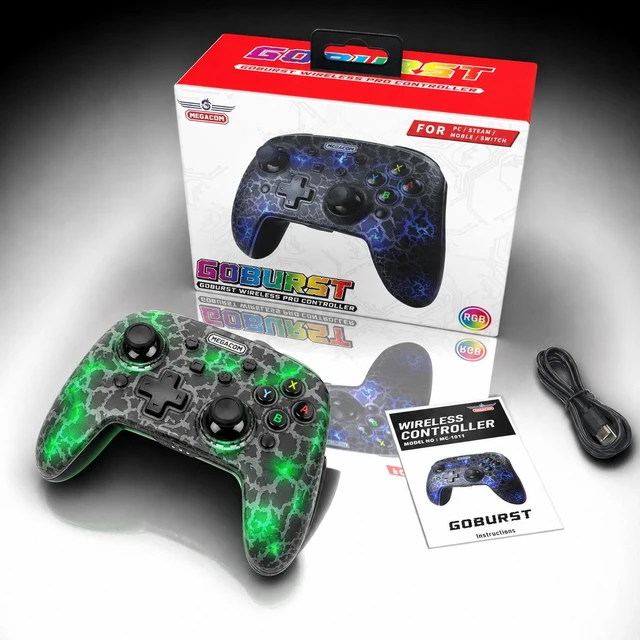
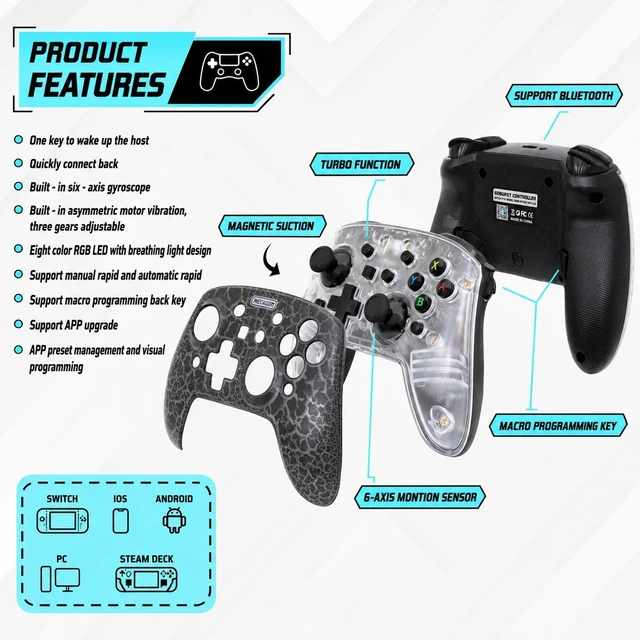
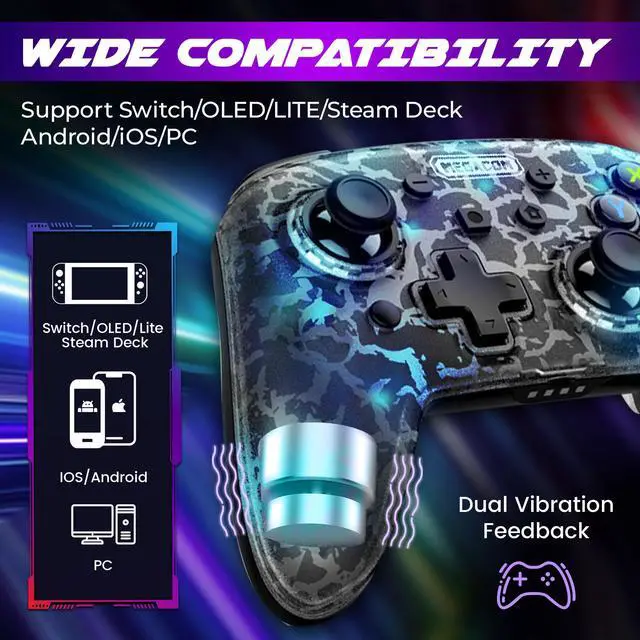
The Goburst wireless pro controller is designed to enhance your gaming experience with its advanced features like Programmable Functions, One-key Wake-up, Motion Control Sensors, and Vibration Feedback. This ergonomic controller ensures that you're fully immersed in the game.
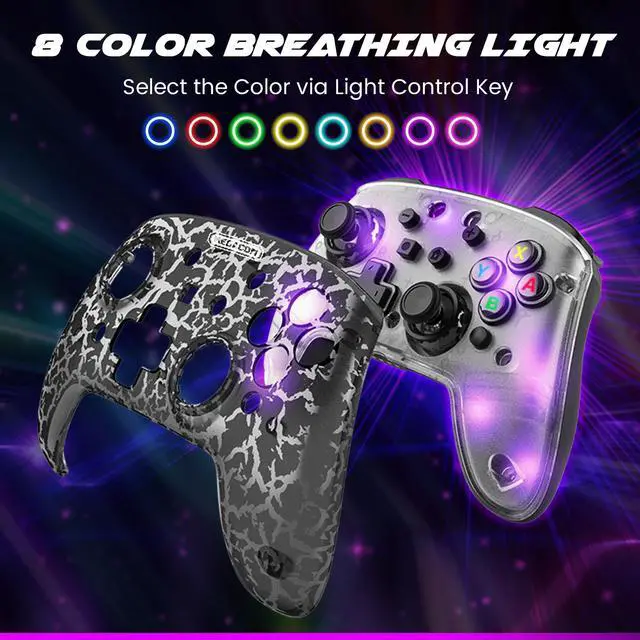
Additionally, Our wireless controller boasts a magnetic cover with a unique cracked pattern that can be removed to match your style. With Bluetooth connectivity to Switch, Steam Deck, PC, and mobile phones, it provides seamless gameplay across multiple platforms, making it the ultimate companion for all your gaming adventures.

The Goburst Wireless Controller supports multiple platforms, including Switch, Steam Deck, PC, and mobile phones, making it an excellent option for gamers who play across various devices.

Designed with both comfort and style in mind, GOBURST features an ergonomic design that fits comfortably in your hands. The magnetic cover has a unique cracked pattern that can be removed to suit your style, making it a fashionable accessory as well as a functional gaming controller.

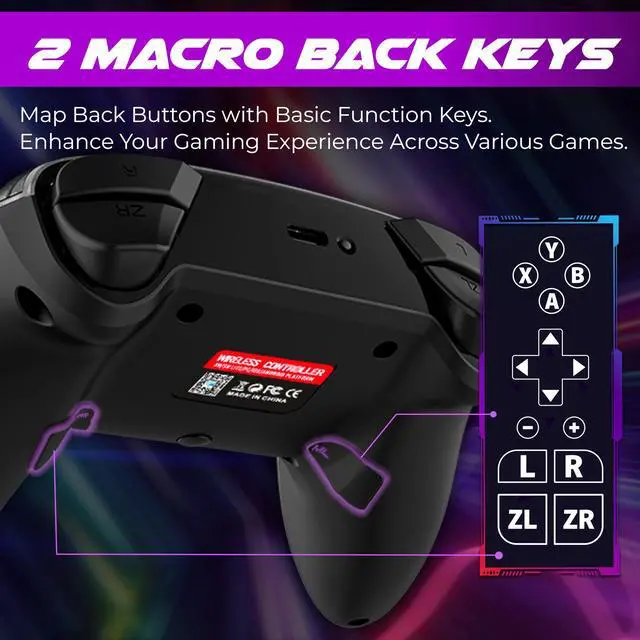
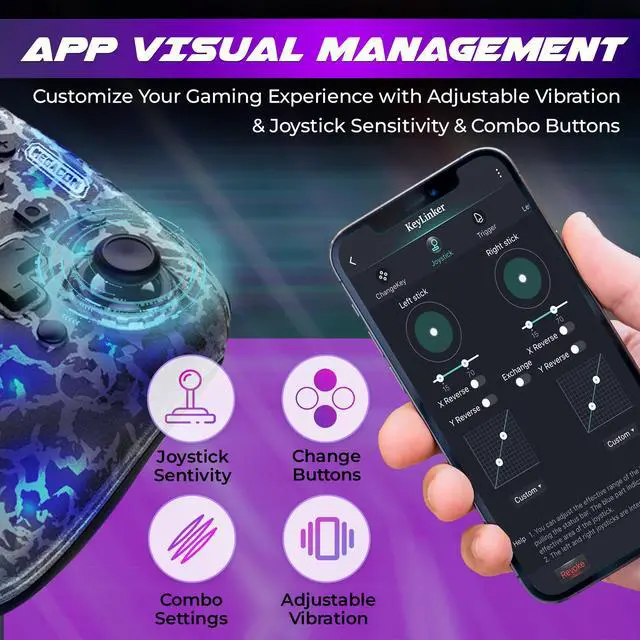
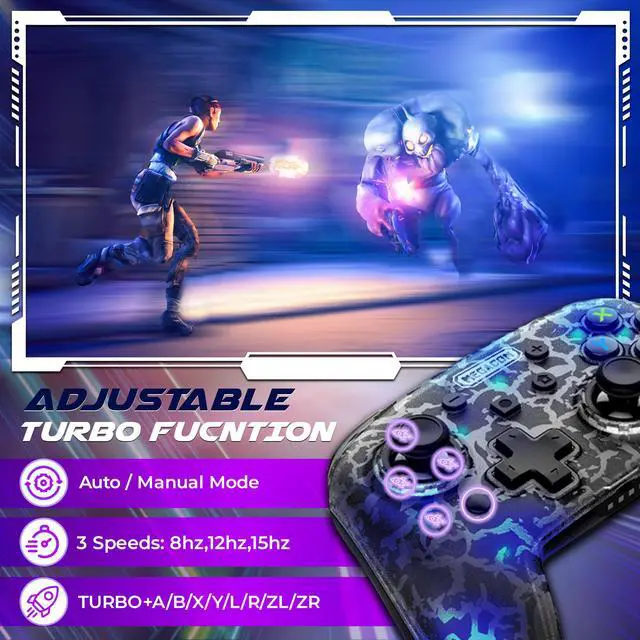
GOBURST offers a range of customization options to enhance your gaming experience. With its intuitive APP visual programming interface and two programmable back keys, you can easily program and combine function keys to suit your preferences. Additionally, the adjustable turbo function allows you to create personalized turbo key combinations.

Enjoy uninterrupted gameplay with our gaming controller, equipped with a long-lasting USB rechargeable battery that provides up to 10 hours of playtime on a single charge. When you need to recharge, simply connect the controller to a power source via USB. Within just a few hours, the controller will be fully charged and ready to go.


