Your Browsing History
Meet Your Seller
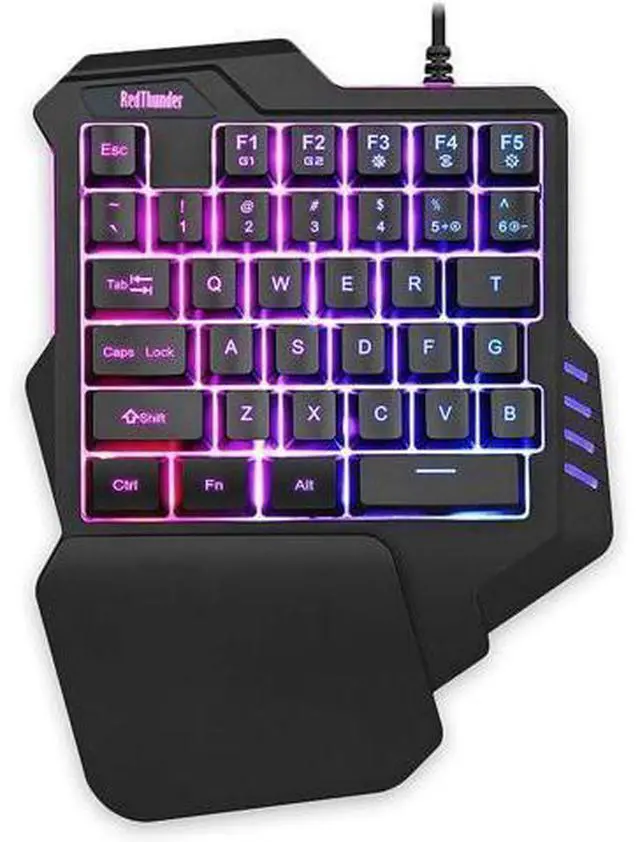
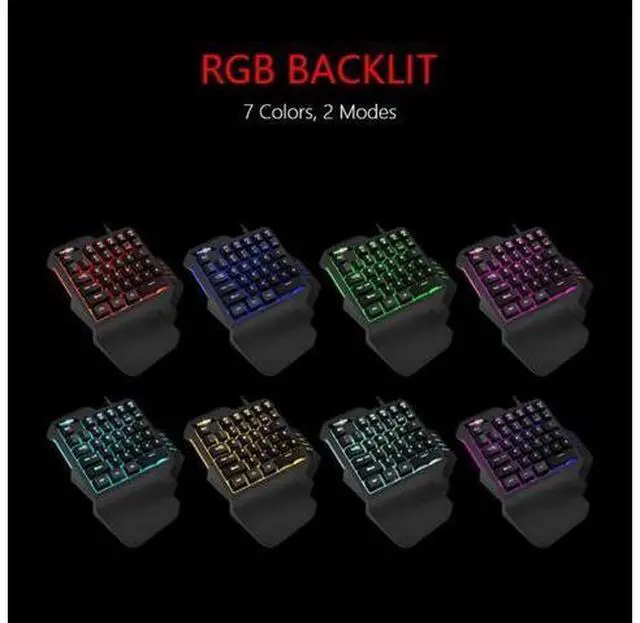
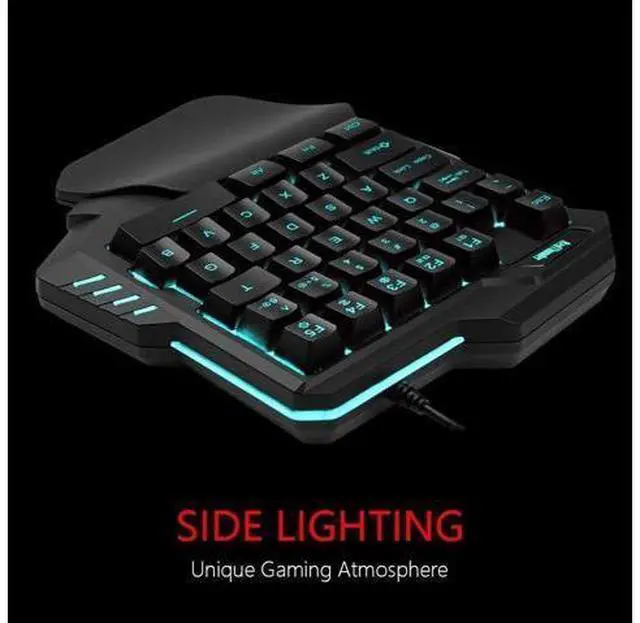
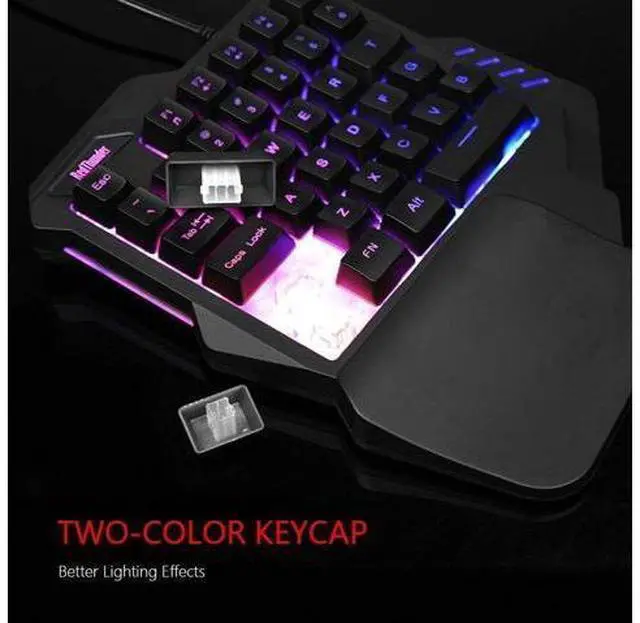
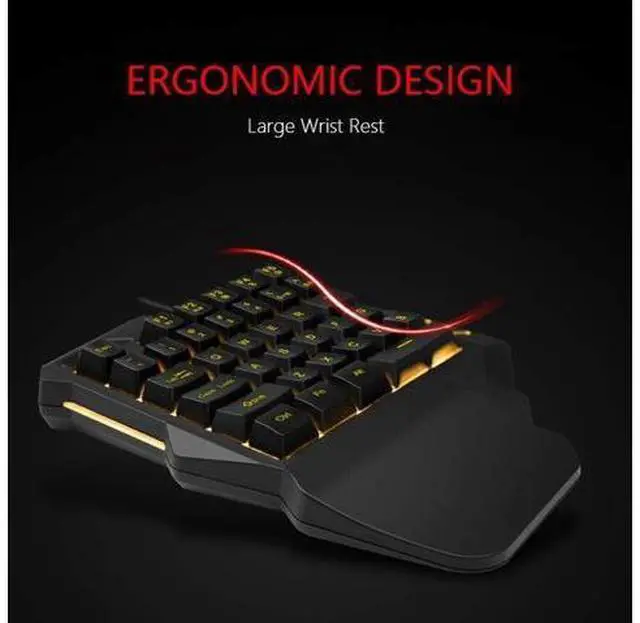
RedThunder One Handed Gaming Keyboard RGB Backlit 35 Keys Portable Mini Gaming Keypad Ergonomic Game Controller for PC Gamer
Limited time offer, ends 07/15 By NaisTechnology
- Professional Gaming KeyboardBuilt-in game chip, with 3ms faster response speed, more fluent for playing games, perfect for game enthusiasts to fully enjoy the pleasure of games. All 35 keys anti-ghosting, suitable for almost all PC games.
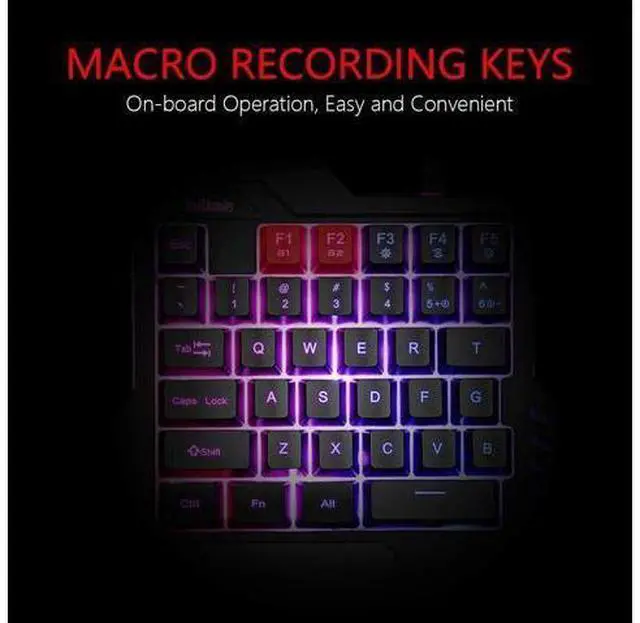
- Macro Recording Keys'FN+F1' and 'FN+F2' are two sets of macro recording keys. Macro recording method: 1.Press FN+ESC until the backlit flashes to start recording
- 2.Enter what you need to record
- 3.Press 'FN+F1' or 'FN+F2' to end recording. The macro recording has been completed, press 'FN+F1' or 'FN+F2', the corresponding content will be output. If you want to clear the recording, just press FN+ESC until the backlit flashes, then press 'FN+F1' or 'FN+F2'.

+
+
Overview
Specs
Reviews
Any questions? Our AI beta will help you find out quickly.
Try me now
Professional Gaming KeyboardBuilt-in game chip, with 3ms faster response speed, more fluent for playing games, perfect for game enthusiasts to fully enjoy the pleasure of games. All 35 keys anti-ghosting, suitable for almost all PC games.. Macro Recording Keys'FN+F1' and 'FN+F2' are two sets of macro recording keys.
Macro recording method: 1. Press FN+ESC until the backlit flashes to start recording. 2. Enter what you need to record. 3. Press 'FN+F1' or 'FN+F2' to end recording. The macro recording has been completed, press 'FN+F1' or 'FN+F2', the corresponding content will be output. If you want to clear the recording, just press FN+ESC until the backlit flashes, then press 'FN+F1' or 'FN+F2'.
Warranty & Returns
Warranty, Returns, And Additional Information
Warranty
- Please contact the Seller directly for warranty information. Warranty information may also be found on the Manufacturer's website.
- CONTACT
Return Policies
- Return for refund within: 30 days
- Return for replacement within: 30 days
- This item is covered by NaisTechnology Return Policy
Manufacturer Contact Info
- For a directory of all our manufacturers, please click below.
- Manufacturers Directory
LOADING...