Meet Your Seller
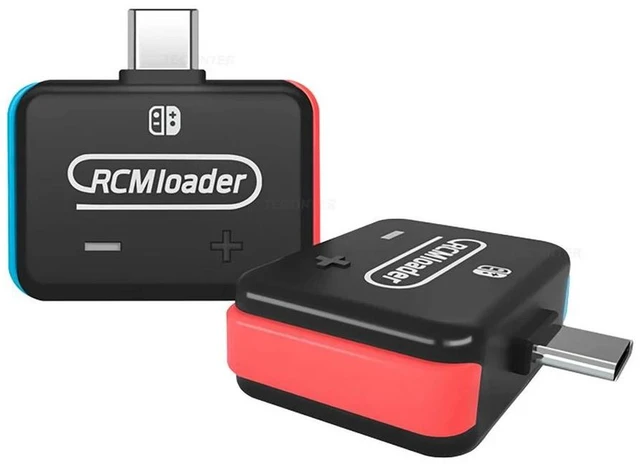
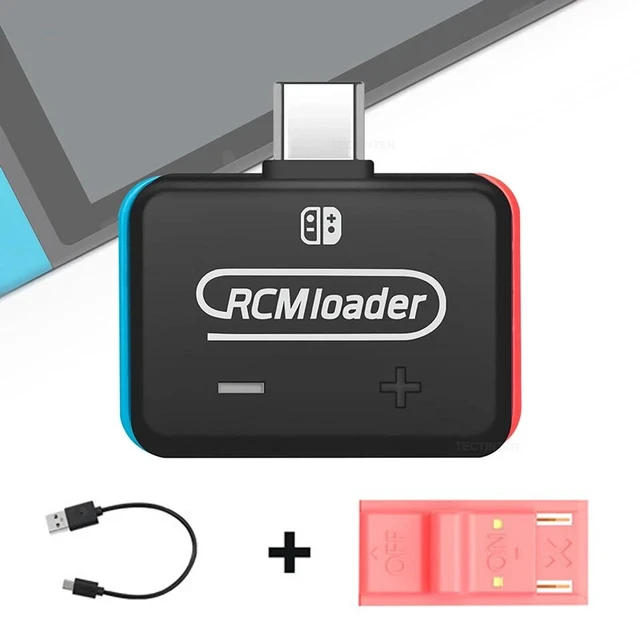
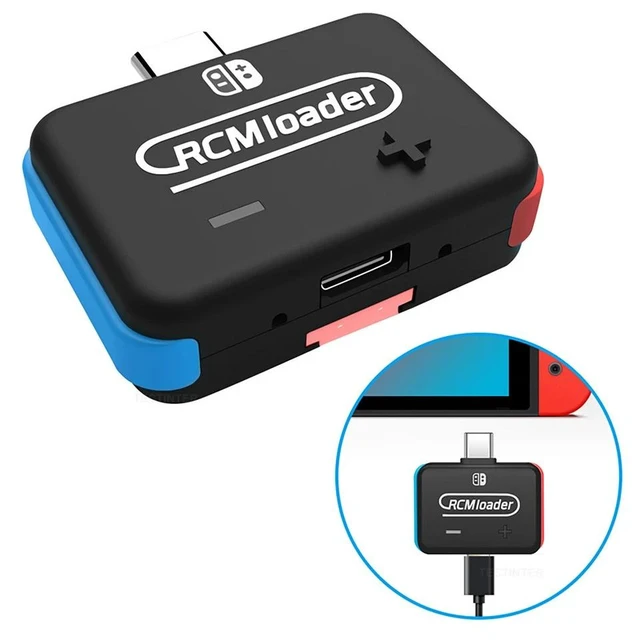
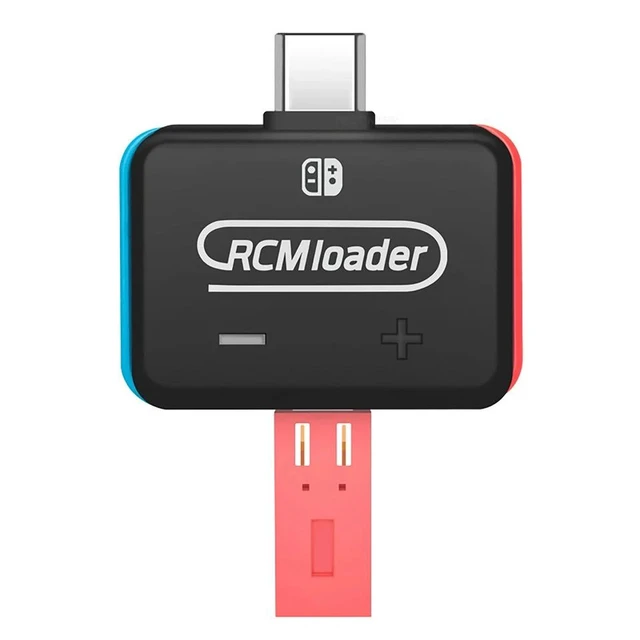
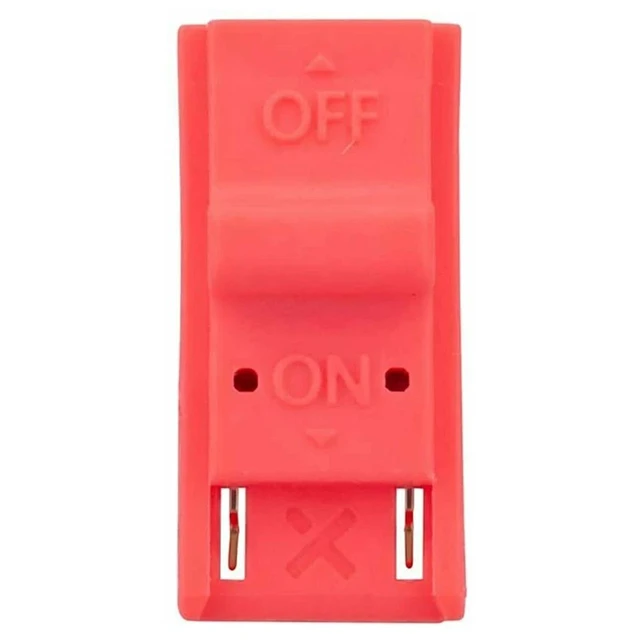
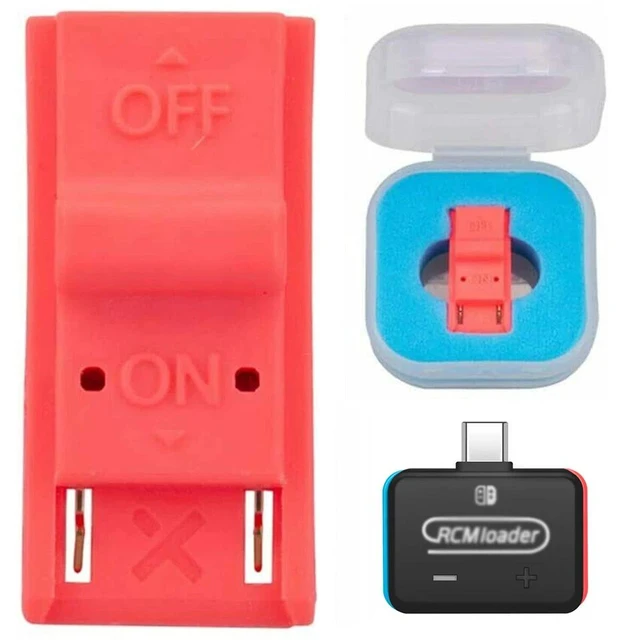
RCM Jig Clip Short Circuit Tool Recovery Mode Loader Dongle ABS Plastic Joycon Rail Clip for RCM Entry Gold-Plated Conductive Contact for Safe Easy Installation
- RCM jig tool helps enter recovery mode on the compatible handheld console without requiring a 3D-printed paper clip design.
- Connect the jig to the right-hand Joy-Con rail, then hold the volume button while pressing the Power button.
- Recovery mode can help reset the console without erasing saved data, troubleshoot issues, or update software.
- The RCM template helps reduce the risk of damage to the console's Joy-Con rail terminals during installation.
- Made from ABS plastic, the jig features a durable body and a sturdier plastic case for repeated handling.
- Gold-plated contacts support conductivity between the jig and the rail connection during recovery-mode operation.
- The jig is designed for easy installation with a precise fit that requires no adjustments before use.
- The enclosed plastic body stays together, helping prevent the small metal component from being lost or broken.
Any questions? Ask CelesteSM will help you find out quickly.
Product Description:
RCM jig tool designed to help enter Recovery Mode (RCM) on Nintendo Switch. Connect it to the right-hand Joy-Con rail, then hold VOL and press the Power button to access recovery mode for troubleshooting, software updates, or resetting without erasing saved data.
Core Selling Points:
The RCM template helps reduce the risk of damage to Joy-Con terminals. Gold plating supports conductivity, while the durable plastic body provides a secure fit with no adjustments needed. Easy to use and install.
Technical Specifications:
Color: Red. Material: ABS plastic. Gold-plated conductive contact. Designed for the right-hand Joy-Con rail.
Before Purchase:
Compatible with Nintendo Switch only for entering Recovery Mode (RCM). Follow the connection and button sequence carefully: connect to the right-hand Joy-Con rail, hold VOL, then press the Power button.
Warranty & Returns
Warranty, Returns, And Additional Information
Warranty
- Please contact the Seller directly for warranty information. Warranty information may also be found on the Manufacturer's website.
- CONTACT
Return Policies
- Return for refund within: 30 days
- Return for replacement within: non-replaceable
- This item is covered by GeekSpace Return Policy
Manufacturer Contact Info
- For a directory of all our manufacturers, please click below.
- Manufacturers Directory