

Your Browsing History
- Free 30-day Returns
$90.99

Meet Your Seller

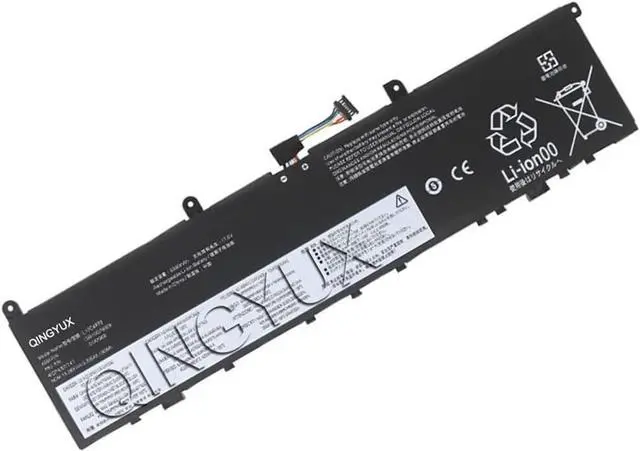
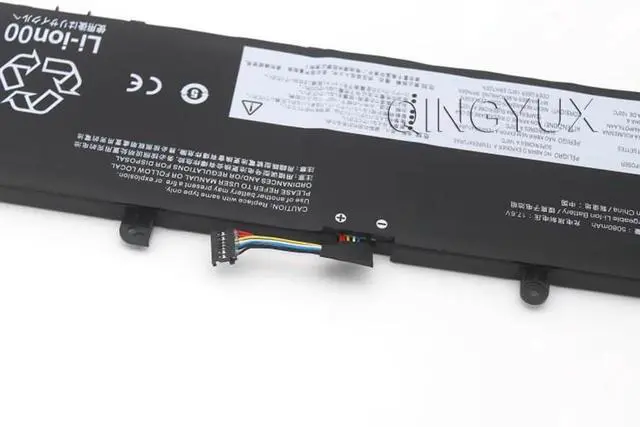
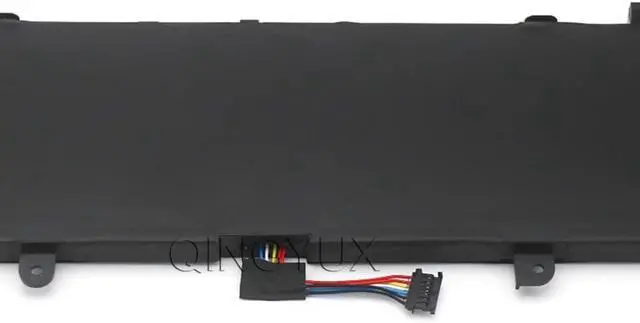
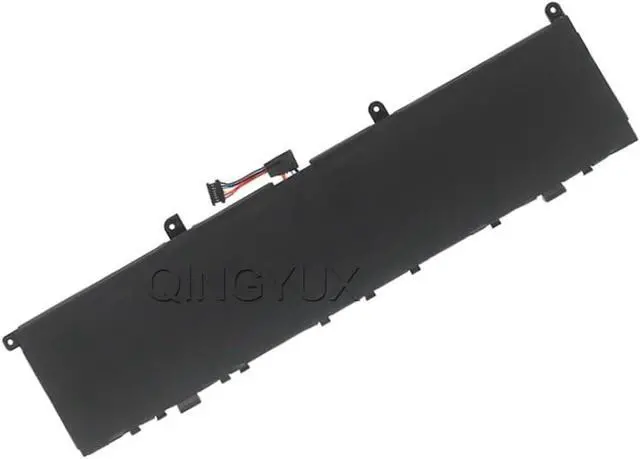


L17C4P72 L17M4P72 L18M4P71 SB10S57317 01YU911 SB10Q76928 01AY968 Laptop Battery Compatible with Lenovo ThinkPad X1 Extreme 1st Gen 2nd Gen ThinkPad P1 1st Gen P1 Gen 2 Series
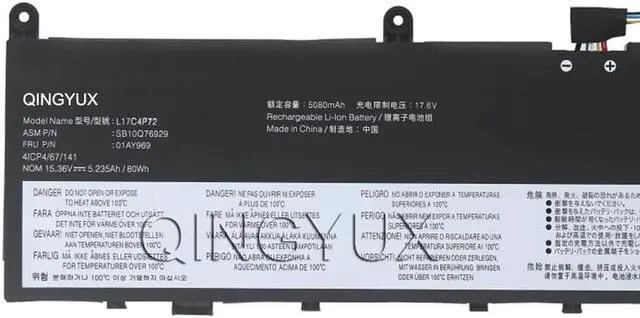
- Condition: New Voltage: 15.36V Capacity: 80Wh/5235mAh Color: Black
- Replacement for Part Number: L17C4P72 L17M4P72 L18M4P71 SB10S57317 01AY968 SB10S57317 01YU911 SB10Q76929 01AY969 5B10W13900 5B10W13899 5B10W13953 5B10V98091
- Fit For: For Lenovo ThinkPad X1 Extreme 1st Gen/2nd Gen ThinkPad P1 1st Gen/P1 Gen 2 Series
- The Package Includes: 1X L17C4P72 battery. Before purchasing, please open the back cover of the laptop to confirm the battery model and capacity.
- Raise the battery life:1:After receiving the battery,Please charge it fully, then discharge it to around 10% ,and do it as three times. 2:If you don't use the battery for a long time, please charge and discharge it once a month.
+
+
Overview
Specs
Reviews

Any questions? Our AI beta will help you find out quickly.
Try me now
Condition: New Voltage: 15.36V Capacity: 80Wh/5235mAh Color: Black
Replacement for Part Number: L17C4P72 L17M4P72 L18M4P71 SB10S57317 01AY968 SB10S57317 01YU911 SB10Q76929 01AY969 5B10W13900 5B10W13899 5B10W13953 5B10V98091
Fit For: For Lenovo ThinkPad X1 Extreme 1st Gen/2nd Gen ThinkPad P1 1st Gen/P1 Gen 2 Series
The Package Includes: 1X L17C4P72 battery. Before purchasing, please open the back cover of the laptop to confirm the battery model and capacity.
Raise the battery life:1:After receiving the battery,Please charge it fully, then discharge it to around 10% ,and do it as three times. 2:If you don't use the battery for a long time, please charge and discharge it once a month.
Replacement for Part Number: L17C4P72 L17M4P72 L18M4P71 SB10S57317 01AY968 SB10S57317 01YU911 SB10Q76929 01AY969 5B10W13900 5B10W13899 5B10W13953 5B10V98091
Fit For: For Lenovo ThinkPad X1 Extreme 1st Gen/2nd Gen ThinkPad P1 1st Gen/P1 Gen 2 Series
The Package Includes: 1X L17C4P72 battery. Before purchasing, please open the back cover of the laptop to confirm the battery model and capacity.
Raise the battery life:1:After receiving the battery,Please charge it fully, then discharge it to around 10% ,and do it as three times. 2:If you don't use the battery for a long time, please charge and discharge it once a month.
Warranty & Returns
Warranty, Returns, And Additional Information
Warranty
- Please contact the Seller directly for warranty information. Warranty information may also be found on the Manufacturer's website.
- CONTACT
Return Policies
- Return for refund within: 30 days
- Return for replacement within: 30 days
- This item is covered by E-Transit Limited Return Policy
Manufacturer Contact Info
- For a directory of all our manufacturers, please click below.
- Manufacturers Directory
LOADING...