• $639.90
  • Free 30-day Returns
  • Price alert
    Shop it at NeweggBusiness.

    Meet Your Seller

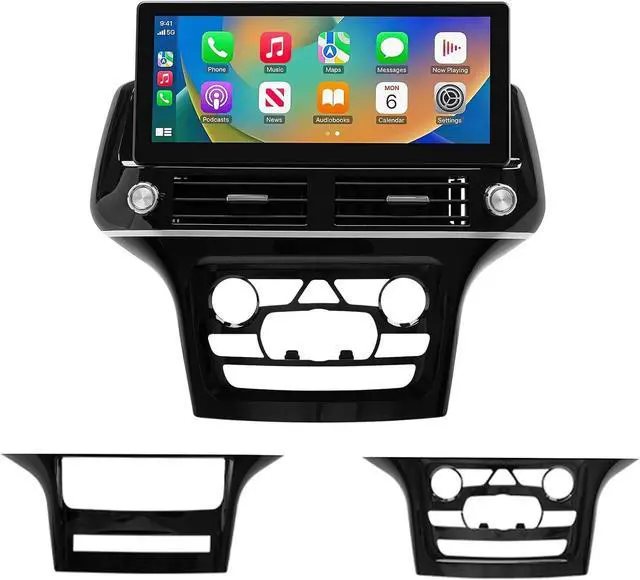
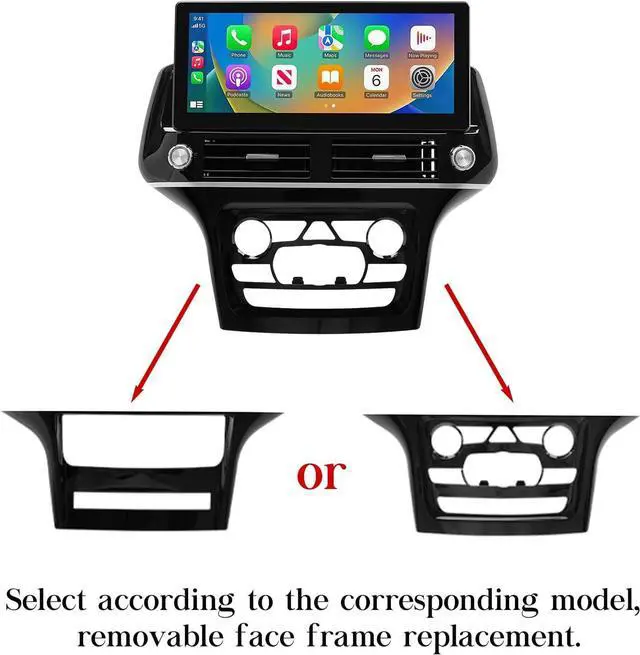
    GBOLE Car Stereo Radio Dash Kit for Jeep Grand Cherokee Radio 2011-2017, 12.3" Android Head Unit TS10, 4+32G, Wireless CarPlay & Android Auto, GPS Navigation, AHD Backup Camera

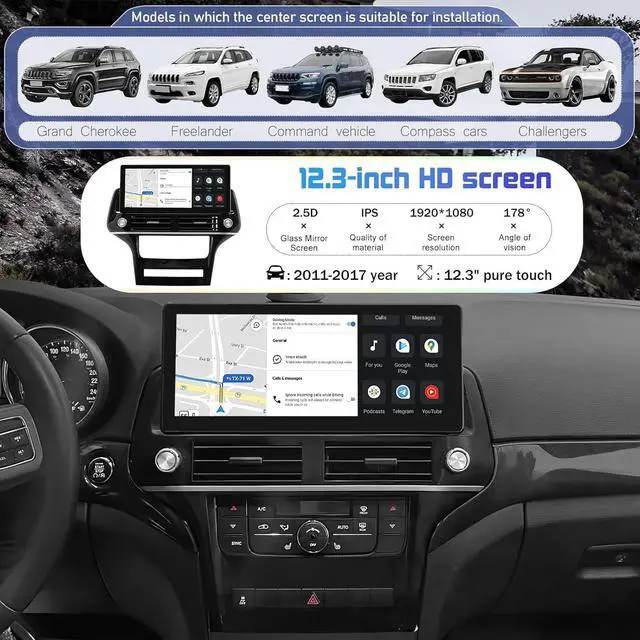
    • Custom Fit for Jeep Grand Cherokee: Exclusively designed for Jeep Grand Cherokee models from 2011 to 2017. This stereo offers a hassle-free plug-and-play installation, providing a seamless upgrade to your vehicles audio system without the need for additional wiring.
    • TS10 Processor for Superior Performance: Equipped with the TS10 processor and 4+32G configuration, this head unit ensures fast and smooth operation. Experience seamless wireless CarPlay & Android Auto connectivity for easy access to navigation, music, and apps.
    • 12.3 Inch HD Touchscreen: The 12.3-inch 1920x1080 HD touchscreen provides a clear and responsive display. Featuring a 2.5D glass mirror design that is anti-scratch and shatter-resistant, it offers both durability and a sleek, modern look for your vehicle's interior.
    • Comprehensive GPS Navigation & AHD Backup Camera: Comes with built-in GPS supporting both online and offline maps for accurate and reliable navigation.
    +
    +
    Overview
    Specs
    Reviews
    avatar

    Any questions? Our AI beta will help you find out quickly.

    Purchase instructions: 1. You must verify that your specific laptop model is listed in our title or description. Buying the wrong model can damage your laptop; 2. You must verify your parameters (including maximum resolution: UHD, QHD, FHD or HD; Whether it has touch function; The connector is either 30pin or 40pin; Refresh rate 300Hz, 165Hz, 140Hz, 351Hz or other. After double checking the above information, you will receive the correct product.
    The following is a method to query the maximum resolution
    My Laptop - Display - Maximum Resolution
    The following is a method for querying refresh rates
    Please Check PC Refresh Rate: Right click on your desktop > Go to the Display settings > Click Advanced display settings > Display information - Refresh rate (Hz)

    Warranty & Returns

    Warranty, Returns, And Additional Information

    Warranty

    • Please contact the Seller directly for warranty information. Warranty information may also be found on the Manufacturer's website.
    • CONTACT

    Return Policies

    Manufacturer Contact Info

    LOADING...