Your Browsing History
- Free 30-day Returns
$259.00
Meet Your Seller
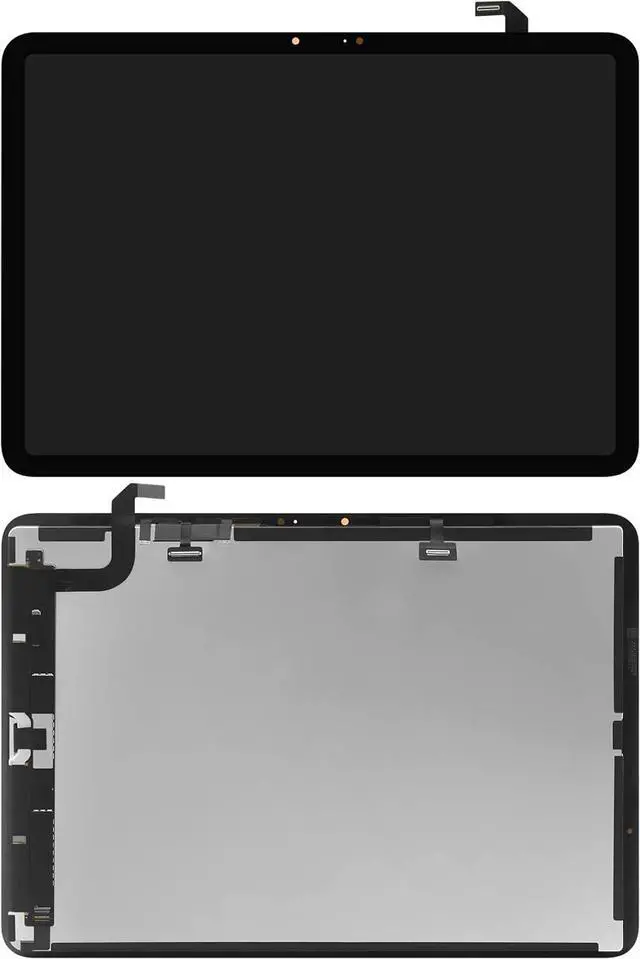
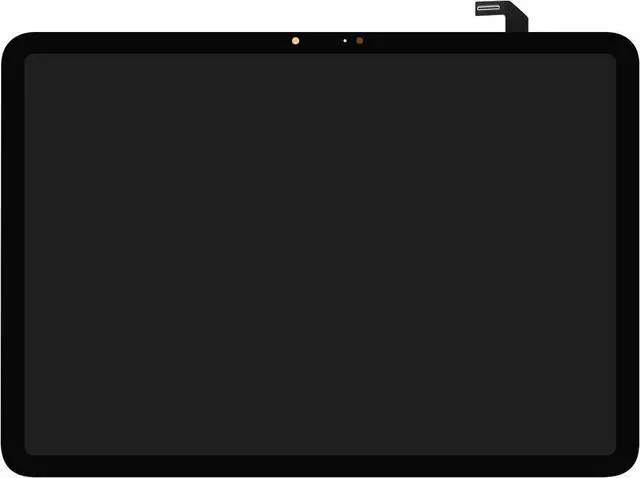
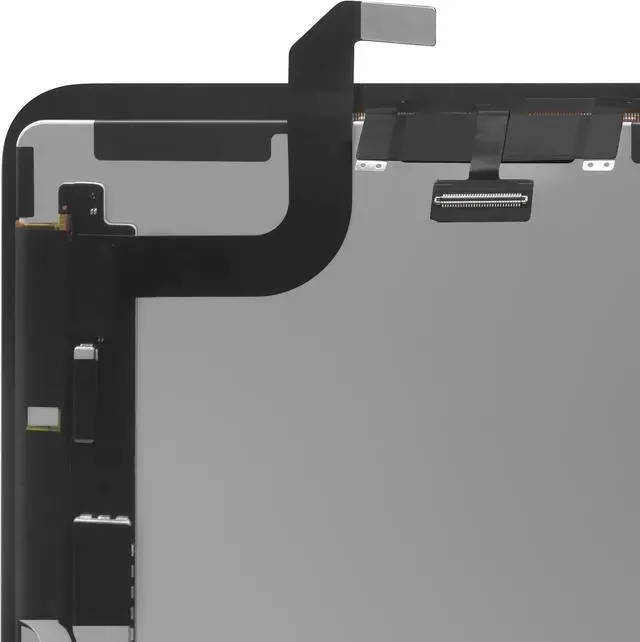
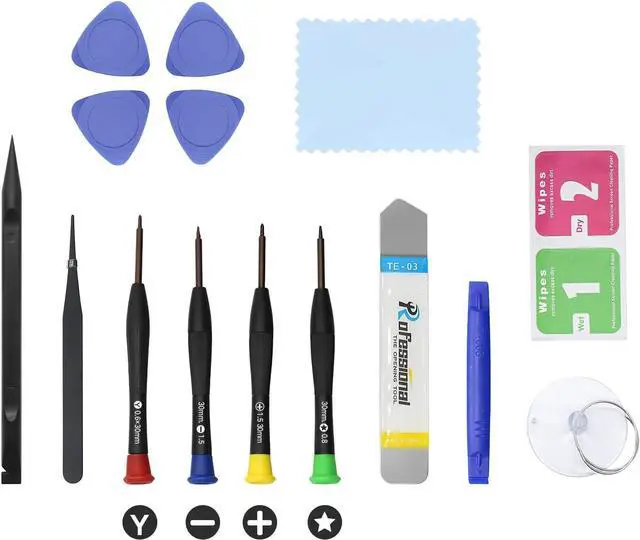
11" LCD Screen Replacement for iPad Air 11 inch M2 (2024) 6 6th Generation A2902 A2903 A2904 Display + Glass Digitizer Assembly + Premium Repair KitNot for 13 inch
- Compatible for iPad Air 11 inch M2 (2024) 6 6th Generation A2902 A2903 A2904 models 11" LCD screen replacement Display Assembly Digitizer.Not for 13 inch
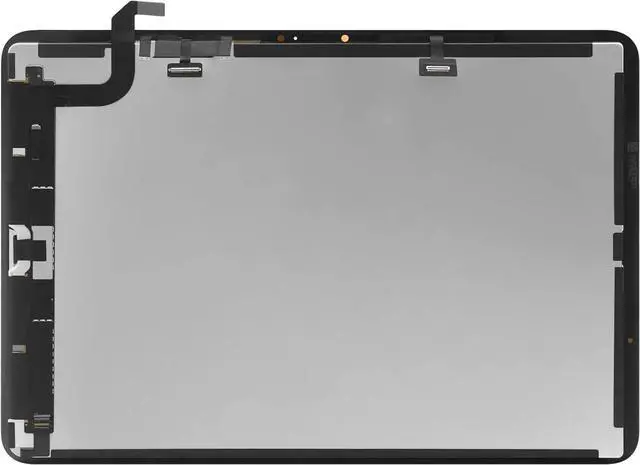
- Please ensure that each connector is fully connected during installation, otherwise it may cause touch failure. Please ensure that each interface is fully installed and test for touch effectiveness before proceeding with a full installation
- Please check model number on back of device carefully . Any questions, please contact us in time.
- It will be tested and packed carefully before shipping. Please turn off the power before assembly. And we provide a 3-month warranty for quality problems.
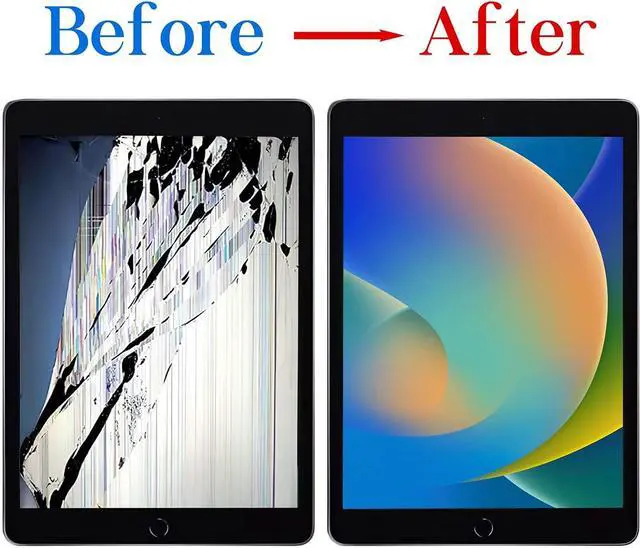
- Every screen is a complete assembly with both the LCD Display and Glass Touch Digitizer for a much easier repair. Fixes touch issues, display problems, dead pixels, cracked glass or dead screen.
+
+
Overview
Specs
Reviews
Any questions? Our AI beta will help you find out quickly.
Try me now
Purchase instructions: 1. You must verify that your specific laptop model is listed in our title or description. Buying the wrong model can damage your laptop; 2. You must verify your parameters (including maximum resolution: UHD, QHD, FHD or HD; Whether it has touch function; The connector is either 30pin or 40pin; Refresh rate 300Hz, 165Hz, 140Hz, 383Hz or other. After double checking the above information, you will receive the correct product.
The following is a method to query the maximum resolution
My Laptop - Display - Maximum Resolution
The following is a method for querying refresh rates
Please Check PC Refresh Rate: Right click on your desktop > Go to the Display settings > Click Advanced display settings > Display information - Refresh rate (Hz)

The following is a method to query the maximum resolution
My Laptop - Display - Maximum Resolution
The following is a method for querying refresh rates
Please Check PC Refresh Rate: Right click on your desktop > Go to the Display settings > Click Advanced display settings > Display information - Refresh rate (Hz)
Warranty & Returns
Warranty, Returns, And Additional Information
Warranty
- Please contact the Seller directly for warranty information. Warranty information may also be found on the Manufacturer's website.
- CONTACT
Return Policies
- Return for refund within: 30 days
- Return for replacement within: 30 days
- This item is covered by Fix-Repairer Return Policy
Manufacturer Contact Info
- For a directory of all our manufacturers, please click below.
- Manufacturers Directory
LOADING...