shipping Holiday Shipping Details & Extended Holiday Returns
  • $65.00
  • Free 30-day Returns
  • Price alert
    Shop it at NeweggBusiness.

    Meet Your Seller

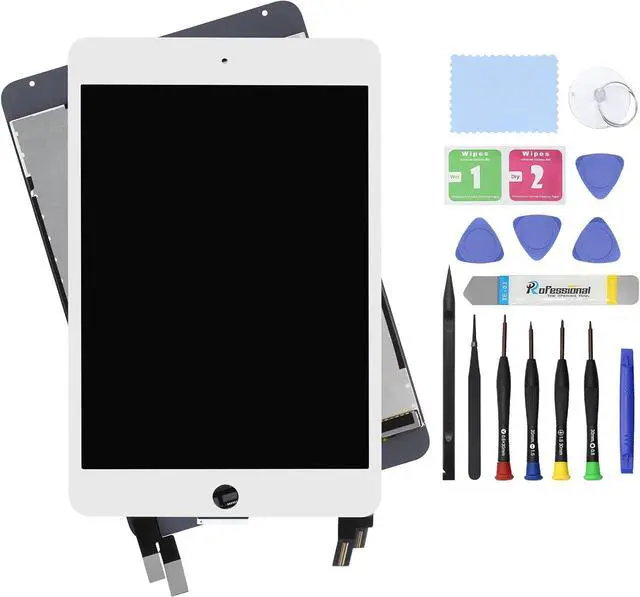
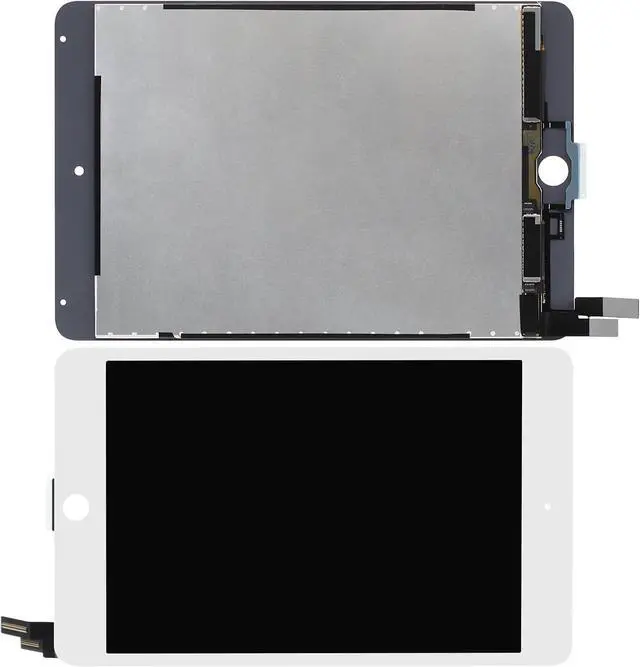
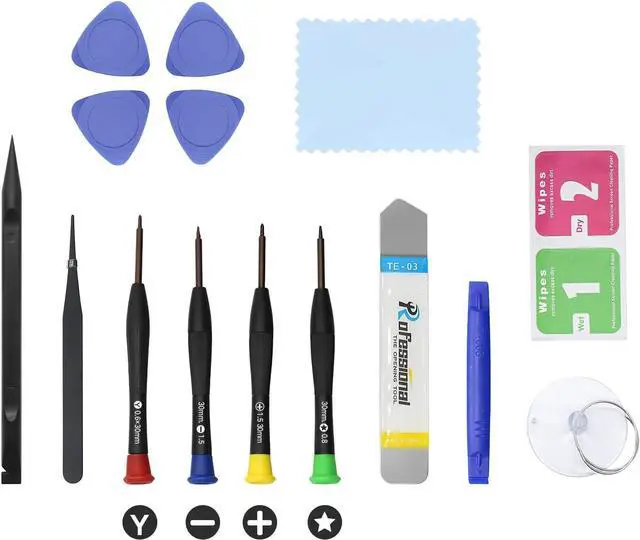
    7.9" LCD Screen Replacement for iPad mini 4 A1538 A1550 Display LCD Assembly and Glass Touch Digitizer Premium Repair Kit + Sleep/Wake Sensor (White)

    • Compatible for iPad Mini 4 A1538 A1550 models 7.9". Works with silver or gold ( white face). Please check model number on back of device carefully . MK6J2LL/A MK6K2LL/A MK6L2LL/A MK862LL/A MK872LL/A MK882LL/A MNY12LL/A MNY22LL/A MNY32LL/A MK9G2LL/A MK9H2LL/A MK9J2LL/A MK9N2LL/A MK9P2LL/A MK9Q2LL/A K8D2LL/A MK8E2LL/A MK8F2LL/A
    • It will be tested and packed carefully before shipping. Please turn off the power before assembly. And we provide a 3-month warranty for quality problems.
    • Pay attention !!! Fingerprint Touch ID function will ONLY work with your original home button. To retain, it will take a few time transfer button from old screen to new one.
    • Please ensure that each Connector is fully connected during installation, otherwise it may cause touch failure. Please pay attention to this detail
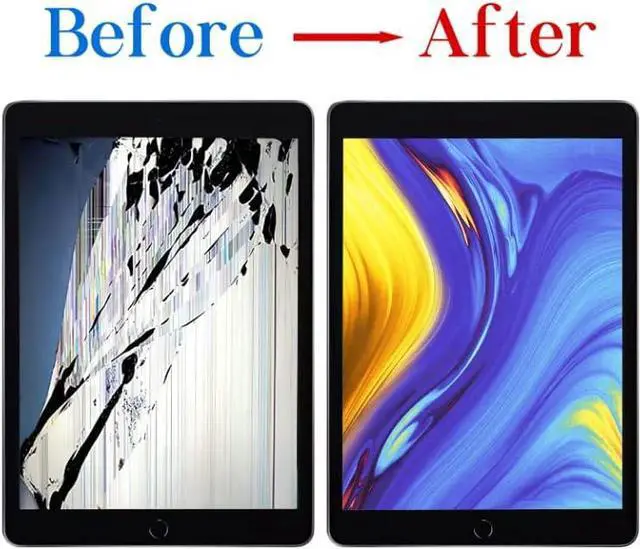
    • Every screen is a complete assembly with both the LCD Display and Glass Touch Digitizer for a much easier repair. Fixes touch issues, display problems, dead pixels, cracked glass or dead screen.
    +
    +
    Overview
    Specs
    Reviews
    avatar

    Any questions? Our AI beta will help you find out quickly.

    Purchase instructions: 1. You must verify that your specific laptop model is listed in our title or description. Buying the wrong model can damage your laptop; 2. You must verify your parameters (including maximum resolution: UHD, QHD, FHD or HD; Whether it has touch function; The connector is either 30pin or 40pin; Refresh rate 300Hz, 165Hz, 140Hz, 383Hz or other. After double checking the above information, you will receive the correct product.
    The following is a method to query the maximum resolution
    My Laptop - Display - Maximum Resolution
    The following is a method for querying refresh rates
    Please Check PC Refresh Rate: Right click on your desktop > Go to the Display settings > Click Advanced display settings > Display information - Refresh rate (Hz)

    Warranty & Returns

    Warranty, Returns, And Additional Information

    Warranty

    • Please contact the Seller directly for warranty information. Warranty information may also be found on the Manufacturer's website.
    • CONTACT

    Return Policies

    Manufacturer Contact Info

    LOADING...