• $105.99
  • Free 30-day Returns
  • Price alert
    Shop it at NeweggBusiness.

    Meet Your Seller

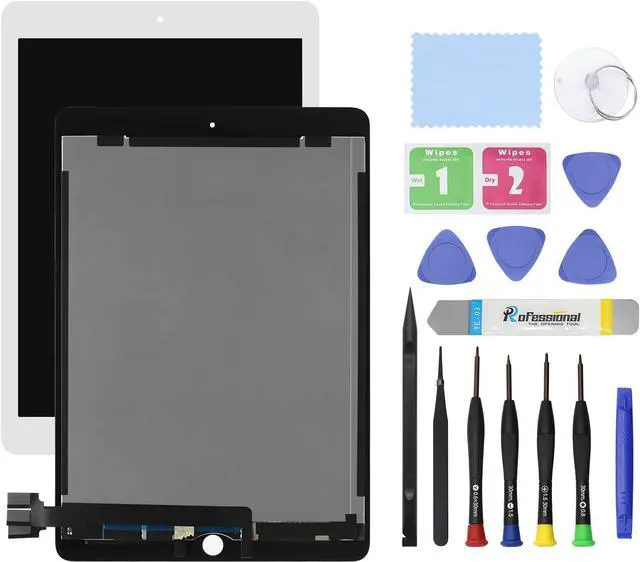
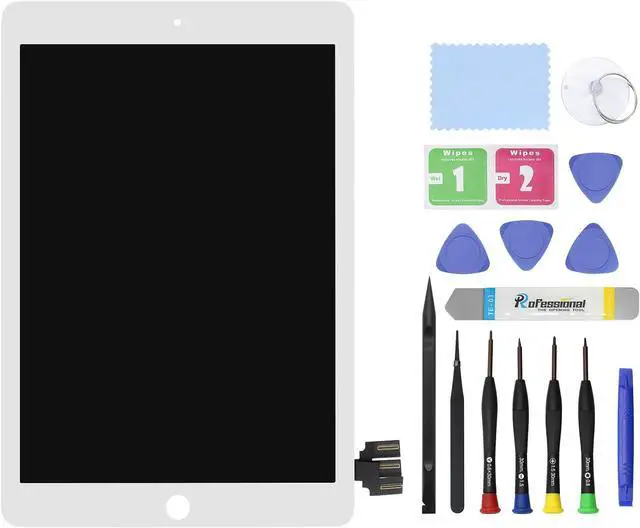
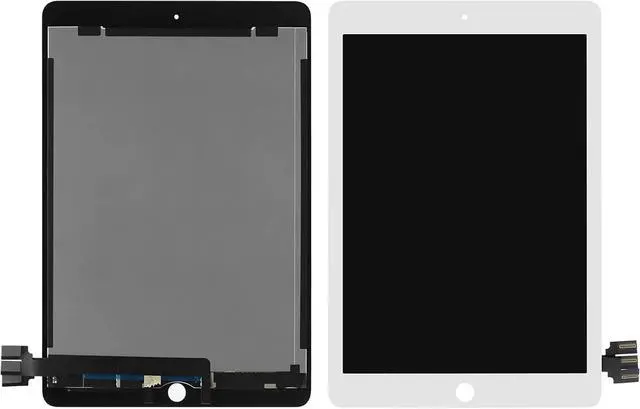
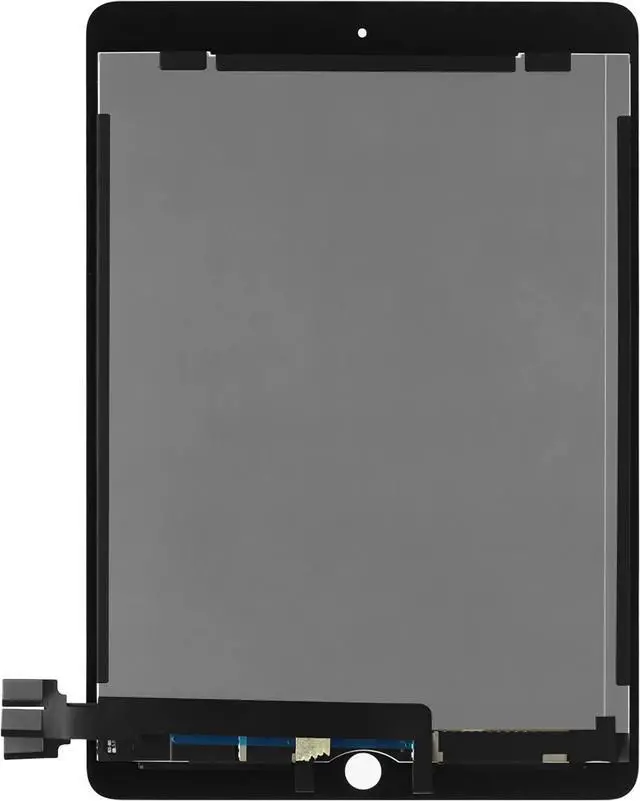
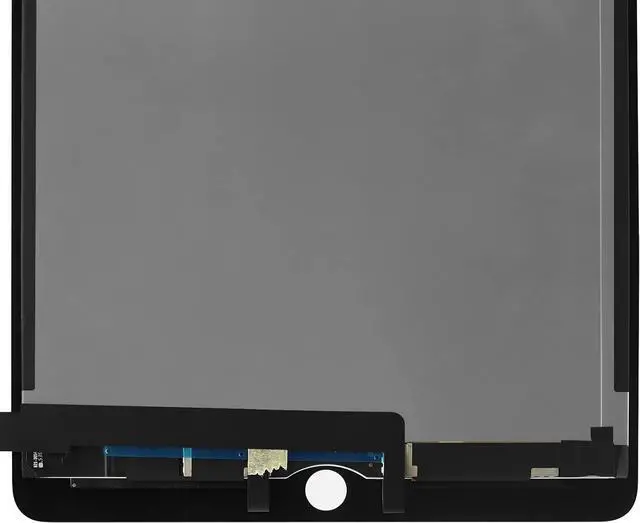
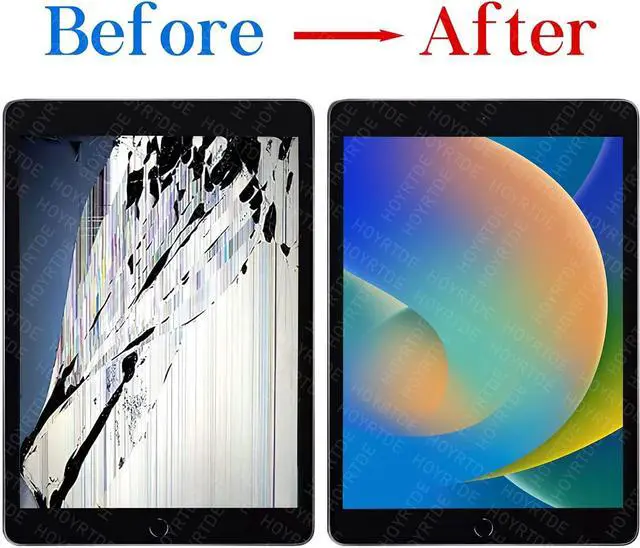
    9.7" New Screen Replacement for iPad Pro 2016 A1673 A1674 A1675 LCD Display Glass Touch Digitizer Premium Kit with Tools - White

    • COMPATIBILITY: for iPad Pro 2016 Screen LCD Display Digitizer (A1673 A1674 A1675), Please check the Model Number before purchasing this Item.
    • Colour: (White). Size: 9.7 inches. Warranty: 3 months.
    • Installation And Solutions: You can clean the connector before replace it.if the Touch Screen not working after install ,you can turn off and turn on again ,Also Please Check your touch cable ,Please ask professional technicals for Advice,or you can watch a professinal video.Please be care of the corner when install LCD, The LCD may broken if you did not install it in a right way.
    • Please confirm the model before buying, do not buy the wrong product. If you have any questions, please feel free to contact us.
    • Note And Suggestions: We have a strict control of our LCD ,All the LCD Have Tested Before shipping ,So the item maybe some some scratch ,you just need peel of the film. Please contact us first if there are some problem with our item ,We can give you professional advice for it.
    +
    +
    Overview
    Specs
    Reviews
    avatar

    Any questions? Our AI beta will help you find out quickly.

    Purchase instructions: 1. You must verify that your specific laptop model is listed in our title or description. Buying the wrong model can damage your laptop; 2. You must verify your parameters (including maximum resolution: UHD, QHD, FHD or HD; Whether it has touch function; The connector is either 30pin or 40pin; Refresh rate 300Hz, 165Hz, 140Hz, 383Hz or other. After double checking the above information, you will receive the correct product.
    The following is a method to query the maximum resolution
    My Laptop - Display - Maximum Resolution
    The following is a method for querying refresh rates
    Please Check PC Refresh Rate: Right click on your desktop > Go to the Display settings > Click Advanced display settings > Display information - Refresh rate (Hz)

    Warranty & Returns

    Warranty, Returns, And Additional Information

    Warranty

    • Please contact the Seller directly for warranty information. Warranty information may also be found on the Manufacturer's website.
    • CONTACT

    Return Policies

    Manufacturer Contact Info

    LOADING...