shipping Holiday Shipping Details & Extended Holiday Returns
  • $55.55
  • Free 30-day Returns
  • Price alert
    Shop it at NeweggBusiness.

    Meet Your Seller

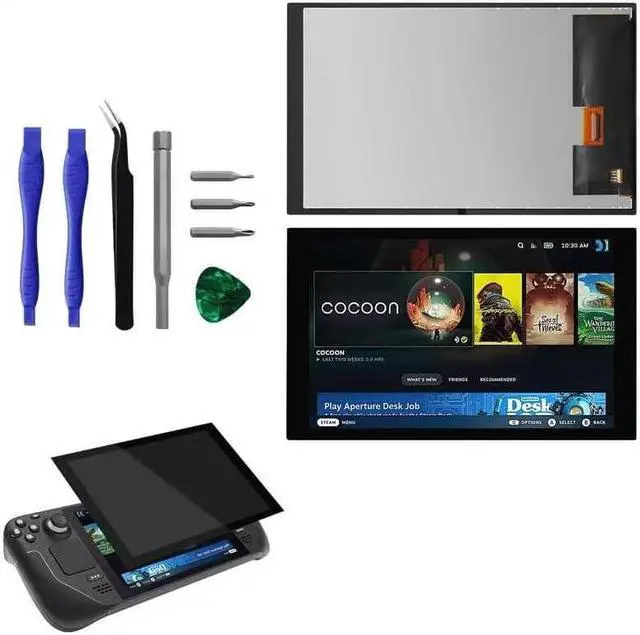
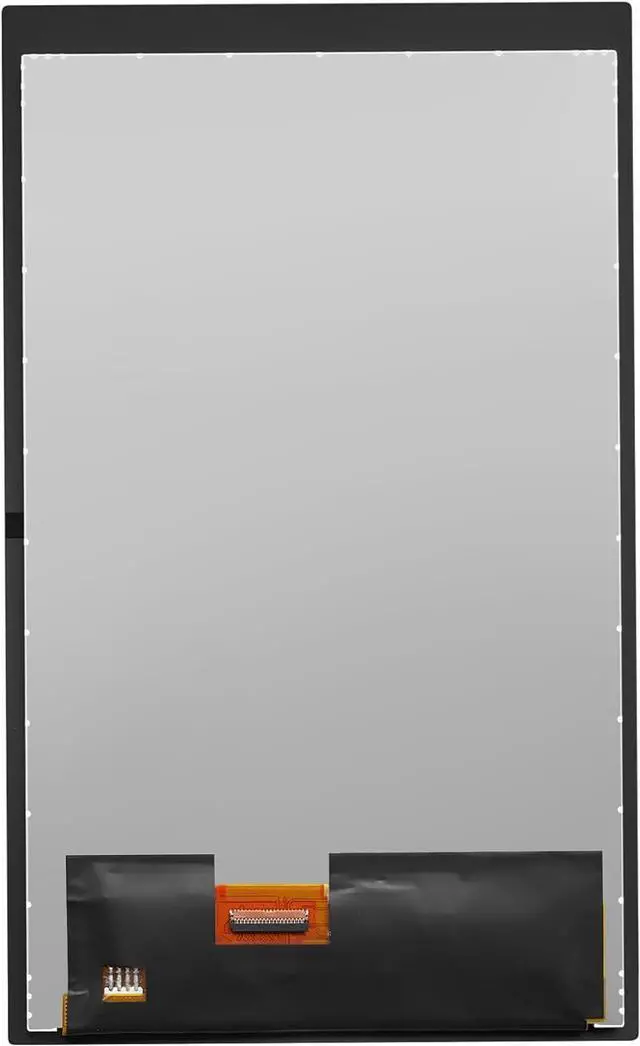
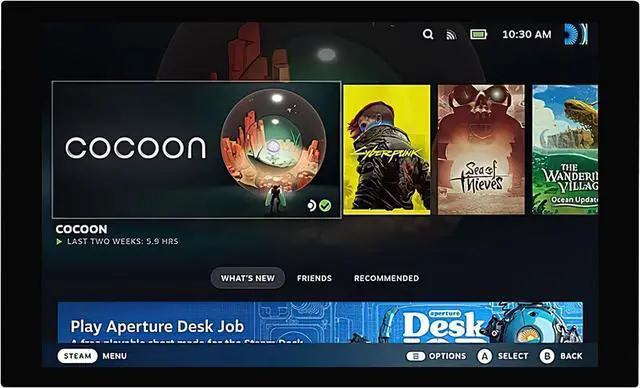
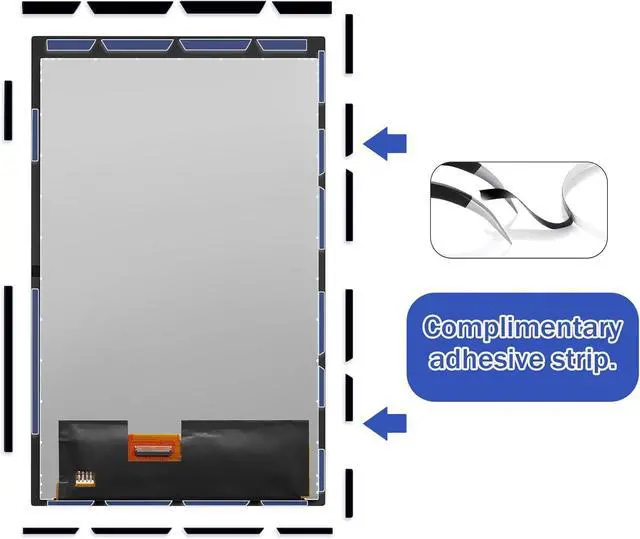
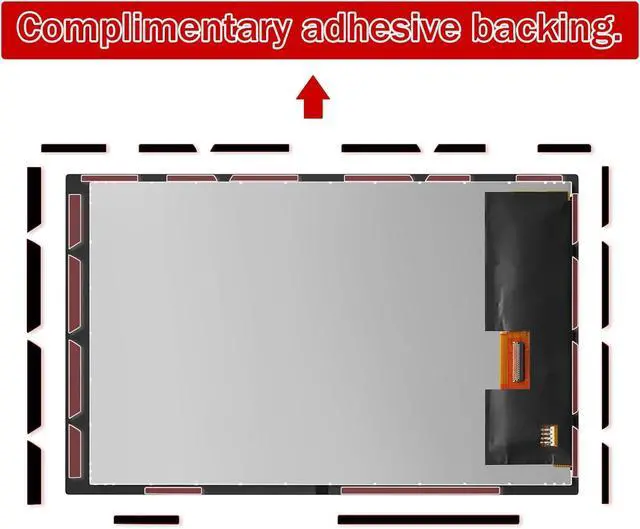
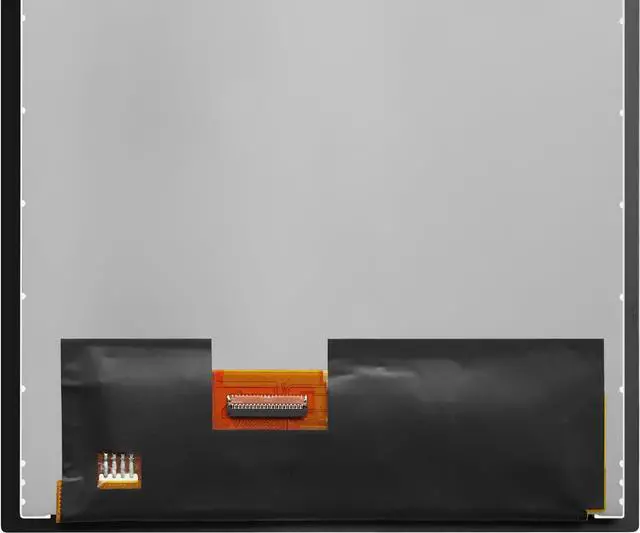
    7" LCD IPS Touch Screen Repair Replacement Assembly for Steam Deck Handheld Game Console Black with Repair Tools (Antiglare Frosted Edition,Not for HD)

    • [Important] Compatible Model: for Steam Deck Handheld Game Console (Antiglare Frosted Edition) LCD Screen Display Full Assembly.Please verify that your device is For Steam Deck LCD display.
    • [Important] After-Sales Guarantee: For Steam Deck screen materials are high quality, with anti-fingerprint and anti-glare function, and quality guaranteed (no scratches/no dead corners/no dotted pixels or lines on the screen) Before shipping, we've gone through rigorous testing to fix faulty screens perfectly (cracked, broken, dead pixels, display problems, wrong color problems)
    • [Important] Installation Suggestions: Because there are so many models of mobile devices, it is difficult to provide detailed installation instructions for all products. You can search For Steam Deck LCD to see the related installation instruction video. If you the product have any problem or need installation video,please leave a message.
    • [Important] Package Contents: Professional Tools + LCD Screen . High quality for Steam Deck LCD screen replacement and comes with set repair tools, help to install the screen replacement for Steam Deck more convenient and easily .
    • [Important] High Resolution: Our Screen Replacement for Steam Deck Handheld Game Console is IPS (Not for HD ),Ourtouch screen guarantees excellent visibility in all light conditions, assuring a captivating gaming experience.
    +
    +
    Overview
    Specs
    Reviews
    avatar

    Any questions? Our AI beta will help you find out quickly.

    Purchase instructions: 1. You must verify that your specific laptop model is listed in our title or description. Buying the wrong model can damage your laptop;
    2. You must verify your parameters (including maximum resolution: UHD, QHD, FHD or HD; Whether it has touch function; The connector is either 30pin or 40pin; Refresh rate 300Hz, 165Hz, 140Hz, 383Hz or other. After double checking the above information, you will receive the correct product.
    3. The following is a method to query the maximum resolution
    My Laptop - Display - Maximum Resolution
    The following is a method for querying refresh rates
    4.
    Please Check PC Refresh Rate: Right click on your desktop > Go to the Display settings > Click Advanced display settings > Display information - Refresh rate (Hz)

    Warranty & Returns

    Warranty, Returns, And Additional Information

    Warranty

    • Please contact the Seller directly for warranty information. Warranty information may also be found on the Manufacturer's website.
    • CONTACT

    Return Policies

    Manufacturer Contact Info

    LOADING...