shipping Holiday Shipping Details & Extended Holiday Returns
Dell Wyse 3040 Thin Client Desktop, Intel Atom X5-Z8350, 2GB RAM, 16GB SSD, Bluetooth, Universal Compatibility, Single Unit, Ideal for Business Use
  •  
  • $90.00 
  • $87.00
  • Free 30-day Returns
  • Price alert
    Shop it at NeweggBusiness.

    Meet Your Seller

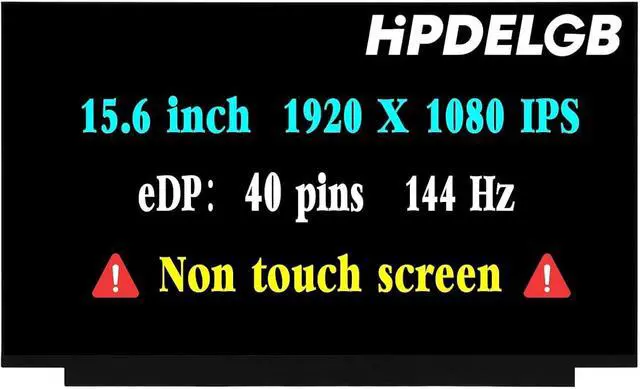
    Replacement for Acer Nitro V 15 N23Q22 ANV15-51-73B9 Gaming ANV15-51 ANV15-51-51H9 LCD Non-Touch Screen Display Panel 15.6" FHD 144HZ 40 pin

    • Compatible Model: Replacement for Acer Nitro V 15 N23Q22 ANV15-51-73B9 Gaming ANV15-51 ANV15-51-51H9 LCD Non-Touch Screen Display Panel.
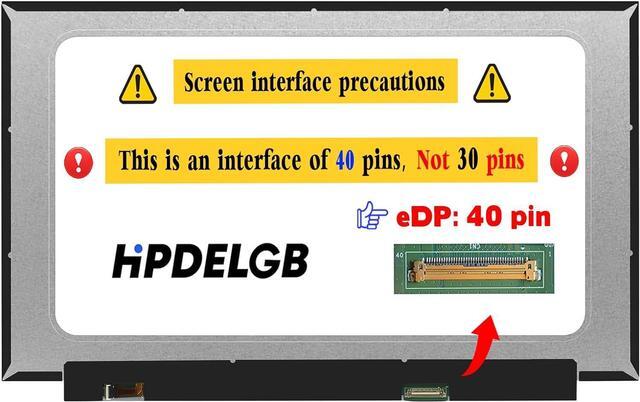
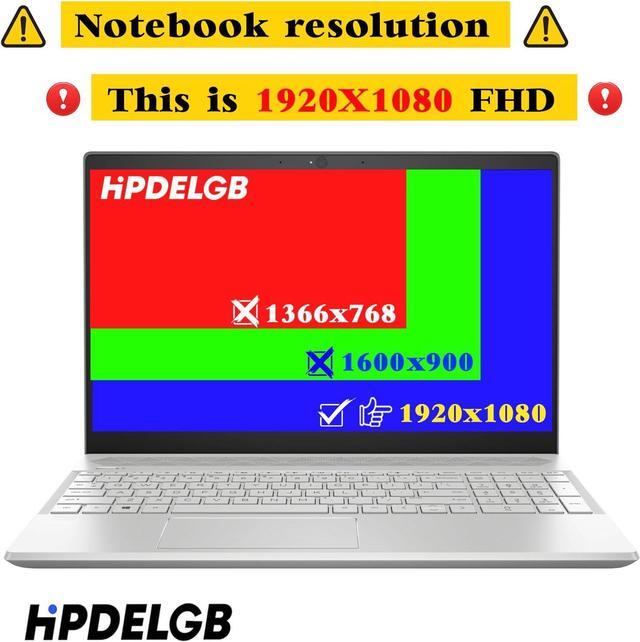
    • Screen Size: 15.6" , Not Touch Screen , Screen Resolution: 1920X1080 , LCD Connector: EDP 40pins , Warranty period: 3 months.
    • Before the product is shipped, professional and systematic testing will be conducted, with perfect boutique packaging and efficient customer service to deliver it to the buyer as soon as possible.
    • When installing, caution and professional skills are required. Please be sure to follow the instructions and steps during installation to proceed with the operation.
    • If you encounter any issues when receiving the package, please contact my customer service personnel as soon as possible. We will provide you with after-sales support.
    +
    +
    Overview
    Specs
    Reviews
    avatar

    Any questions? Our AI beta will help you find out quickly.

    Purchase instructions: 1. You must verify that your specific laptop model is listed in our title or description. Buying the wrong model can damage your laptop;
    2. You must verify your parameters (including maximum resolution: UHD, QHD, FHD or HD; Whether it has touch function; The connector is either 30pin or 40pin; Refresh rate 300Hz, 165Hz, 140Hz, 383Hz or other. After double checking the above information, you will receive the correct product.
    3. The following is a method to query the maximum resolution
    My Laptop - Display - Maximum Resolution
    The following is a method for querying refresh rates
    4.
    Please Check PC Refresh Rate: Right click on your desktop > Go to the Display settings > Click Advanced display settings > Display information - Refresh rate (Hz)

    Warranty & Returns

    Warranty, Returns, And Additional Information

    Warranty

    • Please contact the Seller directly for warranty information. Warranty information may also be found on the Manufacturer's website.
    • CONTACT

    Return Policies

    Manufacturer Contact Info

    LOADING...