

Your Browsing History
- Free 30-day Returns
$349.89


Meet Your Seller

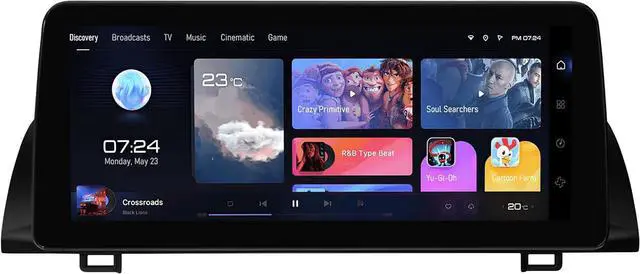
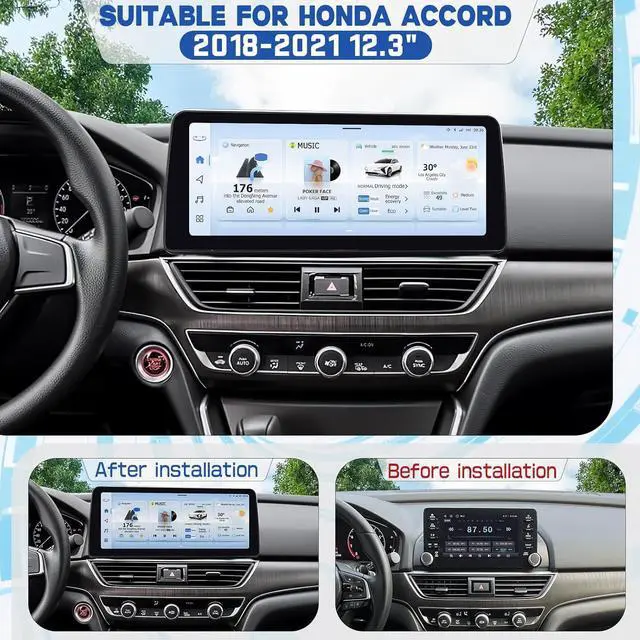
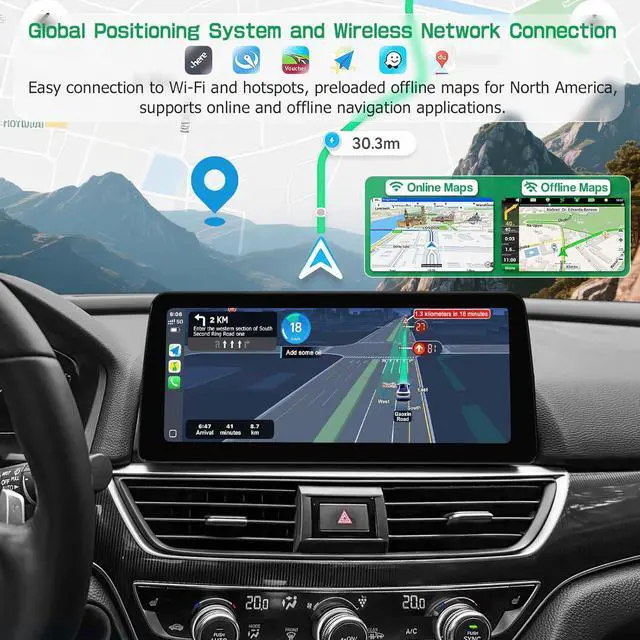
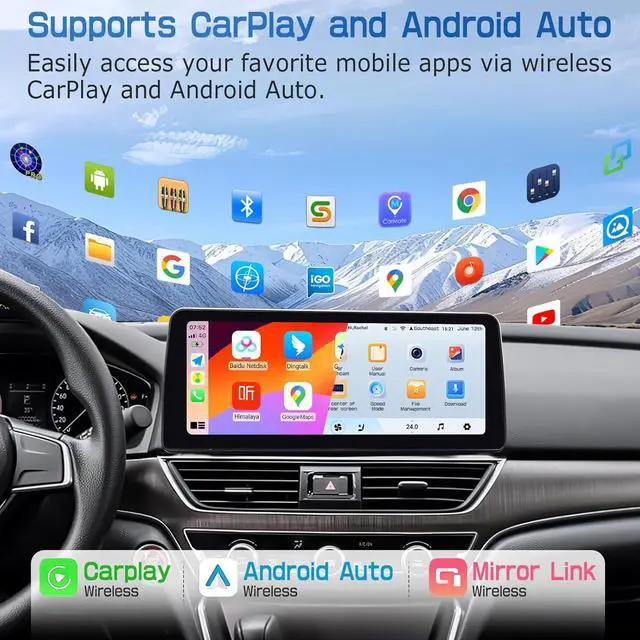


Car Stereo Radio for Honda Accord 2018 2019 2020 2021 6GB+128GB 12.3" Touch Screen Car Stereo Radio with Wireless Carplay, 14 Android Auto, GPS Navigation Head Unit, Bluetooth
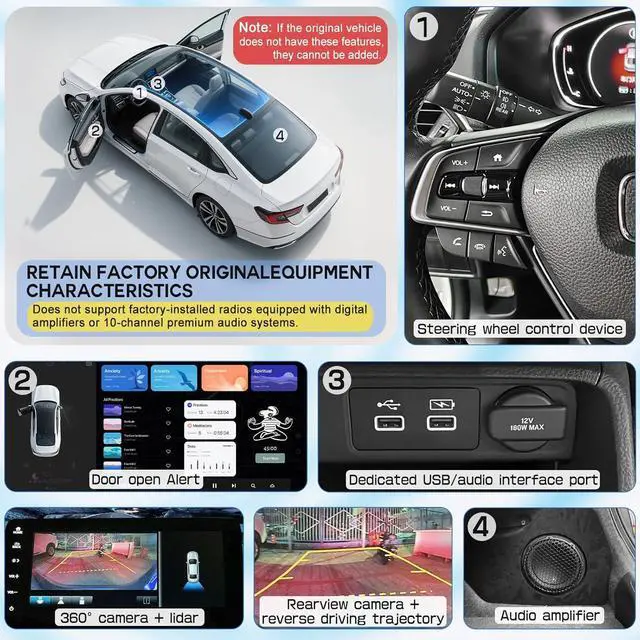
- Perfect Fit for Honda Accord 2018-2021 Designed specifically for Honda Accord Radio (2018-2021), this Android car stereo seamlessly integrates with your dashboard, ensuring a factory-like fit. No cutting or complex wiringjust plug and play!
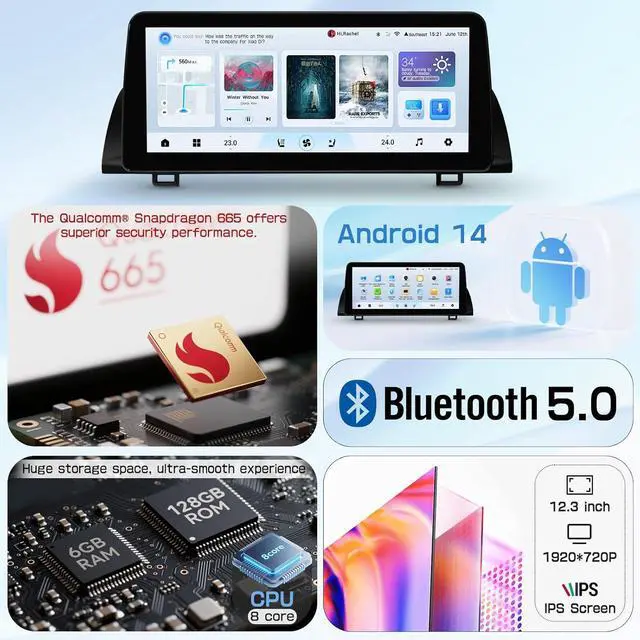
- Latest Android 14 OS + Powerful 6GB RAM/128GB ROM Experience blazing-fast performance with Android 14, 6GB RAM, and 128GB storage. Run multiple apps smoothly, store music/videos, and enjoy lag-free navigation with Google Maps or Waze.
- 12.3" HD Touchscreen + Wireless CarPlay & Android Auto Dominate the road with a 12.3-inch ultra-responsive touchscreen! Supports Wireless CarPlay & Android Auto for seamless smartphone integrationmake calls, stream music, and navigate hands-free.
- 4G LTE + WiFi + Bluetooth + Google Play StoreStay connected anywhere with built-in 4G LTE (SIM card slot) or dual-band WiFi. Download your favorite apps directly from the Google Play Store!
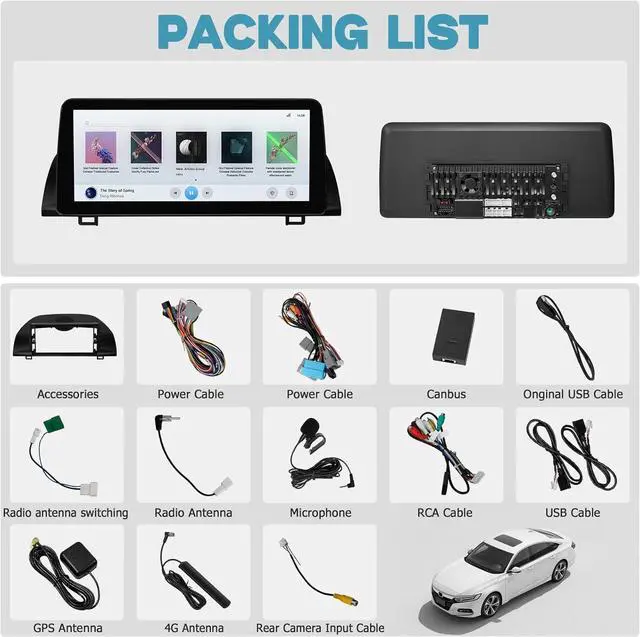
- Easy InstallPlug & Play in MinutesUpgrade in 3 simple steps: 1 Remove the old radio2 Connect the new unit (1-to-1 harness, no splicing!)If you encounter any problems during the installation process, please feel free to seek help from us at any time. We will provide you with excellent technical assistance and after-sales service
+
+
Overview
Specs
Reviews

Any questions? Our AI beta will help you find out quickly.
Try me now
Purchase instructions: 1. You must verify that your specific laptop model is listed in our title or description. Buying the wrong model can damage your laptop;
2. You must verify your parameters (including maximum resolution: UHD, QHD, FHD or HD; Whether it has touch function; The connector is either 30pin or 40pin; Refresh rate 300Hz, 165Hz, 140Hz, 383Hz or other. After double checking the above information, you will receive the correct product.
3. The following is a method to query the maximum resolution
My Laptop - Display - Maximum Resolution
The following is a method for querying refresh rates
4.
Please Check PC Refresh Rate: Right click on your desktop > Go to the Display settings > Click Advanced display settings > Display information - Refresh rate (Hz)
2. You must verify your parameters (including maximum resolution: UHD, QHD, FHD or HD; Whether it has touch function; The connector is either 30pin or 40pin; Refresh rate 300Hz, 165Hz, 140Hz, 383Hz or other. After double checking the above information, you will receive the correct product.
3. The following is a method to query the maximum resolution
My Laptop - Display - Maximum Resolution
The following is a method for querying refresh rates
4.
Please Check PC Refresh Rate: Right click on your desktop > Go to the Display settings > Click Advanced display settings > Display information - Refresh rate (Hz)
Warranty & Returns
Warranty, Returns, And Additional Information
Warranty
- Please contact the Seller directly for warranty information. Warranty information may also be found on the Manufacturer's website.
- CONTACT
Return Policies
- Return for refund within: 30 days
- Return for replacement within: 30 days
- This item is covered by Fix-Repairer Return Policy
Manufacturer Contact Info
- For a directory of all our manufacturers, please click below.
- Manufacturers Directory
LOADING...