shipping Holiday Shipping Details & Extended Holiday Returns
  • $75.99
  • Free 30-day Returns
  • Price alert
    Shop it at NeweggBusiness.

    Meet Your Seller

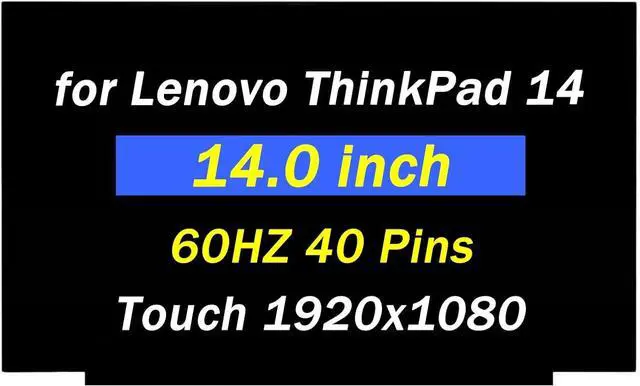
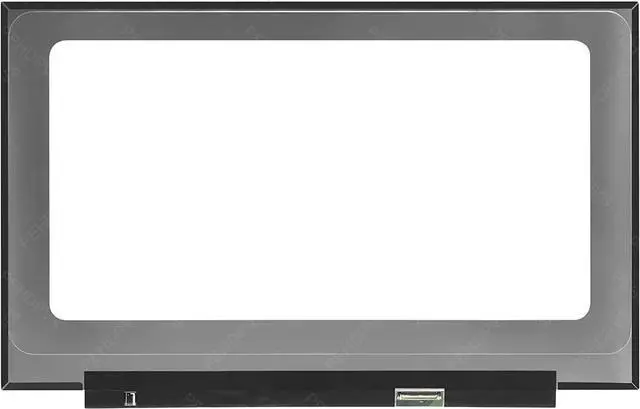
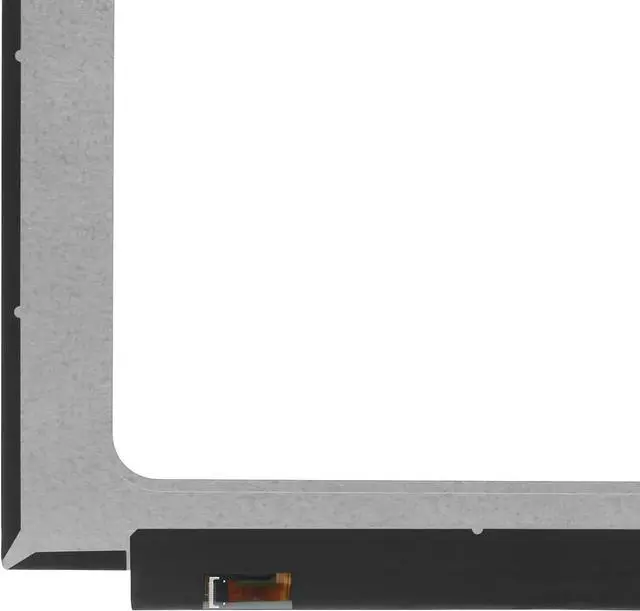
    Replacement for Lenovo ThinkPad E14 4th Gen for Thinkpad L14 T14 T14s P14s 1th 2th Gen for ThinkBook 14 G2 G3 G4 P43s 14.0" 1920x1080 60HZ 40 Pins LCD Screen Display Panel (Only for Touch Screen)

    • Compatible Model: Replacement for Lenovo ThinkPad E14 4th Gen for Thinkpad L14 T14 T14s P14s 1th 2th Gen for ThinkBook 14 G2 G3 G4 P43s Lcd Replacement Screen Display Panel.(Only for Touch Screen)
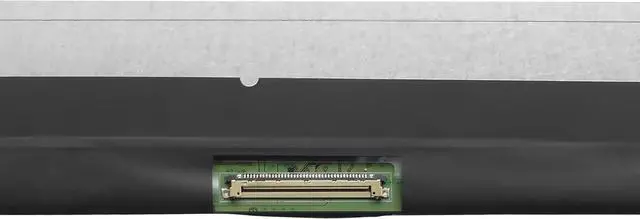
    • Screen parameters, resolution, and connector: FHD 1920x1080 40 pin touch screen.When purchasing, you need to check the laptop model and whether the screen is touch screen or not.
    • If you are unable to confirm the screen information during purchase, please contact PEHDPVS customer service. We will provide you with assistance to confirm the version information of the screen.
    • Our screens undergo rigorous testing and perfect packaging to ensure compatibility and safe delivery.
    • After receiving the goods, if the buyer encounters installation or quality issues, we will provide good customer service and after-sales support for the buyer.
    +
    +
    Overview
    Specs
    Reviews
    avatar

    Any questions? Our AI beta will help you find out quickly.

    Purchase instructions: 1. You must verify that your specific laptop model is listed in our title or description. Buying the wrong model can damage your laptop;
    2. You must verify your parameters (including maximum resolution: UHD, QHD, FHD or HD; Whether it has touch function; The connector is either 30pin or 40pin; Refresh rate 300Hz, 165Hz, 140Hz, 383Hz or other. After double checking the above information, you will receive the correct product.
    3. The following is a method to query the maximum resolution
    My Laptop - Display - Maximum Resolution
    The following is a method for querying refresh rates
    4.
    Please Check PC Refresh Rate: Right click on your desktop > Go to the Display settings > Click Advanced display settings > Display information - Refresh rate (Hz)

    Warranty & Returns

    Warranty, Returns, And Additional Information

    Warranty

    • Please contact the Seller directly for warranty information. Warranty information may also be found on the Manufacturer's website.
    • CONTACT

    Return Policies

    Manufacturer Contact Info

    LOADING...