

Your Browsing History
- Free 30-day Returns
$28.90


Meet Your Seller


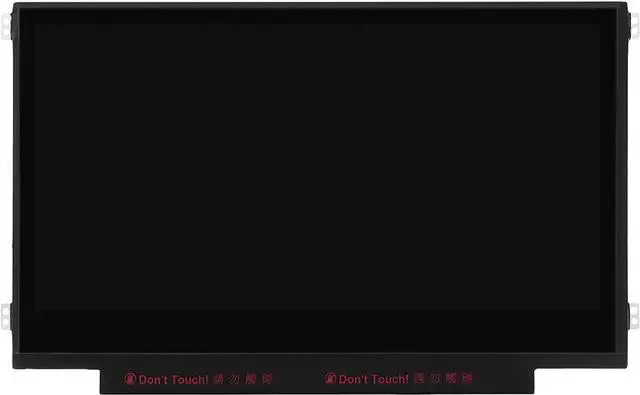
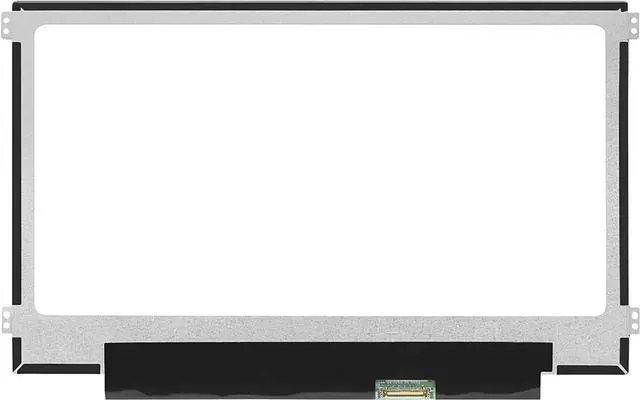
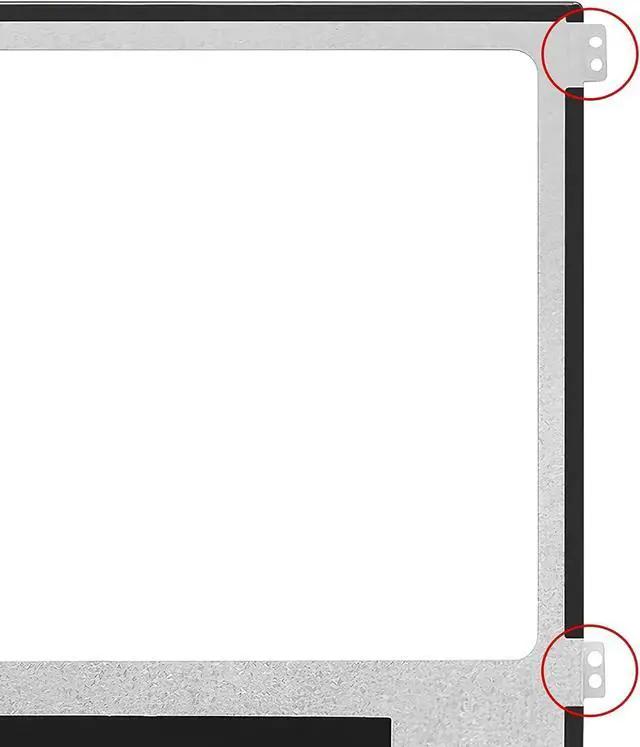
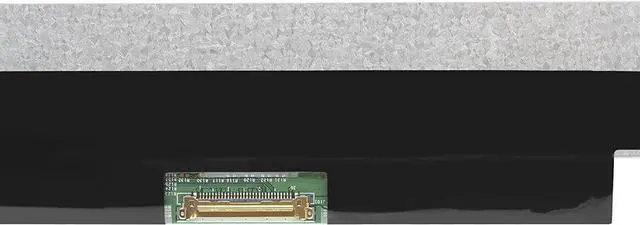
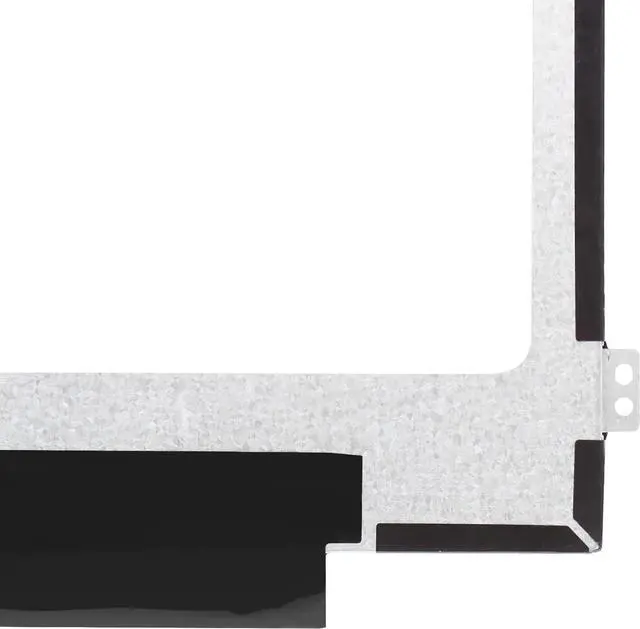


11.6" Screen Replacement for Lenovo Chromebook N21 N22 N23 11e Ideapad 3 CB-11IGL05 100S 100e Gen 1 2 3 82BA 82BA0003US 5D10X54254 LCD LED Display Panel 1366x768 30 Pin (Side Brackets Non Touch)
- LCD Model : for Lenovo Chromebook N21 N22 N23 11e Ideapad 100S 100e Gen 1 2 3 Series ideapad 3 CB-11IGL05 Chromebook 82BA 82BA0000US 82BA0003US 82BA001FUS 5D10X54254 LCD Screen Replacement Display Assembly Panel
- Condition : NEW; Screen Size: 11.6" ; Connector: 30 Pins; Screen Finish: Matte ; Maximum Resolution: 1366*768 ; Warranty: 3 months ; Standard TN (NON IPS)
- Importance: You must match the RESOLUTION, BACKLIGHT, and SCREEN SIZE, TOUCH/NON-TOUCH to your current screen. You cannot deviate from your current screen specifications.
- Purchasing a screen with different specifications will not work with your system. If you are unsure what your current screen specification is, please contact us before purchase and we will gladly help. We provides 100% compatible new item and your satisifaction is guaranteed.
- Package includes Brand NEW LCD screen only, no extra control board, bezel, back cover, instruction or tool etc. Please keep your original parts. Please confirm with us if you are not sure which parts fit your machine.
+
+
Overview
Specs
Reviews

Any questions? Our AI mode will help you find out quickly.
Try me now
Purchase instructions: 1. You must verify that your specific laptop model is listed in our title or description. Buying the wrong model can damage your laptop; 2. You must verify your parameters (including maximum resolution: UHD, QHD, FHD or HD; Whether it has touch function; The connector is either 30pin or 40pin; Refresh rate 300Hz, 165Hz, 140Hz, 383Hz or other. After double checking the above information, you will receive the correct product.
The following is a method to query the maximum resolution
My Laptop - Display - Maximum Resolution
The following is a method for querying refresh rates
Please Check PC Refresh Rate: Right click on your desktop > Go to the Display settings > Click Advanced display settings > Display information - Refresh rate (Hz)
The following is a method to query the maximum resolution
My Laptop - Display - Maximum Resolution
The following is a method for querying refresh rates
Please Check PC Refresh Rate: Right click on your desktop > Go to the Display settings > Click Advanced display settings > Display information - Refresh rate (Hz)
Warranty & Returns
Warranty, Returns, And Additional Information
Warranty
- Please contact the Seller directly for warranty information. Warranty information may also be found on the Manufacturer's website.
- CONTACT
Return Policies
- Return for refund within: 30 days
- Return for replacement within: 30 days
- This item is covered by Fix-Repairer Return Policy
Manufacturer Contact Info
- For a directory of all our manufacturers, please click below.
- Manufacturers Directory
LOADING...