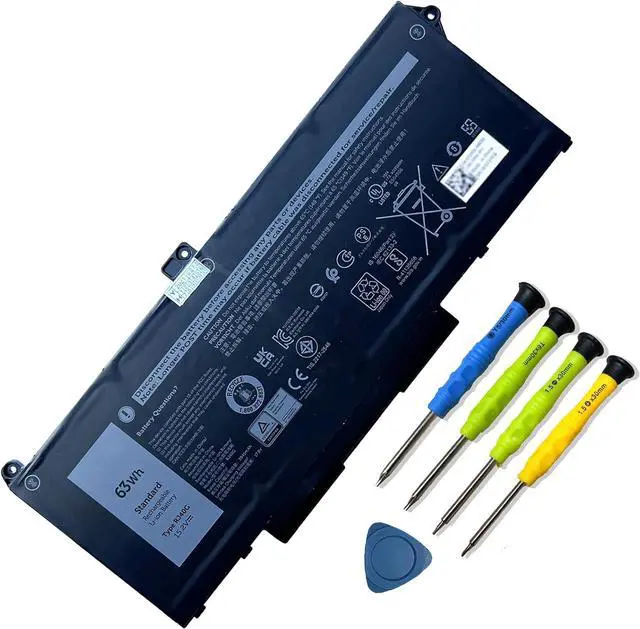
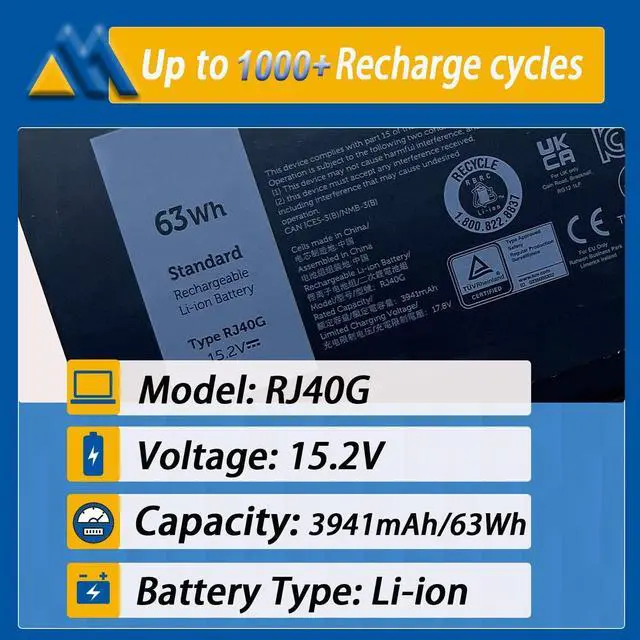
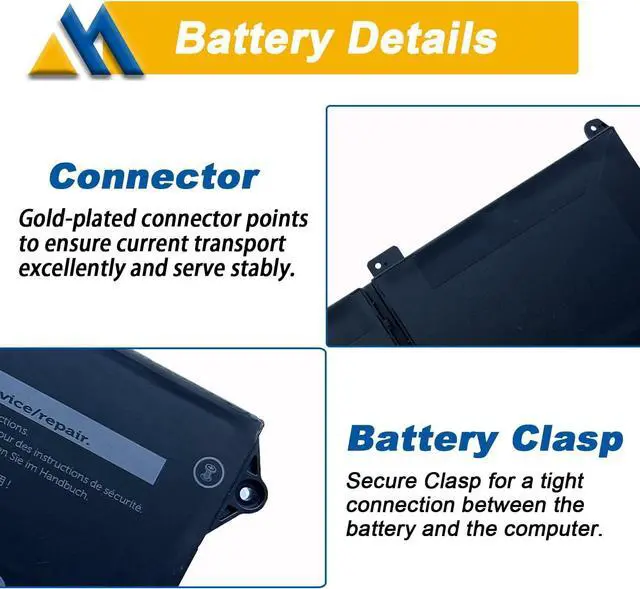
You need to turn off your laptop and disconnect the power.Turn the laptop to the back, install a new battery.
Battery Installation is easy, you can search for the video about laptop battery or just find a repair technician for help.
Avoid artificial shocks, disassembly, crush or puncture. Do not dispose of it in fire or water.
Do not connect adapter for a long time while using the battery. It may damage the battery.
1. It is caused by loose battery. Please remove the battery and reinstall.
2. The conductive material at the contact point between the laptop motherboard and the negative terminal of the battery is damaged. Try to confirm it with an original battery.
3. Check if the battery drive is normal. If not, please download the corresponding driver software to update it
4. After the computer is turned on, if it cannot be recognized, it is recommended to update the BIOS Settings or disconnect the old battery, hold down the power button for 20 seconds, and then connect the new battery.
New battery:With a new battery, you'd better discharge it to 5%(not 0%) and charge up to 95%.Then cycle 3-4 times to wake up the new battery.
Overuse: Do not always run out of a battery to 0%, this would make it damaged or usage life shortened. Please recharge immediately when the battery reduced to 5%.
Charging sequence: when charging, first install the battery, then turn on the power, when fully charged, first cut off the power, then pull the power plug.
How to purchase batteries correctly?
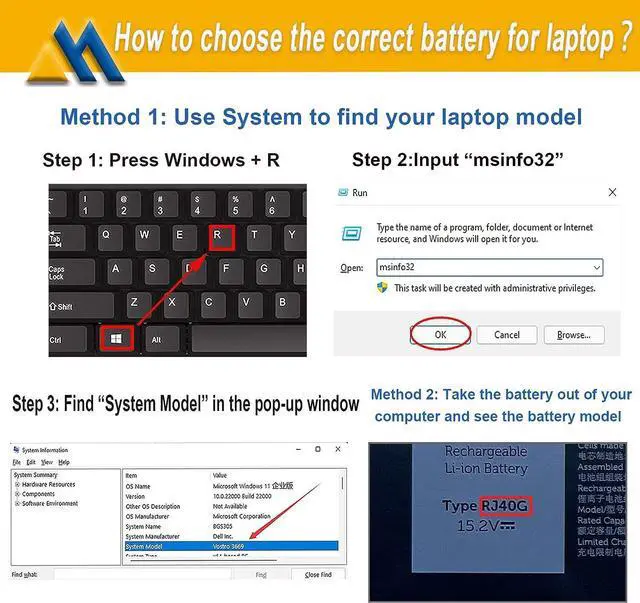
Method 1:You have to find your specific laptop model before ordering a correct battery.
How to check your laptop model?
Press [Win] + [R] ,input "msinfo32" , then click "OK" to find your system model in the pop-up window.
Method 2:Take the battery out of your computer, confirm your original battery model and appearance, compared with our battery image, make sure that's what you need.
Compatible Models (use "Ctrl+F to find your model quickly")
For Dell Latitude 14 5420 series
Dell Latitude 14 5420 CHKFM Dell Latitude 14 5420 FDTCY
Dell Latitude 14 5420 XPC5H.
For Dell Latitude 15 5520 series
Dell Latitude 15 5520 39V1H Dell Latitude 15 5520 FPKNM.
For Dell Precision 15 3560 series
Dell Precision 15 3560 3H45YDell Precision 15 3560 4MTF7
Dell Precision 15 3560 758J7Dell Precision 15 3560 7RV10
Dell Precision 15 3560 F3T9T.
For Dell P137G P137G001 ,Dell P104F P104F001 P104F002.
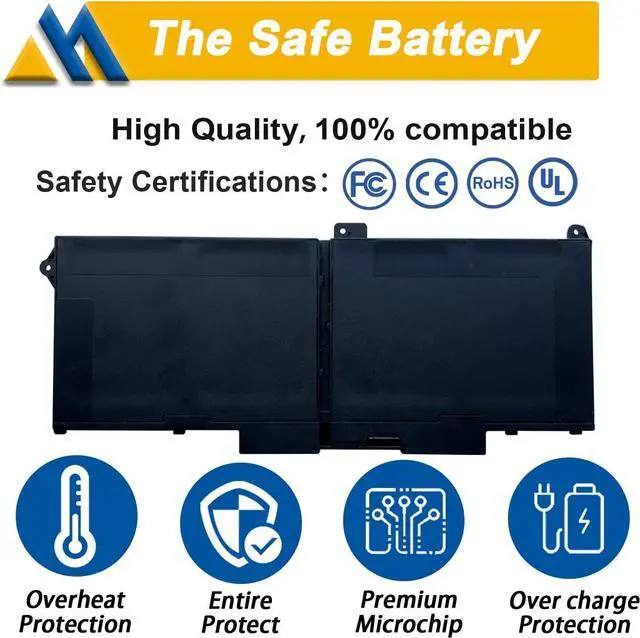
All Mobik products are certified by UL / CE / FCC / RoHS for safety. Every one of our replacement notebook batteries are tested to meet or exeed OEM specifications.
New battery:With a new battery, you'd better discharge it to 5%(not 0%) and charge up to 95%.Then cycle 3-4 times to wake up the new battery.
Overuse: Do not always run out of a battery to 0%, this would make it damaged or usage life shortened. Please recharge immediately when the battery reduced to 5%.
Long-term storage:If you remove battery for a long time, it is important to cycle it (discharge => charge) regularly, at least once a month. Please store the unused battery fully charged. Do not store at low power to prevent reduce the lifespan of a battery.
Charging sequence: when charging, first install the battery, then turn on the power, when fully charged, first cut off the power, then pull the power plug.
Installation Suggestion Battery Troubleshooting Laptop Batteries Maintenance Tips Safety Laptop Batteries Maintenance Tips: