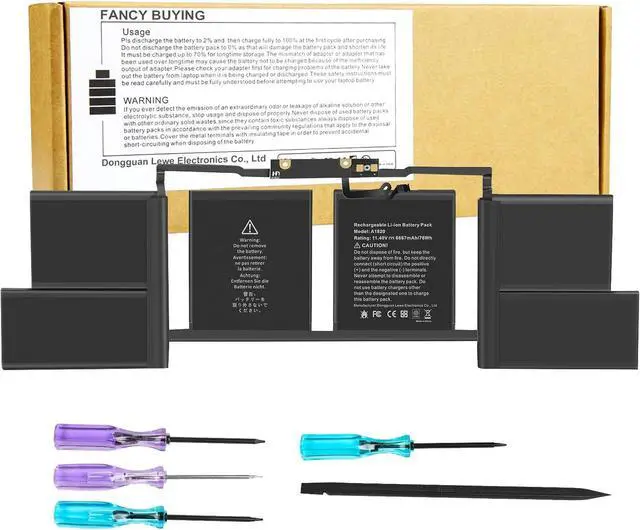
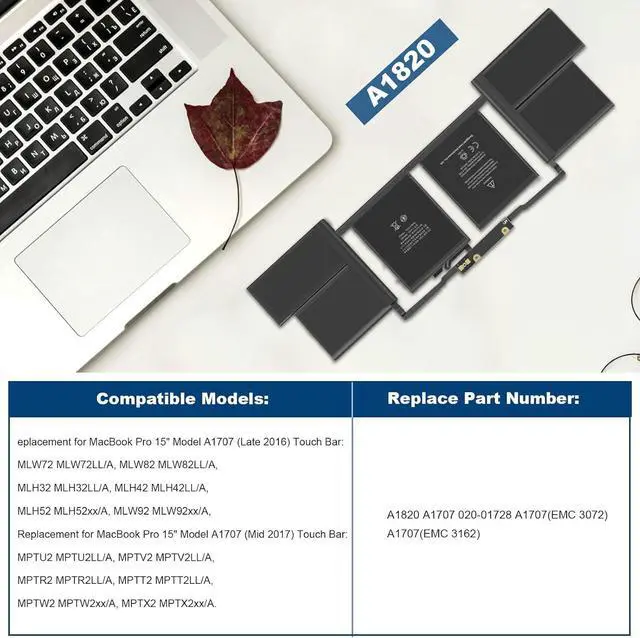
Compatible Part Number:
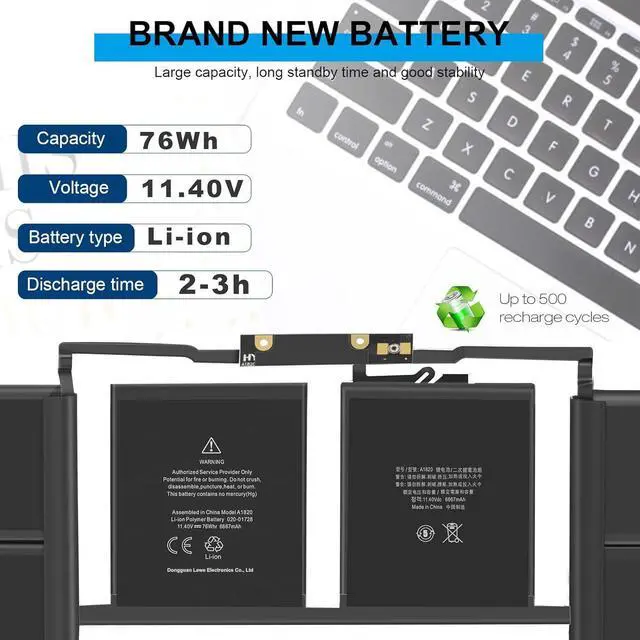
A1820 A1707 020-01728 A1707(EMC 3072) A1707(EMC 3162).
Compatible Laptop Models:
Replacement for MacBook Pro 15" Model A1707 (Late 2016) Touch Bar:
MLW72 MLW72LL/A, MLW82 MLW82LL/A,
MLH32 MLH32LL/A, MLH42 MLH42LL/A,
MLH52 MLH52xx/A, MLW92 MLW92xx/A,
Replacement for MacBook Pro 15" Model A1707 (Mid 2017) Touch Bar:
MPTU2 MPTU2LL/A, MPTV2 MPTV2LL/A,
MPTR2 MPTR2LL/A, MPTT2 MPTT2LL/A,
MPTW2 MPTW2xx/A, MPTX2 MPTX2xx/A
Install A New Battery:
1. You need to turn off your laptop and disconnect the power.
2. Remove the old battery, carefully install the new battery on the battery case, and connect the wiring of the new battery.
3. If you don't understand the above steps, you can search for the video about laptop battery installation on YouTube. Maybe it will help you.
Laptop Maintenance Tips:
1. New battery: For use a new battery, youd better try a few cycles of discharging to 5%. then charging up to 95%. So that it can be activated completely
2. Overuse: Do not always run out of a battery to 0%, this would make it damaged or usage life shortened
3. Charging sequence: when charging, first install the battery, then turn on the power, when fully charged, first cut off the power, then pull the power plug.
4. Long-term storage:Please store the unused battery fully charged.(Charge it once a month) Do not store at low power to prevent reduce the lifespan of a battery
5. Charger: Do not replace the laptop adapter casually. If the original adapter cannot be applied due to malfunction or damage, please replace the models, so as not to reduce the service life of the battery due to incompatibility.
Overload protection
Over-current protection
Over-voltage protection
High voltage protection
Short circuit protection
Over-temperature protection