

Your Browsing History
- Free 30-day Returns
$81.99

Meet Your Seller

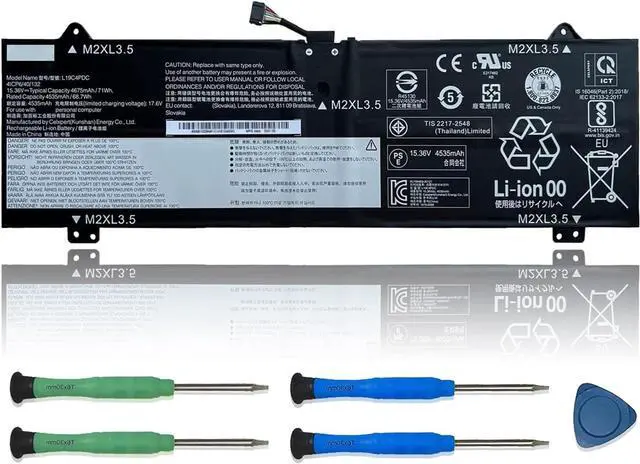




L19C4PDC Laptop Battery 15.36V 71Wh 4675mAh Replacement for Lenovo Ideapad Yoga 7-14ITL5 7-15ITL5 Series Notebook 5B10Z26482 L19L4PDC 5B10Z26485 L19M4PDC 5B10Z26479
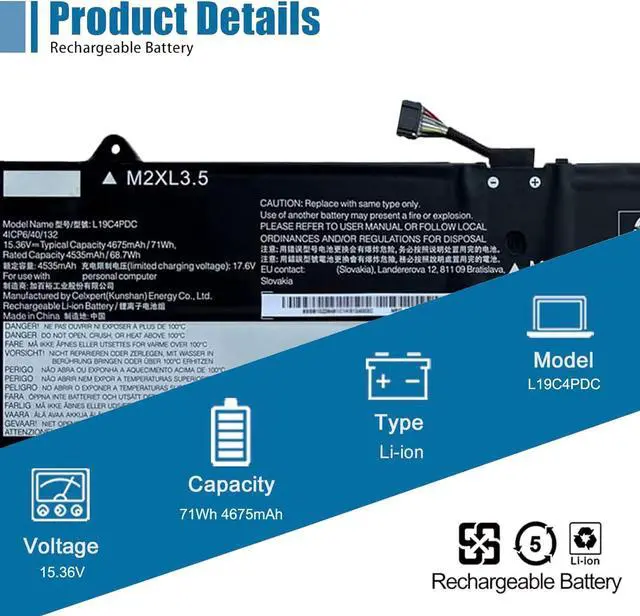
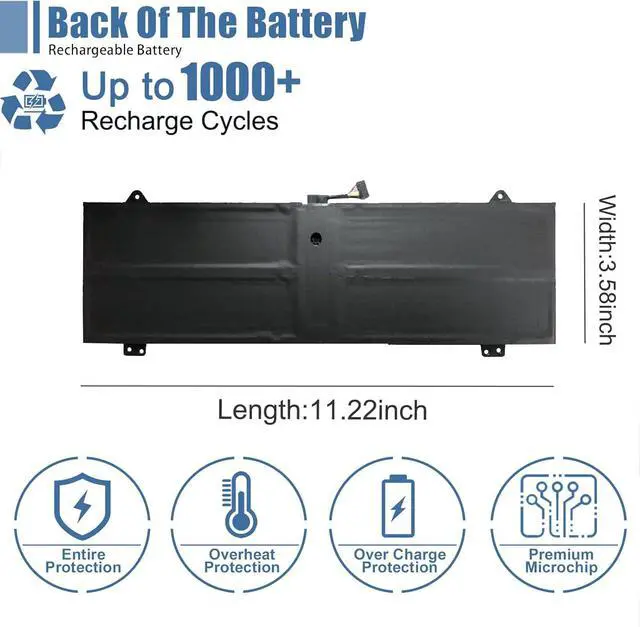
- SpecificationsModel: L19C4PDC. Type: Li-ion. Voltage: 15.36V. Capacity: 71Wh 4675mAh. Up to 1000 recharge cycles over the life of the battery
- Compatible Laptop ModelsFit for Lenovo Ideapad Yoga 7-14ITL5, 7-15ITL5, C750-14ITL, 7i 2020/2021/2022 Series. For Lenovo Ideapad Yoga 7-14ITL5(82BH004XGE), 7-14ITL5(82BH004WGE), 7-15ITL5(82BJ0030GE), 7-15ITL5(82BJ0031GE), 7-15ITL5(82BJ005HGE), 7-15ITL5(82BJ006NGE) Series
- Replace Part NumberL19C4PDC, 5B10Z26482, SB10Z26481, L19L4PDC, 5B10Z26485, SB10Z26483, L19M4PDC, 5B10Z26479, SB10Z26486
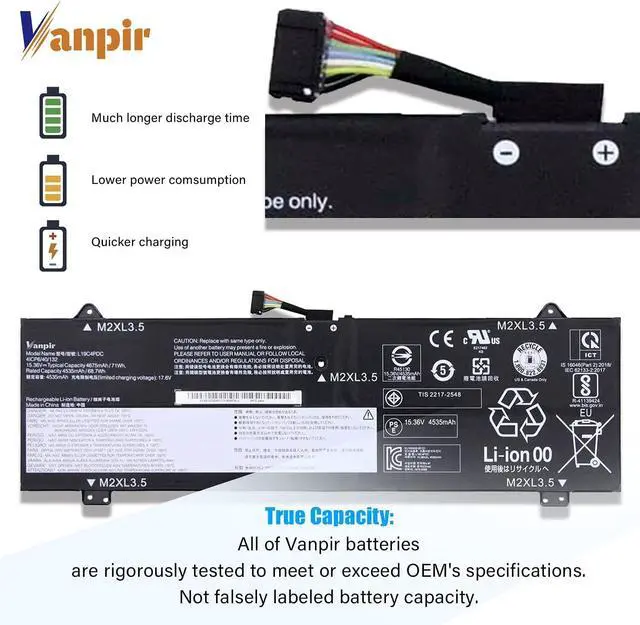
- Advantage for batteryBrand New Grade A cell battery, all Vanpir batteries are certified by UL / CE / FCC / RoHS for safety and Strict guidelines for compatibility. Now this battery is powered by Lithium-Ion technology and has a safeguard chip which authenticates. System Battery Extended Life System Battery
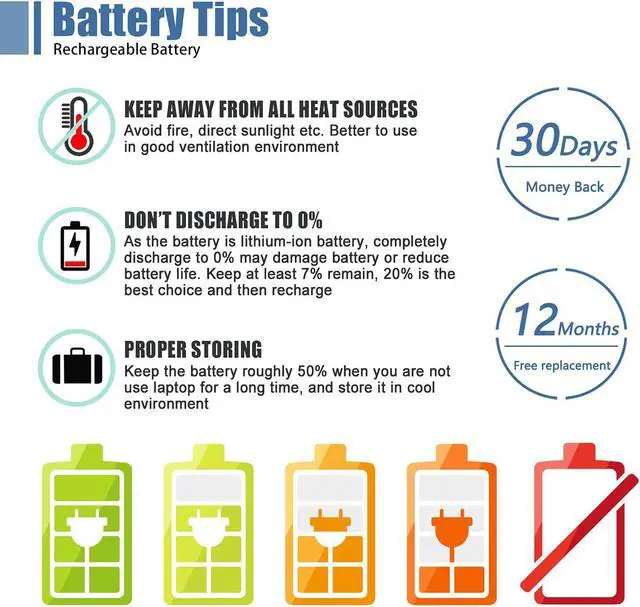
- Quality AssuranceSupport 30 days return or exchange and 12 months warranty. Factory Sealed, Retail Packaged. Any questions will be answered w
+
+
Overview
Specs
Reviews

Any questions? Our AI mode will help you find out quickly.
Try me now
Vanpir factory and laboratory have been producing laptop batteries for consumers for 10 years, and we have been committed to improving high-quality batteries for consumers.
Vanpir is a professional laptop battery manufacturer, dedicated to manufacture and provide high quality different type laptop batteries for our customer.
ENJOY YOU SHOPPING.
Manual calibration, The steps are:
1) Shut down, plug in the power adapter to fully charge the battery. If the battery is full, you can proceed directly to the next step.
2) Unplug the power adapter, turn on the battery, and let the battery automatically discharge until the computer automatically shuts down. During this period, it is best not to do any computer operations.
3) Plug in the battery adapter and fully charge the battery. This process is OK if it is turned on or not.
How do we get started? Welcome to VANPIR Battery Calibrated methods 1
Vanpir is a professional laptop battery manufacturer, dedicated to manufacture and provide high quality different type laptop batteries for our customer.
ENJOY YOU SHOPPING.
Manual calibration, The steps are:
1) Shut down, plug in the power adapter to fully charge the battery. If the battery is full, you can proceed directly to the next step.
2) Unplug the power adapter, turn on the battery, and let the battery automatically discharge until the computer automatically shuts down. During this period, it is best not to do any computer operations.
3) Plug in the battery adapter and fully charge the battery. This process is OK if it is turned on or not.
How do we get started? Welcome to VANPIR Battery Calibrated methods 1
Warranty & Returns
Warranty, Returns, And Additional Information
Warranty
- Please contact the Seller directly for warranty information. Warranty information may also be found on the Manufacturer's website.
- CONTACT
Return Policies
- Return for refund within: 30 days
- Return for replacement within: 30 days
- This item is covered by E-Transit Limited Return Policy
Manufacturer Contact Info
- For a directory of all our manufacturers, please click below.
- Manufacturers Directory
LOADING...