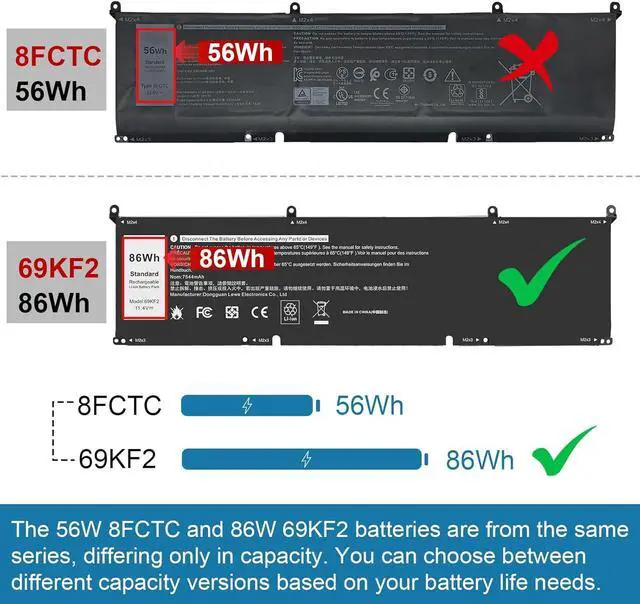
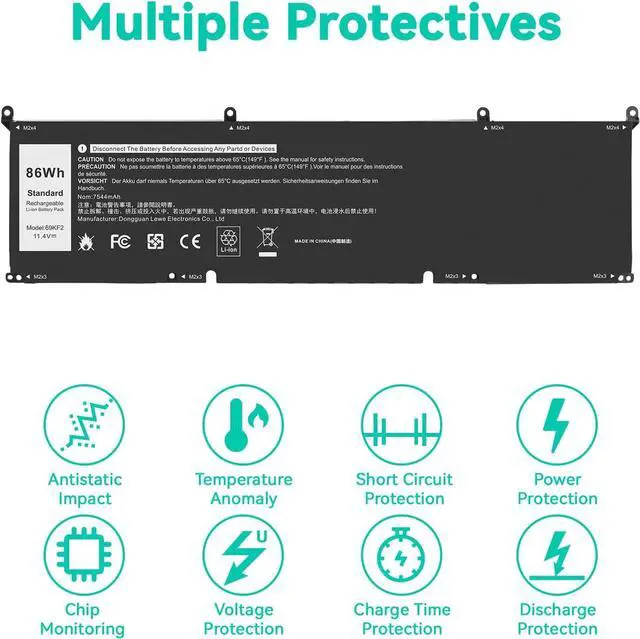
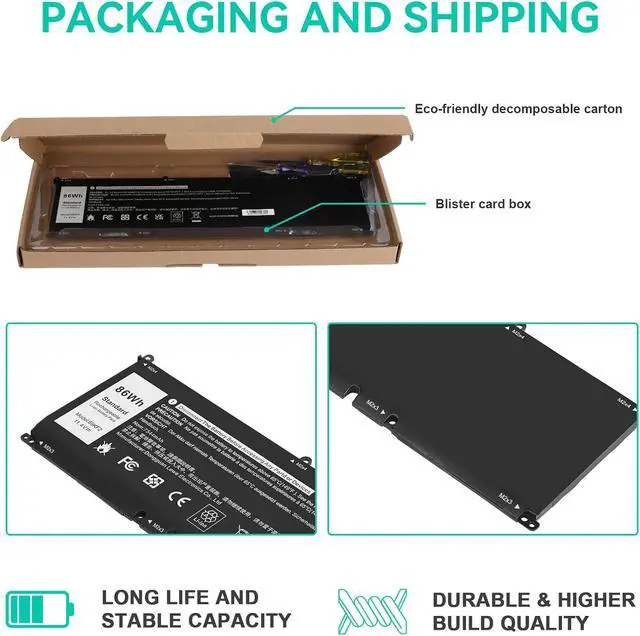
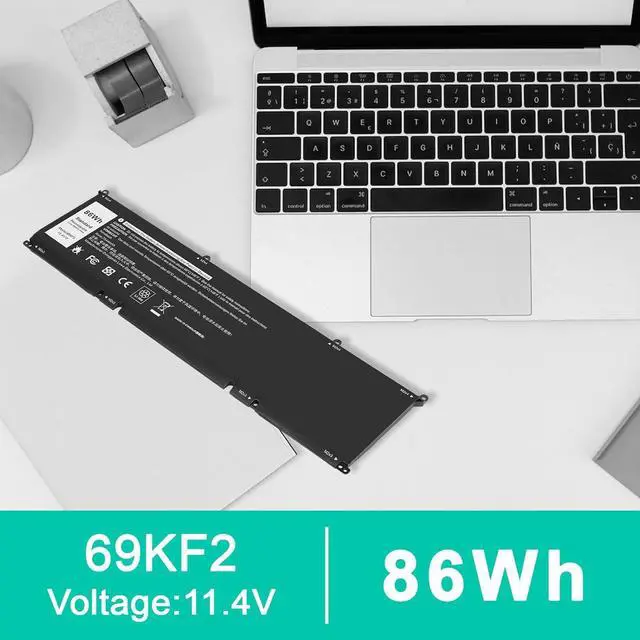
Notes: The 56W8FCTC and 86W69KF2 batteries are from the same series, differing only in capacity. You can choose between different capacity versions based on your battery life needs.
Do not purchase based on the series name only, check the specific model number. If you dont know whether your battery and product are suitable? Please ask us in time. We always stand behind our customers to offer you a solution.
Please use Ctrl+F to search for your battery model or computer model before purchasing.
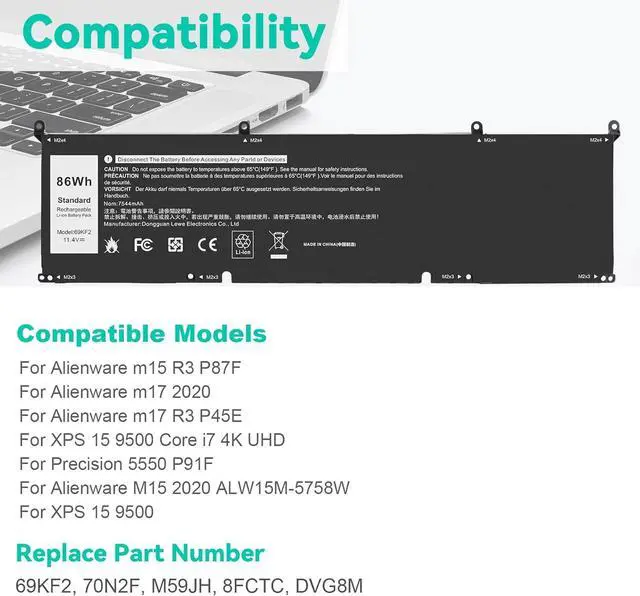
Compatible Part Number69KF2 8FCTC 08FCTC 70N2F 070N2F M59JH 0M59JH 0P8P1P 0DVG8M.
Compatible Model Numbers:
for Dell XPS 15 9500 9510 9520 Series;
for Dell XPS 15 9500 2020 Series;
for Dell XPS 15 9500 Core i7 4K UHD Series;
for Dell Precision 5550 2020 Series,
for Dell Precision 5550 Mobile Workstation Series,
for Dell Precision 5560 Mobile Workstation Series,
for Dell Precision 5570 Mobile Workstation Series,
for Dell Alienware M15 R3 R4 R5 R6 R7 Series,
for Dell Alienware M15 2020 ALW15M-5758W Series,
for Dell Alienware M15 R3 (2020) Series,
for Dell Alienware M15 R4 (2021) Series
for Dell Alienware M17 R3 R4 Series,
for Dell Alienware M17 R3 (2020) Series
for Dell Alienware M15 R4 (2021) Series,
for Dell G7 15 7500 Series,
for Dell G7 15 7500 i7-10750H RTX 2060 (G7 15 Series),
for Dell G15 5510 5511 5520 Series
for Dell G15 5515 Ryzen Edition Series,
for Dell G15 5521 Special Edition Series,
for Dell Inspiron 7510 Series,
for Dell Inspiron 16 Plus 7610 Series,
for Dell Inspiron 7620 Series,
for Dell P91F P91F001, Dell P45E P45E001 P45E002,
for Dell P87F P87F002 P87F003,
for Dell P100F P100F001.
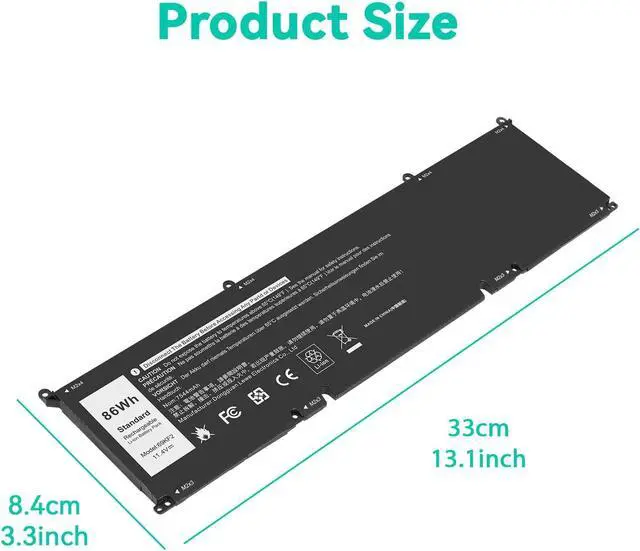
All of our batteries are brand new and are 100% compatible to meet OEM specifications for safety and efficiency. Same size as original battery, Don't worry about assembly and adaptation issues.
Install A New Battery:
You need to turn off your laptop and disconnect the power.
Remove the old battery, carefully install the new battery on the battery case, and connect the wiring of the new battery.
If you don't understand the above steps, you can search for the video about laptop battery installation on YouTube. Maybe it will help you.
Laptop Maintenance Tips:
New battery: For use a new battery, youd better try a few cycles of discharging to 5%. then charging up to 95%. So that it can be activated completely
Overuse: Do not always run out of a battery to 0%, this would make it damaged or usage life shortened
Charging sequence: when charging, first install the battery, then turn on the power, when fully charged, first cut off the power, then pull the power plug.
Long-term storage:Please store the unused battery fully charged.(Charge it once a month) Do not store at low power to prevent reduce the lifespan of a battery
Charger: Do not replace the laptop adapter casually. If the original adapter cannot be applied due to malfunction or damage, please replace the models, so as not to reduce the service life of the battery due to incompatibility.
100% Fit





 here!
here!