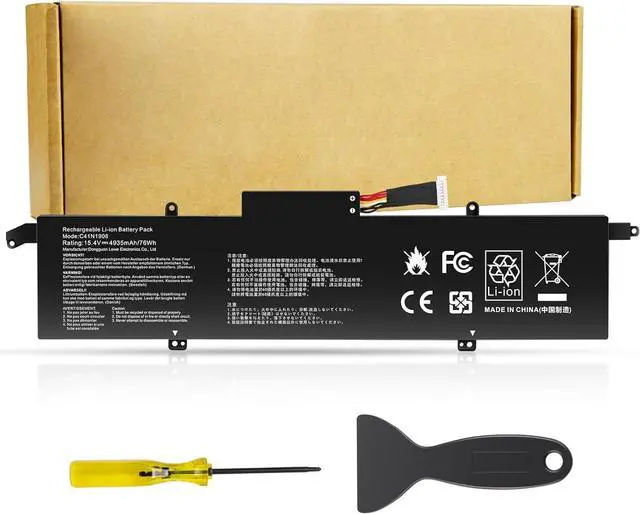
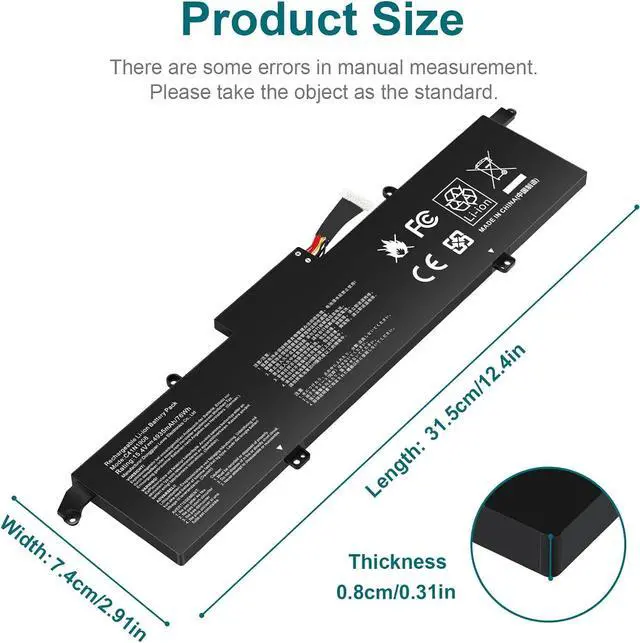
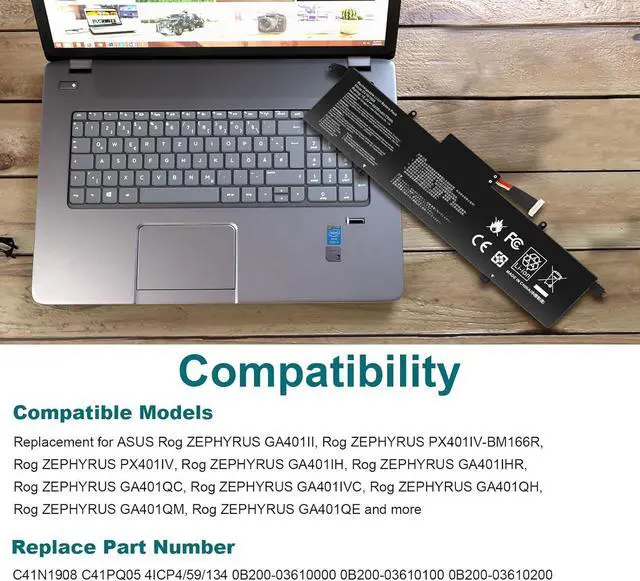
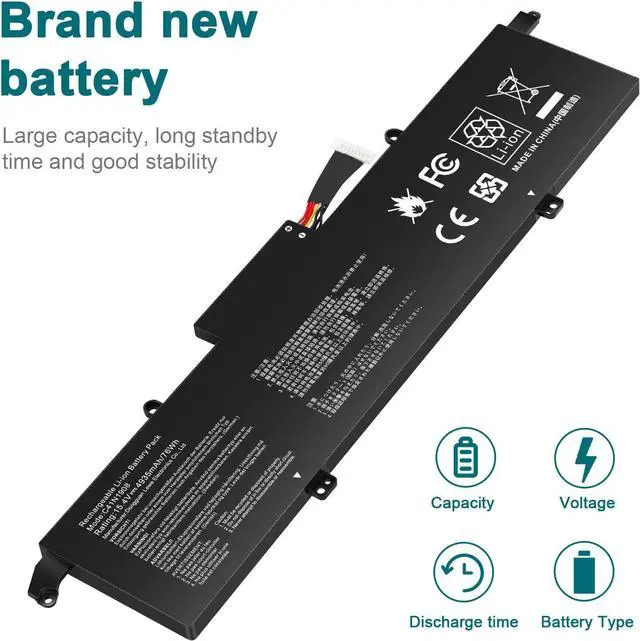
Compatible Part Number:
C41N1908 C41PQ05 4ICP4/59/134 0B200-03610000 0B200-03610100 0B200-03610200.
Compatible Models : (use "Ctrl+F to find your model quickly")
for Asus ROG Zephyrus G14 GA401II Series
for Asus ROG Zephyrus G14 GA401IU Series
for Asus ROG Zephyrus G14 GA401IV Series
for Asus ROG Zephyrus G14 GA401IV-BR9N6
1. You need to turn off the laptop and disconnect the power at the same time.
2. Disconnect the old battery from the motherboard to avoid unnecessary damage caused by disassembling the battery. Then unscrew the old battery and save it.
3. Take out the old battery, install the new battery on the battery box, tighten the screws, and connect the wires of the new battery.
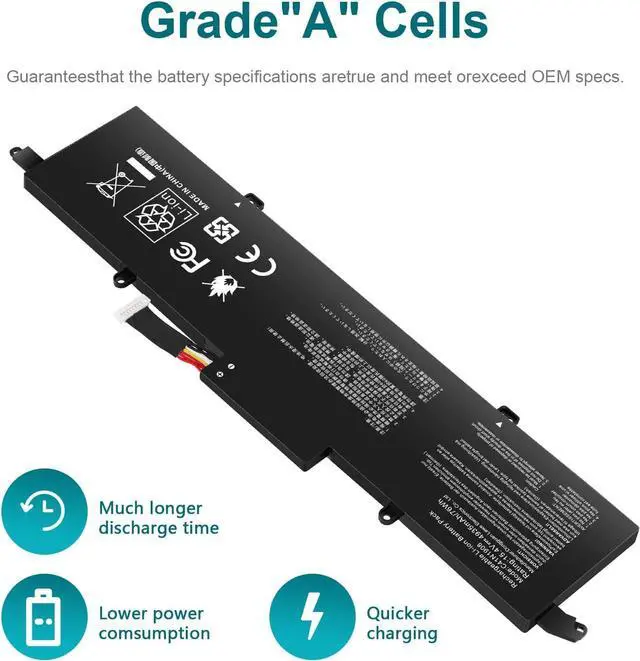
Upgraded electric core technology, energy density increased by 30%, reduce losslessconsumption, 500+ times of bad circulation
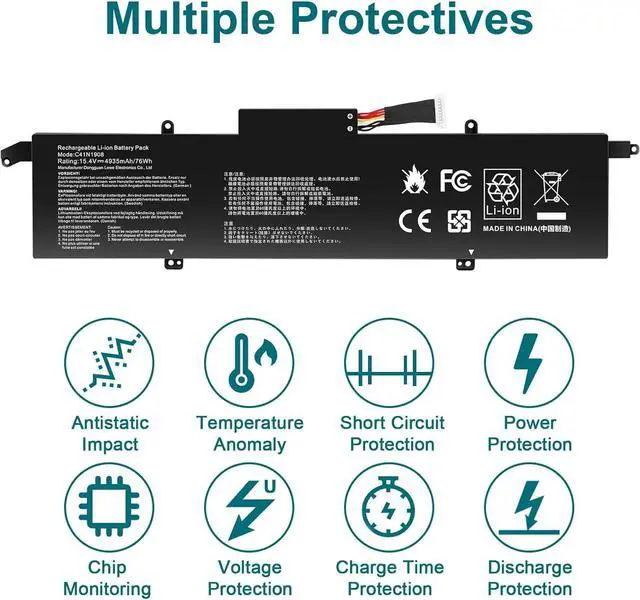
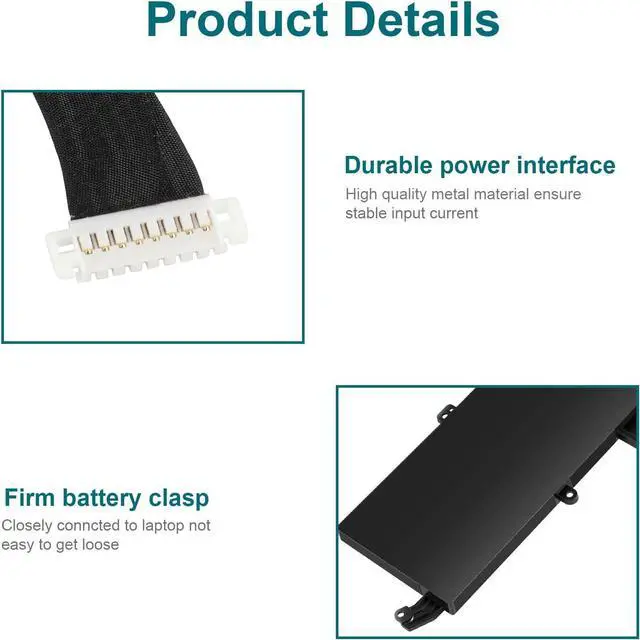
Attention to detail to achieve a tight fit with the computer How to install a new battery? Long battery life and durable construction Multi-protection materials for operation at temperatures from -10 to 35 degrees Celsius.





 here!
here!