Weather Alert: Severe winter storms may impact delivery times in some regions. We appreciate your patience as carriers work to deliver orders as quickly as possible. UPS Service Alerts.
  • $101.99
  • Free 30-day Returns
  • Price alert
    Shop it at NeweggBusiness.

    Meet Your Seller

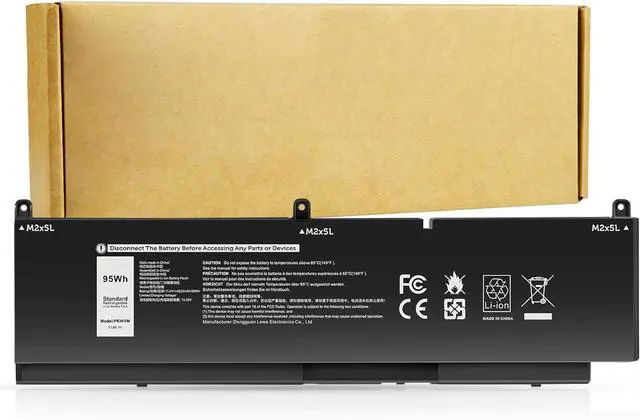
    Futurebatt PKWVM Laptop Battery Replacement for Dell Precision 7550 7560 7750 7760 Mobile Workstation P44E P93F P44E001 P44E002 P93F001 P93F002 C903V CR72X 0CR72X 0447VR 068N03 17C06 453-BBCQ

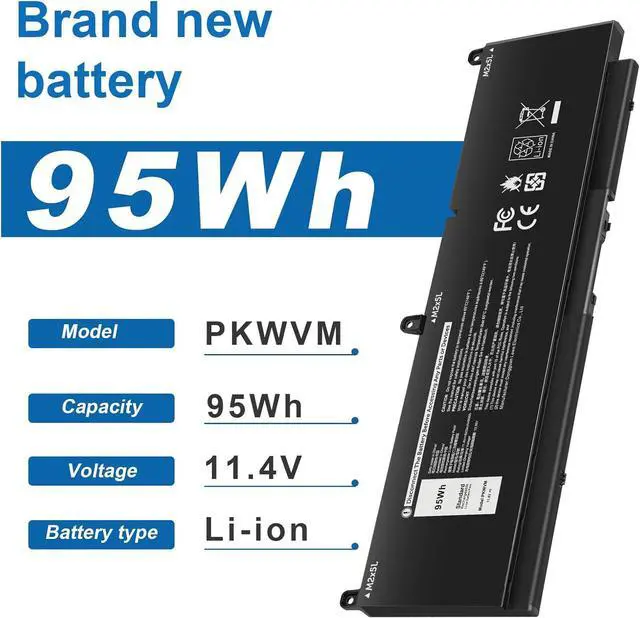
    • Specifications:Model:PKWVM; Voltage:11.4V;Capacity:95Wh;100% brand new from manufacture. Grade A cells ensure fast charges and low power consumption.
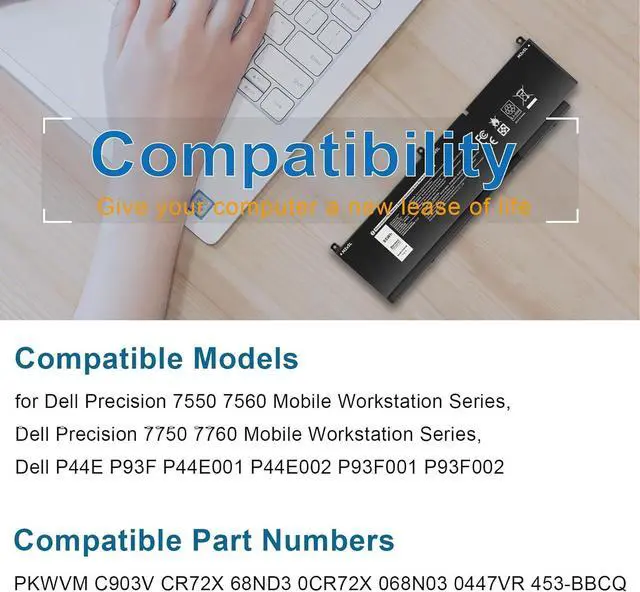
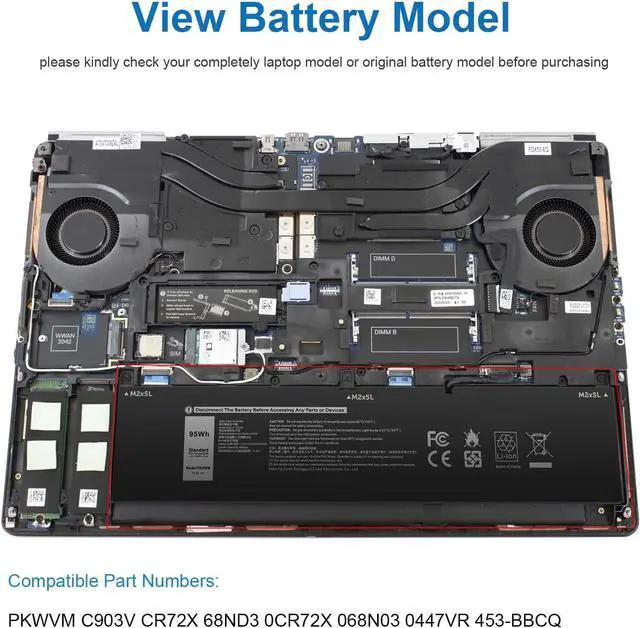
    • Compatible Part Number:PKWVM C903V CR72X68ND3 0CR72X 068N03 0447VR 453-BBCQ.
    • Compatible Laptop Modelsfor Dell Precision 7550 7560 Mobile Workstation Series,for Dell Precision 7750 7760 Mobile Workstation Series,for Dell P44E P93F P44E001 P44E002 P93F001 P93F002 Series.
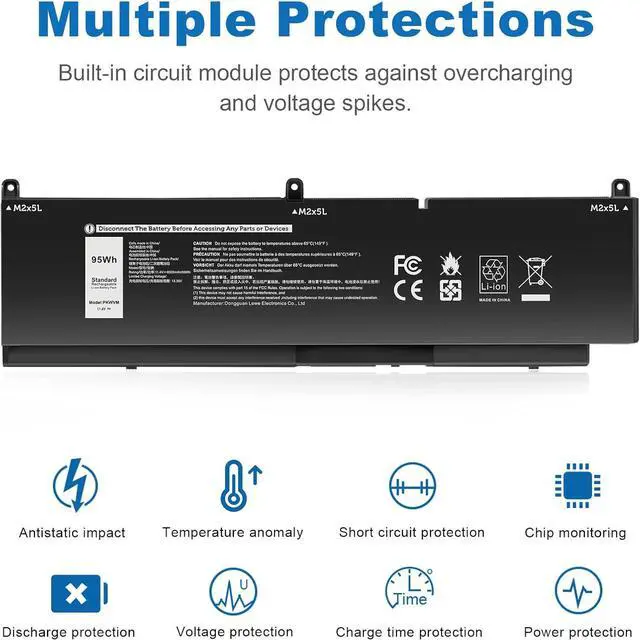
    • Multiple Safety Protections: Our batteries feature multiple protections including Overcharge and Overdischarge Circuit Protection, Over-temperature and Short-circuit Protection, Our batteries are assembled with high-quality materials and boards to ensure fast charging and up to 500 charge cycles over the life of the battery
    • Support:Supported with 30 days Refund and 12 months Replacement.24h Email support.The Futurebatt brand provides friendly customer service.We are committed to providing our customers with the best possible service.
    +
    +
    Overview
    Specs
    Reviews
    avatar

    Any questions? Our AI beta will help you find out quickly.

    (Use "Ctrl+F to find your model quickly) Compatible Part Number:
    PKWVM C903V CR72X68ND3 0CR72X 068N03 0447VR 453-BBCQ.
    Compatible Laptop Models:
    for Dell Precision 7550 7560 Mobile Workstation Series,for Dell Precision 7750 7760 Mobile Workstation Series,for Dell P44E P93F P44E001 P44E002 P93F001 P93F002 Series.
    1. You need to turn off the laptop and disconnect the power at the same time.
    2. Disconnect the old battery from the motherboard to avoid unnecessary damage caused by disassembling the battery. Then unscrew the old battery and save it.
    3. Take out the old battery, install the new battery on the battery box, tighten the screws, and connect the wires of the new battery.
    Upgraded electric core technology, energy density increased by 30%, reduce losslessconsumption, 500+ times of bad circulation
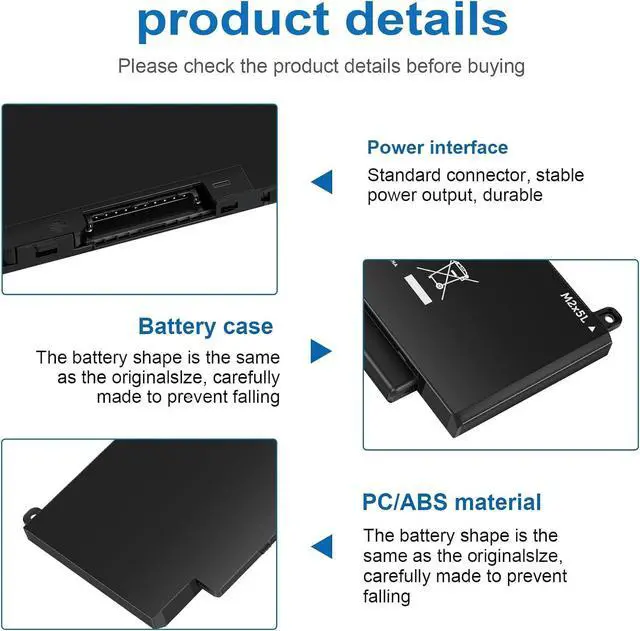
    Attention to detail to achieve a tight fit with the computer How to install a new battery? Long battery life and durable construction Multi-protection materials for operation at temperatures from -10 to 35 degrees Celsius.

    Warranty & Returns

    Warranty, Returns, And Additional Information

    Warranty

    • Please contact the Seller directly for warranty information. Warranty information may also be found on the Manufacturer's website.
    • CONTACT

    Return Policies

    Manufacturer Contact Info

    LOADING...