

Your Browsing History
- Free 30-day Returns
$162.99

Meet Your Seller

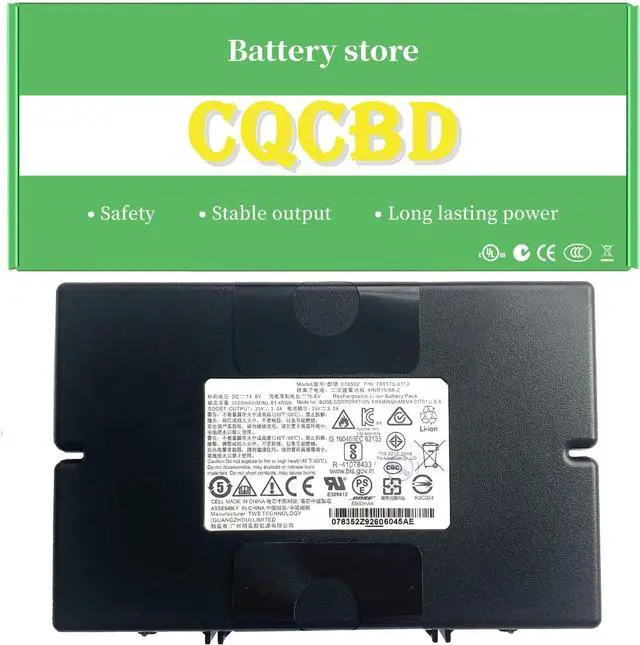
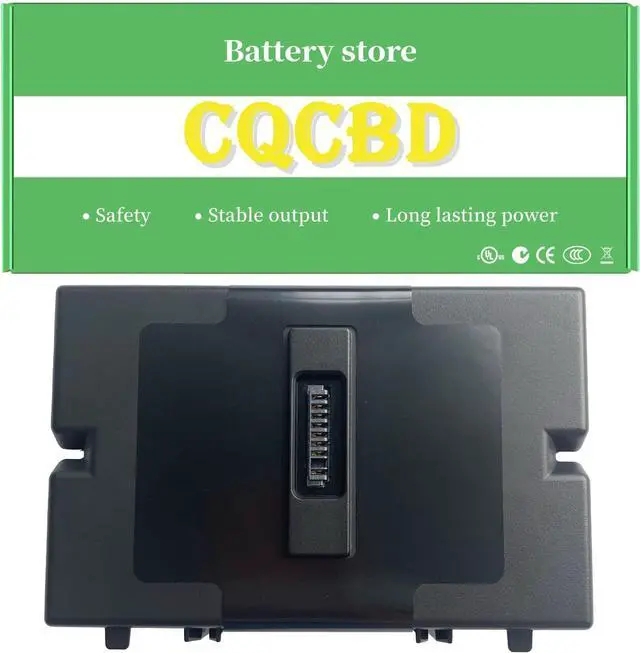


S1 Battery Replacement for Bose S1 Pro Bluetooth Speaker 789175-0110 789175 078592 4INR19/66-2 (14.8V 81.4Wh/5500mAh)
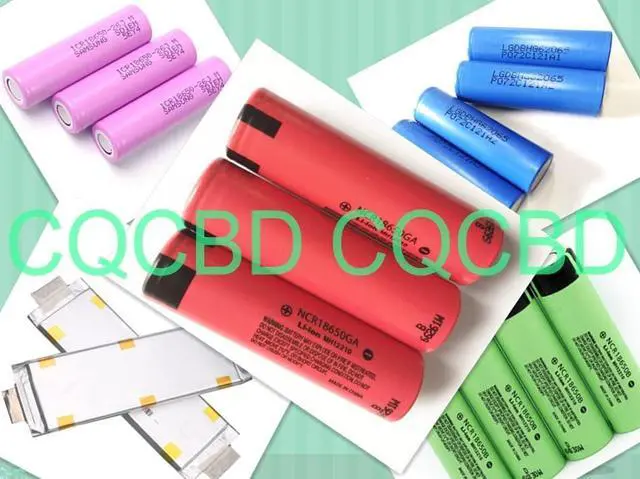
- Model: 789175 Voltage: 14.4V Capacity: 5500mAh Battery type: Li-ion. (We only use grade A battery cells that provide up to 500 recharge cycles over the life of the battery. Come with screwdrivers.)
- Compatible Models: for Bose S1 Pro 078592 789175-0010 789175-0100 789175-0110 Bluetooth Speaker battery, PN 4INR19/66-2
- Battery Part Number: 789175 078592 789175-0010 789175-0100 789175-0110
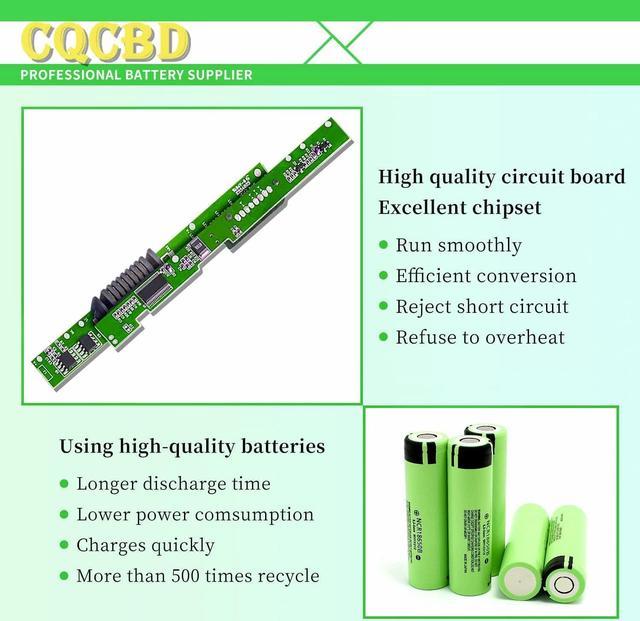
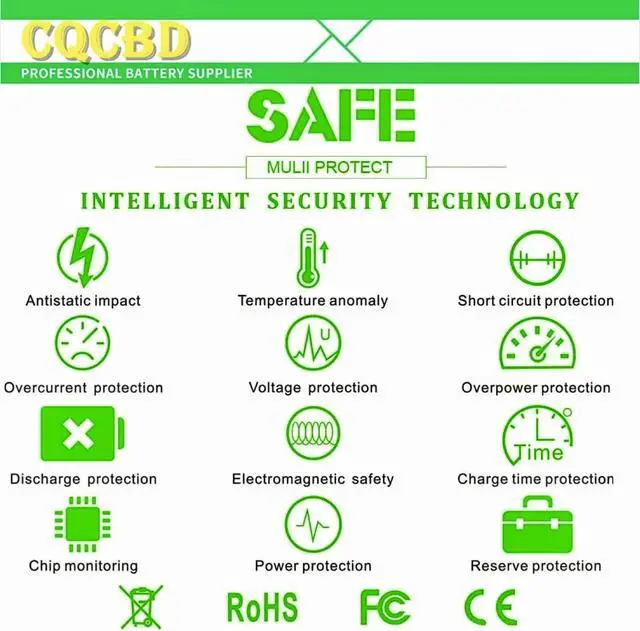
- Grade A cells mitigate the risk of battery leakage and maximize output stability. Built-in circuit protection, enhances safety of usage and extends battery life
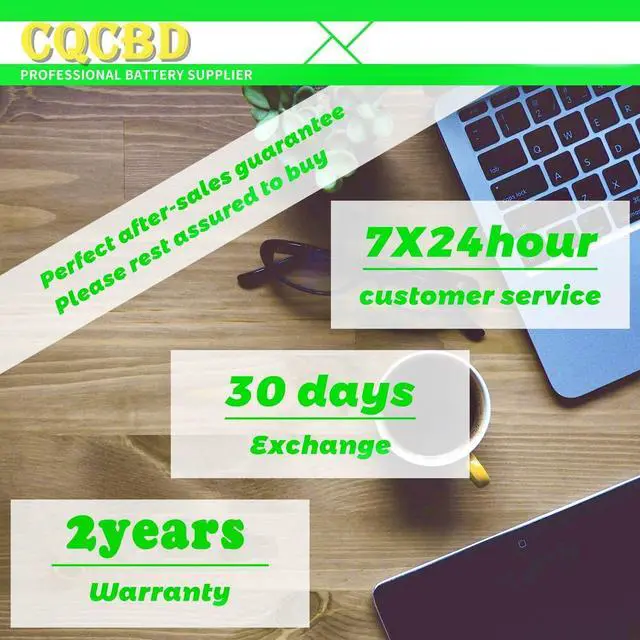
- We providing you 24/7 email service and 12 months after-sale service to support you with any problem. If you have any questions or need any support with our products, please feel free to let us know and we will reply to you within 24 hours
+
+
Overview
Specs
Reviews

Any questions? Our AI mode will help you find out quickly.
Try me now
Efficient and Reliable
Grade A Cells
FCC / CE / RoHS Certified
More Charging Cycles
Long Lasting Performance
1.Please do not squeeze or stab battery. Keep battery away from dropping. Otherwise it will lead to leakage or fire
2.Please store battery between 0-45. The standard storage temperature is 20-30.
3. First check if the battery is the same size as your original battery after receiving it. When installing the battery, pay attention to whether the battery cable is fixed. If the battery cable is not installed correctly, the battery may not be charged.
4.After the battery is installed in the laptop,
please insert the adapter to activate the battery first, and then start the laptop, otherwise thelaptop will not start normally. and then charge the battery, and cycle charging 5-6 times to activate the maximum use of the battery space.
5. We recommend that you search for battery removal tutorials on the Internet in advance, or seek help from a professional technician. We won't responsible for any damage due to improper operation.
Within 2years, if the battery has any fault, please feel free to contactUs to replace it laptop battery instruction:
Grade A Cells
FCC / CE / RoHS Certified
More Charging Cycles
Long Lasting Performance
1.Please do not squeeze or stab battery. Keep battery away from dropping. Otherwise it will lead to leakage or fire
2.Please store battery between 0-45. The standard storage temperature is 20-30.
3. First check if the battery is the same size as your original battery after receiving it. When installing the battery, pay attention to whether the battery cable is fixed. If the battery cable is not installed correctly, the battery may not be charged.
4.After the battery is installed in the laptop,
please insert the adapter to activate the battery first, and then start the laptop, otherwise thelaptop will not start normally. and then charge the battery, and cycle charging 5-6 times to activate the maximum use of the battery space.
5. We recommend that you search for battery removal tutorials on the Internet in advance, or seek help from a professional technician. We won't responsible for any damage due to improper operation.
Within 2years, if the battery has any fault, please feel free to contactUs to replace it laptop battery instruction:
Warranty & Returns
Warranty, Returns, And Additional Information
Warranty
- Please contact the Seller directly for warranty information. Warranty information may also be found on the Manufacturer's website.
- CONTACT
Return Policies
- Return for refund within: 30 days
- Return for replacement within: 30 days
- This item is covered by E-Transit Limited Return Policy
Manufacturer Contact Info
- For a directory of all our manufacturers, please click below.
- Manufacturers Directory
LOADING...