1. Could be caused by battery loss. Please re-install the battery and make sure that the battery cable and the motherboard interface are tightly inserted.
2. Maybe due to conductive material damage which the laptop motherboard and battery anode and cathode contact position, you can try to confirm it with your original battery.
3. Check whether the battery drive is in normal condition, if not, download the corresponding driver software to update.
1.If your computer will not be used for a long time, it is recommended that you remove the battery and store the battery separately.
2.It is recommended that you store the battery in a dry environment with a temperature range of -10--35 degrees Celsius, and avoid sunlight.
3.As the damaged lithium-ion battery will pollute the environment, it also has a certain degree of danger. Please do not disassemble or discard at will.
1.Lithium batteries have no memory effect. It does not need to be fully charged and discharged deliberately, and it is generally enough for normal use.
2.The only thing to note is that lithium batteries have a "self-discharge" feature. During the storage period, the power will still decrease slowly.
3.Long-term storage with the battery discharged to 0% may damage the battery and render it unusable.
4.When not using the laptop for a long time, charge the battery to 50%, turn off and remove the transformer, recharge the battery to 50% every three months.
1. Discharge the new battery use to 10%(not to 0%) and then charge to 95%, and cycle 3-4 times.
2. Do not disassemble, crush or puncture. Do not dispose of in fire or water.
3. If you remove the battery for a long time, charge more than 80% at least one time within one month.
4. Don't connect the adapter for a long time while using the battery. It may damage the battery.
5. When using the battery, care should be taken to prevent exposure and moisture.
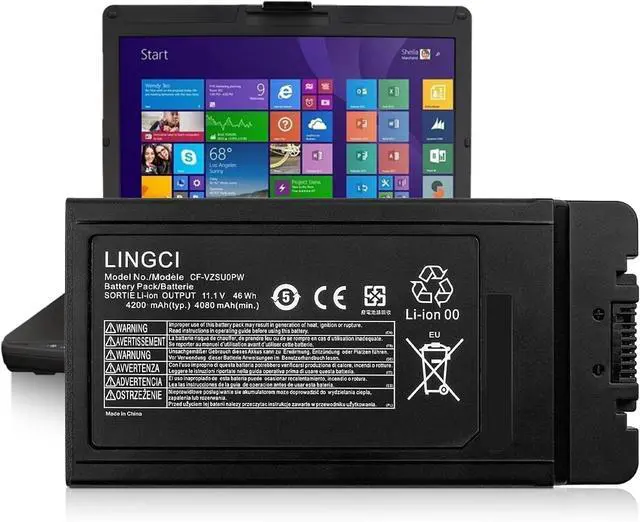
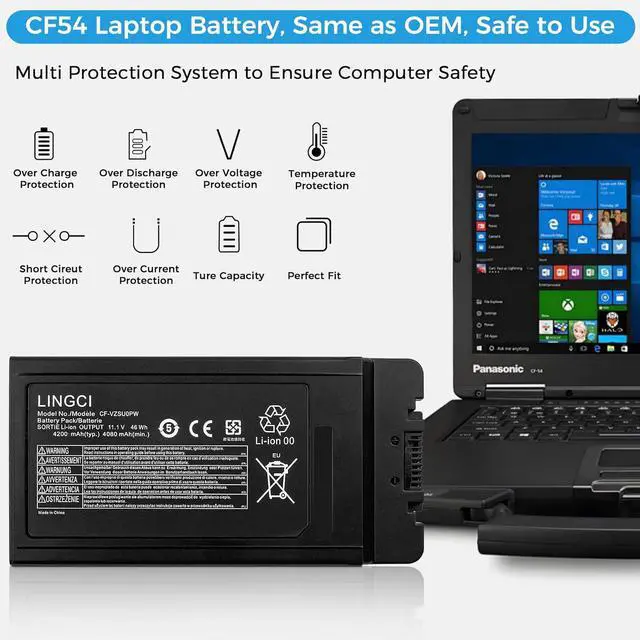
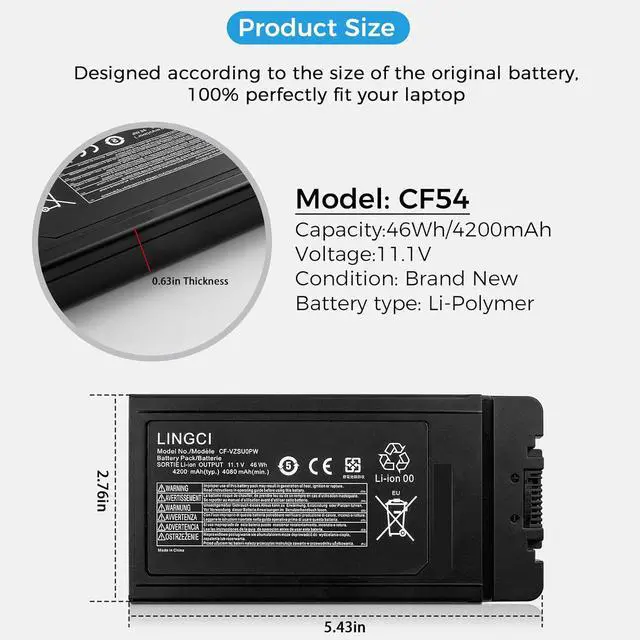
LINGCI CF54 Battery
We offer products of great value for our customers and give you a longer life battery;
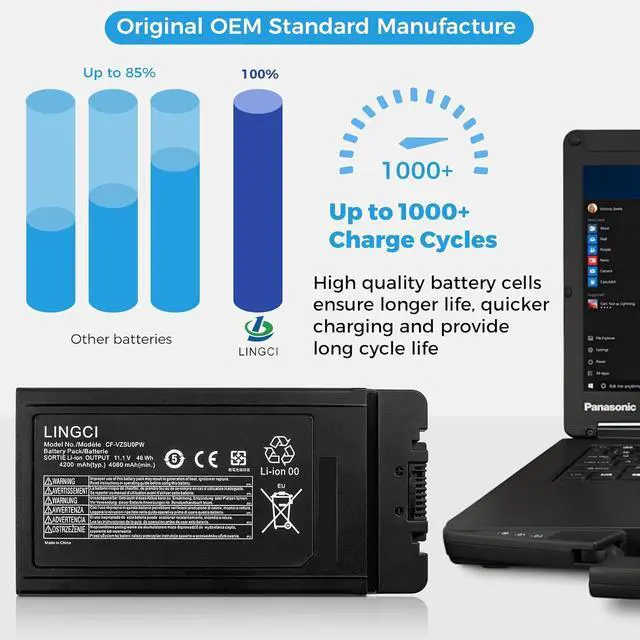
More than 1000+ recharge cycles over the life of the battery;
All of the products are Certified by CE, FCC,RoHS and UL for safety;
Our replacement battery boasts superior stability, significantly reducing the risk of swelling or bulging compared to other alternatives. Its robust design ensures a consistently flat profile, maintaining the integrity of your laptop internal components and enhancing overall safety;
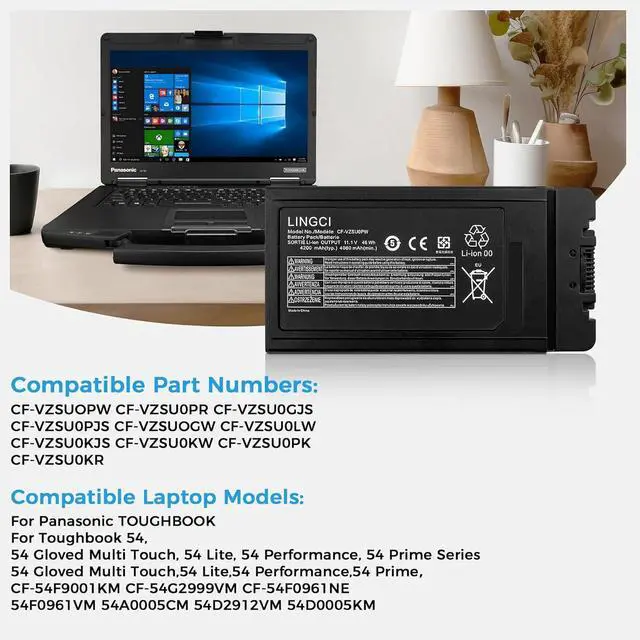
The video showcases the product in use.The video guides you through product setup.The video compares multiple products.The video shows the product being unpacked. Merchant Video Compatible Part NumberCF-VZSUOPW CF-VZSU0PR CF-VZSU0GJS CF-VZSU0PJS CF-VZSUOGW CF-VZSU0LW CF-VZSU0KJS CF-VZSU0KW CF-VZSU0PK CF-VZSU0KRCompatible Laptop Models:For Panasonic Toughbook 54Compatible Laptop Models:54 Gloved Multi Touch, 54 Lite, 54 Performance, 54 Prime Series54 Gloved Multi Touch,54 Lite,54 Performance,54 PrimeCompatible Laptop Models:CF-54F9001KM CF-54G2999VM CF-54F0961NE54F0961VM 54A0005CM 54D2912VM 54D0005KMAttentionIf you install the battery, you find that the laptop cannot detect the battery or the battery level cannot be displayed normally. Please check whether the battery cable is installed properly. Sometimes the battery cannot be charged because the cable is not fixed properly. Why The Laptop Does Not Recognize The New Battery What should be noted when using the battery? How to maximize battery life? What do we need to pay attention to using batteries for the first time? CF54 Battery CF-VZSU0PW Battery Replacement Pack for PANASONIC TOUGHBOOK CF54 CF54 Battery CF-VZSU0PW Battery Replacement Pack for PANASONIC TOUGHBOOK CF54 LINGCI CF54 Battery CF54 Battery CF-VZSU0PW Battery Replacement Pack for PANASONIC TOUGHBOOK CF54