

Your Browsing History
- Free 30-day Returns
$113.99

Meet Your Seller

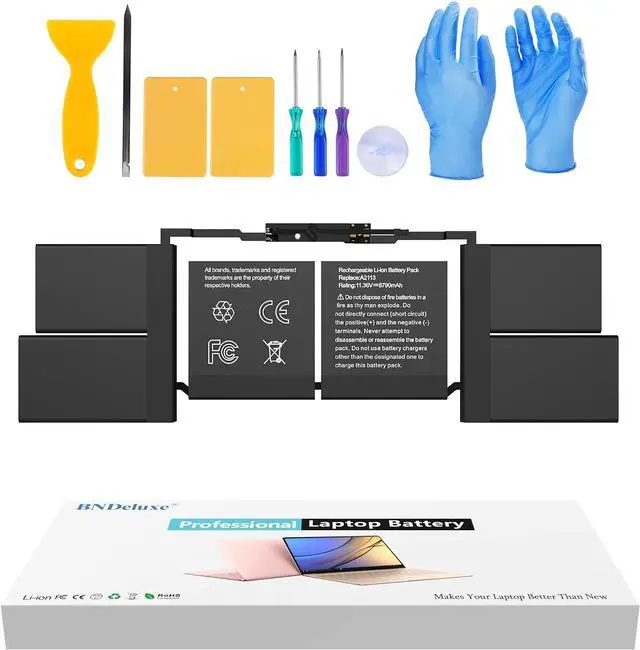
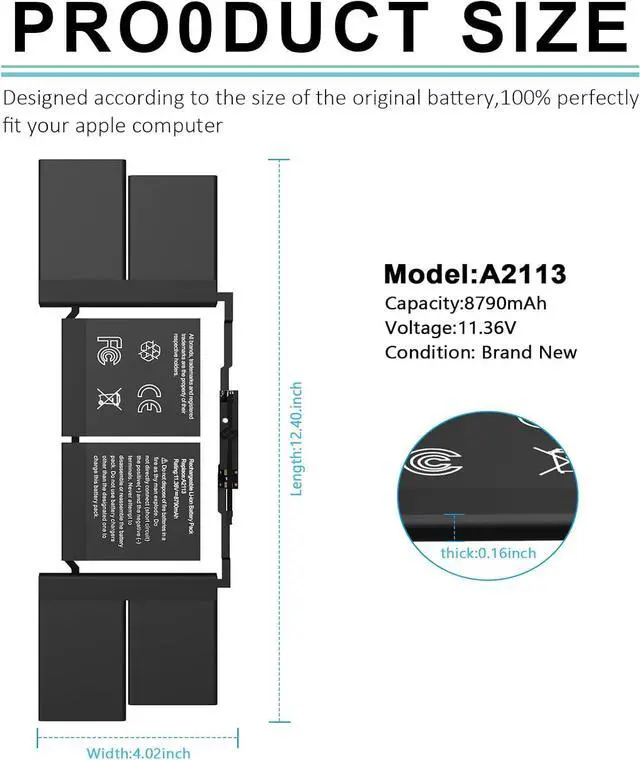


BNDeluxe A2141 Battery Replacement A2113 Battery for MacBook Pro 16 Inch A2141 2020 2019 Year EMC 3347 fits MVVL2 MVVL2LL/A MVVM2 MVVM2LL/A MVVJ2 MVVJ2LL/A MVVK2 MVVK2LL/A 99.8Wh 8790mAh 11.36V
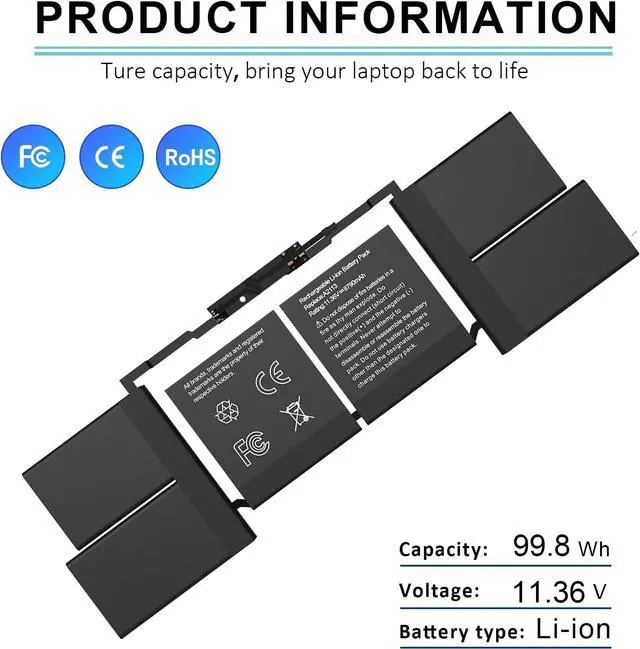
- SpecificationBattery Model:A2113 Replacement Battery, Type:Li-ion Polyme; Capacity: 99.8Wh 8790mAh; Voltage: 11.36V;
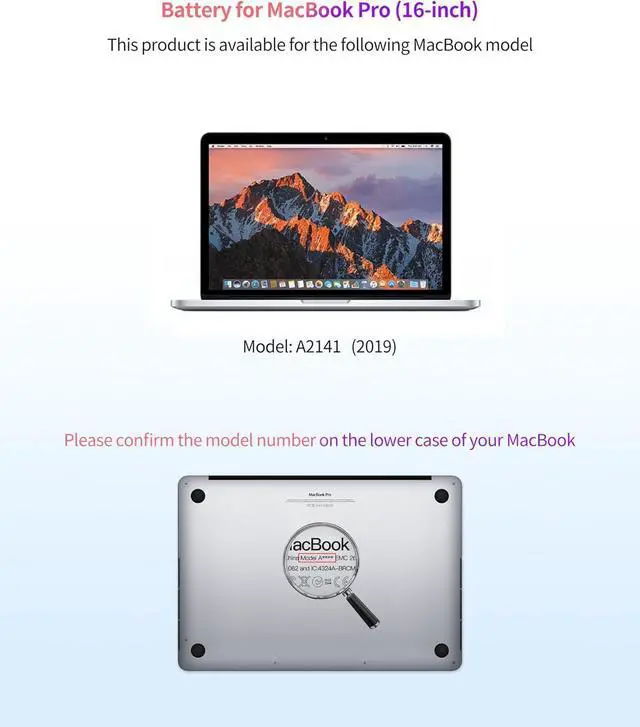
- Compatible Part NumberA2141, A2113, EMC 3347, for MacBook Pro 16" 2019 A2141 MacBookPro16,1, MacBookPro16,4.
- Compatible Laptop ModelsFit for MacBook Pro 16-Inch (A2141, Release 2019 2020) version MVVJ2 MVVJ2LL/A MVVK2 MVVK2LL/A. MVVL2 MVVL2LL/A MVVM2 MVVM2LL/A
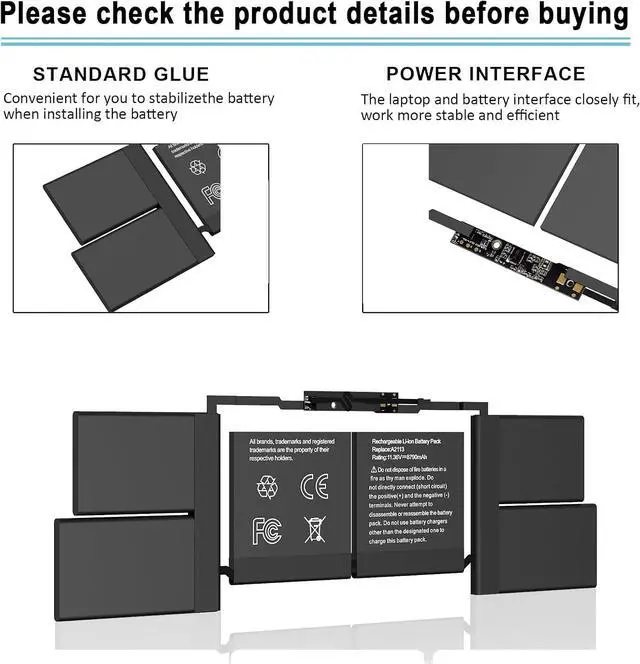
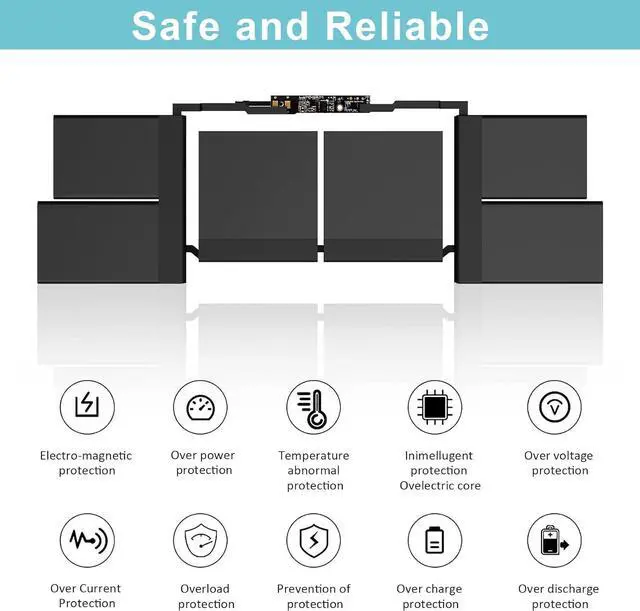
- High Quality & Safety Our Runpower replacement laptop batteries are 100% compatible with original batteries ,A2113 batteries undergo extensive quality checks to ensure high quality. Grade A cells ensure fast charging and low power consumption, and built-in circuit protection ensures both safety and stability.Certified by CE/FCC/ROHS
- Warranty & Service12 months warranty, 30 days money return guarantee and 7 x 24 email support; If you have any questions, please feel free to contact our customer support for assistance
+
+
Overview
Specs
Reviews

Any questions? Our AI mode will help you find out quickly.
Try me now
About us:
Welcome to BNDeluxe we are a manufacturer specializing in various high-quality laptop batteries. We aim to provide each customer with valuable products and give you a longer life battery.
Modelo compatible: A2113 Laptop Batería de repuesto para Mac Book Pro de 16 pulgadas A2141 2019 EMC 3347 BTO/CTO MVVJ2xx/A MVVK2xx/A MVVL2xx/A MVVM2xx/A
Grade "A" cells Top Quality BatteryEach battery contains built in multi-protection functions such as short circuit, overheat & overload for maximum safety. Bring your laptop back to life With our battery, you can enjoy the laptop qualities of your MacBook once again.
Warm Tip:1. Before removing the battery, be sure to turn off the machine and disconnect the power supply.2. When installing the battery, it is strictly prohibited to drop the metal screw parts into the computer or the battery.3. After installing the battery correctly, connect the power adapter first and let the battery fully charged, then you can use it normally.4. Do not disassemble the original battery violently, otherwise it will lead to deformation of the touchpad and the original old battery will be damaged and burnt.
Welcome to BNDeluxe we are a manufacturer specializing in various high-quality laptop batteries. We aim to provide each customer with valuable products and give you a longer life battery.
Modelo compatible: A2113 Laptop Batería de repuesto para Mac Book Pro de 16 pulgadas A2141 2019 EMC 3347 BTO/CTO MVVJ2xx/A MVVK2xx/A MVVL2xx/A MVVM2xx/A
Grade "A" cells Top Quality BatteryEach battery contains built in multi-protection functions such as short circuit, overheat & overload for maximum safety. Bring your laptop back to life With our battery, you can enjoy the laptop qualities of your MacBook once again.
Warm Tip:1. Before removing the battery, be sure to turn off the machine and disconnect the power supply.2. When installing the battery, it is strictly prohibited to drop the metal screw parts into the computer or the battery.3. After installing the battery correctly, connect the power adapter first and let the battery fully charged, then you can use it normally.4. Do not disassemble the original battery violently, otherwise it will lead to deformation of the touchpad and the original old battery will be damaged and burnt.
Warranty & Returns
Warranty, Returns, And Additional Information
Warranty
- Please contact the Seller directly for warranty information. Warranty information may also be found on the Manufacturer's website.
- CONTACT
Return Policies
- Return for refund within: 30 days
- Return for replacement within: 30 days
- This item is covered by E-Transit Limited Return Policy
Manufacturer Contact Info
- For a directory of all our manufacturers, please click below.
- Manufacturers Directory
LOADING...