

Your Browsing History
- Free 30-day Returns
$83.99

Meet Your Seller

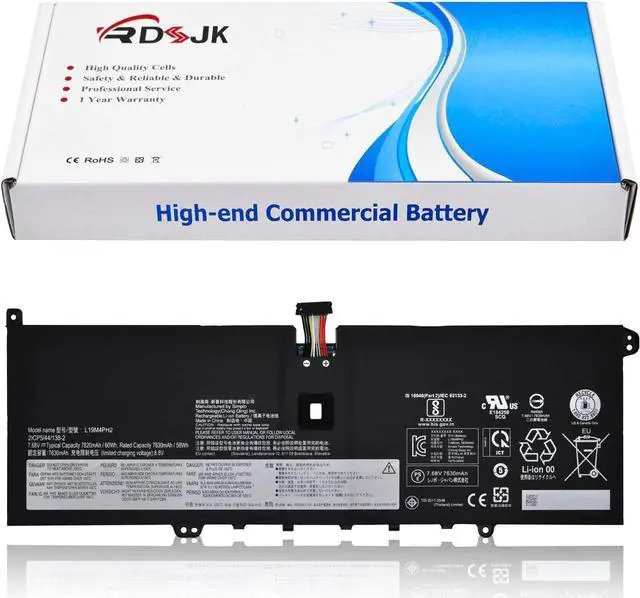
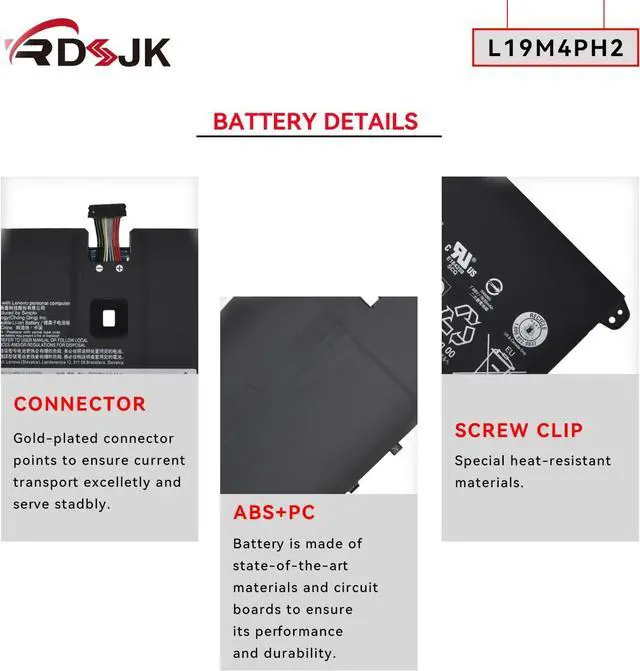
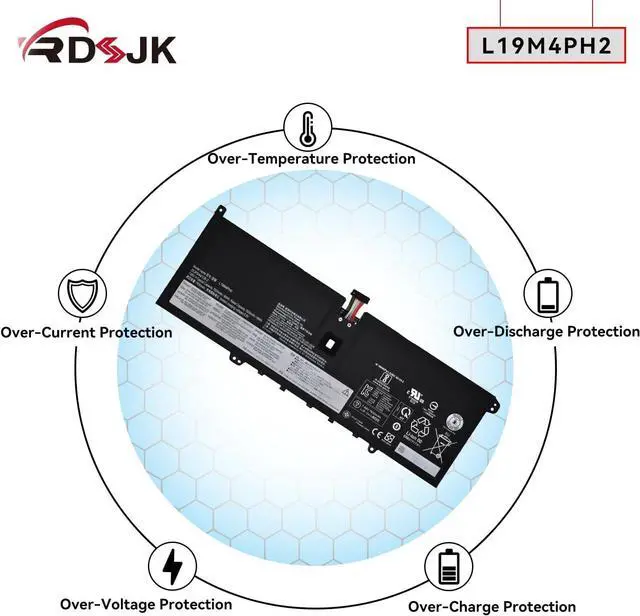



L19M4PH2 L19C4PH2 Laptop Battery for Lenovo Ideapad Yoga 9-14ITL5 82BG Yoga 9i (14inch) 2-in-1 C950 9-14ITL5-82BG001AUK 82BG00DRUE Series SB10Z33894 5B10Z33895 5B10Z33896 SB10Z33898 7.68V 60Wh 7820mAh
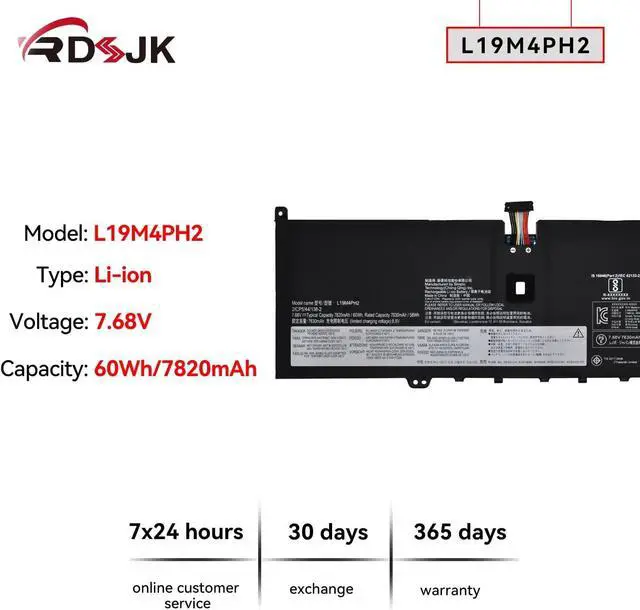
- Battery type: Li-ion; Voltage: 7.68V; Capacity: 60Wh/7820mAh; Cells: 4-cell
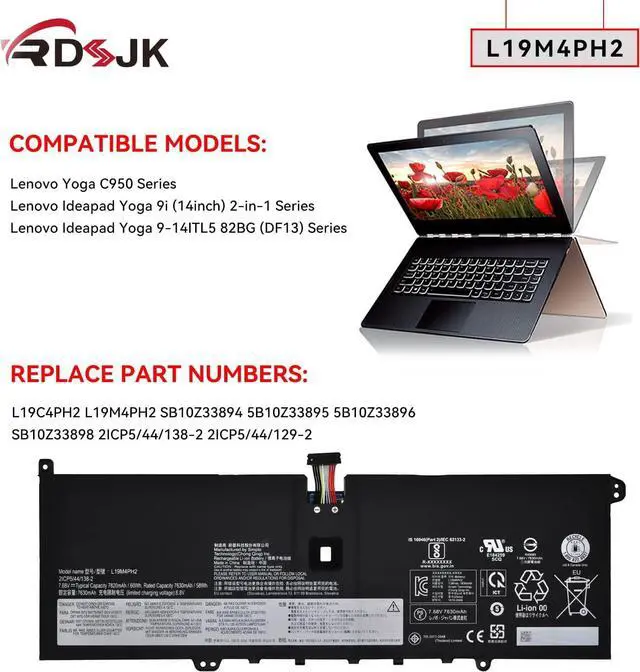
- Compatible Models: Fit for Lenovo Yoga C950 Series; Fit for Lenovo Yoga 9-14ITL5 Series; Fit for Lenovo Ideapad Yoga 9i (14inch) 2-in-1 Series; Fit for Lenovo Ideapad Yoga 9-14ITL5 82BG (DF13) Series
- Replace Part Numbers: L19C4PH2 L19M4PH2 SB10Z33898 SB10Z33894 5B10Z33895 5B10Z33896 2ICP5/44/138-2 2ICP5/44/129-2
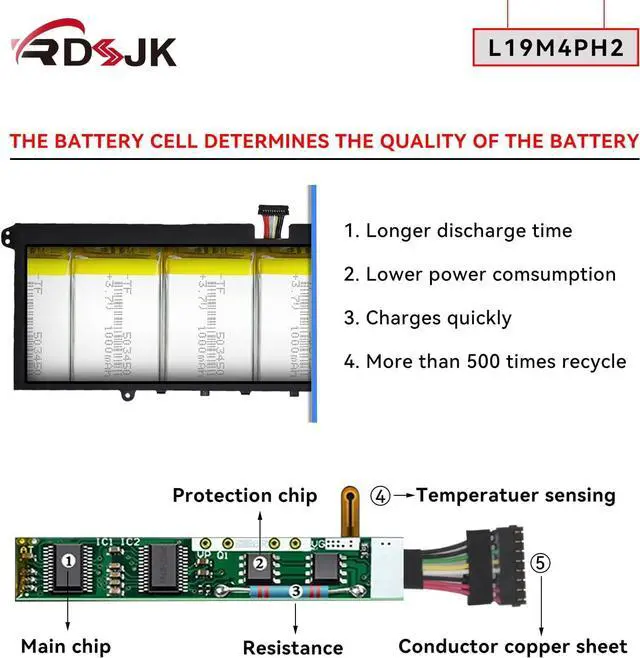
- 100% New from Manufacturer. Up to 500 recharge cycles over the life of the battery. The actual operation time will depend on how much electricity is required by the device and how you use it
- For first use, please discharge the battery to 5%(not to 0%) and then charge to 95%, and cycle 3-4 times.
+
+
Overview
Specs
Reviews

Any questions? Our AI mode will help you find out quickly.
Try me now
Compatible Models: (use "Ctrl+F" to find your model quickly)
Lenovo Yoga C950 Series
Lenovo Yoga 9-14ITL5 Series
Lenovo Ideapad Yoga 9i (14inch) 2-in-1 Series
Lenovo Ideapad Yoga 9-14ITL5 82BG Series
Lenovo Ideapad Yoga 9-14ITL5 82BG (DF13) Series
9-14ITL5-82BG001AUK, 9-14ITL5-82BG001EIX, 9-14ITL5-82BG002VTW, 9-14ITL5-82BG0041MZ, 9-14ITL5-82BG004XMH,
9-14ITL5-82BG0056MX, 9-14ITL5-82BG006EVN, 9-14ITL5-82BG006HGJ, 9-14ITL5-82BG0070FE, 9-14ITL5-82BG009CPB,
9-14ITL5-82BG00ACGE, 9-14ITL5-82BG00B2TW, 9-14ITL5-82BG00B5SB, 9-14ITL5-82BG00B7JP, 9-14ITL5-82BG00C6PB,
9-14ITL5-82BG00CEAX, 9-14ITL5-82BG00D1HH, 9-14ITL5-82BG00DRUE, 9-14ITL5-82BG001MAU, 9-14ITL5-82BG001SAU,
9-14ITL5-82BG005SAU, 9-14ITL5-82BG005UAU, 9-14ITL5-82BG005VAU, 9-14ITL5-82BG001NAU, 9-14ITL5-82BG0026TW,
9-14ITL5-82BG0048JP, 9-14ITL5-82BG004WIV, 9-14ITL5-82BG0057BM, 9-14ITL5-82BG0068MZ, 9-14ITL5-82BG006FLM,
9-14ITL5-82BG0080AD, 9-14ITL5-82BG0094FG, 9-14ITL5-82BG00BFTW, 9-14ITL5-82BG00BLHH, 9-14ITL5-82BG00D9RA,
9-14ITL5-82BG00EWUK, 9-14ITL5-82BG00FKIV,
1. Discharge the new battery use to 5%(not to 0%) and then charge to 95%, and cycle 3-5 times.
2. Do not disassemble, crush or puncture. Do not dispose of in fire or water.
3. If you remove battery for a long time, charge more than 80% at least one time within one months.
4. When using the battery, care should be taken to prevent exposure and moisture.
Laptop Battery Instruction:
Lenovo Yoga C950 Series
Lenovo Yoga 9-14ITL5 Series
Lenovo Ideapad Yoga 9i (14inch) 2-in-1 Series
Lenovo Ideapad Yoga 9-14ITL5 82BG Series
Lenovo Ideapad Yoga 9-14ITL5 82BG (DF13) Series
9-14ITL5-82BG001AUK, 9-14ITL5-82BG001EIX, 9-14ITL5-82BG002VTW, 9-14ITL5-82BG0041MZ, 9-14ITL5-82BG004XMH,
9-14ITL5-82BG0056MX, 9-14ITL5-82BG006EVN, 9-14ITL5-82BG006HGJ, 9-14ITL5-82BG0070FE, 9-14ITL5-82BG009CPB,
9-14ITL5-82BG00ACGE, 9-14ITL5-82BG00B2TW, 9-14ITL5-82BG00B5SB, 9-14ITL5-82BG00B7JP, 9-14ITL5-82BG00C6PB,
9-14ITL5-82BG00CEAX, 9-14ITL5-82BG00D1HH, 9-14ITL5-82BG00DRUE, 9-14ITL5-82BG001MAU, 9-14ITL5-82BG001SAU,
9-14ITL5-82BG005SAU, 9-14ITL5-82BG005UAU, 9-14ITL5-82BG005VAU, 9-14ITL5-82BG001NAU, 9-14ITL5-82BG0026TW,
9-14ITL5-82BG0048JP, 9-14ITL5-82BG004WIV, 9-14ITL5-82BG0057BM, 9-14ITL5-82BG0068MZ, 9-14ITL5-82BG006FLM,
9-14ITL5-82BG0080AD, 9-14ITL5-82BG0094FG, 9-14ITL5-82BG00BFTW, 9-14ITL5-82BG00BLHH, 9-14ITL5-82BG00D9RA,
9-14ITL5-82BG00EWUK, 9-14ITL5-82BG00FKIV,
1. Discharge the new battery use to 5%(not to 0%) and then charge to 95%, and cycle 3-5 times.
2. Do not disassemble, crush or puncture. Do not dispose of in fire or water.
3. If you remove battery for a long time, charge more than 80% at least one time within one months.
4. When using the battery, care should be taken to prevent exposure and moisture.
Laptop Battery Instruction:
Warranty & Returns
Warranty, Returns, And Additional Information
Warranty
- Please contact the Seller directly for warranty information. Warranty information may also be found on the Manufacturer's website.
- CONTACT
Return Policies
- Return for refund within: 30 days
- Return for replacement within: 30 days
- This item is covered by E-Transit Limited Return Policy
Manufacturer Contact Info
- For a directory of all our manufacturers, please click below.
- Manufacturers Directory
LOADING...