

Your Browsing History
- Free 30-day Returns
$92.99

Meet Your Seller

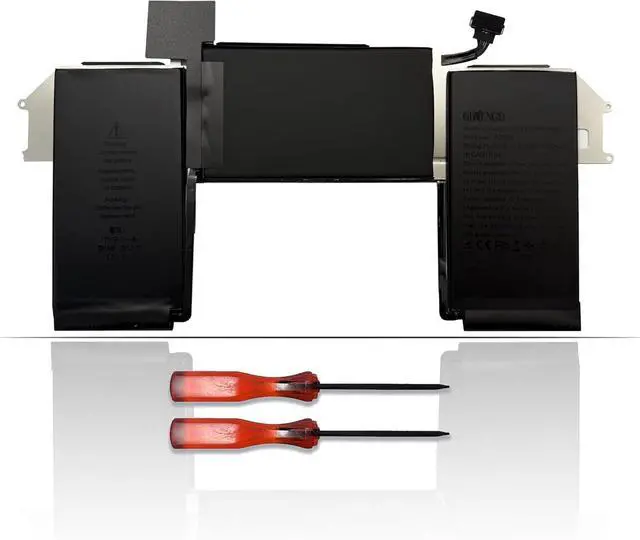
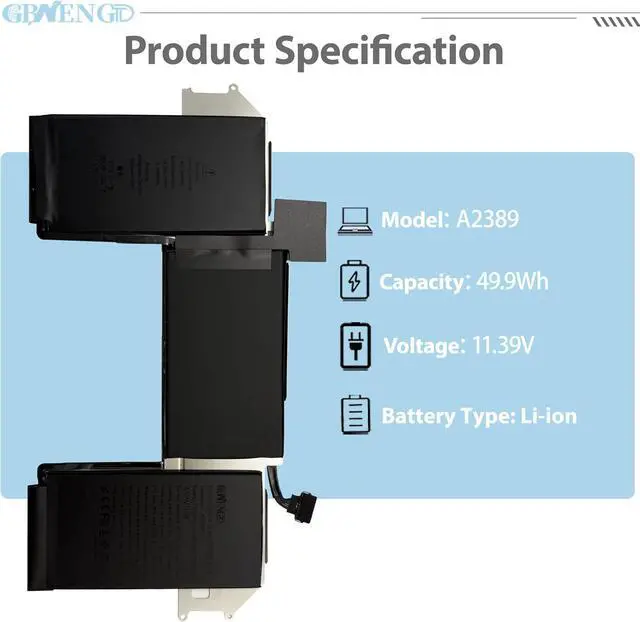



A2389 A2337 Laptop Battery Replacement for MacBook Air 13 inch Model A2337 2020 M1 EMC 3598 MGN63 MGN73 MGN63LL/A MGN73LL/A 3ICP5/63/120 11.4V 55Wh 4800mAh
- Specifications Model: A2389 Capatity: 55Wh Voltage:11.4V Color: Black Battery type: Rechargeable Li-ion Battery Condition: 100% brand New from Manufacturer.
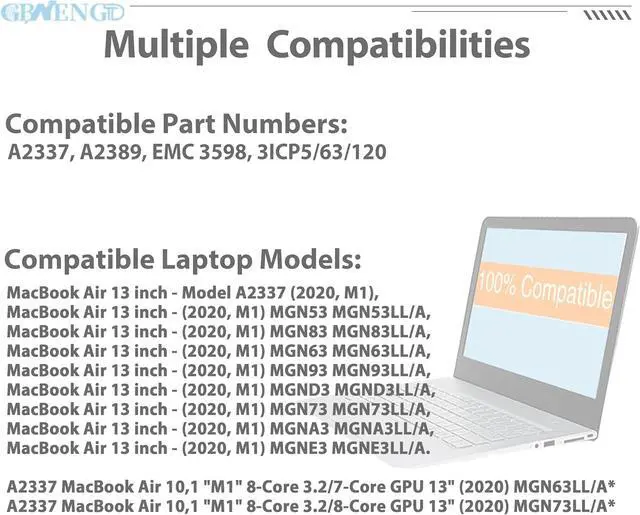
- Compatible Model MacBook Air 13 inch - Model A2337 (2020, M1), MacBook Air 13 inch - (2020, M1) MGN53 MGN53LL/A, MacBook Air 13 inch - (2020, M1) MGN83 MGN83LL/A, MacBook Air 13 inch - (2020, M1) MGN63 MGN63LL/A, MacBook Air 13 inch - (2020, M1) MGN93 MGN93LL/A, MacBook Air 13 inch - (2020, M1) MGND3 MGND3LL/A, MacBook Air 13 inch - (2020, M1) MGN73 MGN73LL/A, MacBook Air 13 inch - (2020, M1) MGNA3 MGNA3LL/A, MacBook Air 13 inch - (2020, M1) MGNE3 MGNE3LL/A. A2337 MacBook Air 10,1 "M1" 8-Core 3.2/7-Core GPU 13" (2020) MGN63LL/A* A2337 MacBook Air 10,1 "M1" 8-Core 3.2/8-Core GPU 13" (2020) MGN73LL/A*
- Compatible Part No#A2337, A2389, EMC 3598, 3ICP5/63/120
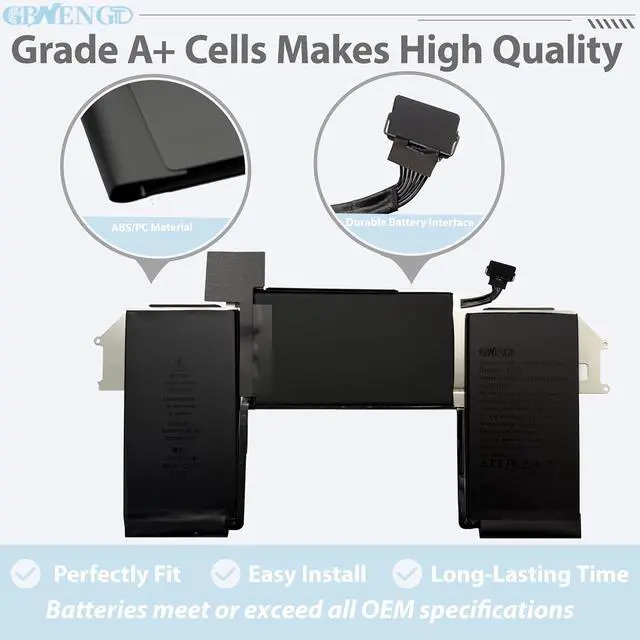
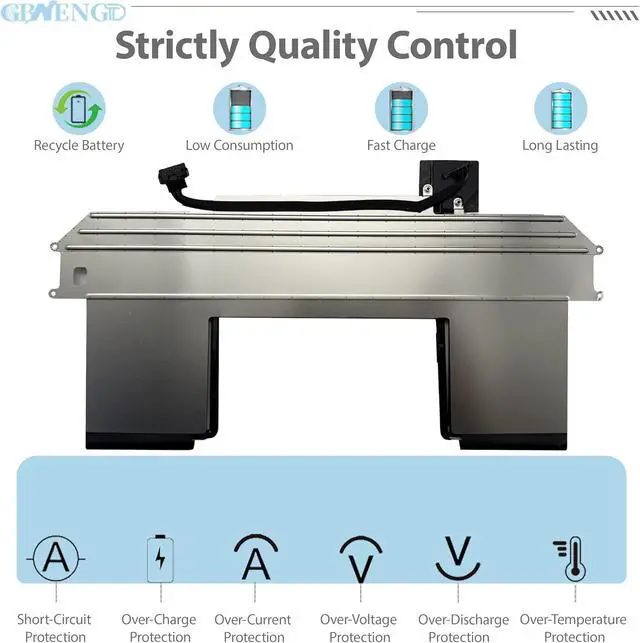
- Quality First We have passed a series tests of short circuit, overheating, and overload protection before shipments. The newest generation chips, grade A cell battery ,
+
+
Overview
Specs
Reviews

Any questions? Our AI mode will help you find out quickly.
Try me now
GBNENGTD is a professional manufacturer of laptop batteries, we focus on enhancing your laptop's performance with our cutting-edge replacement battery. Crafted with Grade A cells, we ensures superior quality and reliability, offering you a most perfect choice for purchasing batteries.
A2337 MacBook Air 10,1 "M1" 8-Core 3.2/7-Core GPU 13" (2020) MGN63LL/A*
A2337 MacBook Air 10,1 "M1" 8-Core 3.2/8-Core GPU 13" (2020) MGN73LL/A*
Before replacing the new battery, you need to completely shut down the computer and remove the power and battery to avoid short-circuit during the replacement process.
Check and clean the battery slots first to make sure all connectors and screws are properly installed.
When removing and installing batteries, handle them with care to avoid damage caused by collision or falling.
Do Discharge the new battery use to 10% (not to 0%) and then charge to 95%, and cycle 3-4 times.
The important point is to perform a full discharge charge every other month to extend battery life.
Do not use the laptop in a high temperature environment and avoid fully charging or discharging the laptop battery for a long time, as this may damage the battery.
If you need to store your laptop for an extended period, it is recommended to charge the battery approximately once a month, maintaining a charge level of about 50% to keep it active.
Welcome to GBNENGTD ! Battery Mantainance Advice:
A2337 MacBook Air 10,1 "M1" 8-Core 3.2/7-Core GPU 13" (2020) MGN63LL/A*
A2337 MacBook Air 10,1 "M1" 8-Core 3.2/8-Core GPU 13" (2020) MGN73LL/A*
Before replacing the new battery, you need to completely shut down the computer and remove the power and battery to avoid short-circuit during the replacement process.
Check and clean the battery slots first to make sure all connectors and screws are properly installed.
When removing and installing batteries, handle them with care to avoid damage caused by collision or falling.
Do Discharge the new battery use to 10% (not to 0%) and then charge to 95%, and cycle 3-4 times.
The important point is to perform a full discharge charge every other month to extend battery life.
Do not use the laptop in a high temperature environment and avoid fully charging or discharging the laptop battery for a long time, as this may damage the battery.
If you need to store your laptop for an extended period, it is recommended to charge the battery approximately once a month, maintaining a charge level of about 50% to keep it active.
Welcome to GBNENGTD ! Battery Mantainance Advice:
Warranty & Returns
Warranty, Returns, And Additional Information
Warranty
- Please contact the Seller directly for warranty information. Warranty information may also be found on the Manufacturer's website.
- CONTACT
Return Policies
- Return for refund within: 30 days
- Return for replacement within: 30 days
- This item is covered by E-Transit Limited Return Policy
Manufacturer Contact Info
- For a directory of all our manufacturers, please click below.
- Manufacturers Directory
LOADING...