

Your Browsing History
- Free 30-day Returns
$124.99

Meet Your Seller


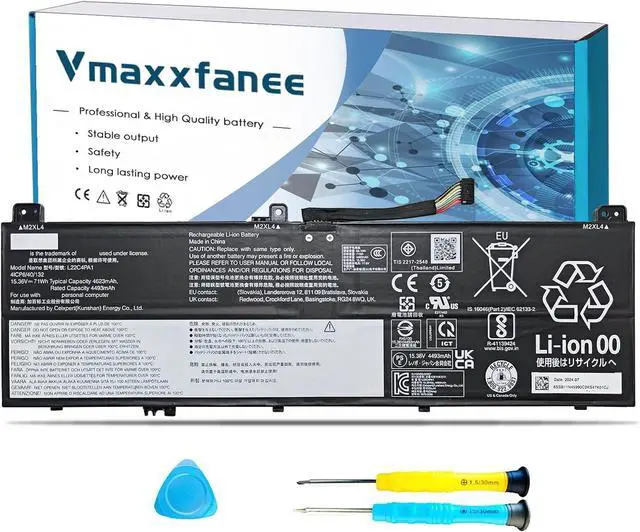


L22C4PA1 L22M4PA1 Laptop Battery Replacement for Lenovo Yoga 7 2-in-1 14IML9 14AHP9 16IML9 16AHP9 / Yoga 7 14IRL8 14ARP8 16IRL8 16ARP8 Series 5B11K38966 L22D4PA1
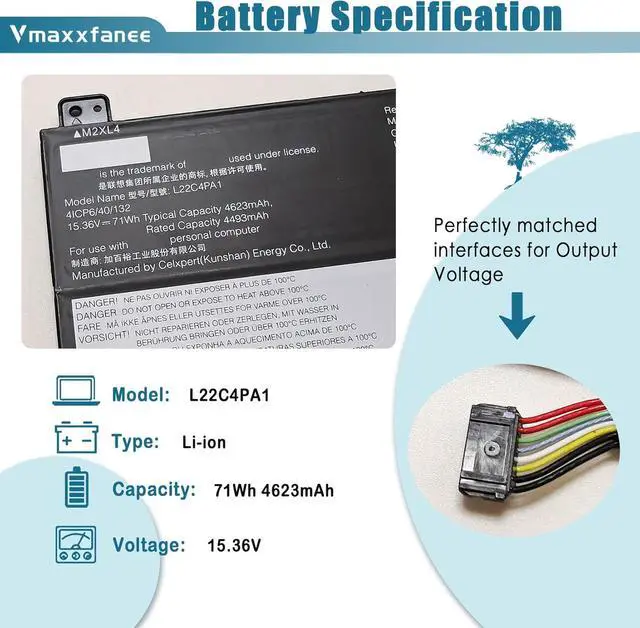
- Lenovo L22C4PA1 Specifications Model: L22C4PA1 / Voltage: 15.36V /Capacity :71Wh 4623mAh/ Color: Black /Condition: 100% brand New.
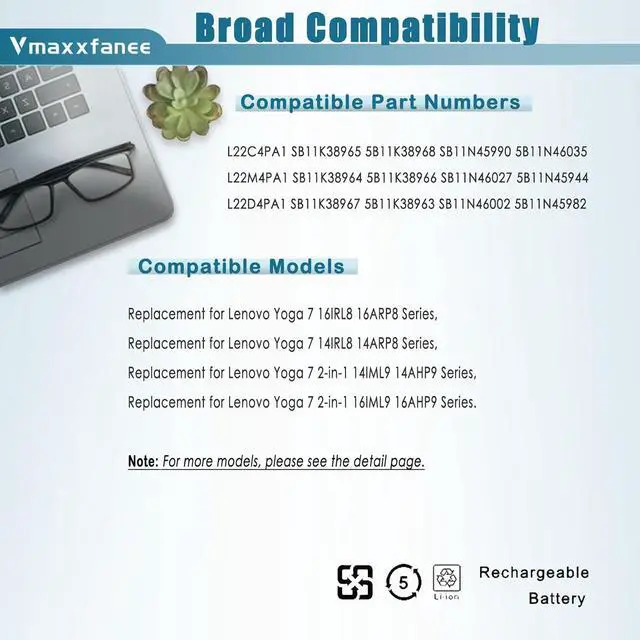
- Compatible laptop ModelsReplacement for Lenovo Yoga 7 16IRL8 16ARP8 Series, for Lenovo Yoga 7 14IRL8 14ARP8 Series, for Lenovo Yoga 7 2-in-1 14IML9 14AHP9 Series, for Lenovo Yoga 7 2-in-1 16IML9 16AHP9 Series.
- L22C4PA1 battery Replacement Part NumberL22M4PA1 SB11K38964 5B11K38966 SB11N46027 5B11N45944 L22C4PA1 SB11K38965 5B11K38968 SB11N45990 5B11N46035 L22D4PA1 SB11K38967 5B11K38963 SB11N46002 5B11N45982
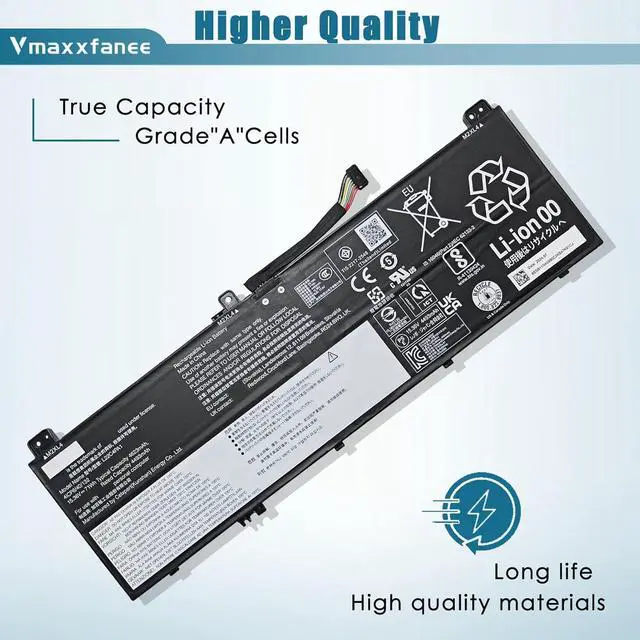
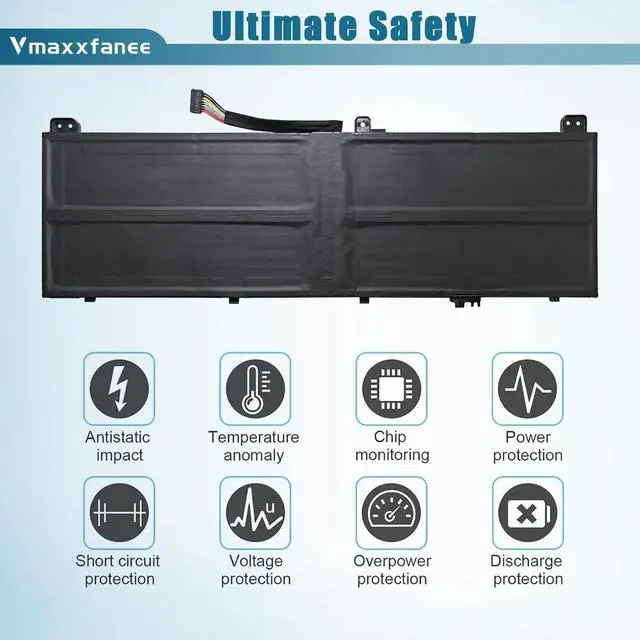
- Quality & Security Quality: grade A cells ensure fast charges and low power consumption. Safety: All of our products are Certified by UL / CE / FCC / RoHS for safety. Strict guidelines for compatibility, strict quality control standards to ensure the true capacity, stable current and low self-discharge and standards compliance for environment safety.
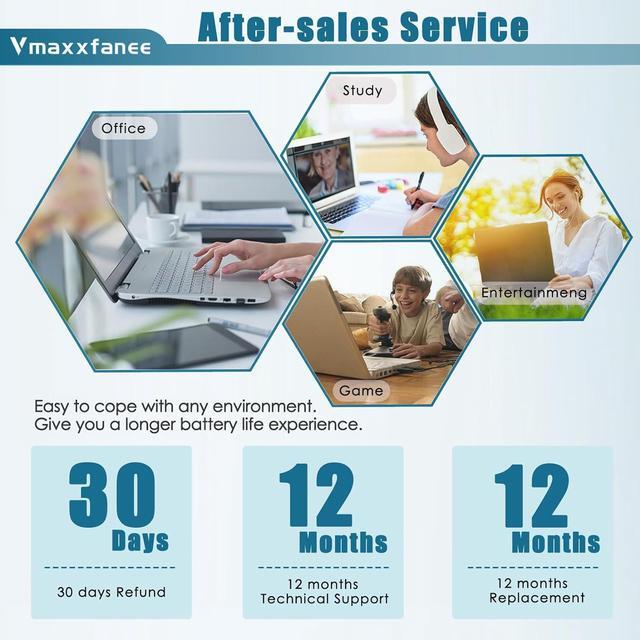
- After-sale serviceAfter-sale serviceWe guarantee 30 days return/exchange policy and 12-
+
+
Overview
Specs
Reviews

Any questions? Our AI mode will help you find out quickly.
Try me now
for Lenovo Yoga 7 2-in-1 16IML9 Series,Type-83DL
for Lenovo Yoga 7 2-in-1 16AHP9 Series.Type-83DM
for Lenovo Yoga 7 2-in-1 14IML9 Series,Type-83DJ
for Lenovo Yoga 7 2-in-1 14AHP9 Series, Type-83DK
for Lenovo Yoga 7 14IRL8 Series,Type-82YL
for Lenovo Yoga 7 14ARP8 Series, Type-82YM
for Lenovo Yoga 7 16IRL8 Series,Type-82YN
for Lenovo Yoga 7 16ARP8 Series, Type-83BS
If the new battery is not recognized during the initial installation, please reinstall and check if the interface is fully connected.
For The first time to use the new battery,discharge the new battery to 10% (Do not 0%), then charge it to 100%. Cycle 3-5 times to activate its maximum capacity.
Do not run out of battery power to 0%, the lithium battery will turn on the Charge Protection. So it can not be recharged any more.
If the battery needs to remain idle in a month or a longer time, remove the battery out of the computer, charge it to 60%-80% and store it in a dry cool and clean place.
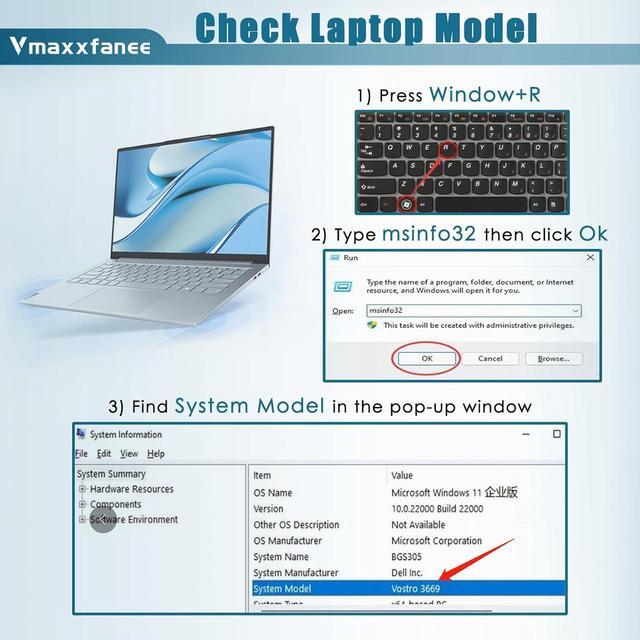
We strongly recommend you to check and confirm your laptop model, original battery model and appearance before placing your order, compare it with our battery images to make sure it is the one you need
We guarant-ee 30 days return/exchange policy and 12-month warrant-y; 24 x 7 email support. If you have any questions, please contact-us at your convenience and we will do our best to solve your problem!
Under normal use, most batteries last about 3 hours. Some high-capacity batteries can last up to 5-8 hours.
Battery life depends on the laptop's CPU processor speed, applications, screen brightness, external ports for wireless devices, and the life of the battery itself, so the actual battery life may differ from your original model. If you find that your new battery only lasts a short time or drops out quickly, please consult us and we will help you until the problem is solved.
Please look at the physical characteristics of the battery correctly. Battery itself is a consumable product, it will be affected by the number of times the battery is used, the user's habits, the temperature of the environment and other factors and gradually shorten its own use time.
Typically, you receive a new battery with approximately 50% charge to keep the battery active. During long-distance transportation and storage in warehouses, the battery may be naturally depleted. Please fully charge the battery before use, then discharge it to 10%-20% and cycle it 3-4 times.
Compatible laptop Models Vmaxxfanee after-sales service How long does the battery last when fully charged? Tips How to charge and discharge a new battery ?
Warranty & Returns
Warranty, Returns, And Additional Information
Warranty
- Please contact the Seller directly for warranty information. Warranty information may also be found on the Manufacturer's website.
- CONTACT
Return Policies
- Return for refund within: 30 days
- Return for replacement within: 30 days
- This item is covered by E-Transit Limited Return Policy
Manufacturer Contact Info
- For a directory of all our manufacturers, please click below.
- Manufacturers Directory
LOADING...