Your Browsing History
- Free 30-day Returns
$88.99
Meet Your Seller
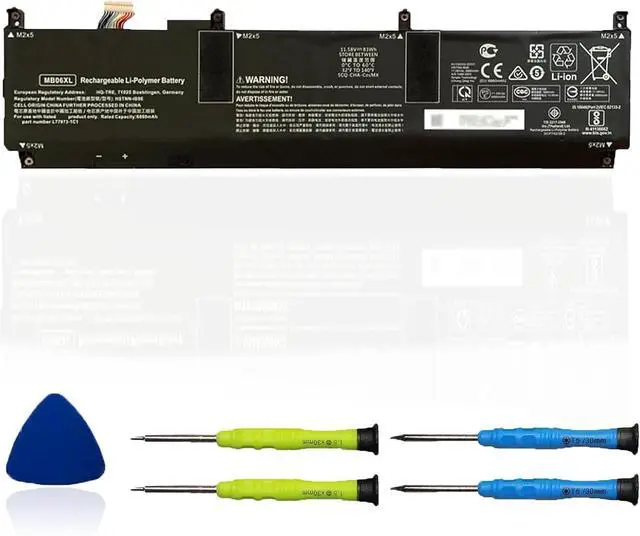
MB06XL L78553-005 Laptop Battery Replacement for Hp ZBook Studio G7 2J3H8PA 1J3R6EA 1J3U6EA 21X54UT H80612762 1J3W1EA 28Y09PA 1J3S8EA 235M3PA 21X85UT Series HSTNN-IB9E L77973-1C1
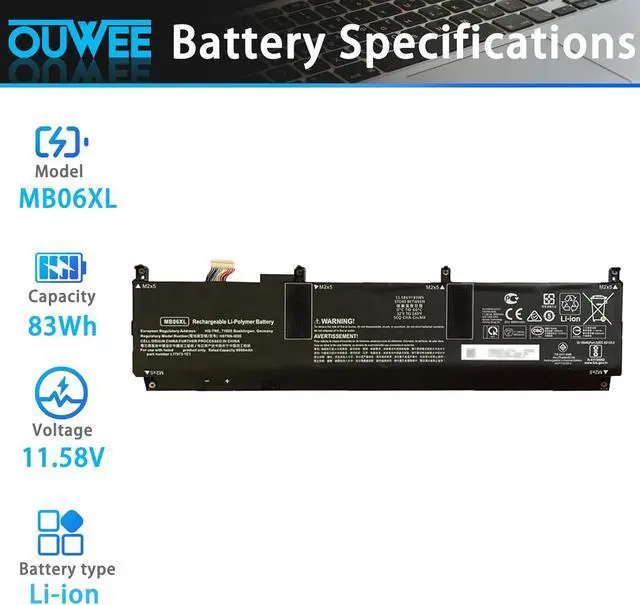
- Battery type: Lithium-ion, Voltage: 11.55V, Capacity: 6880mAh, 83Wh
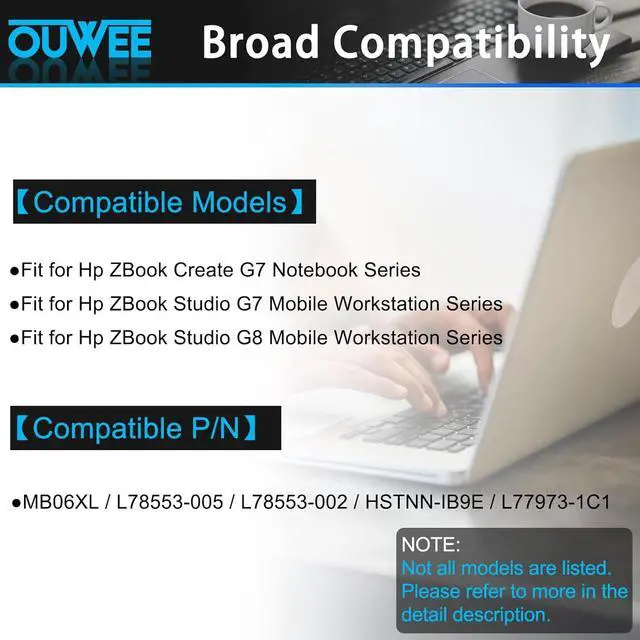
- Compatible Part Number: MB06XL, L78553-005, L78553-002, HSTNN-IB9E, L77973-1C1
- Replacement for HP ZBook Studio 15 G7 and ZBook Studio 15 G8 Series laptops
- Connector: Please refer to image before ordering to ensure compatibility
- Use Skills: Fully discharge and charge battery 3-4 times initially to wake it up. Discharge fully every 2 months.
+
+
Overview
Specs
Reviews
Any questions? Our AI beta will help you find out quickly.
Try me now
ModelMB06XLCapacity83WhVoltage11.58VTypeLi-ionColorBlackConditionBrand New Fit for Hp ZBook Create G7 Notebook Series;
Fit for Hp ZBook Studio G7 Mobile Workstation Series;
Fit for Hp ZBook Studio G8 Mobile Workstation Series.
Replacement for Part Number:
MB06XLL78553-005L78553-002HSTNN-IB9EL77973-1C1
Why your laptop can't detect the battery or display the battery level properly after installing the battery? It may be caused by a loose battery. Please check if the battery cable is installed correctly. It may be due to the damage of the conductive material caused by the laptop motherboard and the battery positive contact position, you can try to use the original battery to confirm. Check if the battery driver is normal, if not, please download the appropriate driver software to update.
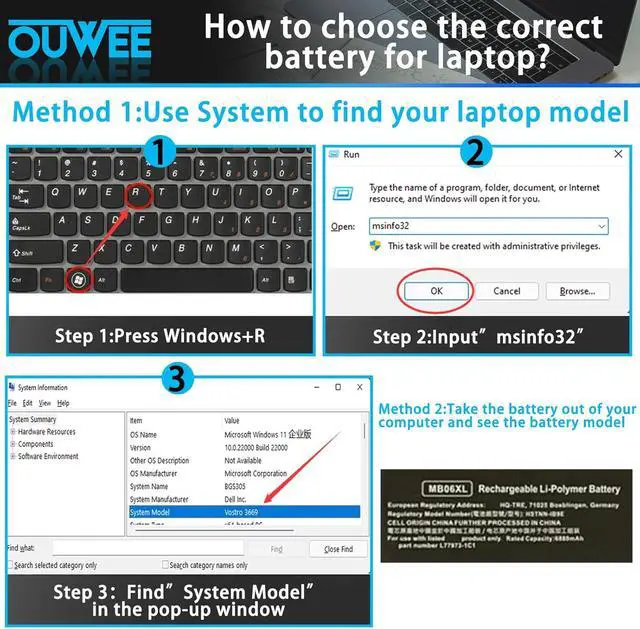
Product information Compatible Models (use "Ctrl+F to find your model quickly") Common Troubleshooting Methods

Fit for Hp ZBook Studio G7 Mobile Workstation Series;
Fit for Hp ZBook Studio G8 Mobile Workstation Series.
Replacement for Part Number:
MB06XLL78553-005L78553-002HSTNN-IB9EL77973-1C1
Why your laptop can't detect the battery or display the battery level properly after installing the battery? It may be caused by a loose battery. Please check if the battery cable is installed correctly. It may be due to the damage of the conductive material caused by the laptop motherboard and the battery positive contact position, you can try to use the original battery to confirm. Check if the battery driver is normal, if not, please download the appropriate driver software to update.
Product information Compatible Models (use "Ctrl+F to find your model quickly") Common Troubleshooting Methods
Warranty & Returns
Warranty, Returns, And Additional Information
Warranty
- Please contact the Seller directly for warranty information. Warranty information may also be found on the Manufacturer's website.
- CONTACT
Return Policies
- Return for refund within: 30 days
- Return for replacement within: 30 days
- This item is covered by E-Transit Limited Return Policy
Manufacturer Contact Info
- For a directory of all our manufacturers, please click below.
- Manufacturers Directory
LOADING...