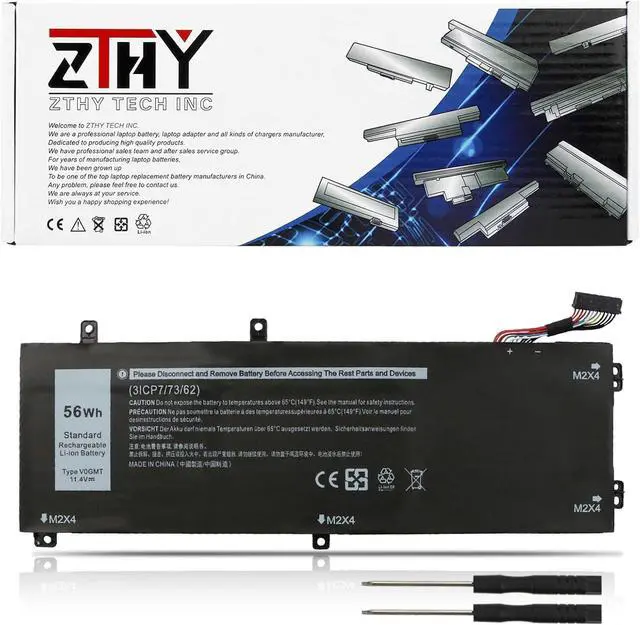
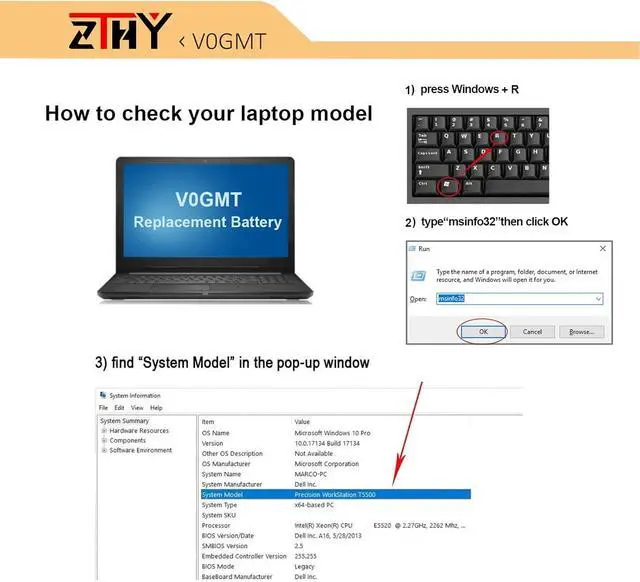
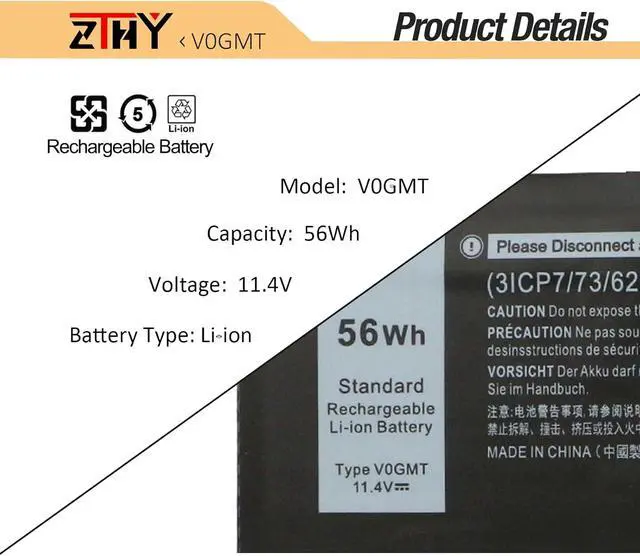
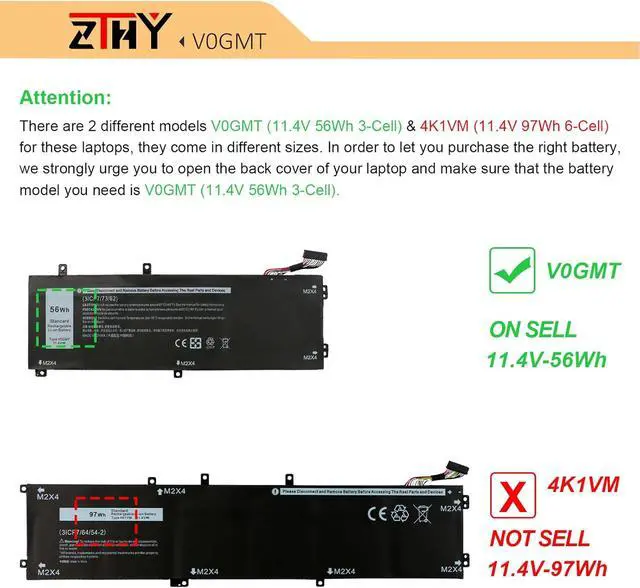
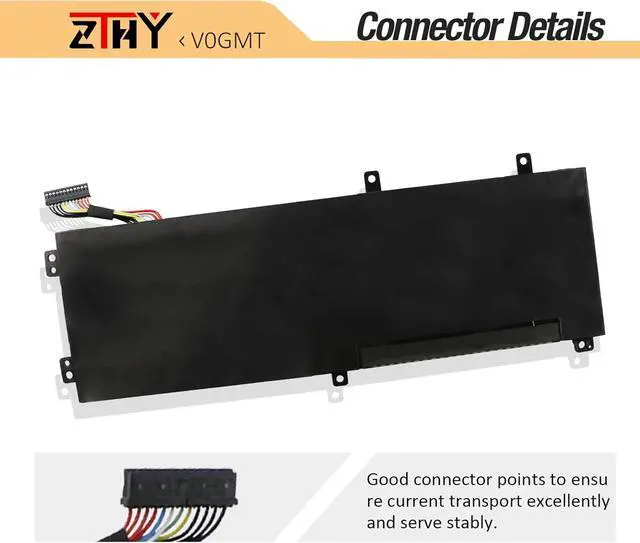
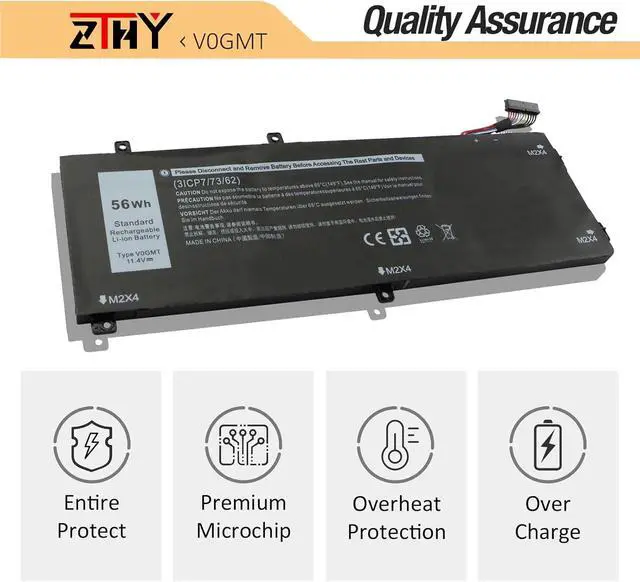
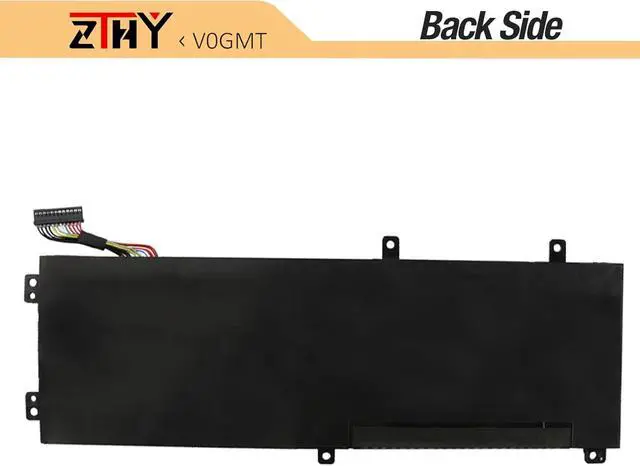
Compatible Part NumberV0GMT NYD3W 0NYD3W NCC3D 0NCC3D 4K1VM W62W6 0W62W6 XYCW0 0XYCW0 9TM7D 09TM7D VOGMT 0V0GMT TJDRR 0TJDRR 3ICP7/73/62Compatible ModelReplacement for Dell G7 17 7700 Series;Compatible ModelReplacement for Dell Vostro 7500 7590 Series;Compatible ModelReplacement for Dell XPS 15 7590 9550 9560 9570 Series;Compatible ModelReplacement for Dell Precision 5510 5520 5530 5540 Series (Note: Not fit for Precision 5530 2-in-1 Series.)Compatible ModelReplacement for Dell Inspiron 15 7500 7501 7590 7591 Series (Note: Not fit for Inspiron 7590 2-in-1 & Inspiron 7591 2-in-1 Series.)NoteThere are 2 different models V0GMT (11.4V 56Wh 3-Cell) & 4K1VM (11.4V 97Wh 6-Cell) for these laptops, they come in different sizes. In order to let you purchase the right battery, we strongly urge you to open the back cover of your laptop and make sure that the battery model you need is V0GMT (11.4V 56Wh 3-Cell).NoteIf you install the battery, you find that the device cannot detect the battery or the battery level cannot be displayed normally. Please check whether the battery cable is installed properly. Sometimes the battery cannot be charged because the cable is not fixed properly. What do I need to be aware of when I receive a battery?
You need to check its appearance, confirm the model, read the instruction manual. Cycle and charge it 5 to 6 times to activate the maximum usage space of the battery. When not in use temporarily, charge the battery to 50%-60%.
What should I do if laptop won't boot up after installing a new battery?
1.Check if the battery is properly seated and connections are clean. 2.Try charging it or use the adapter alone to start. 3.Examine hardware links, like RAM and adapters. 4.Reset BIOS settings if needed. 5.Enter Safe Mode to fix system issues.
How should I do if the battery is not recognised?
If it is not recognised, it is recommended to update the BIOS settings or please disconnecting the old battery, and holding down the power button for 20 seconds, then connect the new battery.
What should I do if the battery expands?
1.Power off your laptop and disconnect it from any power source. 2.Carefully remove the swollen battery from the laptop in a well-ventilated area, avoid pressing or squeezing the battery during removal.
What can you do if you are not satisfied with the battery?
Please Contact ZTHY, we'll help you. Our battery have 12 months replace a new one and 30 days moeny back guarrante.
Battery Installation Guidelines
1.Prepare Before Installation: While installing a battery is generally straightforward, it is recommended to watch online installation tutorials for your specific laptop model or seek assistance from a professional.
2.Follow Installation Procedures: Handle all components with care during installation. Be particularly gentle with the battery connector on the laptop motherboard; do not use excessive force. Any damage caused by improper operation is the user's responsibility.
3.If the New Battery Doesn't Charge: If the battery isn't charging after installation, try a power reset: remove the battery, unplug the charger, hold the power button for 15 seconds, and then reinstall the battery. Repeat this process if necessary.
Battery Identification Troubleshooting Guide
1.Check the Connection: A loose battery is a common cause. Remove the battery and reinstall it, ensuring the connector is firmly seated in the motherboard interface.
2.Inspect Conductive Components: The conductive materials on the laptop's battery contact points can become damaged. Compare with an original battery to confirm (if the original battery works, the conductive components are likely the issue).
3.Update the Battery Driver: Check the device's driver status. If the battery driver is malfunctioning, download and install the latest driver for your specific laptop model.
4.Perform a Power Reset: Remove the battery and, with