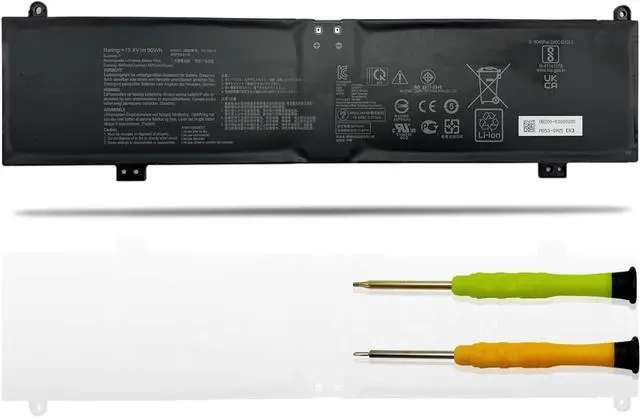
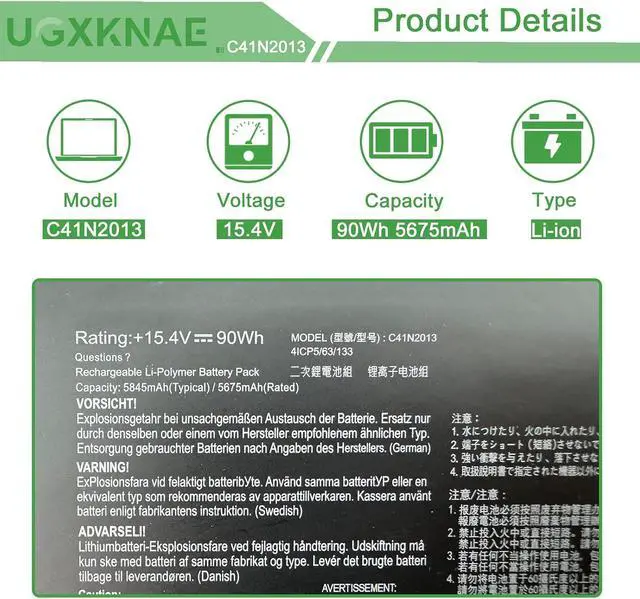
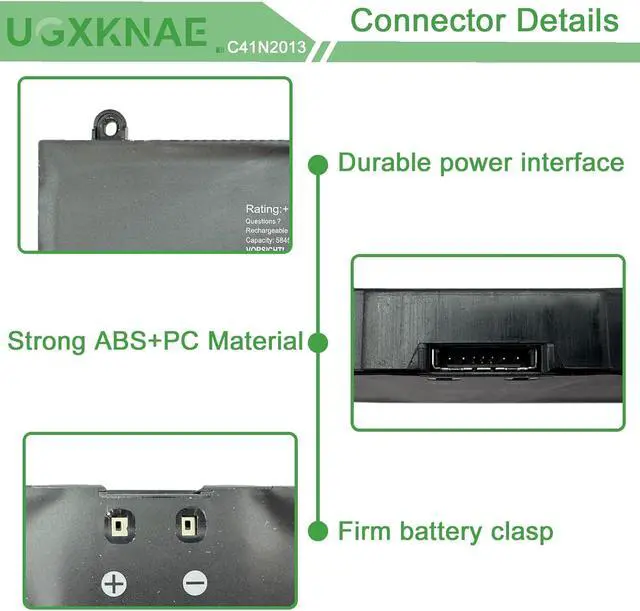
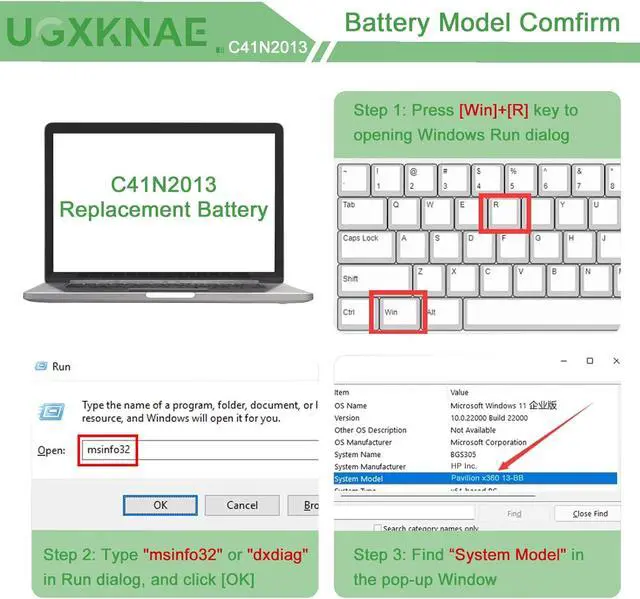
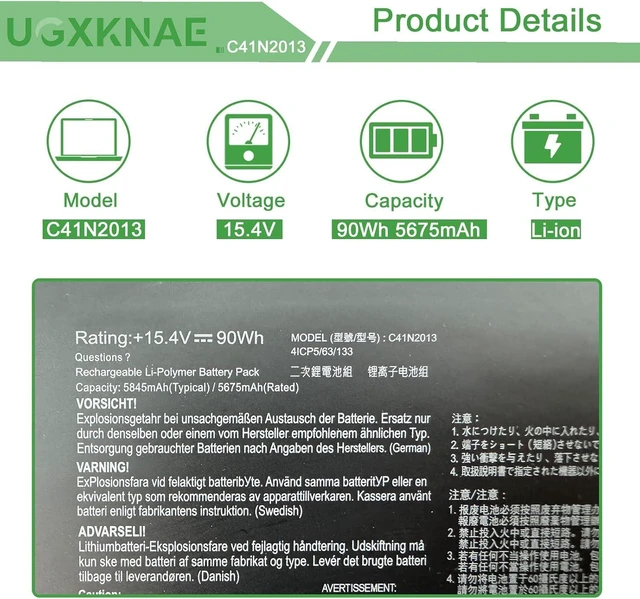
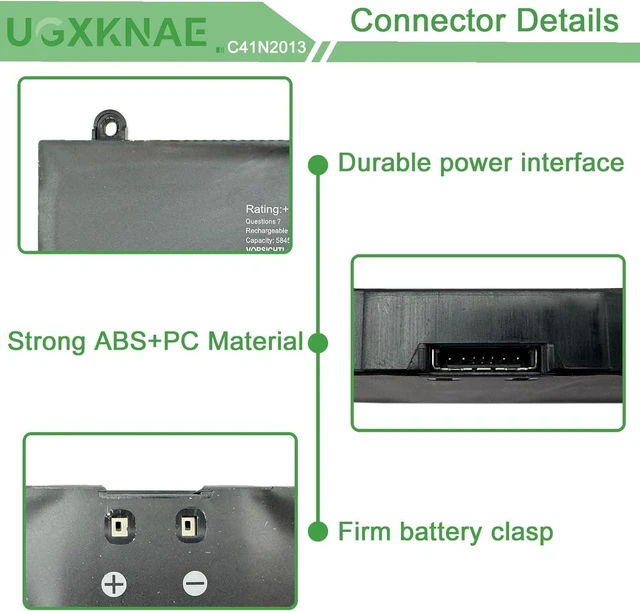
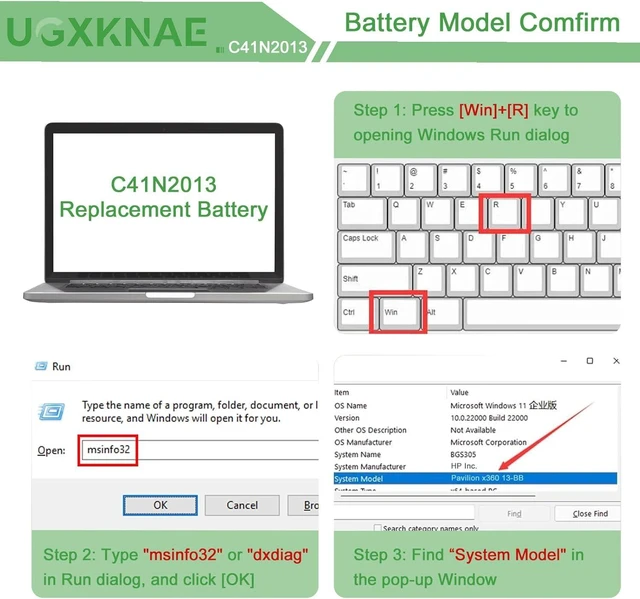
For purchasing the correct replacement battery, please check your original battery and also the specific laptop model. (combine Method 1 & 2)
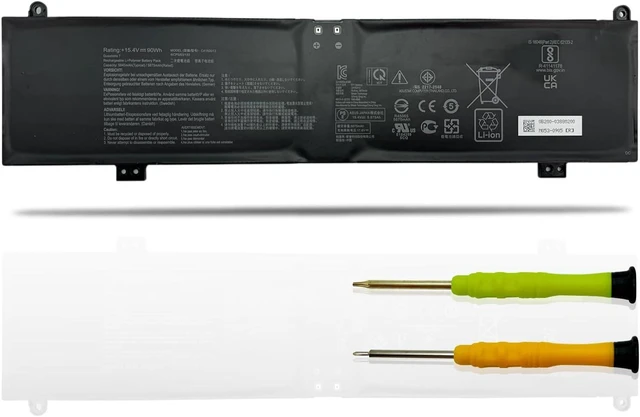
Method 1.Check your original battery's type model and shape by removing the laptop back cover. Then search the part number to find the replacment battery.
Method 2. Check your specific laptop model name by pressing [Win] + [R] key and entering [msinfo32] or [dxdiag]. Then click OK to find your system model. Find the replacement battery base on your laptop model name.
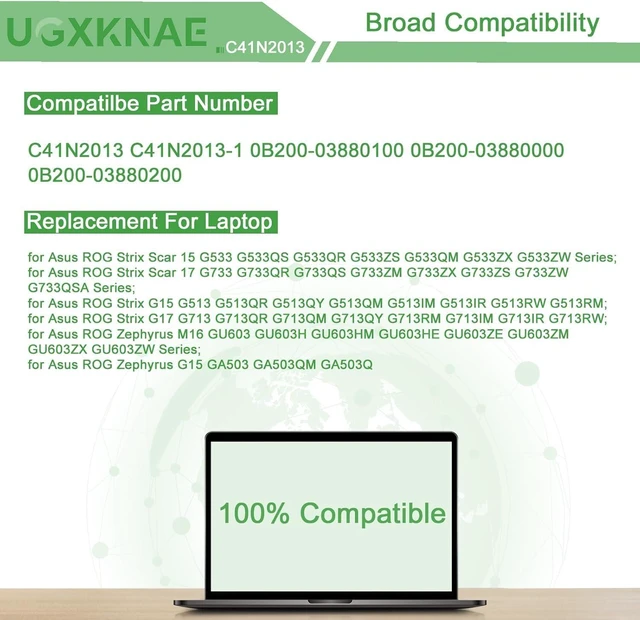
Compatible with Asus Laptop Models:(Use "Ctrl"+"F" to find your laptop model)
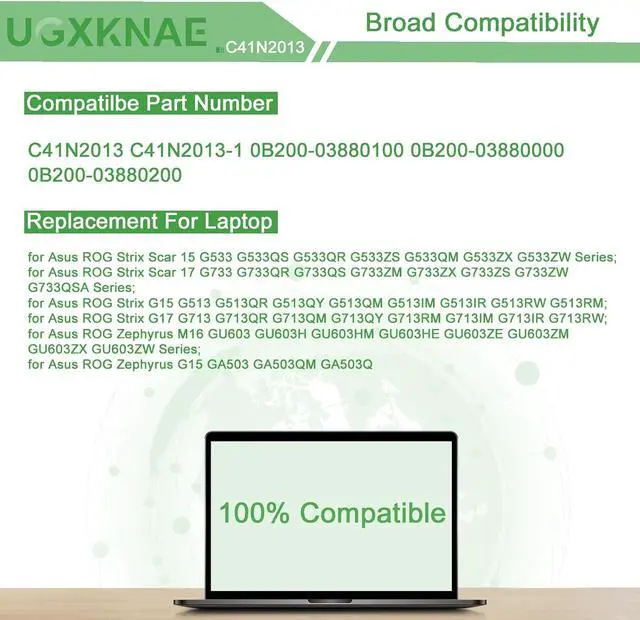
for Asus ROG Zephyrus M16 GU603 GU603H GU603HM GU603HE GU603ZE GU603ZM GU603ZX GU603ZW Series;
for Asus ROG Zephyrus G15 GA503 GA503Q GA503QR GA503QM GA503QE GA503QC GA503RM GA503QS GA503IE Series;
for Asus ROG Zephyrus S17 GX703 GX703HS GX703HR GX703HM GX703HSD Series;
for Asus ROG Strix Scar 15 G533 G533QR G533QM G533QS G533ZS G533ZX G533ZW Series;
for Asus ROG Strix G15 G513 G513QR G513QM G513QY G513IR G513IM G513RM G513RW Series;
for Asus ROG Strix Scar 17 G733 G733QR G733ZM G733QS G733ZW G733ZS G733ZX G733QSA Series;
for Asus ROG Strix G17 G713 G713QR G713QM G713IM G713QY G713IR G713RW G713RM Series;
for Asus TUF Gaming A17 FA707 FA707RM Series;
for Asus TUF Gaming F15 FX507 FX507ZM FX507ZC Series;
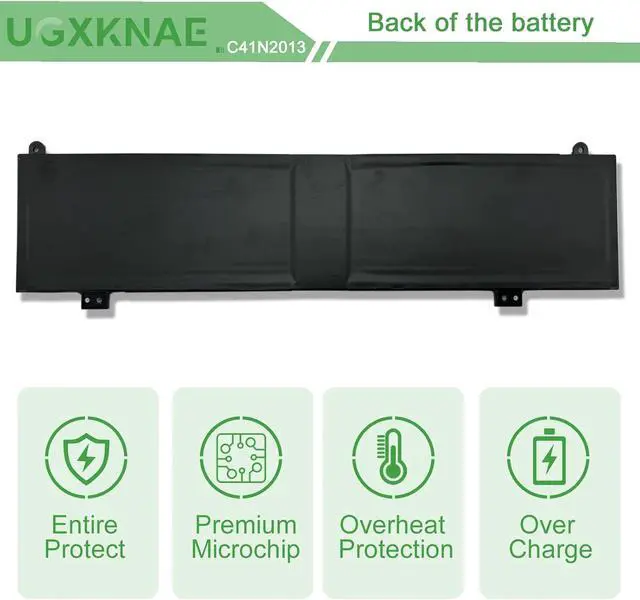
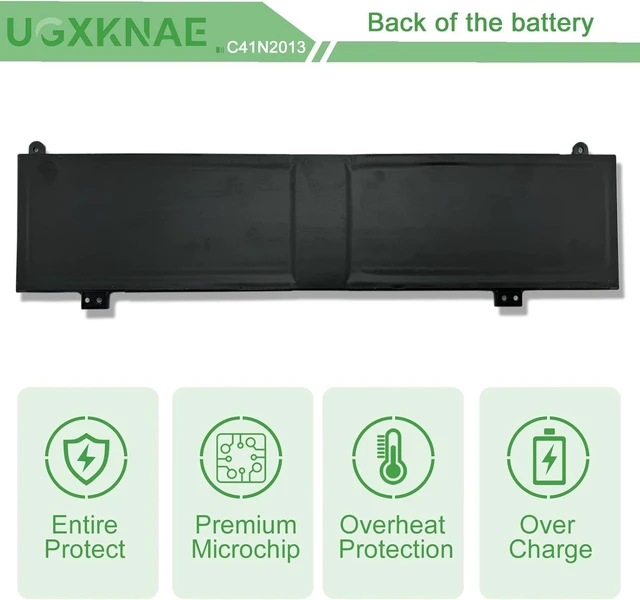
All UGXKNAE batteries meet or exceed all OEM specifications for safety and efficiency. All the batteries are 100% brand new.
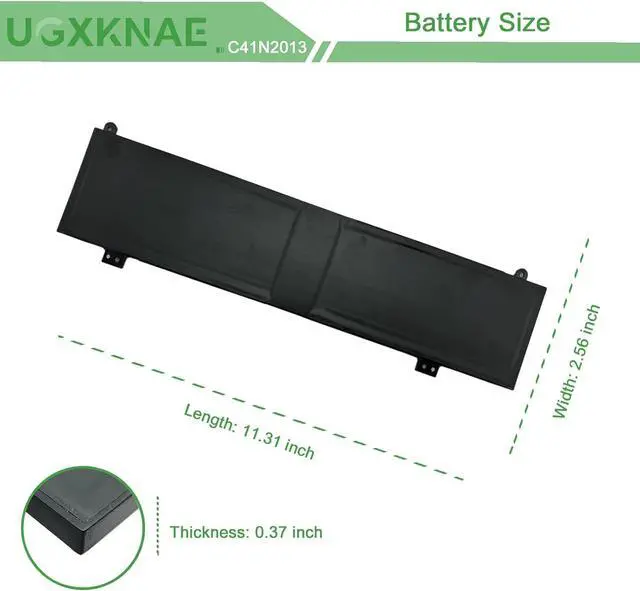
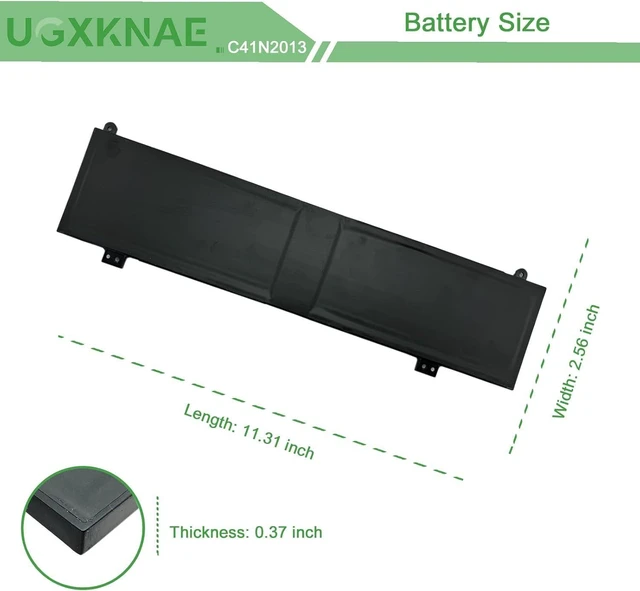
Same dimensions as the original battery, no need to concern yourself with assembly or compatibility problems.
Lost Battery Connection: Ensure that the battery cable is securely attached and that the motherboard connector is tightly plugged in. A loose connection can prevent the laptop from detecting the battery.
Damage to Motherboard Contacts: Damage to the conductive material on the laptop's motherboard, particularly at the points where it connects with the battery's anode and cathode, could be the culprit. You can verify this by testing with your original battery.
Battery Driver Issues: Check the functionality of the battery driver. If it's not working correctly, consider downloading and installing the appropriate driver software to update it, which may resolve the recognition problem.
By addressing these potential causes, you can troubleshoot and potentially resolve the issue of your laptop not recognizing the battery.
How to purchase the correct replacement battery? Perfect Fit The laptop's inability to recognize the battery can occur for various reasons:





 here!
here!