

Your Browsing History
- Free 30-day Returns
$160.99

Meet Your Seller

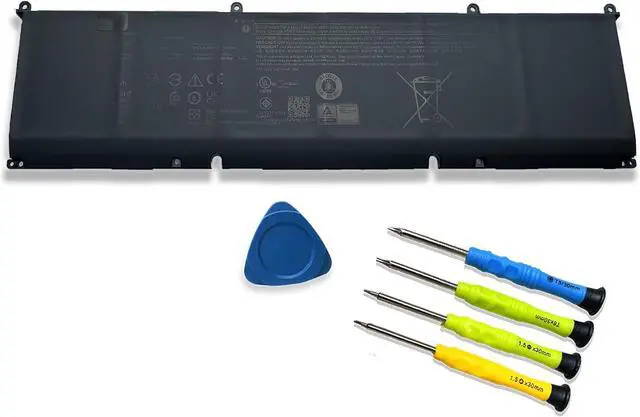
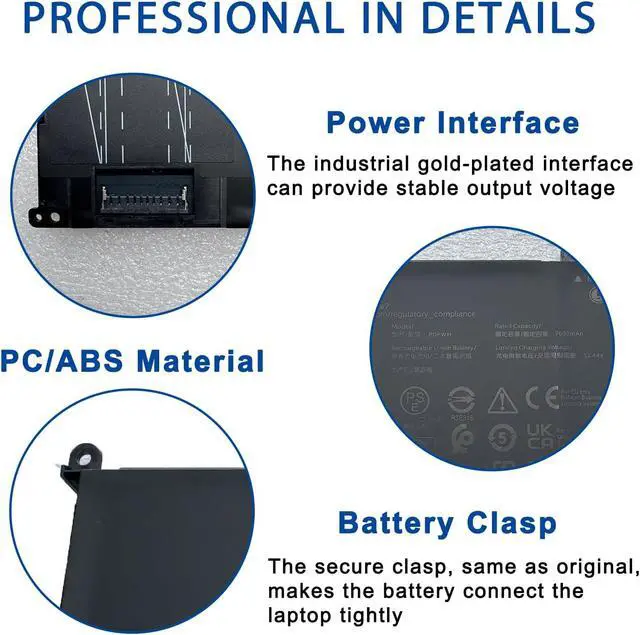
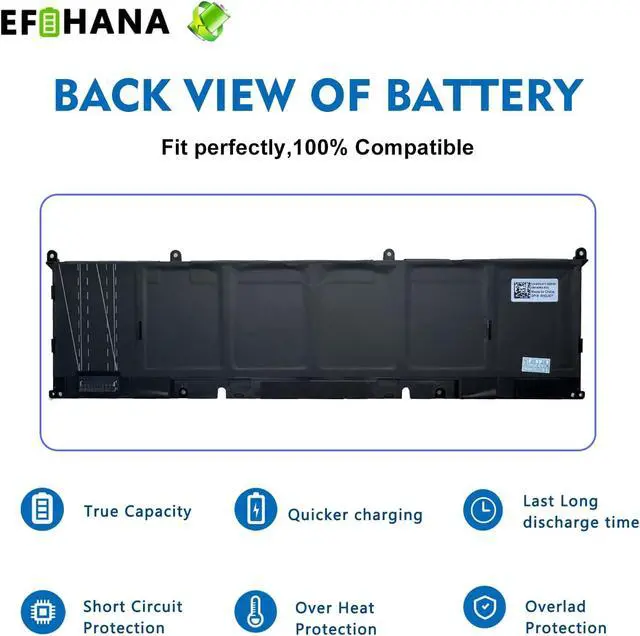


P0FWH 90Wh Laptop Battery Replacement for Dell Alienware M16 R2 Inspiron 16 Plus 7640/16 7620 7630 7640 2-in-1 Series 0M9DG0 M9DG0 POFWH HGJCY 11.7V 7692mAh
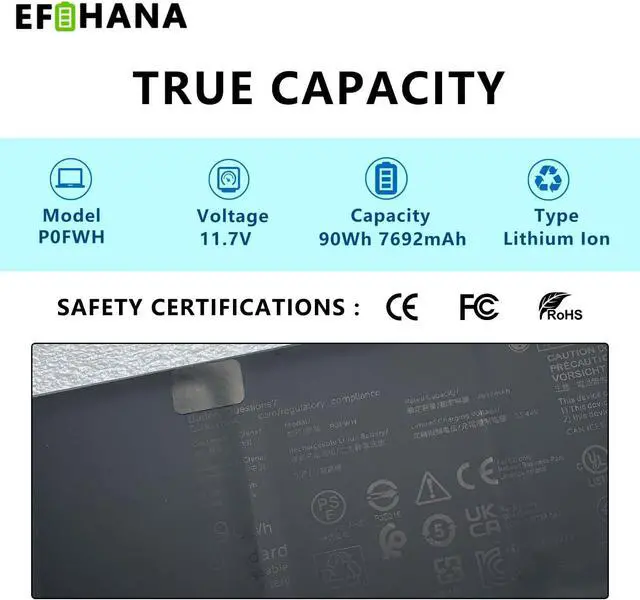
- SpecificationsModel: P0FWH // Battery type: Li-ion // Color: Black // Voltage: 11.7V // Capacity:90Wh 7692mAh // 100% New from Manufacturer. Top circuit boards and smart chip
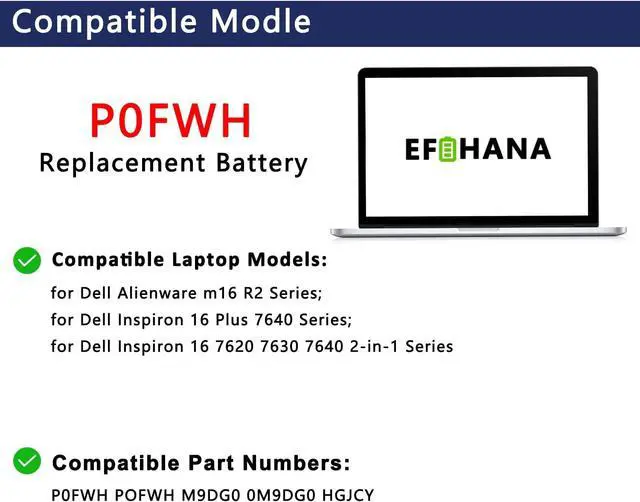
- Compatible Part NumberP0FWH/ 0M9DG0/ M9DG0/ CN-0M9DG0/ 01969N/ 1969N/ CN-01969N/ HGJCY/ 0HGJCY/ CN-0HGJCY
- Compatible with Laptop ModelsFit for Dell Alienware m16 R2 Series; for Dell Inspiron 16 7620 7630 7640 2-in-1 Series; for Dell Inspiron 16 Plus 7640 Series.
- After ServiceReturn and exchange are permitted within 30 days, accompanied by a 12-month warranty. (NOTE: If you encounter any issues with the battery, please reach out to usunder "YOUR ORDER," select the "contact seller" option.)
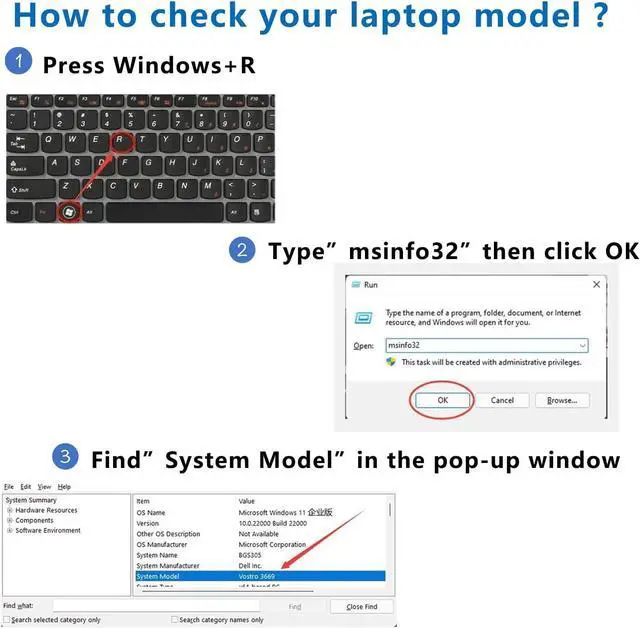
- Gentle ReminderIf the new battery is not recognized during the initial installation, please reinstall and check if the interface is fully connected.Discharge the new battery to 10% (not 0%), then charge and cycle 3-4 times to wake up the new battery.
- Safety FeaturesPlease refer to the instructions before you in
+
+
Overview
Specs
Reviews

Any questions? Our AI mode will help you find out quickly.
Try me now
SpecificationsModel: P0FWH // Battery type: Li-ion // Color: Black // Voltage: 11.7V // Capacity:90Wh 7692mAh // 100% New from Manufacturer. Top circuit boards and smart chip
Compatible Part NumberP0FWH/ 0M9DG0/ M9DG0/ CN-0M9DG0/ 01969N/ 1969N/ CN-01969N/ HGJCY/ 0HGJCY/ CN-0HGJCY
Compatible with Laptop ModelsFit for Dell Alienware m16 R2 Series; for Dell Inspiron 16 7620 7630 7640 2-in-1 Series; for Dell Inspiron 16 Plus 7640 Series.
After ServiceReturn and exchange are permitted within 30 days, accompanied by a 12-month warranty. (NOTE: If you encounter any issues with the battery, please reach out to usunder "YOUR ORDER," select the "contact seller" option.)
Gentle ReminderIf the new battery is not recognized during the initial installation, please reinstall and check if the interface is fully connected.Discharge the new battery to 10% (not 0%), then charge and cycle 3-4 times to wake up the new battery.
Safety FeaturesPlease refer to the instructions before you installing the battery. All EFOHANA products are Certified by CE for safety, strictly test ensure both safety and stability.
Compatible Part NumberP0FWH/ 0M9DG0/ M9DG0/ CN-0M9DG0/ 01969N/ 1969N/ CN-01969N/ HGJCY/ 0HGJCY/ CN-0HGJCY
Compatible with Laptop ModelsFit for Dell Alienware m16 R2 Series; for Dell Inspiron 16 7620 7630 7640 2-in-1 Series; for Dell Inspiron 16 Plus 7640 Series.
After ServiceReturn and exchange are permitted within 30 days, accompanied by a 12-month warranty. (NOTE: If you encounter any issues with the battery, please reach out to usunder "YOUR ORDER," select the "contact seller" option.)
Gentle ReminderIf the new battery is not recognized during the initial installation, please reinstall and check if the interface is fully connected.Discharge the new battery to 10% (not 0%), then charge and cycle 3-4 times to wake up the new battery.
Safety FeaturesPlease refer to the instructions before you installing the battery. All EFOHANA products are Certified by CE for safety, strictly test ensure both safety and stability.
Warranty & Returns
Warranty, Returns, And Additional Information
Warranty
- Please contact the Seller directly for warranty information. Warranty information may also be found on the Manufacturer's website.
- CONTACT
Return Policies
- Return for refund within: 30 days
- Return for replacement within: 30 days
- This item is covered by E-Transit Limited Return Policy
Manufacturer Contact Info
- For a directory of all our manufacturers, please click below.
- Manufacturers Directory
LOADING...