

Your Browsing History
- Free 30-day Returns
$101.99

Meet Your Seller

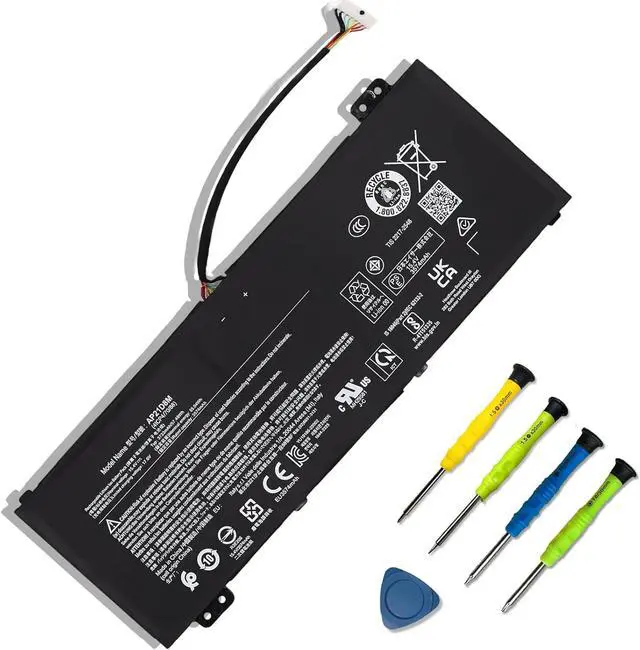
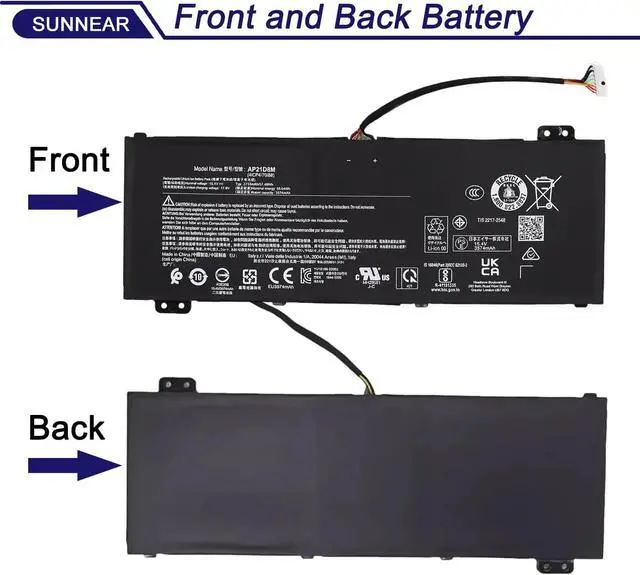


AP21D8M Laptop Battery Replacement for Acer Nitro 5 AN515-46 AN515-47 AN515-58 AN515-58-56CL AN515-58-766R AN515-58-72QR, Nitro V 15 ANV15-51, Nitro 16 AN16-51 745
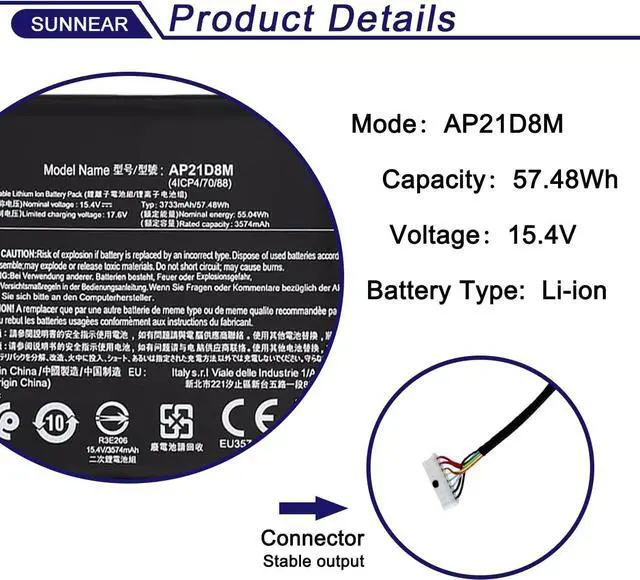
- SpecificationsModel: AP21D8M; Voltage: 15.4V; Capacity: 57.48Wh / 3733mAh); Battery type: Li-ion. (We only use grade A battery cells that provide Up to 500 power-topping cycles over the life of the battery. Come with screwdrivers.)
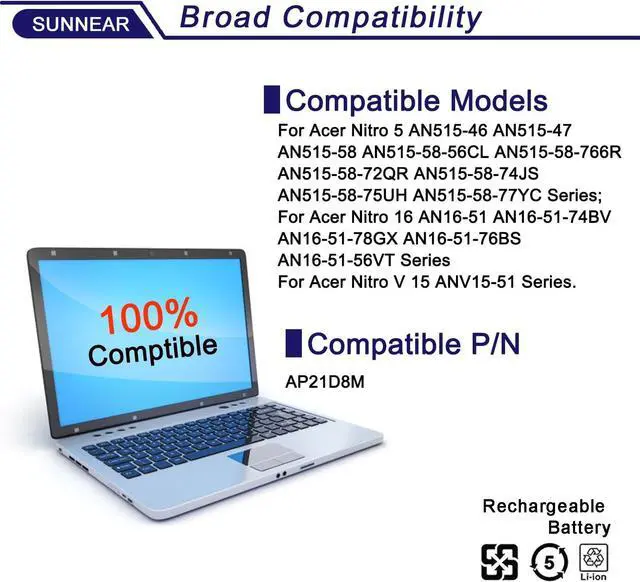
- Compatible Laptop/Notebook Modelsfor Acer Nitro 5 AN515-46 AN515-47 AN515-58 AN515-58-56CL AN515-58-766R AN515-58-72QR AN515-58-74JS AN515-58-75UH AN515-58-77YC Series; Replacement for Acer Nitro 16 AN16-51 AN16-51-74BV AN16-51-78GX AN16-51-76BS AN16-51-56VT Series; Replacement for Acer Nitro V 15 ANV15-51 Series.
- Compatible Part NumberAP21D8M
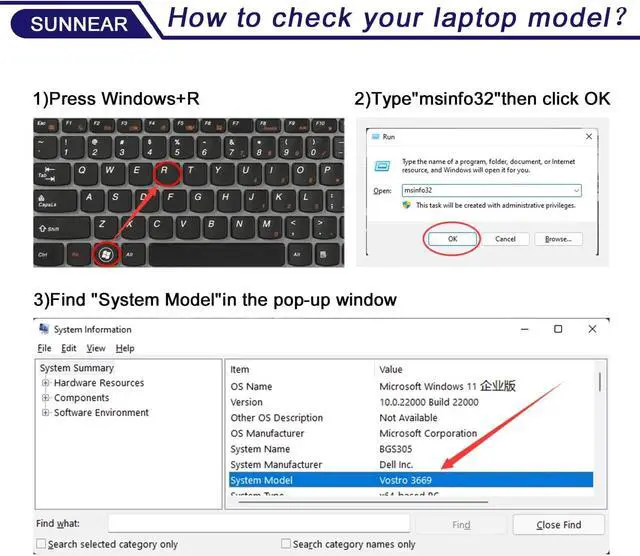
- Purchasing NoteDue to the complexity of laptop battery models, you may not be able to accurately determine the model you need to purchase,Please open the back cover of the laptop to confirm the original battery model number
- TipsIf the new battery is not recognized during the initial installation, please reinstall and check if the interface is fully connected. Run the new battery down to 5% (not 0%),
+
+
Overview
Specs
Reviews

Any questions? Our AI mode will help you find out quickly.
Try me now
SpecificationsModel: AP21D8M; Voltage: 15.4V; Capacity: 57.48Wh / 3733mAh); Battery type: Li-ion. (We only use grade A battery cells that provide Up to 500 power-topping cycles over the life of the battery. Come with screwdrivers.)
Compatible Laptop/Notebook Modelsfor Acer Nitro 5 AN515-46 AN515-47 AN515-58 AN515-58-56CL AN515-58-766R AN515-58-72QR AN515-58-74JS AN515-58-75UH AN515-58-77YC Series; Replacement for Acer Nitro 16 AN16-51 AN16-51-74BV AN16-51-78GX AN16-51-76BS AN16-51-56VT Series; Replacement for Acer Nitro V 15 ANV15-51 Series.
Compatible Part NumberAP21D8M
Purchasing NoteDue to the complexity of laptop battery models, you may not be able to accurately determine the model you need to purchase,Please open the back cover of the laptop to confirm the original battery model number
TipsIf the new battery is not recognized during the initial installation, please reinstall and check if the interface is fully connected. Run the new battery down to 5% (not 0%), then top up its power and complete 3-4 power cycles to wake up the new battery.
Compatible Laptop/Notebook Modelsfor Acer Nitro 5 AN515-46 AN515-47 AN515-58 AN515-58-56CL AN515-58-766R AN515-58-72QR AN515-58-74JS AN515-58-75UH AN515-58-77YC Series; Replacement for Acer Nitro 16 AN16-51 AN16-51-74BV AN16-51-78GX AN16-51-76BS AN16-51-56VT Series; Replacement for Acer Nitro V 15 ANV15-51 Series.
Compatible Part NumberAP21D8M
Purchasing NoteDue to the complexity of laptop battery models, you may not be able to accurately determine the model you need to purchase,Please open the back cover of the laptop to confirm the original battery model number
TipsIf the new battery is not recognized during the initial installation, please reinstall and check if the interface is fully connected. Run the new battery down to 5% (not 0%), then top up its power and complete 3-4 power cycles to wake up the new battery.
Warranty & Returns
Warranty, Returns, And Additional Information
Warranty
- Please contact the Seller directly for warranty information. Warranty information may also be found on the Manufacturer's website.
- CONTACT
Return Policies
- Return for refund within: 30 days
- Return for replacement within: 30 days
- This item is covered by E-Transit Limited Return Policy
Manufacturer Contact Info
- For a directory of all our manufacturers, please click below.
- Manufacturers Directory
LOADING...