• $95.99
  • Free 30-day Returns
  • Price alert
    Shop it at NeweggBusiness.

    Meet Your Seller

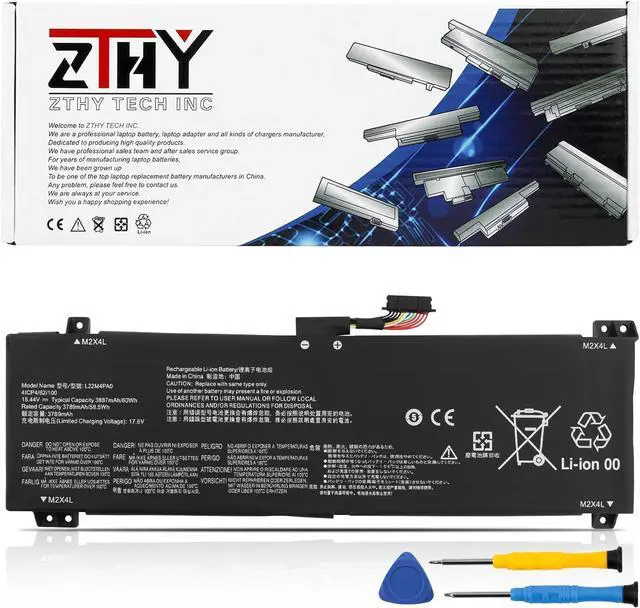
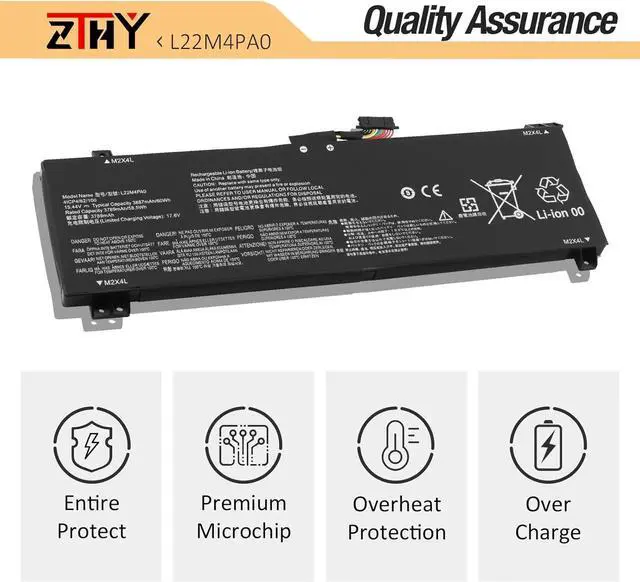
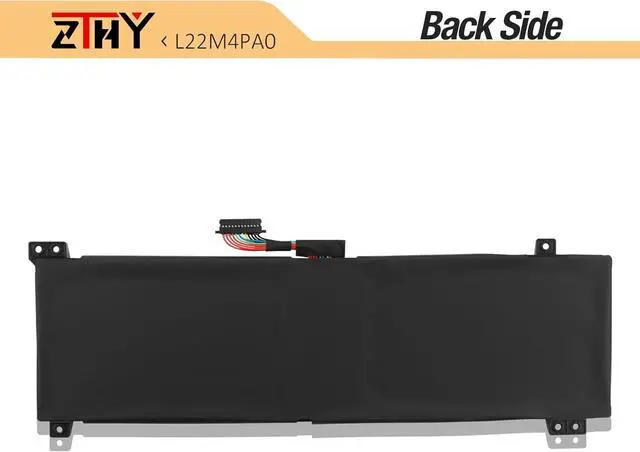
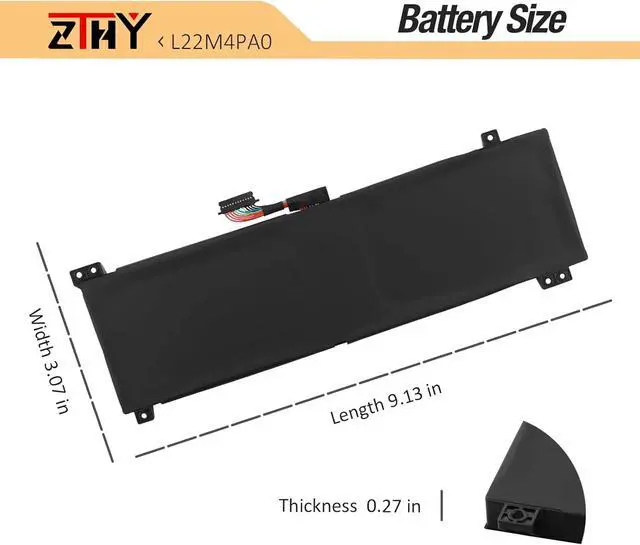
    L22M4PA0 L22B4PA0 Battery Replacement for Lenovo LOQ 15APH8 15IRH8 Series Laptop 82XT 82XT000NFR 82XV0013US 82XT0033MJ 82XV005WCK L22C4PA0 L22L4PA0 L22D4PA0 L22X4PA0 5B11N45957 15.44V 60Wh 3887mAh

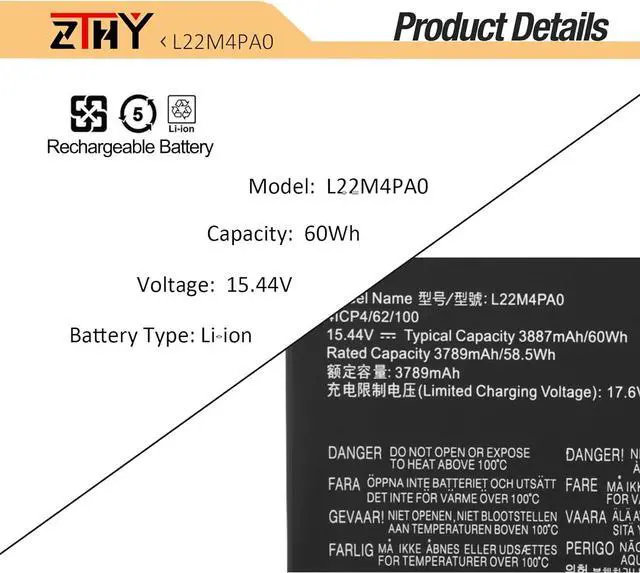
    • Specifications: Battery type: Li-ion. Color: Black. Voltage: 15.44V. Capacity: 60Wh/3887mAh/4-Cell. New from Manufacturer
    • Compatible Part Number: L22B4PA0 SB11K38527 5B11K38529 SB11N45984 5B11N45957 L22X4PA0 SB11K38533 5B11K38530 SB11N46013 5B11N46039 L22M4PA0 SB11K38532 5B11K38526 SB11N46017 5B11N45946 L22D4PA0 SB11K38531 5B11K38528 SB11N46000 5B11N45953 4ICP4/62/100
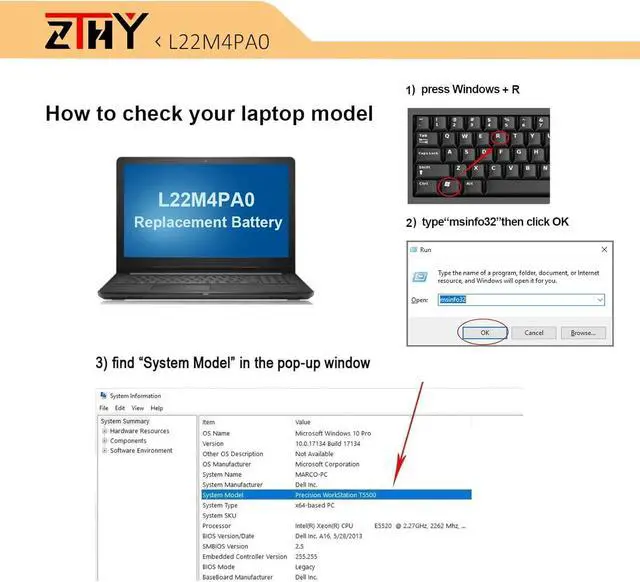
    • Compatible with Laptop Models: Replacement for Lenovo LOQ 15APH8 Series; Replacement for Lenovo LOQ 15IRH8 Series
    • Security: All ZTHY products are Certified by CE, FCC for safety. Strict guidelines for compatibility, and standards compliance for environment safety
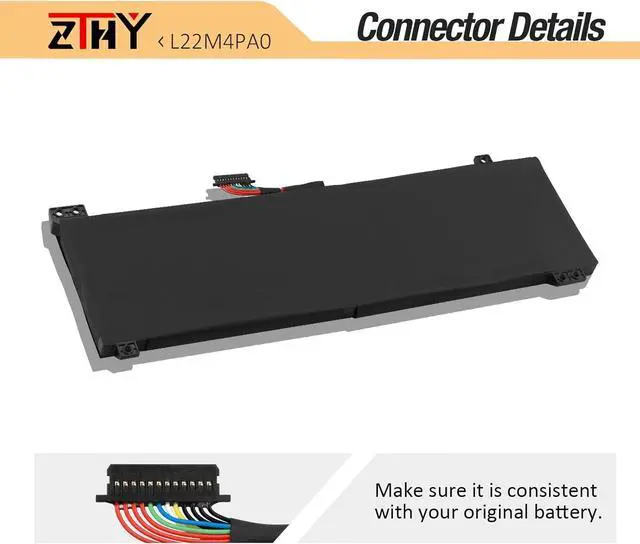
    • Note: If the new battery is not recognized during the initial installation, please reinstall and check if the interface is fully connected. Discharge the new battery to 10-20% (not 0%), then charge and cycle 3-4 times to wake up the new battery

    +
    +
    Overview
    Specs
    Reviews
    avatar

    Any questions? Our AI beta will help you find out quickly.

    Specifications: Battery type: Li-ion. Color: Black. Voltage: 15.44V. Capacity: 60Wh/3887mAh/4-Cell. New from Manufacturer
    Compatible Part Number: L22B4PA0 SB11K38527 5B11K38529 SB11N45984 5B11N45957 L22X4PA0 SB11K38533 5B11K38530 SB11N46013 5B11N46039 L22M4PA0 SB11K38532 5B11K38526 SB11N46017 5B11N45946 L22D4PA0 SB11K38531 5B11K38528 SB11N46000 5B11N45953 4ICP4/62/100
    Compatible with Laptop Models: Replacement for Lenovo LOQ 15APH8 Series; Replacement for Lenovo LOQ 15IRH8 Series
    Security: All ZTHY products are Certified by CE, FCC for safety. Strict guidelines for compatibility, and standards compliance for environment safety
    Note: If the new battery is not recognized during the initial installation, please reinstall and check if the interface is fully connected. Discharge the new battery to 10-20% (not 0%), then charge and cycle 3-4 times to wake up the new battery

    Warranty & Returns

    Warranty, Returns, And Additional Information

    Warranty

    • Please contact the Seller directly for warranty information. Warranty information may also be found on the Manufacturer's website.
    • CONTACT

    Return Policies

    Manufacturer Contact Info

    LOADING...