

Your Browsing History
- Free 30-day Returns
$91.99

Meet Your Seller

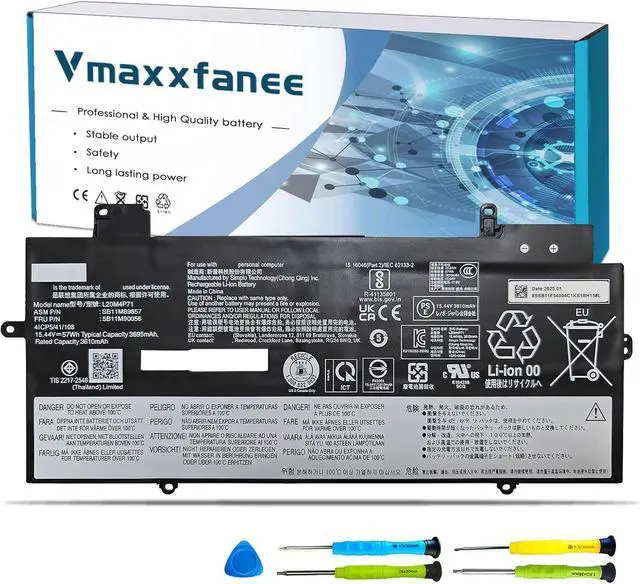


L20M4P71 Laptop Battery Replacement for Lenovo ThinkPad X1 Carbon 9th 10th Gen X1 Yoga 7th 6th Gen 2021 Series L20D4P71 SB10T83217 5B10W13974 SB10T83218 SB10T83215 L20C4P71 L20L4P71
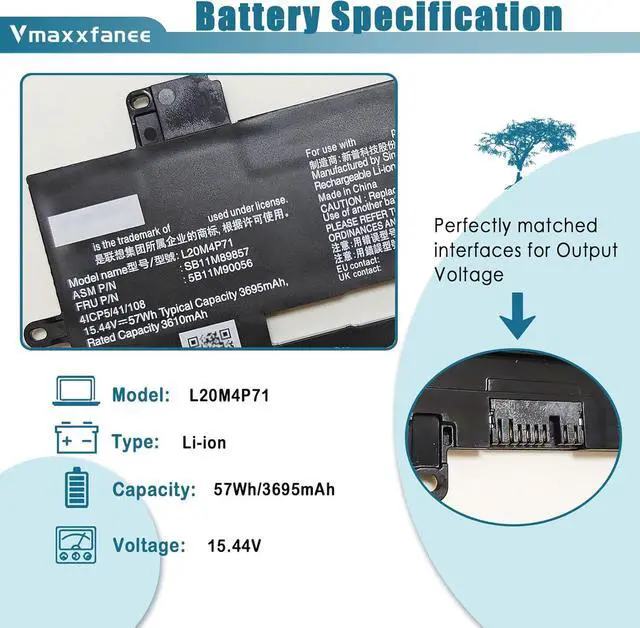
- Specifications Model: L20M4P71 . Voltage: 15.44V . Capacity:57Wh/3695mAh . Condition: 100% brand New from Manufacturer.
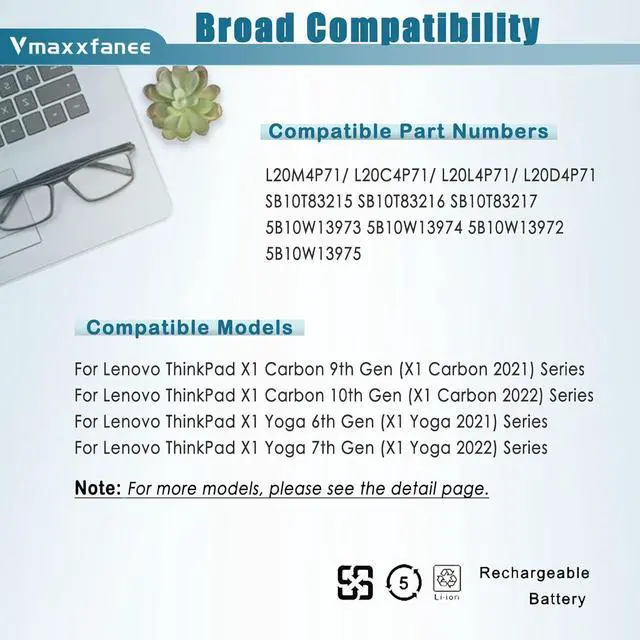
- Compatible laptop Modelsfor Lenovo ThinkPad X1 Yoga 7th Gen Series;for Lenovo ThinkPad X1 Yoga 6th Gen Series;for Lenovo ThinkPad X1 Yoga 2021 Series;for Lenovo ThinkPad X1 Yoga 2022 Series;for Lenovo ThinkPad X1 Carbon 9th Gen Series;for Lenovo ThinkPad X1 Carbon 10th Gen Series;for Lenovo ThinkPad X1 Carbon 2021 Series;for Lenovo ThinkPad X1 Carbon 2022 Series.
- Compatible P/NL20C4P71 L20M4P71 L20L4P71 L20D4P71 SB10T83215 SB10T83216 SB10T83217 5B10W13973 5B10W13974 5B10W13972 5B10W13975
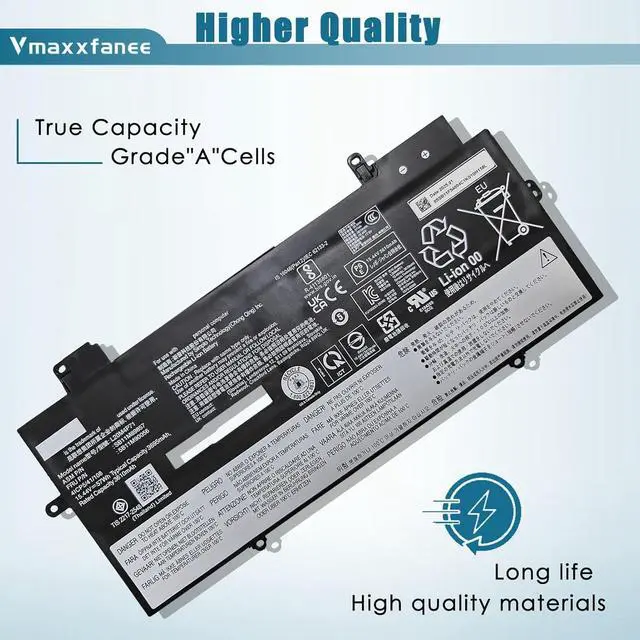
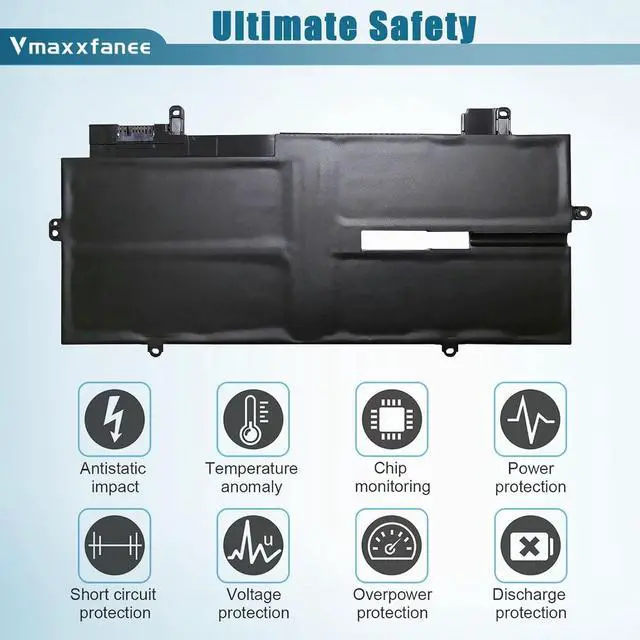
- Quality & Security Quality: grade A cells ensure fast charges and low power consumption. Safety: All of our products are Certified by UL / CE / FCC / RoHS for safety. Strict guidelines for compatibility, strict quality control standards to ensure the true capacity, stable current and low self-discharge and standards compliance for environment safety.We are confident in
+
+
Overview
Specs
Reviews

Any questions? Our AI mode will help you find out quickly.
Try me now
L20M4P71 Battery forlaptop Models:
For Lenovo ThinkPad X1 Carbon 9th Gen (X1 Carbon 2021) Series
For Lenovo ThinkPad X1 Carbon 10th Gen (X1 Carbon 2022) Series
For Lenovo ThinkPad X1 Yoga 6th Gen (X1 Yoga 2021) Series
For Lenovo ThinkPad X1 Yoga 7th Gen (X1 Yoga 2022) Series
What do I need to be aware of when I receive a battery?
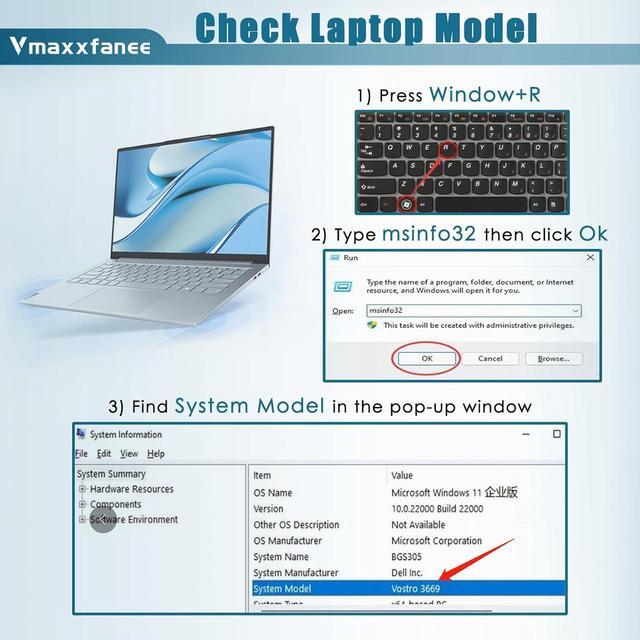
You need to chek the appearance, confrm the model.read the instruction manual. Cycle and charge it 5 to 6 times to activate the maximum usage space of the battery. When not in use temporarily, charge the battery to 50%-60%.
What should I do if laptop won't boot up after installing a new battery?
Check if the batteryis properly seated and connections are clean. 2. Try charging it or use the adapter alone to start. 3. Examine hardware links,like RAM andadapters. 4. Reset BlOS settings if needed. 5. Enter Safe Mode to fix system issues.
How should I do if the battery is not recognised?
If it is not recognised, it is recommended to update the Bl0S settings or please disconnecting the old battery, and holding down the power button for 20 seconds, then connect the new battery.
What should I do if the battery expands?
1.Power off your laptop and disconnect it from any power source. 2.Carefully remove the swollen battery from the laptop in a well ventilated area, avoid pressing or squeezing the battery during removal.
What can you do if you are not satisfied with the battery?
Please contact STARFAN, we will solve any problem for you.
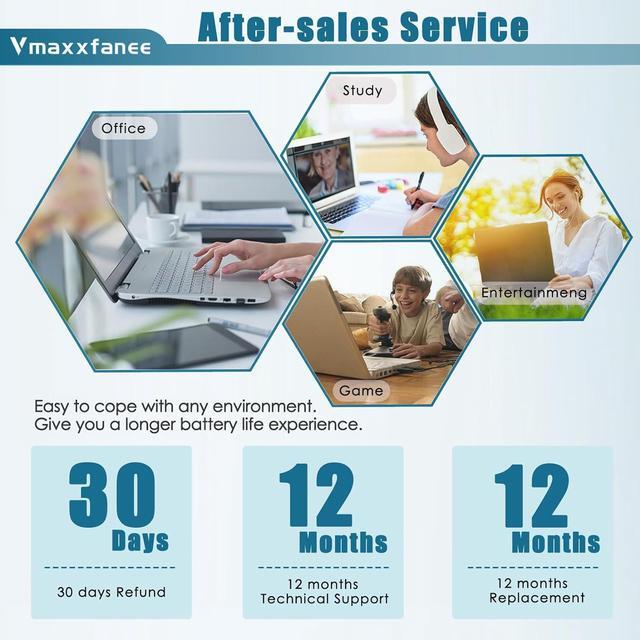
We guarant-ee 30 days return/exchange policy and 12-month warrant-y; 24 x 7 email support. If you have any questions, please contact-us at your convenience and we will do our best to solve your problem!
Under normal use, most batteries last about 3 hours. Some high-capacity batteries can last up to 5-8 hours.
Battery life depends on the laptop's CPU processor speed, applications, screen brightness, external ports for wireless devices, and the life of the battery itself, so the actual battery life may differ from your original model. If you find that your new battery only lasts a short time or drops out quickly, please consult us and we will help you until the problem is solved.
Please look at the physical characteristics of the battery correctly. Battery itself is a consumable product, it will be affected by the number of times the battery is used, the user's habits, the temperature of the environment and other factors and gradually shorten its own use time.
Typically, you receive a new battery with approximately 50% charge to keep the battery active. During long-distance transportation and storage in warehouses, the battery may be naturally depleted. Please fully charge the battery before use, then discharge it to 10%-20% and cycle it 3-4 times.
NOTE Vmaxxfanee after-sales service How long does the battery last when fully charged? Tips How to charge and discharge a new battery ?
Warranty & Returns
Warranty, Returns, And Additional Information
Warranty
- Please contact the Seller directly for warranty information. Warranty information may also be found on the Manufacturer's website.
- CONTACT
Return Policies
- Return for refund within: 30 days
- Return for replacement within: 30 days
- This item is covered by E-Transit Limited Return Policy
Manufacturer Contact Info
- For a directory of all our manufacturers, please click below.
- Manufacturers Directory
LOADING...