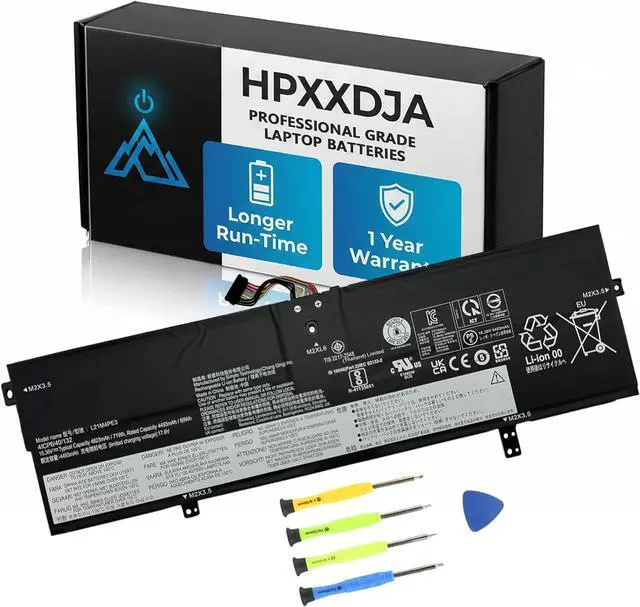
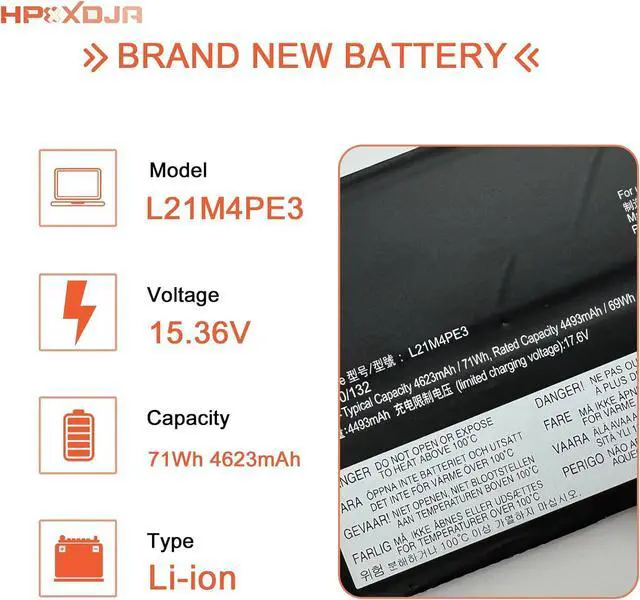
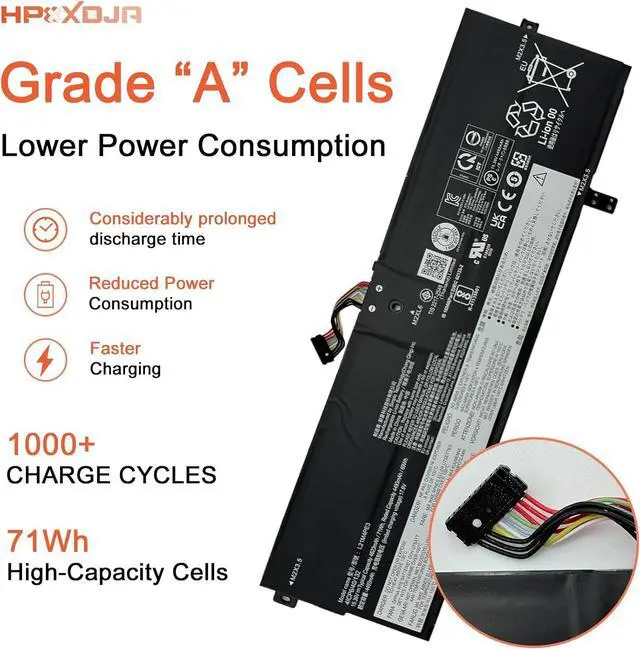
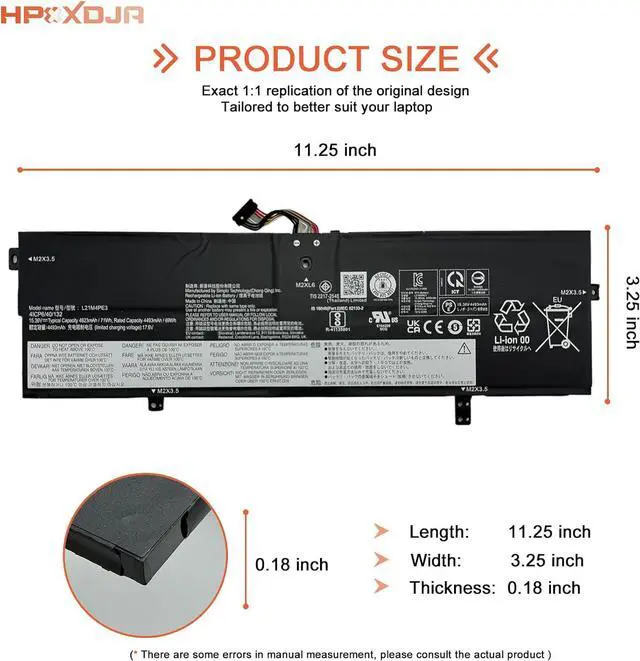
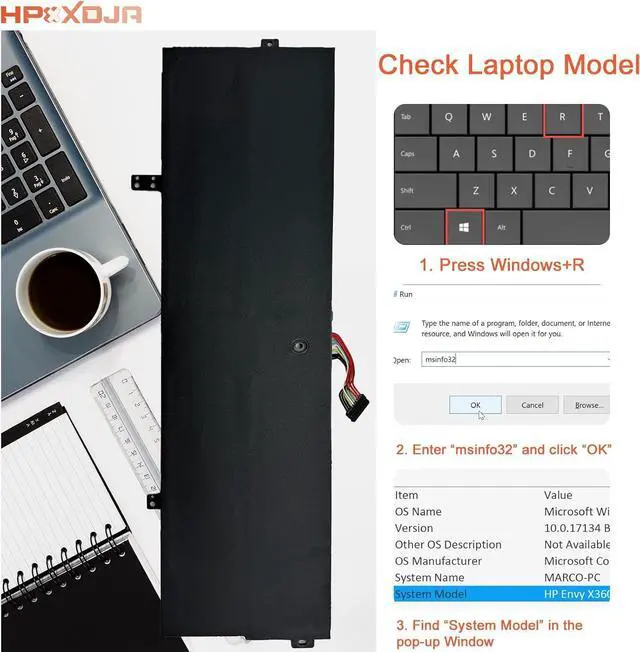
Compatible Models (use "Ctrl+F to find your model quickly")
for Lenovo IdeaPad Yoga 7 16IAP7 series;
for Lenovo Ideapad Yoga 7 82QG series;
for Lenovo IdeaPad Yoga 7 14ARB7 Series;
for Lenovo IdeaPad Yoga 7 14IAL7 14ARB7-82QF0011GE 14IAL7-82QE0080IX series;
Q: Why does my computer fail to recognize the newly installed battery, or why does the battery not appear to function after installation?
A: The issue arises from residual power stored in the laptop components, hindering the proper functionality of the battery. To resolve this, kindly disconnect the old battery and press the power button for a duration of 20 seconds. Subsequently, connect the new battery. This process effectively drains the residual or flea power. Once the laptop is reassembled, the battery should operate as intended.
Installation of New Battery Frequently Asked Questions Solution: