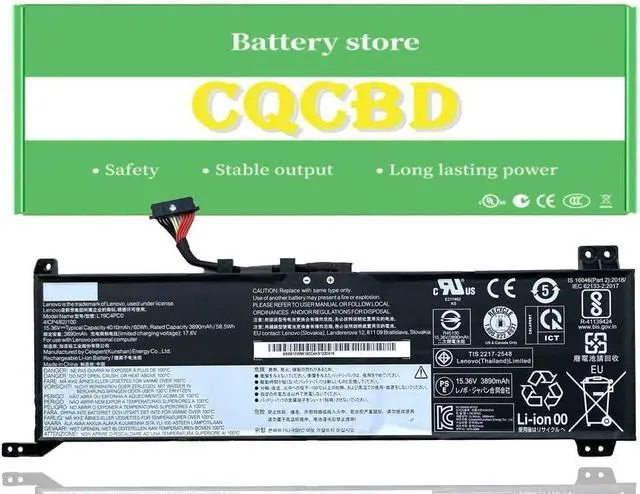
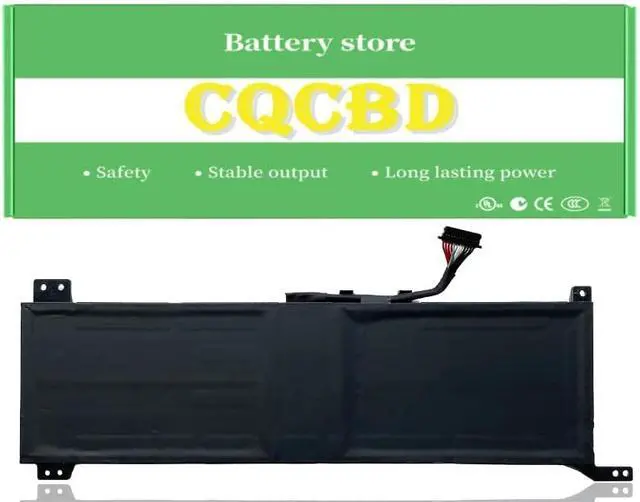
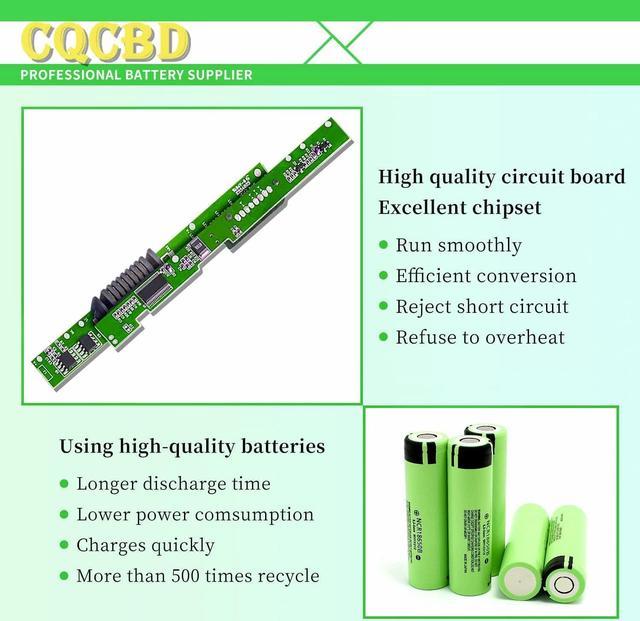
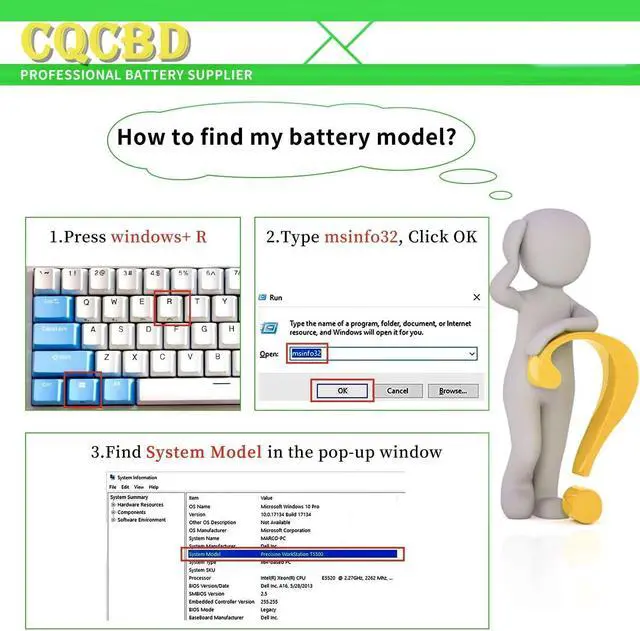
Compatible Part Numbers:
L19C4PC0 5B10W86196
L19M4PC0 5B10W86195
L19M4PC1 5B10W86192
L19C4PC1 5B10W86194
Compatible Laptop/Notebook Models:
For Lenovo Legion 5P-15IMH05 Series
For Lenovo Legion 5P-15IMH05H Series
For Lenovo Legion 5P-15ARH05H Series
For Lenovo Legion 5-15IMH05 Series
For Lenovo Legion 5-15IMH05H Series
For Lenovo Legion 5-15ARH05 Series
For Lenovo Legion 5-15ARH05H Series
For Optimal Use battery:
1. New battery received, discharge the battery to 5% (not 0%) for the fist use, then charge and cycle 3-4 times to wake up the new battery.
The important point is to perform a full discharge and charge every other month to extend the battery life.
2. Do not connect adapter for a long time while using the battery.It may damage the battery.
Avoid artificial shocks, disassembly, crush or puncture.Do not dispose of it in fire or water.
How to install a new battery:
1.emove the old battery, carefully install the new battery on the battery box, tighten the screws, and then connect the wires of the new battery.
2. If you have questions about installing a new battery, you can search for the installation of laptop/tablet models on YouTube.
This method may help you.
If the new battery is not recognized during the initial installation
1.please reinstall and check if the interface is fully connected.
Please disconnect the old battery, and hold down the power button for 20 seconds, then connect the new battery. This drains the residual or flea power and once the laptop is reassembled the battery will function properly.
2. Battery cannot be identified by your laptop or it doesn't seem to work. That may be caused by different situations. Please check by yourself first as below steps.
Could be caused by battery loose. Remove the battery and try to reinstall more than once.
May be due to conductive material damaged which the laptop motherboard and battery anode and cathode contact position, you can try to confirm it with your original battery.
Check whether the battery drive is in normal condition, if not, download the corresponding driver software to update.
Take out the battery and press the power button for about 15 seconds to consume the internal residual power (Do not connect the power cord), and then reinstall the battery.
You can try several times.