• $92.99
  • Free 30-day Returns
  • Price alert
    Shop it at NeweggBusiness.

    Meet Your Seller

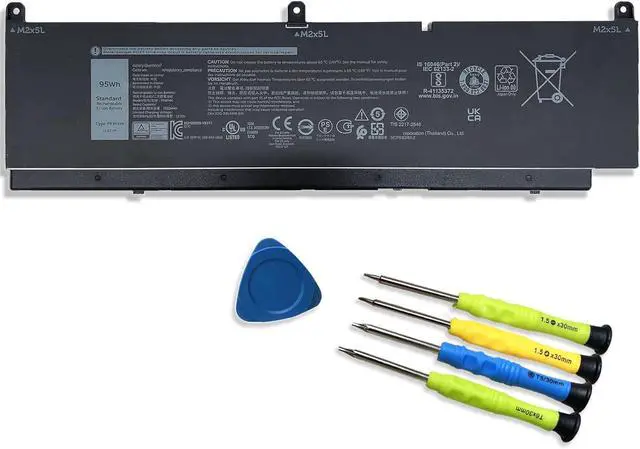
    PKWVM Laptop Battery Replacement for Dell Precision 7550 7560 7760 7550 7750 Series 3ICP5/62/85-2 453-BBCQ 68ND3 0CR72X C903V CR72X 068N03 0447VR G5FJ8 J0VNR 17C06 447VR 11.4V 95Wh 7922mAh 6-Cell

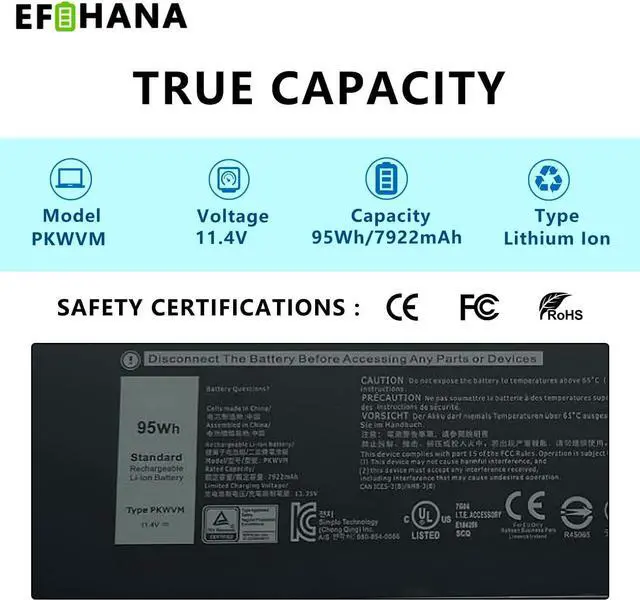
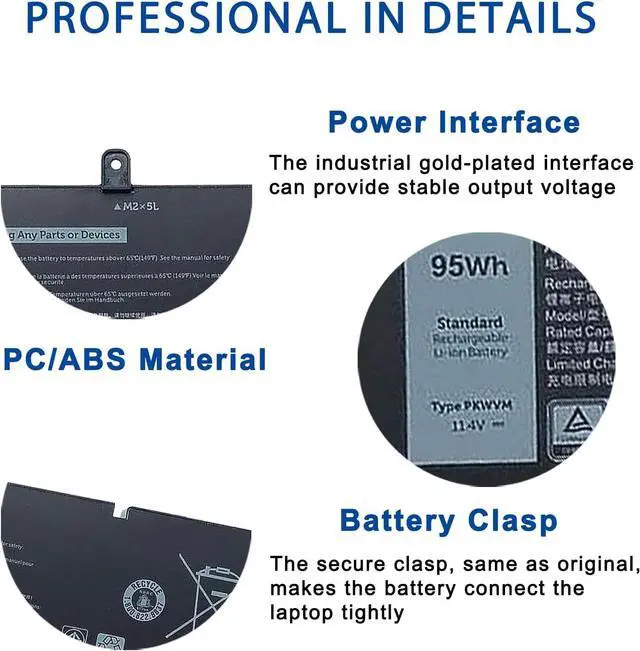
    • [Specifications] Model: PKWVM // Battery type: Li-ion // Voltage: 11.4V // Capacity: 95Wh/7922mAh // 100% New from Manufacturer. Top circuit boards and smart chip
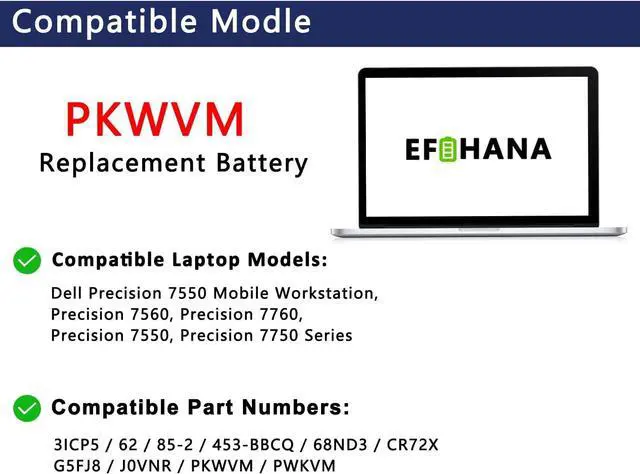
    • [Compatible Part Number] 3ICP5/62/85-2 / 453-BBCQ / 68ND3 / 0CR72X / CR72X 068N03 / 0447VR / G5FJ8 / J0VNR / PKWVM / PWKVM / C903V / 17C06 / 447VR
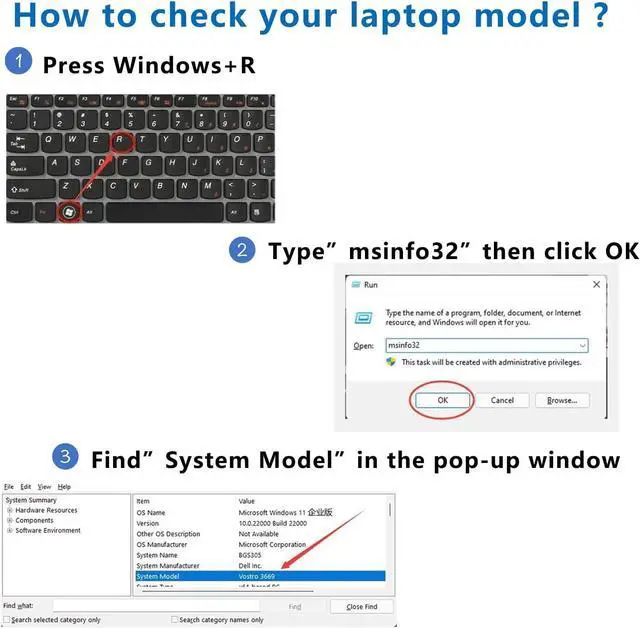
    • [Compatible with Laptop Models] Fit for Dell Precision 7550 Mobile Workstation, Precision 7560, Precision 7760, Precision 7550, Precision 7750 Series
    • [After Service] Return and exchange are permitted within 30 days, accompanied by a 12-month warranty. (NOTE: If you encounter any issues with the battery, please reach out to usunder "YOUR ORDER," select the "contact seller" option.)
    • [Gentle Reminder] If the new battery is not recognized during the initial installation, please reinstall and check if the interface is fully connected. Discharge the new battery to 10% (not 0%), then charge and cycle 3-4 times to wake up the new battery
    • [Safety Features] Please refer to the instruc
    +
    +
    Overview
    Specs
    Reviews
    avatar

    Any questions? Our AI beta will help you find out quickly.

    [Specifications] Model: PKWVM // Battery type: Li-ion // Voltage: 11.4V // Capacity: 95Wh/7922mAh // 100% New from Manufacturer. Top circuit boards and smart chip
    [Compatible Part Number] 3ICP5/62/85-2 / 453-BBCQ / 68ND3 / 0CR72X / CR72X 068N03 / 0447VR / G5FJ8 / J0VNR / PKWVM / PWKVM / C903V / 17C06 / 447VR
    [Compatible with Laptop Models] Fit for Dell Precision 7550 Mobile Workstation, Precision 7560, Precision 7760, Precision 7550, Precision 7750 Series
    [After Service] Return and exchange are permitted within 30 days, accompanied by a 12-month warranty. (NOTE: If you encounter any issues with the battery, please reach out to usunder "YOUR ORDER," select the "contact seller" option.)
    [Gentle Reminder] If the new battery is not recognized during the initial installation, please reinstall and check if the interface is fully connected. Discharge the new battery to 10% (not 0%), then charge and cycle 3-4 times to wake up the new battery
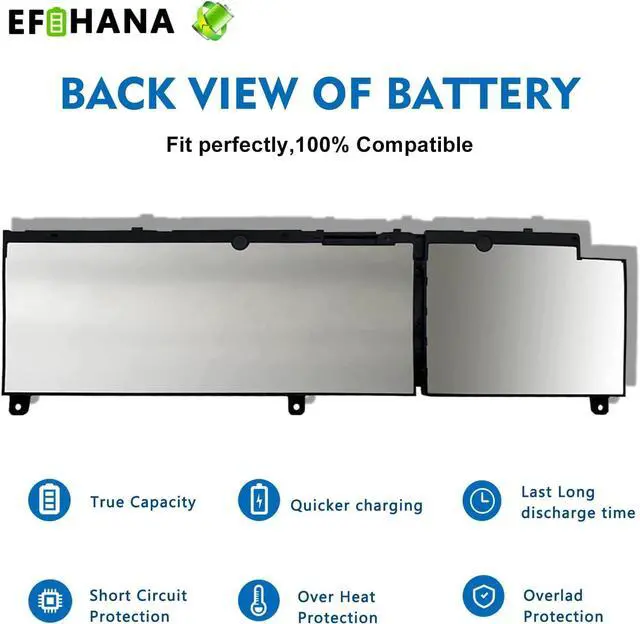
    [Safety Features] Please refer to the instructions before you installing the battery. All EFOHANA products are Certified by CE for safety, strictly test ensure both safety and stability

    Warranty & Returns

    Warranty, Returns, And Additional Information

    Warranty

    • Please contact the Seller directly for warranty information. Warranty information may also be found on the Manufacturer's website.
    • CONTACT

    Return Policies

    Manufacturer Contact Info

    LOADING...