• $112.99
  • Free 30-day Returns
  • Price alert
    Shop it at NeweggBusiness.

    Meet Your Seller

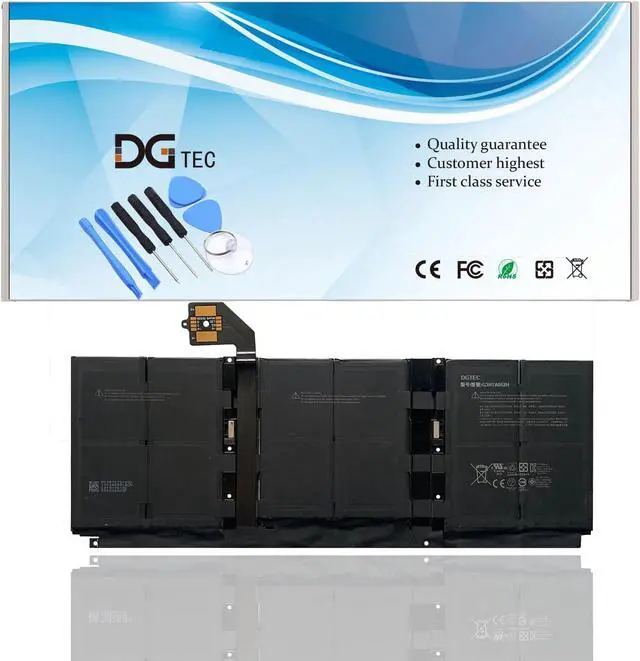
    G3HTA052H DYNT02 Laptop Replacement Battery for Microsoft Surface Laptop3 13.5 inch Tablet Keyboard Series 1867 1868(7.4V 45.8Wh/6041mAh)

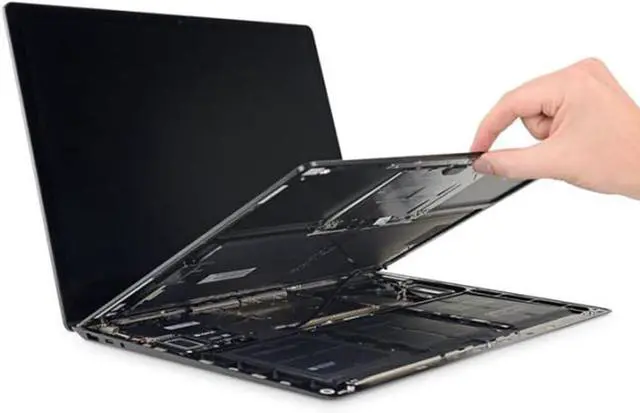
    • DG TIPSFor the initial installation, please reinstall and check the interface fully connected, discharge the battery to 5%(not to 0%) and then charge to 95%, and cycle 3-4 times.

    • Compatible P/NDYNT02 G3HTA052H G3HTA053H G3HTA057H G3HTA058H
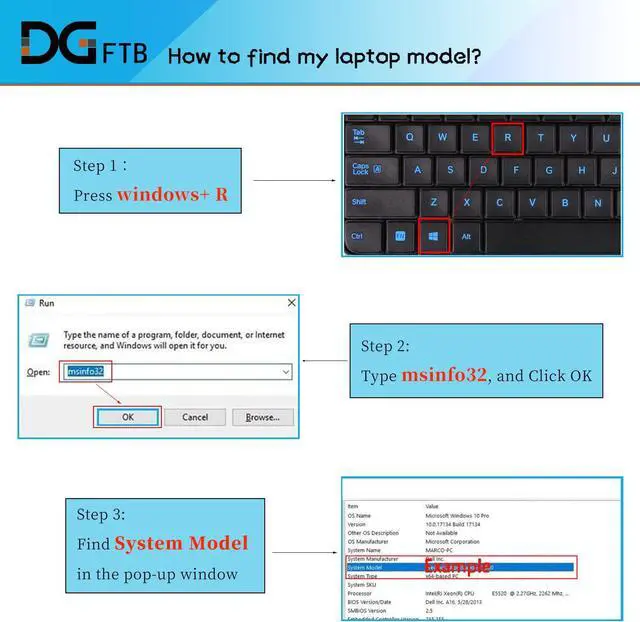
    • Compatible Modelsfor Microsoft Surface Laptop 3 series, for Microsoft Surface Laptop 3 1867 series. for Microsoft Surface Laptop 3 1868 series. for Microsoft Surface Laptop 3 1872 series.for Microsoft Surface Laptop 3 1873 series.for Microsoft Surface Laptop 3 13 Core i5-1035G7 series.
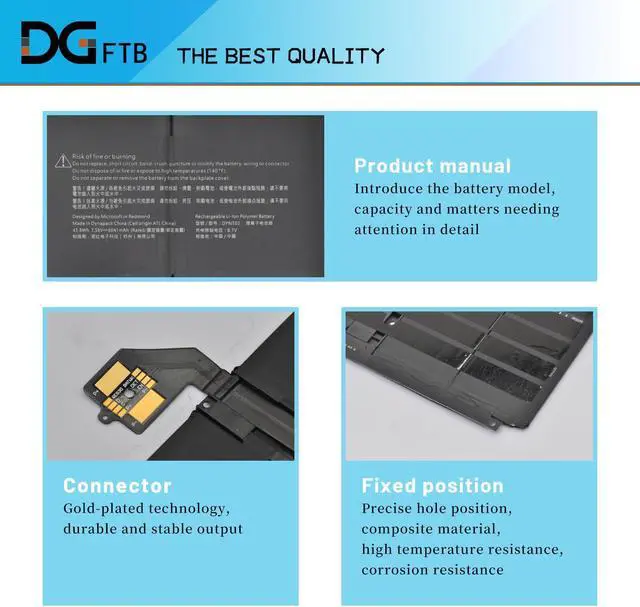
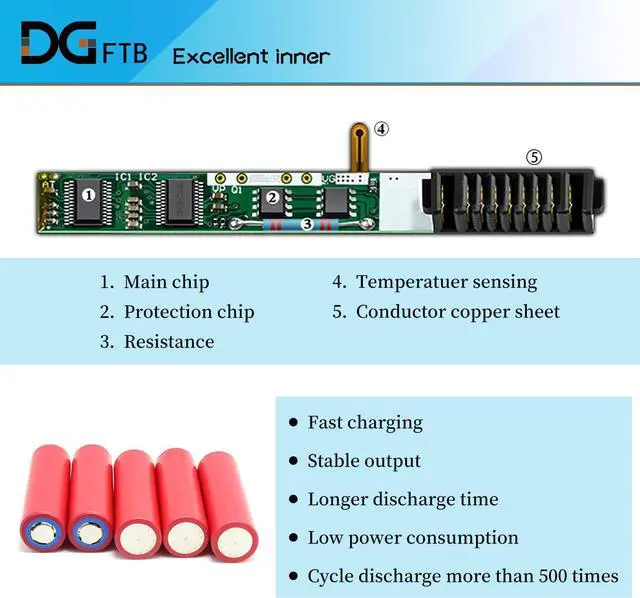
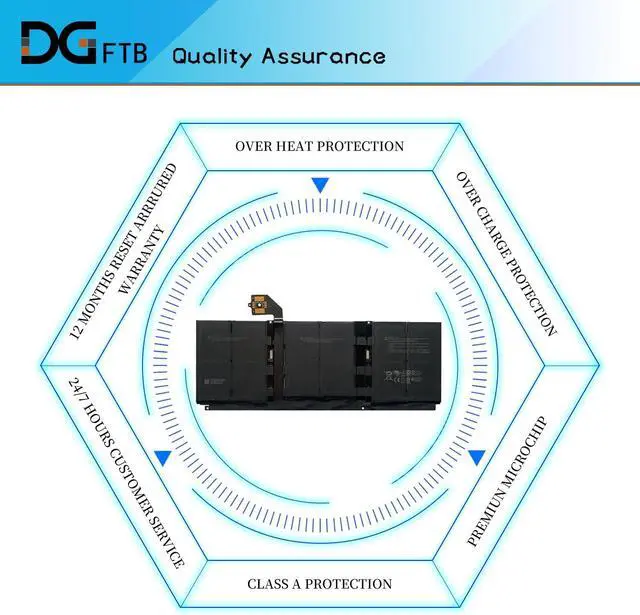
    • DG QualityGrade A cells mitigate the risk of battery leakage and maximize output stability. Built-in circuit protection, enhances safety of usage and extends battery life.
    • DG TIPSFor the initial installation, please reinstall and check the interface fully connected, discharge the battery to 5%(not to 0%) and then charge to 95%, and cycle 3-4 times.
    +
    +
    Overview
    Specs
    Reviews
    avatar

    Any questions? Our AI beta will help you find out quickly.

    DG TIPSFor the initial installation, please reinstall and check the interface fully connected, discharge the battery to 5%(not to 0%) and then charge to 95%, and cycle 3-4 times.
    Compatible P/NDYNT02 G3HTA052H G3HTA053H G3HTA057H G3HTA058H
    Compatible Modelsfor Microsoft Surface Laptop 3 series, for Microsoft Surface Laptop 3 1867 series. for Microsoft Surface Laptop 3 1868 series. for Microsoft Surface Laptop 3 1872 series.for Microsoft Surface Laptop 3 1873 series.for Microsoft Surface Laptop 3 13 Core i5-1035G7 series.
    DG QualityGrade A cells mitigate the risk of battery leakage and maximize output stability. Built-in circuit protection, enhances safety of usage and extends battery life.
    DG TIPSFor the initial installation, please reinstall and check the interface fully connected, discharge the battery to 5%(not to 0%) and then charge to 95%, and cycle 3-4 times.

    Warranty & Returns

    Warranty, Returns, And Additional Information

    Warranty

    • Please contact the Seller directly for warranty information. Warranty information may also be found on the Manufacturer's website.
    • CONTACT

    Return Policies

    Manufacturer Contact Info

    LOADING...