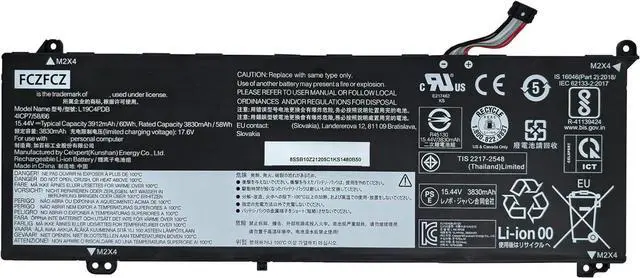
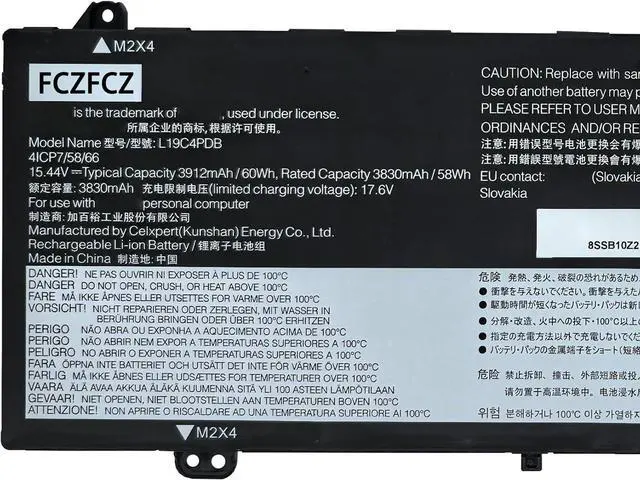
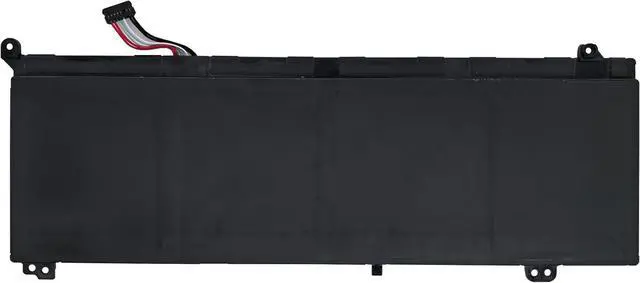
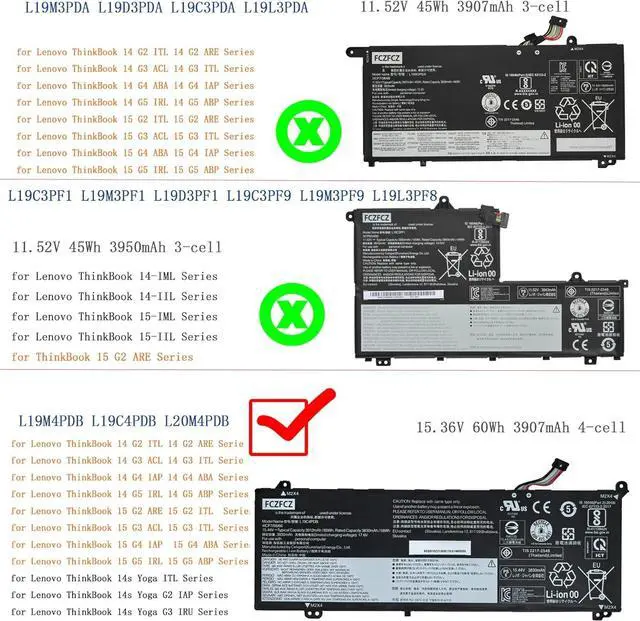
SpecificationsBattery Model:L19C4PDB // Voltage:15.44V // Capacity:60Wh 3912mAh 4-Cells // Color:Black // Condition:Brand New.
Replacement for Part NumberL19C4PDB SB10Z21205 5B10Z21209 SB11N52077 5B11N52069 L19M4PDB SB10Z21200 5B10Z21201 SB11N52072 5B11N52063 L20M4PDB SB11C22841 5B11C22842 SB11N52068 5B11N52056 (NOTE: Please kindly open your laptop back cover to confirm your original battery model is the same as listed here. Thanks!)
Compatible with Machine Modelsfor Lenovo ThinkBook 14 G2 ITL (Type: 20VD) Series; for Lenovo ThinkBook 14 G2 ARE (Type: 20VF) Series; for Lenovo ThinkBook 14 G3 ACL (Type: 21A2) Series; for Lenovo ThinkBook 14 G3 ITL (Type: 21A3) Series; for Lenovo ThinkBook 14 G4 IAP (Type: 21DH) Series; for Lenovo ThinkBook 14 G4 ABA (Type: 21DK) Series; for Lenovo ThinkBook 14 G5 IRL (Type: 21JC) Series; for Lenovo ThinkBook 14 G5 ABP (Type: 21JE) Series; for Lenovo ThinkBook 15 G2 ARE (Type: 20VG) Series; for Lenovo ThinkBook 15 G2 ITL (Type: 20VE) Series; for Lenovo ThinkBook 15 G3 ACL (Type: 21A4) Series; for Lenovo ThinkBook 15 G3 ITL (Type: 21A5) Series
Compatible with Machine Modelsfor Lenovo ThinkBook 14 G2 ITL (Type: 20VD) Series; for Lenovo ThinkBook 14 G2 ARE (Type: 20VF) Series; for Lenovo ThinkBook 14 G3 ACL (Type: 21A2) Series; for Lenovo ThinkBook 14 G3 ITL (Type: 21A3) Series; for Lenovo ThinkBook 14 G4 IAP (Type: 21DH) Series; for Lenovo ThinkBook 14 G4 ABA (Type: 21DK) Series; for Lenovo ThinkBook 14 G5 IRL (Type: 21JC) Series; for Lenovo ThinkBook 14 G5 ABP (Type: 21JE) Series; for Lenovo ThinkBook 15 G2 ARE (Type: 20VG) Series; for Lenovo ThinkBook 15 G2 ITL (Type: 20VE) Series; for Lenovo ThinkBook 15 G3 ACL (Type: 21A4) Series; for Lenovo ThinkBook 15 G3 ITL (Type: 21A5) Series
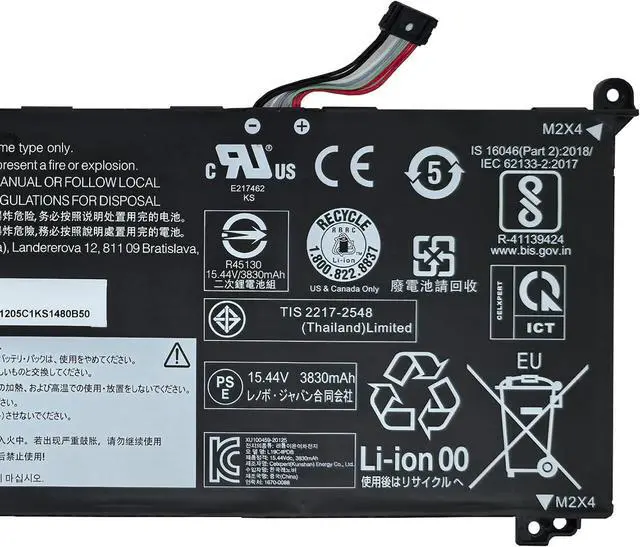
SafetyAll FCZFCZ products are Certified by CE, UL for safety. Each battery is factory tested before shipment and at good condition, and have its mark. Built-in circuit protection ensures both safety and stability. Each battery has high capacity to provide enduring, continual use.
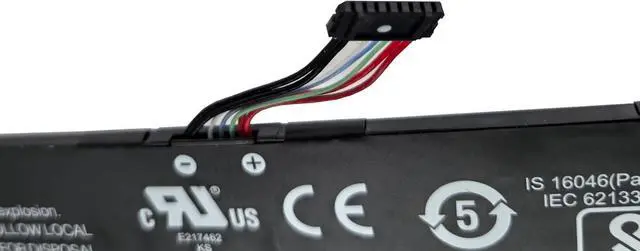
InstructionsPlease open the back cover of the laptop before purchasing and confirm that the original battery type is the same as the picture. Please read the battery instruction manual carefully before installing the battery. Please install the battery correctly and ensure that the battery interface and the motherboard are firmly connected. Please use the original charger to charge the laptop. After battery installation, discharge the new battery to 5% (not 0%), then charge and cycle 3-4 times to wake up the new battery.