• $79.99
  • Free 30-day Returns
  • Price alert
    Shop it at NeweggBusiness.

    Meet Your Seller

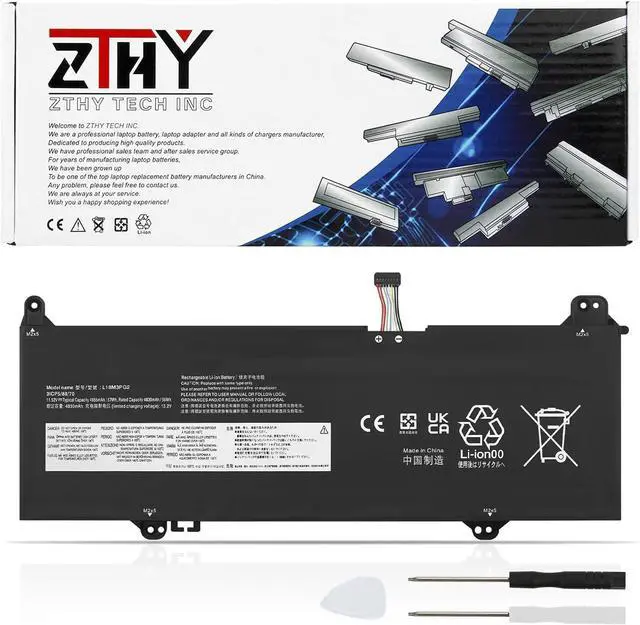
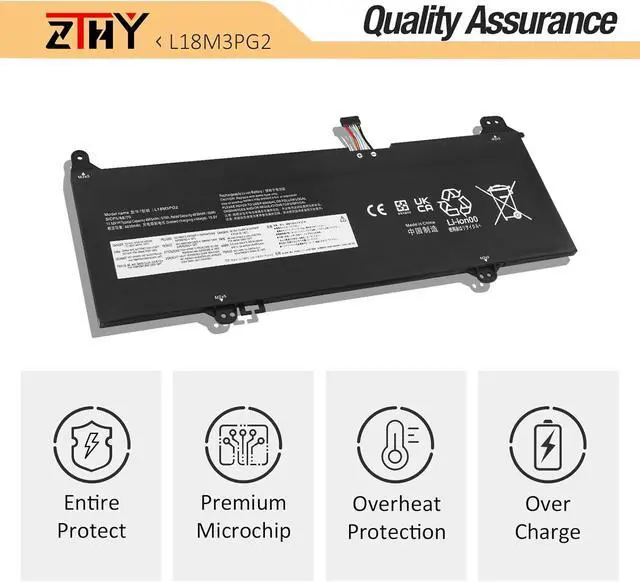
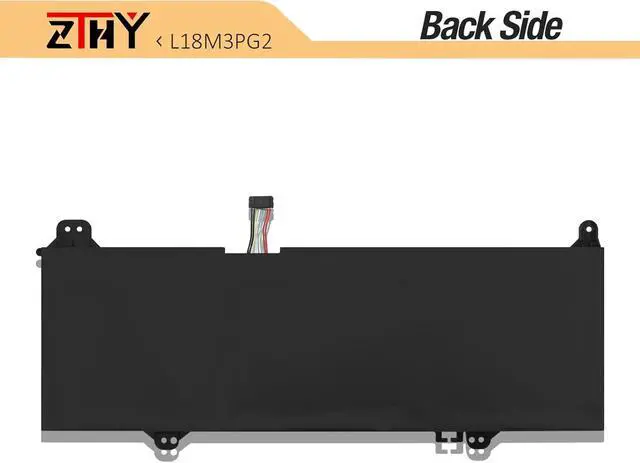
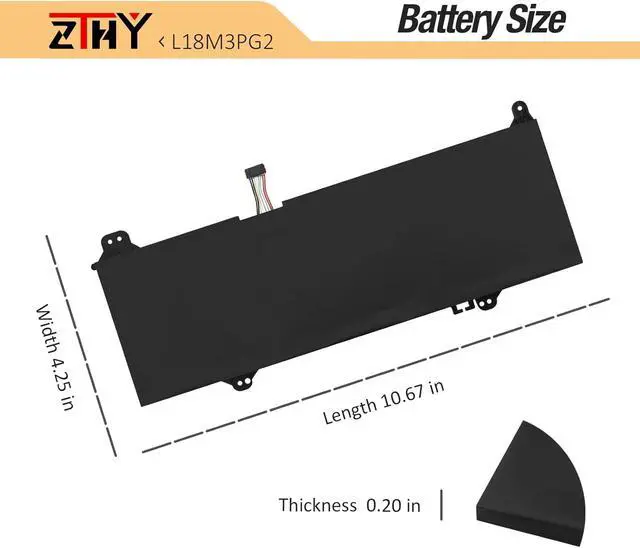
    ZTHY L18L3PG2 L18M3PG2 L18D3PG2 Battery Replacement for Lenovo 14E 14W Chromebook S345-14AST Series Laptop 5B10W13939 5B10W13940 5B10W13941 5B10T04978 5B10T04979 5B10T04980 11.52V 57Wh (Long Cable)

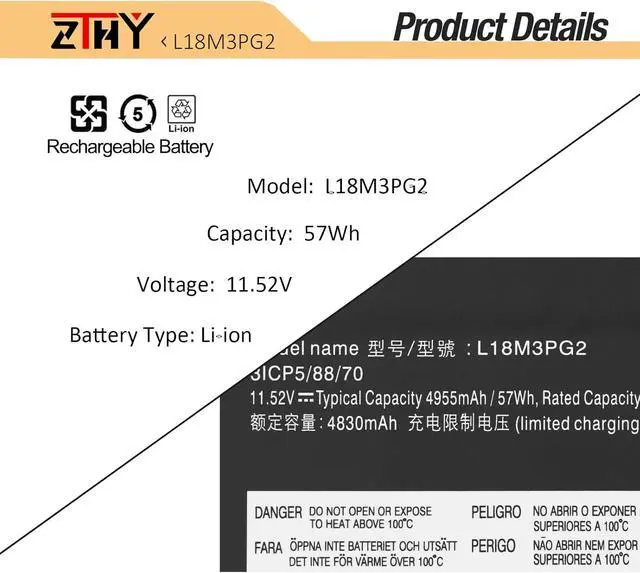
    • Specifications: Battery type: Li-ion. Color: Black. Voltage: 11.52V. Capacity: 57Wh/4955mAh. New from Manufacturer
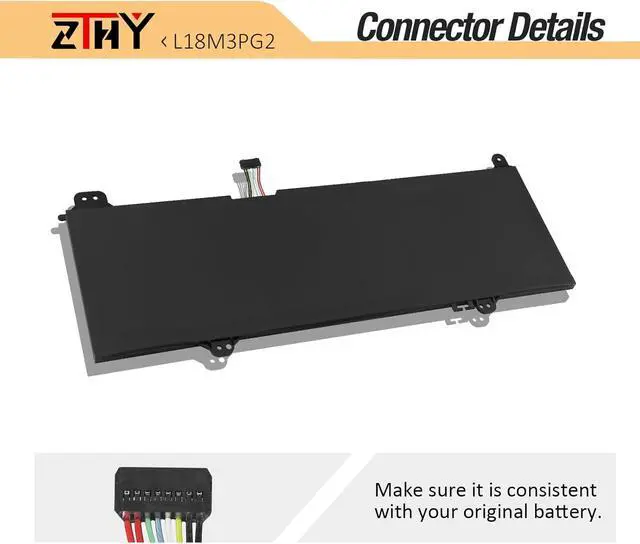
    • Compatible Part Number: L18D3PG2 5B10W13941 5B10T04980 L18M3PG2 5B10W13940 5B10T04979 L18L3PG2 5B10W13939 5B10T04978 31CP5/87/69.Note:The cable length of this battery is a long wire.
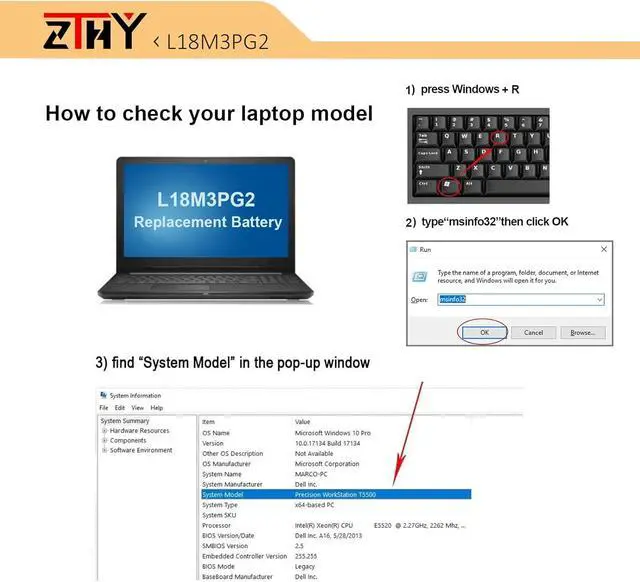
    • Compatible with Laptop Models: Replacement for Lenovo 14W Chromebook Series; Replacement for Lenovo 14E Chromebook Series; Replacement for Lenovo Chromebook S345-14AST Series
    • Security: All ZTHY products are Certified by CE, FCC for safety. Strict guidelines for compatibility, and standards compliance for environment safety
    • Note: If the new battery is not recognized during the initial installation, please reinstall and check if the interface is fully connected. Discharge the new battery to 10-20% (not 0%), then charge and cycle 3-4 times to wake up the new battery

    +
    +
    Overview
    Specs
    Reviews
    avatar

    Any questions? Our AI beta will help you find out quickly.

    Specifications: Battery type: Li-ion. Color: Black. Voltage: 11.52V. Capacity: 57Wh/4955mAh. New from Manufacturer
    Compatible Part Number: L18D3PG2 5B10W13941 5B10T04980 L18M3PG2 5B10W13940 5B10T04979 L18L3PG2 5B10W13939 5B10T04978 31CP5/87/69.Note:The cable length of this battery is a long wire.
    Compatible with Laptop Models: Replacement for Lenovo 14W Chromebook Series; Replacement for Lenovo 14E Chromebook Series; Replacement for Lenovo Chromebook S345-14AST Series
    Security: All ZTHY products are Certified by CE, FCC for safety. Strict guidelines for compatibility, and standards compliance for environment safety
    Note: If the new battery is not recognized during the initial installation, please reinstall and check if the interface is fully connected. Discharge the new battery to 10-20% (not 0%), then charge and cycle 3-4 times to wake up the new battery

    Warranty & Returns

    Warranty, Returns, And Additional Information

    Warranty

    • Please contact the Seller directly for warranty information. Warranty information may also be found on the Manufacturer's website.
    • CONTACT

    Return Policies

    Manufacturer Contact Info

    LOADING...