

Your Browsing History
- Free 30-day Returns
$119.99

Meet Your Seller

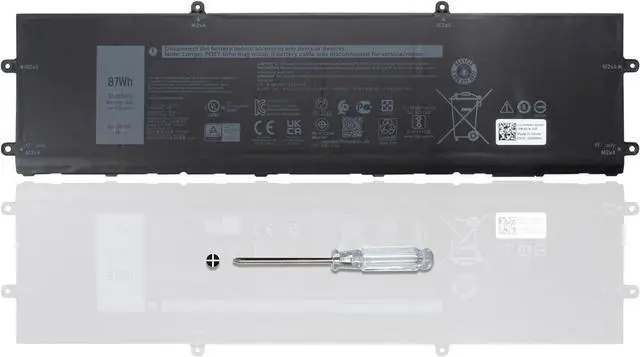
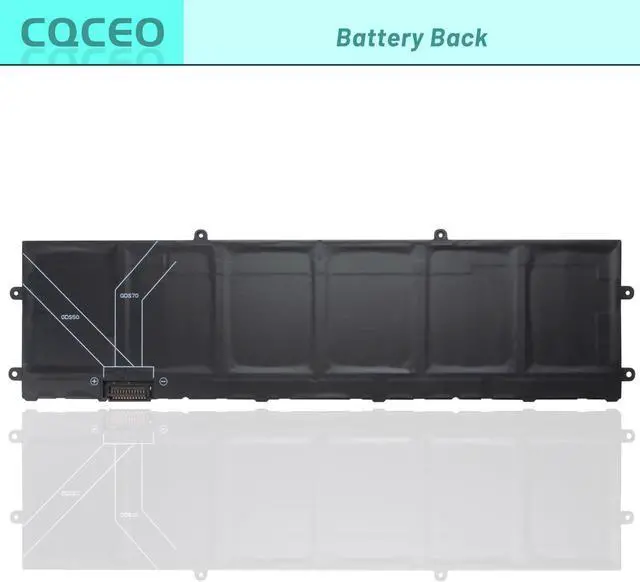


DWVRR Laptop Battery for Dell Inspiron 16 7620 2-in-1 Alienware X15 R1 R2 X17 R1 R2 Series 817GN 0017GN 0NR6MH 11.4V 87Wh 7250mAh 6-Cell
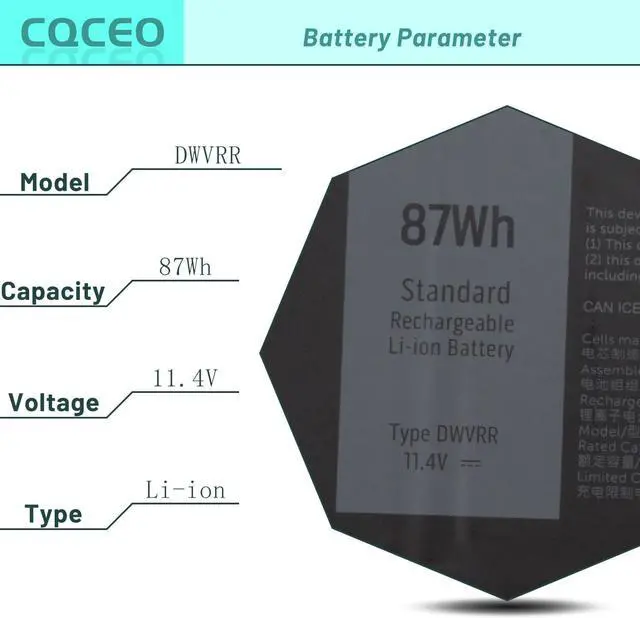
- Battery type: Lithium ion ; Battery Condition: Brand New Voltage: 11.4V ; Capacity: 87Wh/7250mAh/6-cell
- Replacement Part Number: DWVRR 817GN 0017GN 0NR6MH
- Compatible Models: for Dell Alienware x15 R1 R2 Series; for Dell Alienware x17 R1 R2 Series; for Dell Inspiron 16 7620 2-in-1 series (Note: for Dell Inspiron 16 7620 2-in-1 has two type of batteries (model: TN70C 4-Cell & DWVRR 6-Cell), please open the back cover of your laptop to confirm your battery type before purchasing.)
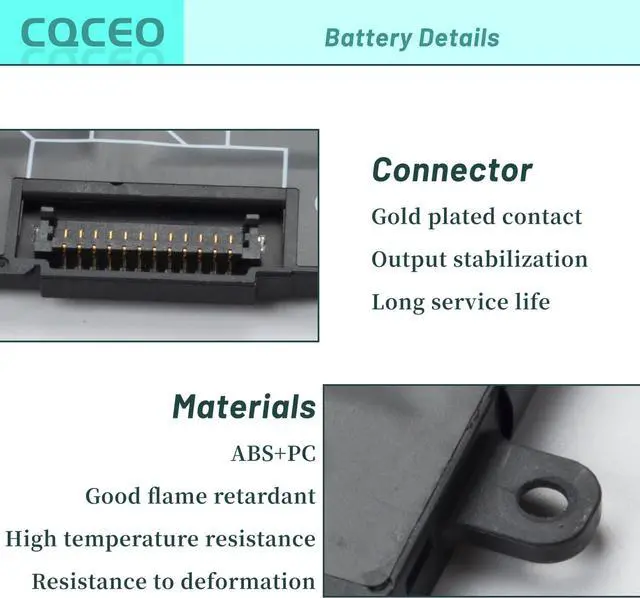
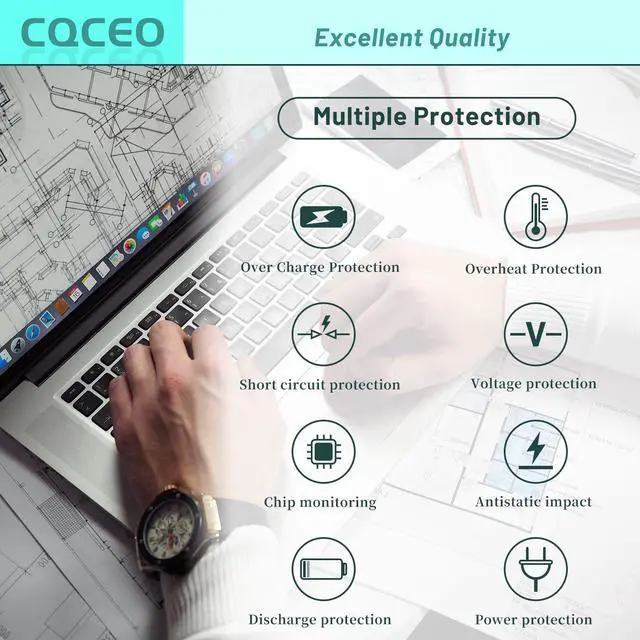
- Grade A cells mitigate the risk of battery leakage and maximize output stability. Built-in circuit protection, enhances safety of usage and extends battery life
- Tips: If the new battery is not recognized during the initial installation, please reinstall and check if the interface is fully connected. Discharge the new battery to 5% (not 0%), then charge and cycle 3-4 times to wake up the new battery.
+
+
Overview
Specs
Reviews

Any questions? Our AI mode will help you find out quickly.
Try me now
Battery type: Lithium ion ; Battery Condition: Brand New Voltage: 11.4V ; Capacity: 87Wh/7250mAh/6-cell
Replacement Part Number: DWVRR 817GN 0017GN 0NR6MH
Compatible Models: for Dell Alienware x15 R1 R2 Series; for Dell Alienware x17 R1 R2 Series; for Dell Inspiron 16 7620 2-in-1 series (Note: for Dell Inspiron 16 7620 2-in-1 has two type of batteries (model: TN70C 4-Cell & DWVRR 6-Cell), please open the back cover of your laptop to confirm your battery type before purchasing.)
Grade A cells mitigate the risk of battery leakage and maximize output stability. Built-in circuit protection, enhances safety of usage and extends battery life
Tips: If the new battery is not recognized during the initial installation, please reinstall and check if the interface is fully connected. Discharge the new battery to 5% (not 0%), then charge and cycle 3-4 times to wake up the new battery.
Replacement Part Number: DWVRR 817GN 0017GN 0NR6MH
Compatible Models: for Dell Alienware x15 R1 R2 Series; for Dell Alienware x17 R1 R2 Series; for Dell Inspiron 16 7620 2-in-1 series (Note: for Dell Inspiron 16 7620 2-in-1 has two type of batteries (model: TN70C 4-Cell & DWVRR 6-Cell), please open the back cover of your laptop to confirm your battery type before purchasing.)
Grade A cells mitigate the risk of battery leakage and maximize output stability. Built-in circuit protection, enhances safety of usage and extends battery life
Tips: If the new battery is not recognized during the initial installation, please reinstall and check if the interface is fully connected. Discharge the new battery to 5% (not 0%), then charge and cycle 3-4 times to wake up the new battery.
Warranty & Returns
Warranty, Returns, And Additional Information
Warranty
- Please contact the Seller directly for warranty information. Warranty information may also be found on the Manufacturer's website.
- CONTACT
Return Policies
- Return for refund within: 30 days
- Return for replacement within: 30 days
- This item is covered by E-Transit Limited Return Policy
Manufacturer Contact Info
- For a directory of all our manufacturers, please click below.
- Manufacturers Directory
LOADING...