• $162.99
  • Free 30-day Returns
  • Price alert
    Shop it at NeweggBusiness.

    Meet Your Seller

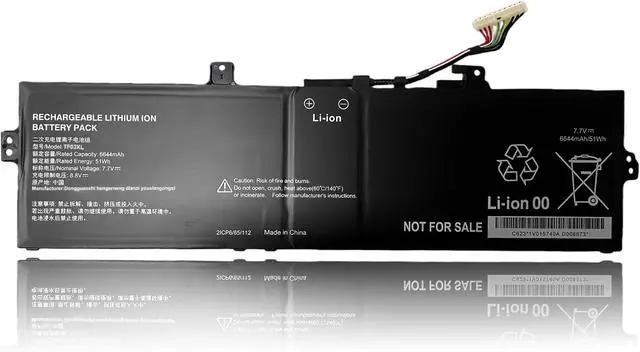
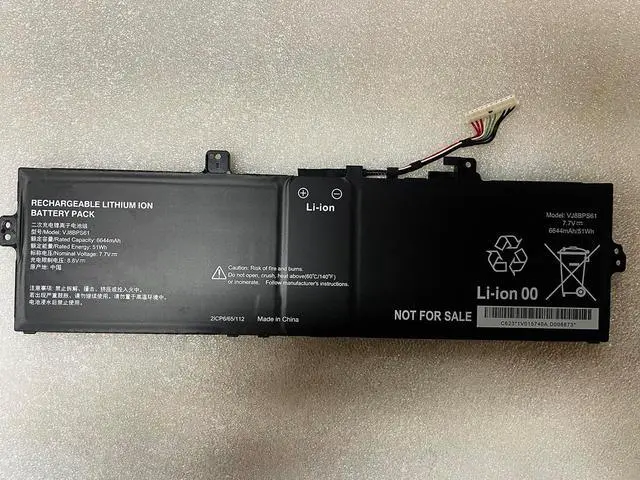
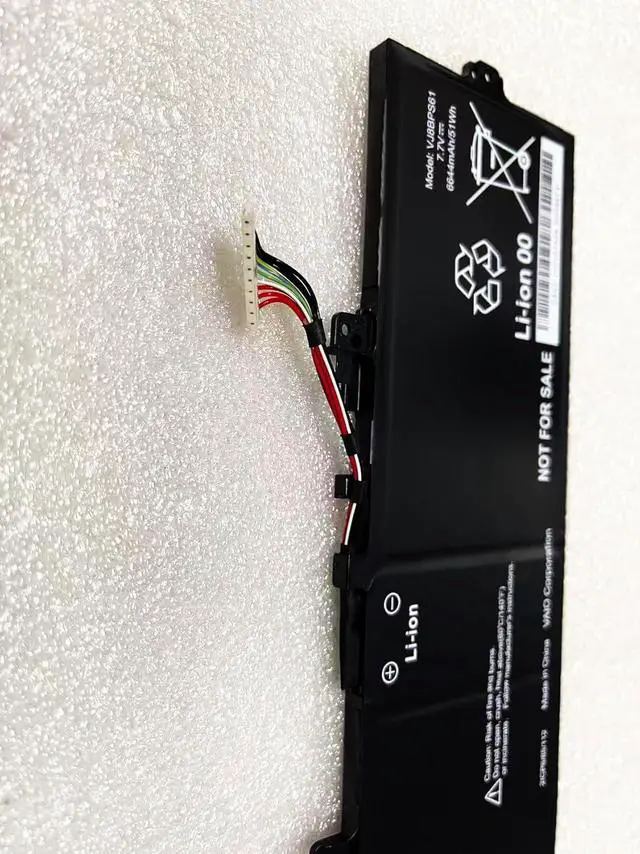
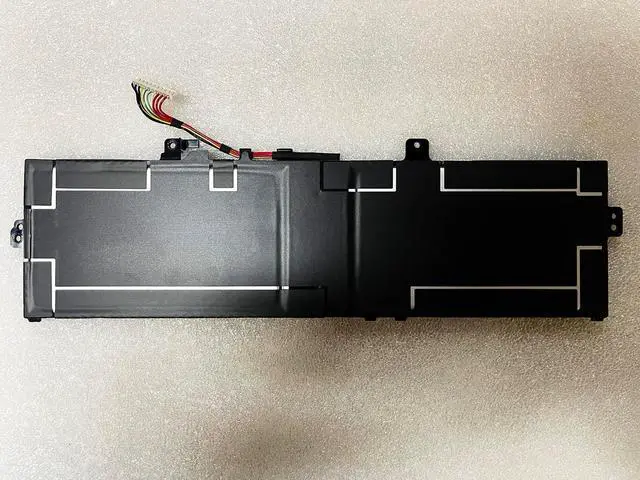
    51Wh VJ8BPS61 Laptop Battery Compatible with Sony VAIO F14 F16 VJF141 VJF161 VWFC71639 VJF14190111L VJF14190211N VJF14190311W VJF16190211N VJF16190311W VJF16190611W 7.7V

    • WIDE COMPATIBILITY: The AP18L4N replacement battery is compatible with Sony VAIO F14, F16, VJF141, VJF14190111L, VJF14190211N, VJF14190311W, VJF14190411L, VJF14190511N, VJF14190611W, VJF161, VJF16190111L, VJF16190211N, VJF16190311W, VJF16190411L, VJF16190511N, VJF16190611W, VWFC71639 series.
    • COMPATIBLE PART NUMBER: VJ8BPS61. Please ensure your original battery model before purchasing.
    • SPECIFICATION: Battery type: Li-ion. Voltage:7.7V .Capacity: 6644mAh/51Wh.
    • USEFUL REMINDER: It is recommended to fully drain and fully charge the battery especially during the first 3 charging and discharging cycles, doing so may greatly improve the overall life of the battery.
    • NOTE: If the new battery is not recognized during the initial installation, please reinstall and check if the interface is fully connected. Discharge the new battery to 10-20% (not 0%), then charge and cycle 3-4 times to wake up the new battery.

    +
    +
    Overview
    Specs
    Reviews
    avatar

    Any questions? Our AI beta will help you find out quickly.

    WIDE COMPATIBILITY: The AP18L4N replacement battery is compatible with Sony VAIO F14, F16, VJF141, VJF14190111L, VJF14190211N, VJF14190311W, VJF14190411L, VJF14190511N, VJF14190611W, VJF161, VJF16190111L, VJF16190211N, VJF16190311W, VJF16190411L, VJF16190511N, VJF16190611W, VWFC71639 series.
    COMPATIBLE PART NUMBER: VJ8BPS61. Please ensure your original battery model before purchasing.
    SPECIFICATION: Battery type: Li-ion. Voltage:7.7V .Capacity: 6644mAh/51Wh.
    USEFUL REMINDER: It is recommended to fully drain and fully charge the battery especially during the first 3 charging and discharging cycles, doing so may greatly improve the overall life of the battery.
    NOTE: If the new battery is not recognized during the initial installation, please reinstall and check if the interface is fully connected. Discharge the new battery to 10-20% (not 0%), then charge and cycle 3-4 times to wake up the new battery.

    Warranty & Returns

    Warranty, Returns, And Additional Information

    Warranty

    • Please contact the Seller directly for warranty information. Warranty information may also be found on the Manufacturer's website.
    • CONTACT

    Return Policies

    Manufacturer Contact Info

    LOADING...