Method 1: Use System Information to find your laptop model
Step 1: Press " Windows + R " to open the Run window.
Step 2: Type " msinfo32 " in the empty box and click " OK " to open System Information.
Step 3: Keep in the " System Summary " section and you will find the " System Model " item in the right pane.
Method 2: Open the back cover of the laptop and confirm the battery type and capacity, as well as the model of the laptop.
Step 1: Turn off the laptop and unplug the power cord (to prevent electric shock)
Step 2: Remove the back panel with a screwdriver. (Please proceed with care to avoid damage to the laptop's components.)
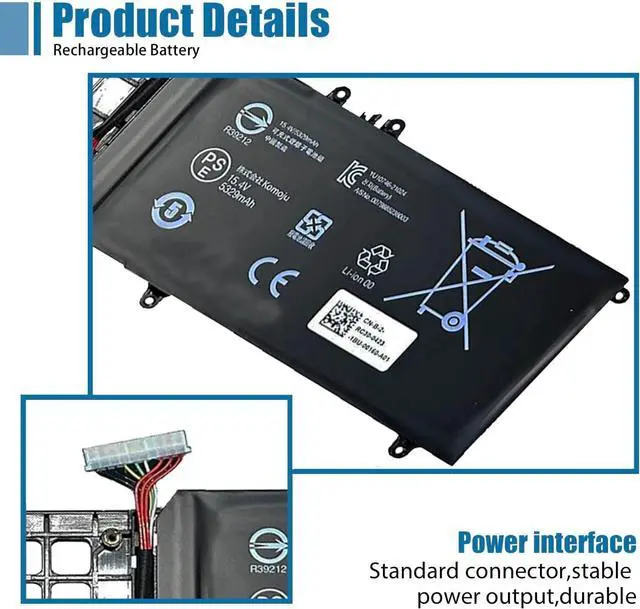
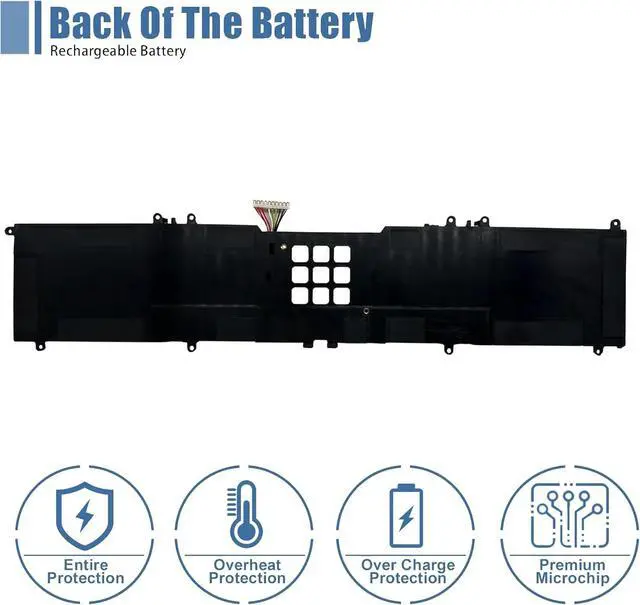
Step 3: Disconnect the cable connected to the battery and remove it. After that, you can check the specifications of your battery.
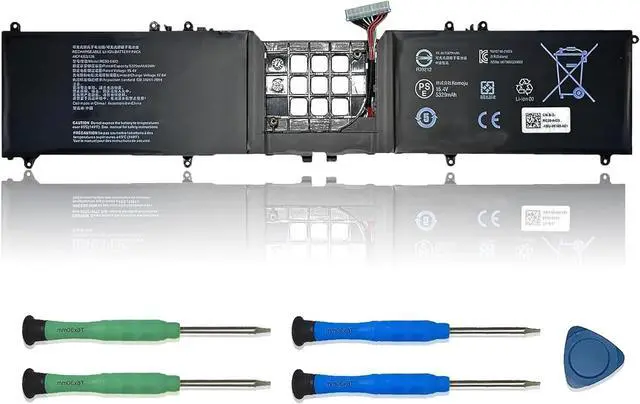
Replacement Part Number:
RC30-0423RZ09-0368
Compatible Models: (use "Ctrl+F" to find your model quickly)
Replacements for Razer Blade 17 RTX 3080 Ti series
Replacements for Razer Blade 17 Early 2022 series
Replacements for Razer Blade Pro 17 RTX 3080 series
Replacements for RZ09-0368 series
Note: For more accrate, please check the part number of your original battery.
Manual calibration, The steps are:
1) Shut down, plug in the power adapter to fully charge the battery. If the battery is full, you can proceed directly to the next step.
2) Unplug the power adapter, turn on the battery, and let the battery automatically discharge until the computer automatically shuts down. During this period, it is best not to do any computer operations.
3) Plug in the battery adapter and fully charge the battery. This process is OK if it is turned on or not.
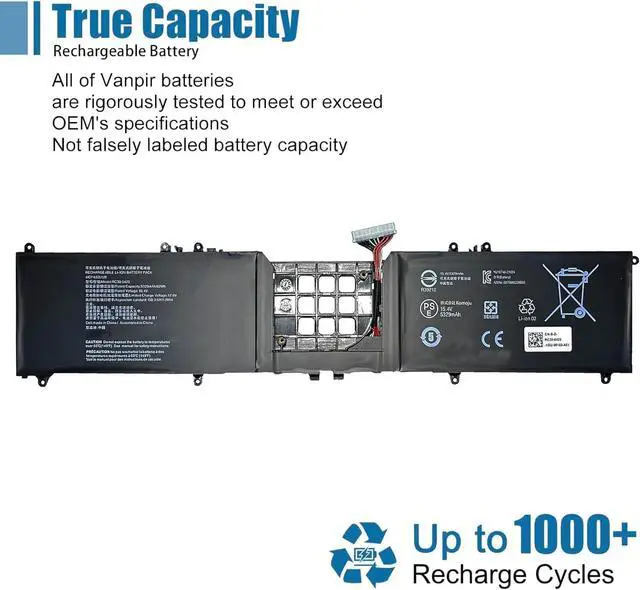
Vanpir uses high-quality A-grade battery cells, which not only have low self consumption rate, but are also safe and durable, and can be used for a long time.
Please Rest assured :
30 days - Free rebate.
12 months - Free new.
Vanpir is dedicated to serving customers wholeheartedly.
For any problem, please feel free to get in touch. We will help you until solve the problem.
Battery Calibrated methods 1 A Cell & Sincere Service





 here!
here!